

Key Features
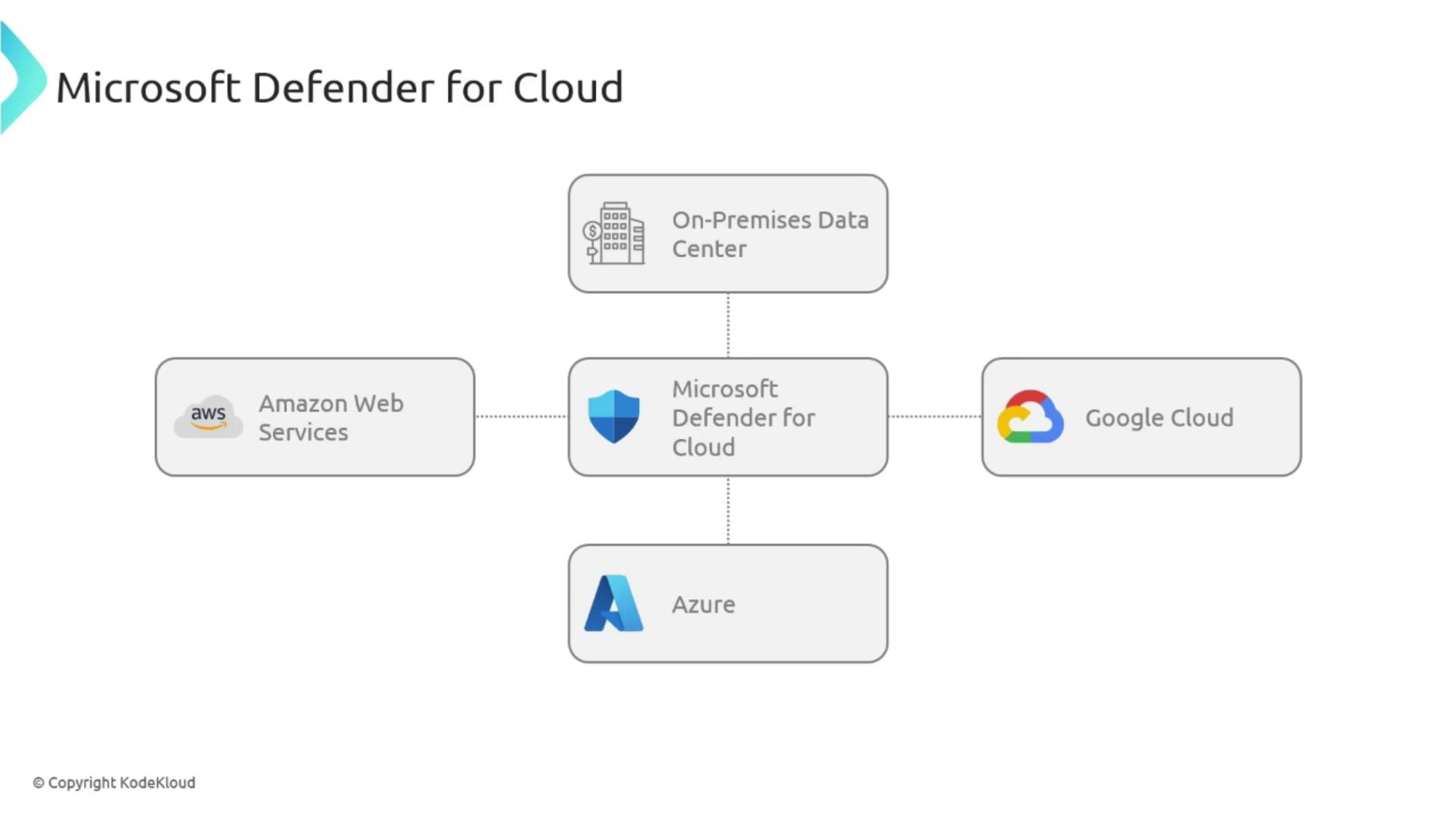
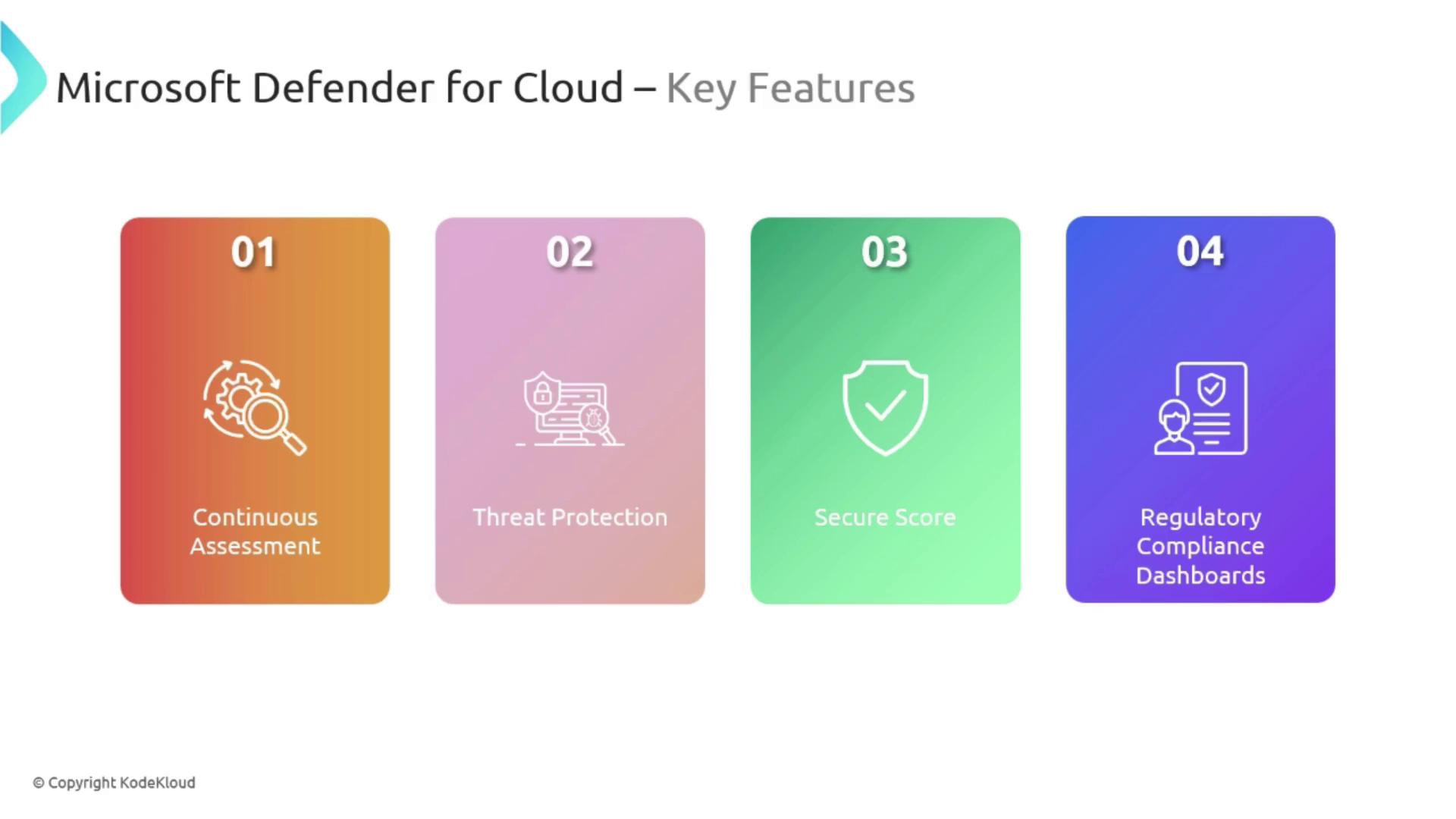
Formerly known as Security Center, Microsoft Defender for Cloud packs a host of essential features:- Continuous Assessment: Automatically evaluates the security posture of your Azure, on-premises, and multi-cloud environments—operating like a dedicated 24/7 security team.
- Threat Protection: Detects and responds to security threats across connected workloads, much like an advanced alarm system that activates upon detecting unauthorized activities.
- Secure Score: Offers a clear, quantifiable measure of your security posture and actionable recommendations, serving as a detailed safety audit for your organization.
- Regulatory Compliance Dashboards: Provides insights into regulatory standards such as ISO 27001, PCI DSS, and others, ensuring that your environment adheres to established safety and compliance codes.
Benefits
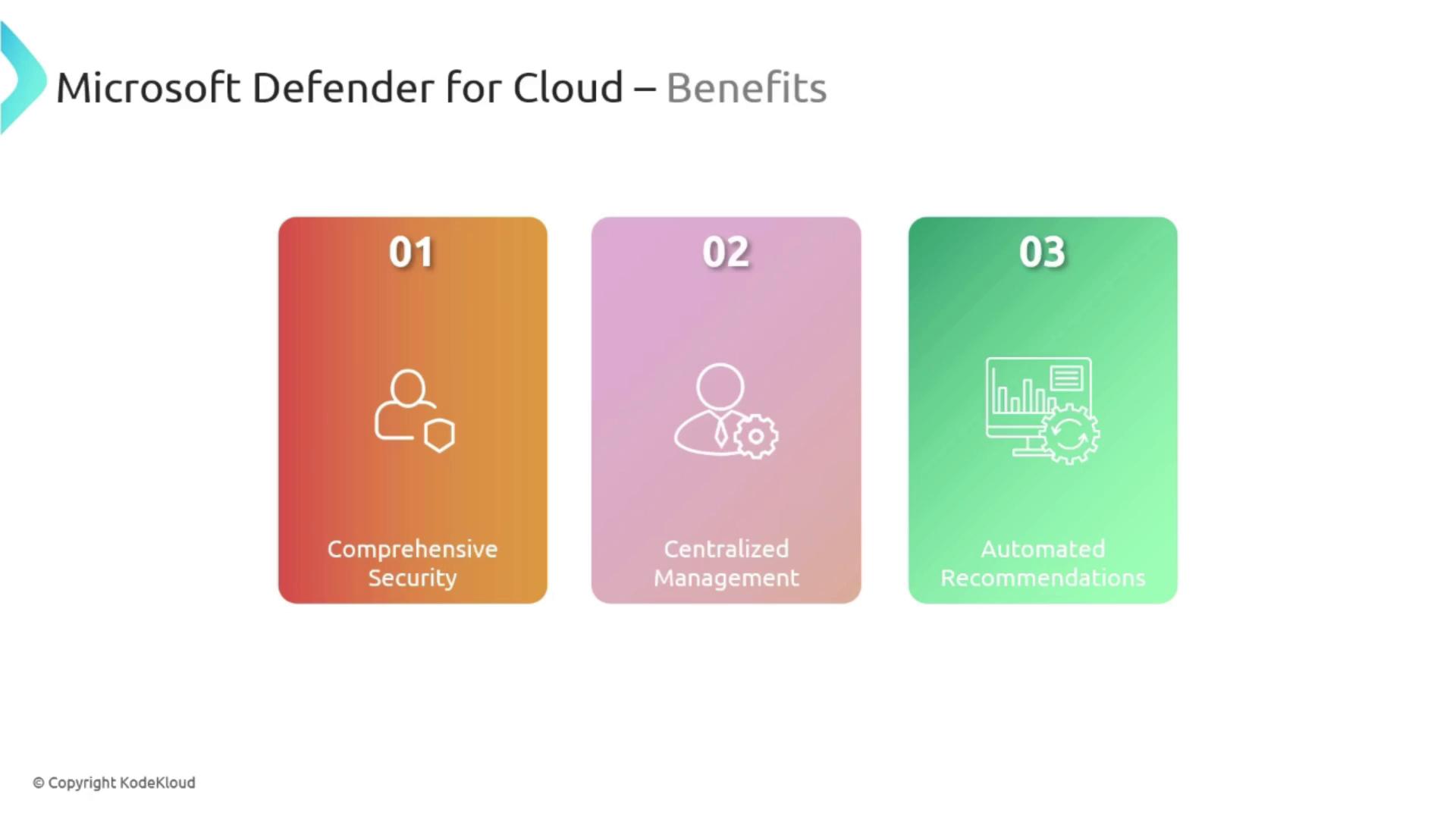
Microsoft Defender for Cloud is especially valuable for organizations without a dedicated security team. It simplifies the process of managing vulnerabilities, compliance, and overall security strategy. Key benefits include:- Comprehensive Security: Defends against a wide range of threats and vulnerabilities.
- Centralized Management: Serves as a unified command center for managing security across Azure, multi-cloud setups, and on-premises resources.
- Automated Recommendations: Acts like a personal security consultant, offering actionable steps to improve your security posture.
Integrating Microsoft Defender for Cloud into your security strategy not only enhances protection but also streamlines compliance with various regulatory standards.
Use Cases
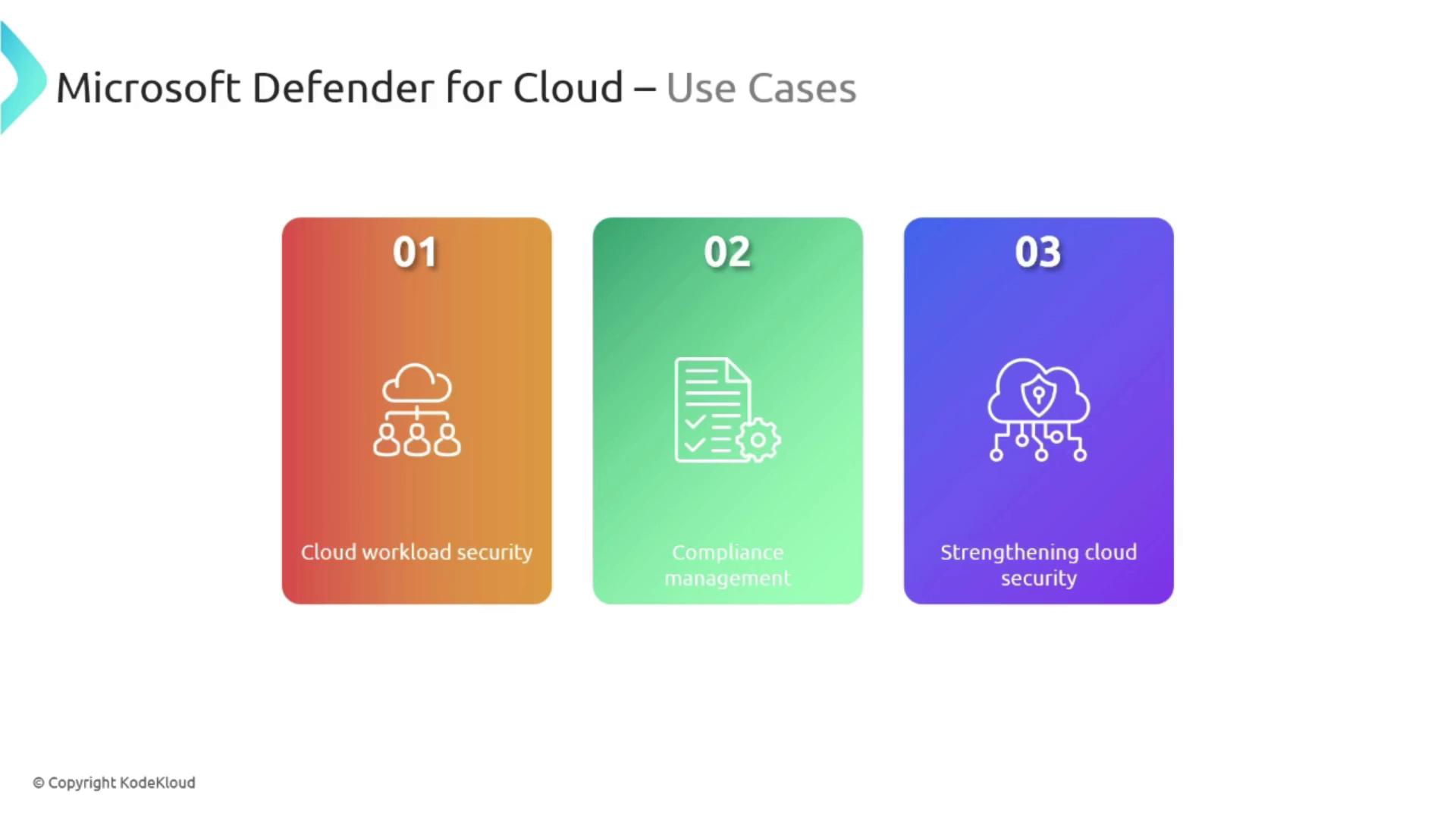
Microsoft Defender for Cloud excels in securing both cloud-based and hybrid workloads. It is particularly effective in the following scenarios:- Cloud Workload Security: Implements specialized security protocols tailored to different areas of your infrastructure.
- Compliance Management: Assists organizations in meeting industry standards such as PCI DSS for financial data and HIPAA for health data.
- Enhancing Cloud Security Posture: Strengthens the overall security framework of your infrastructure by ensuring continuous monitoring and automated remediation.
Navigating Microsoft Defender for Cloud in the Azure Portal
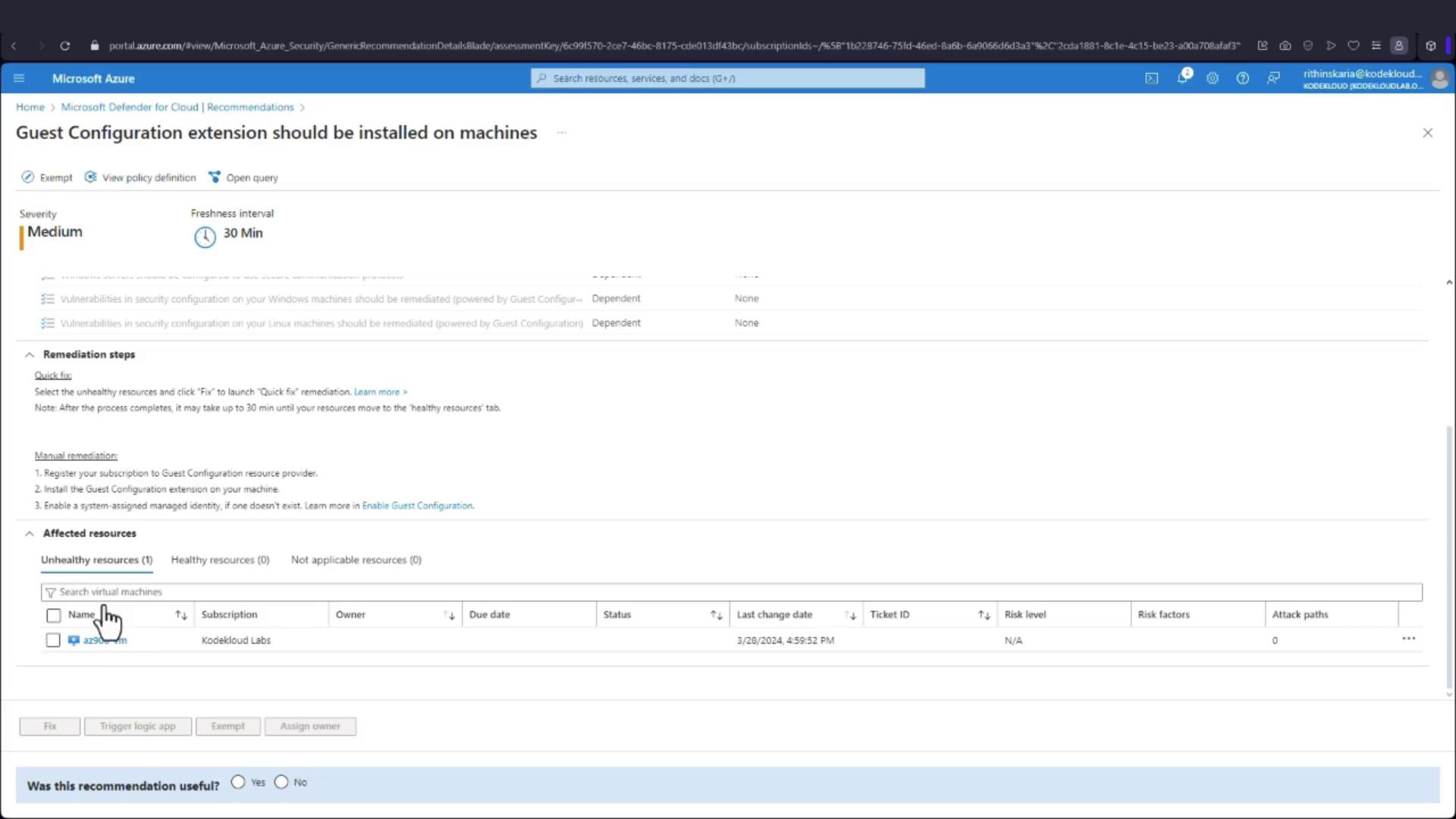
Accessing Microsoft Defender for Cloud through the Azure Portal offers an intuitive experience. Upon logging in, you will be greeted with numerous security recommendations prioritized by their severity—high, medium, or low.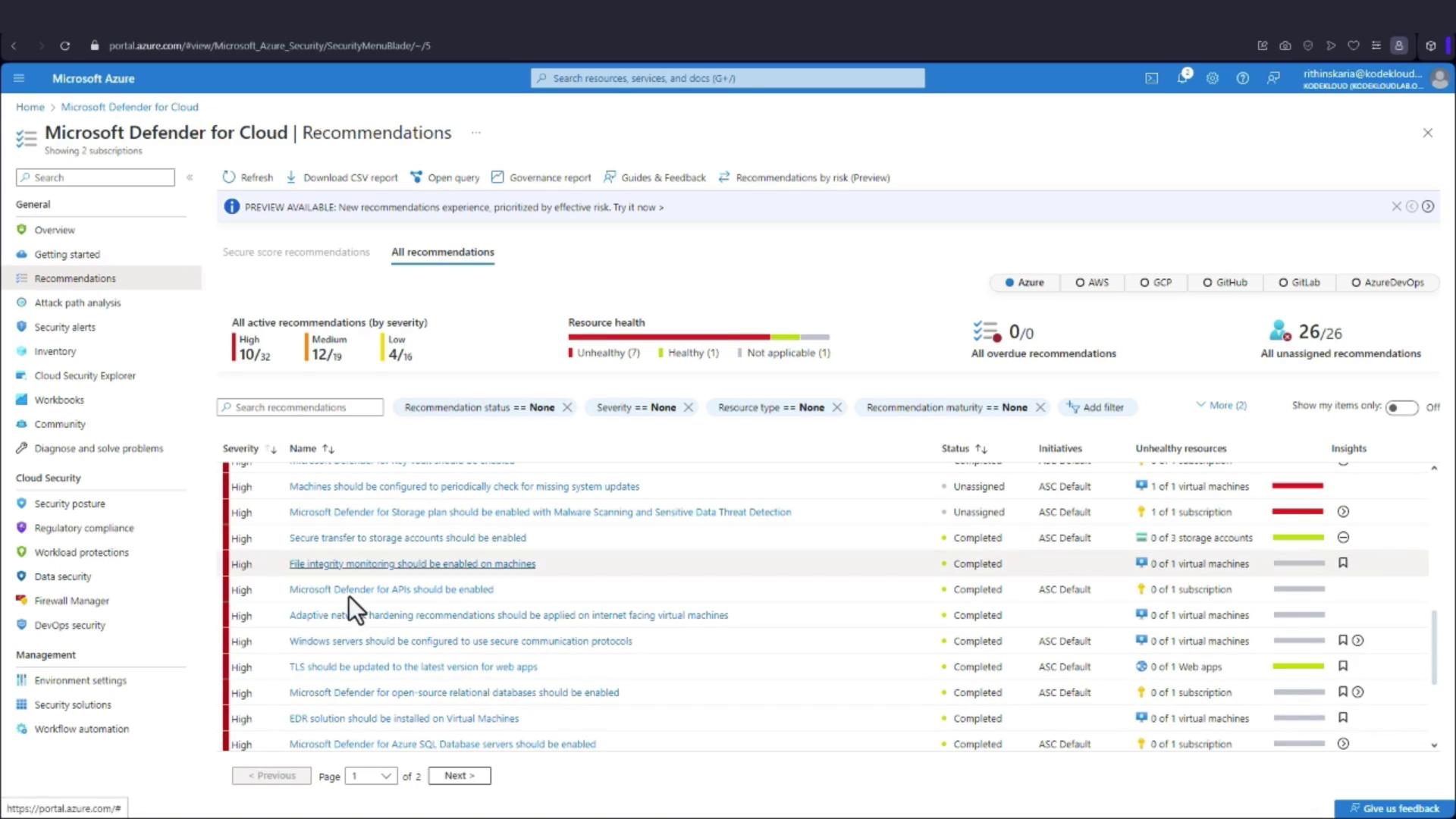
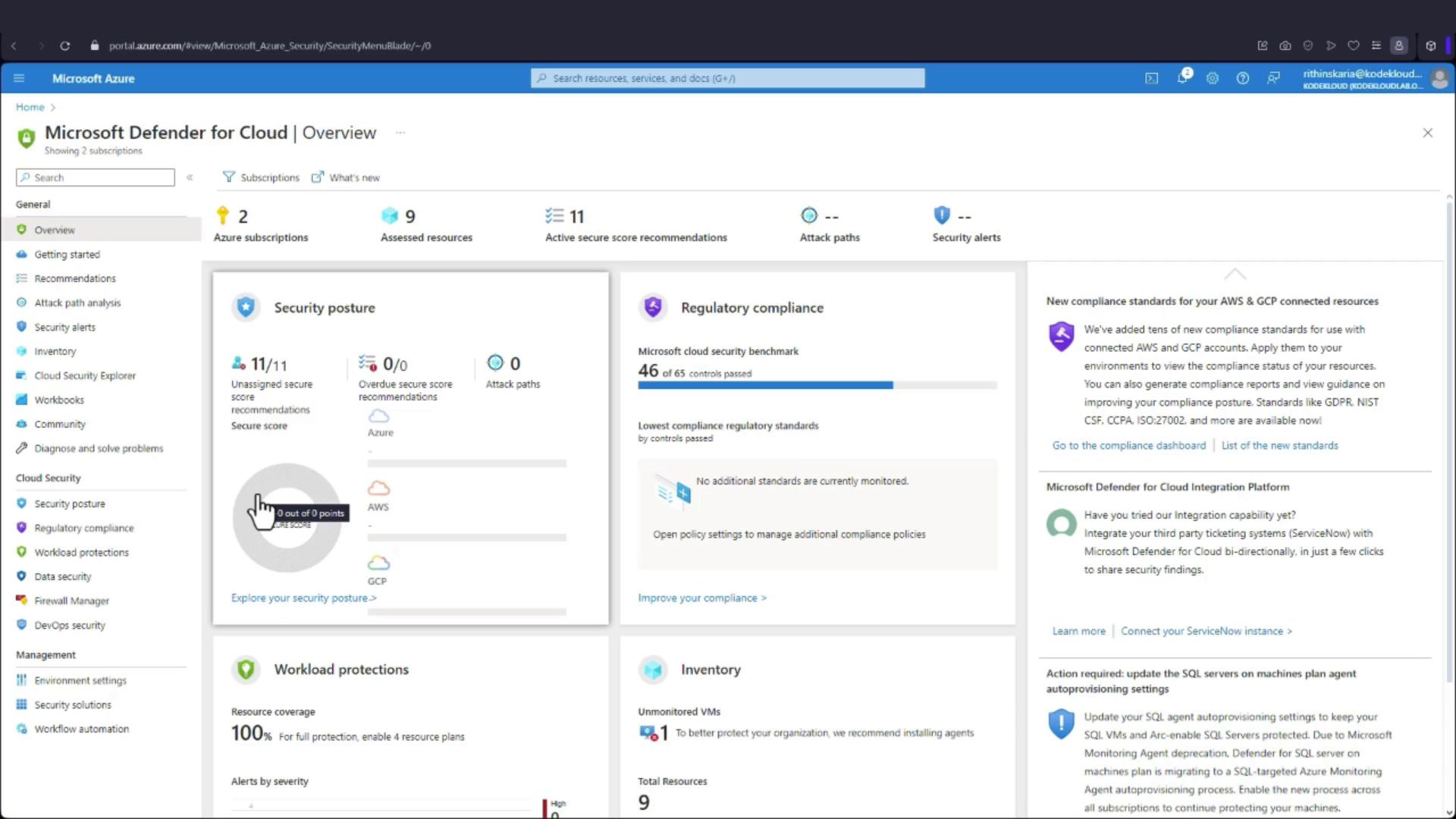
Ensure that you allow up to 24 hours for the secure score data to populate following the activation of Microsoft Defender for Cloud in a new environment.