

Why Use Pre-Signed URLs?
Imagine you have a private S3 bucket managed by an IAM-authenticated user. That user can list, upload, and download objects, but external (public) users cannot: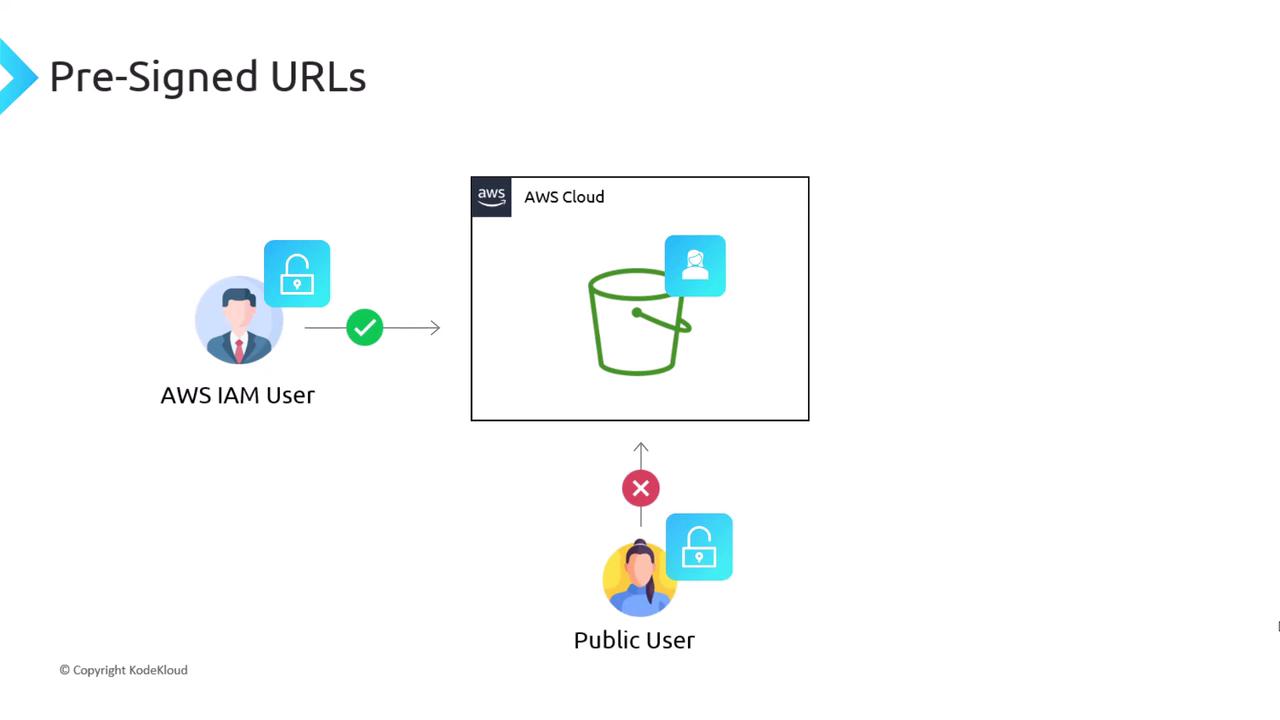
- Creating an AWS account for every external user (not scalable)
- Making the bucket public (exposes all objects)
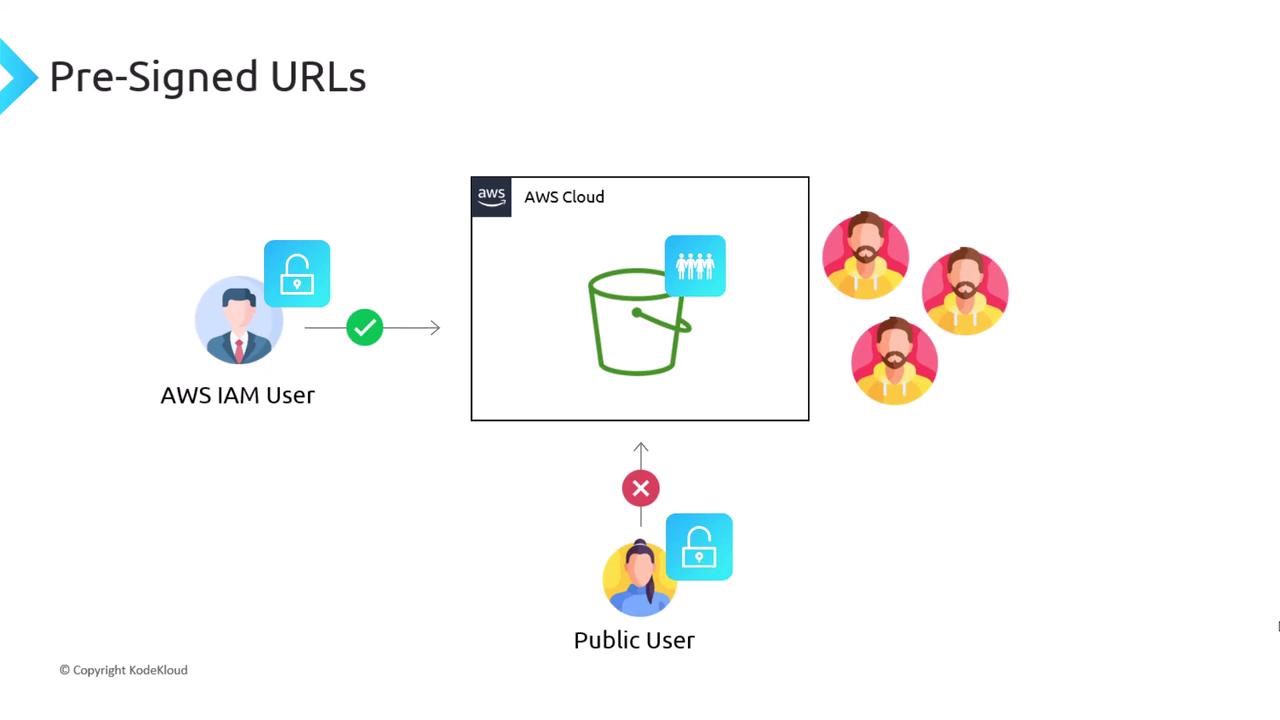
How Pre-Signed URLs Work
- Generate URL: Your backend calls the S3 API to create a pre-signed URL, specifying the bucket, object key, operation (
get_objectorput_object), and expiration. - Share URL: Send the URL to the client (public user).
- Perform Action: The client uses the URL to upload or download directly from S3.
- Automatic Validation: S3 verifies the signature, ensures the URL hasn’t expired, and checks permissions.
Use Case: Secure Video Streaming
A streaming service stores videos in S3. When a paying customer requests a video, the backend issues a pre-signed GET URL so the client can stream directly from S3: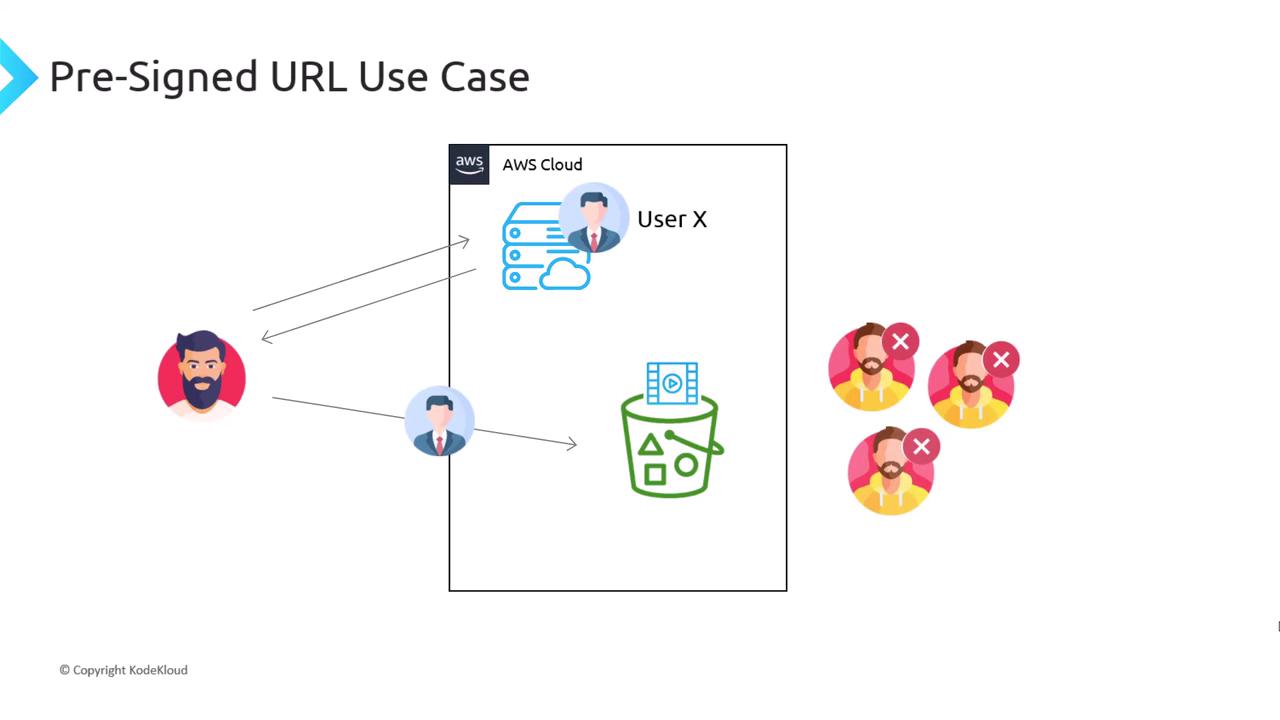
Use Case: Direct Client Uploads
By default, clients upload files through your backend (EC2), which consumes bandwidth and CPU: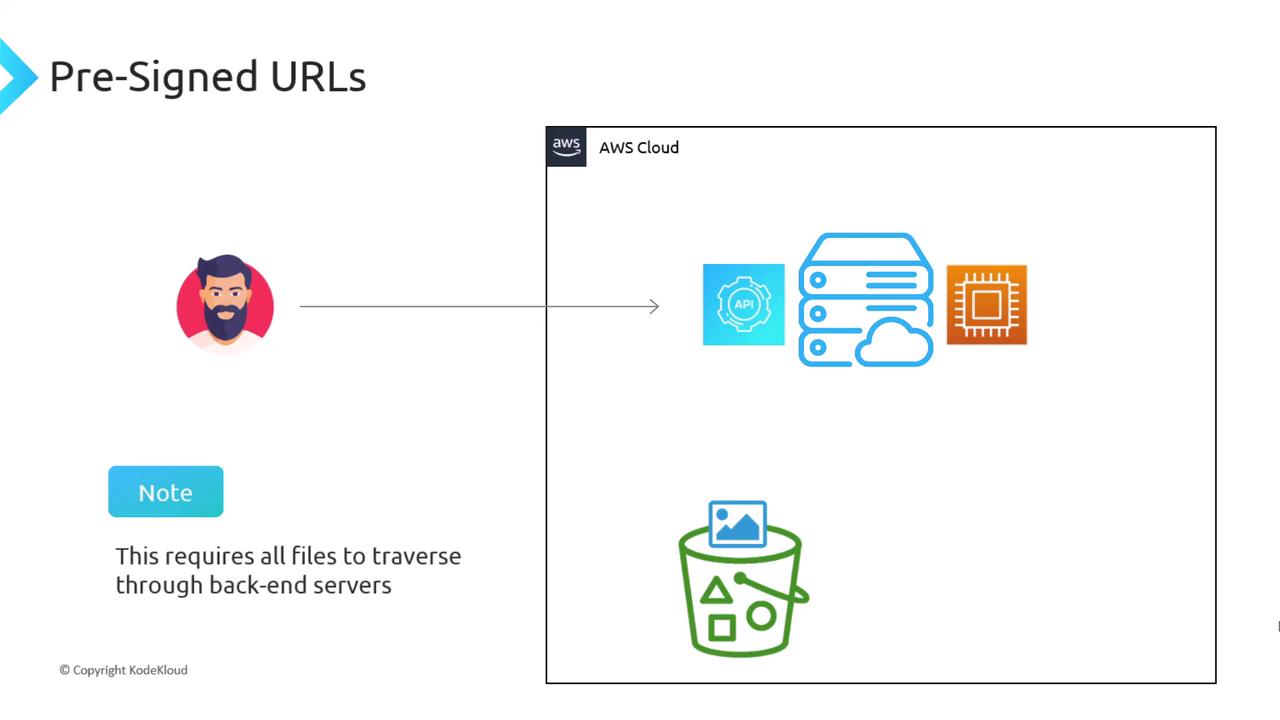
Bypassing your backend for large file uploads reduces latency and operational costs.
Expiration and Permissions
Every pre-signed URL requires an expiration time. For IAM user credentials, the maximum is 7 days (604,800 seconds). Always choose the shortest practical duration.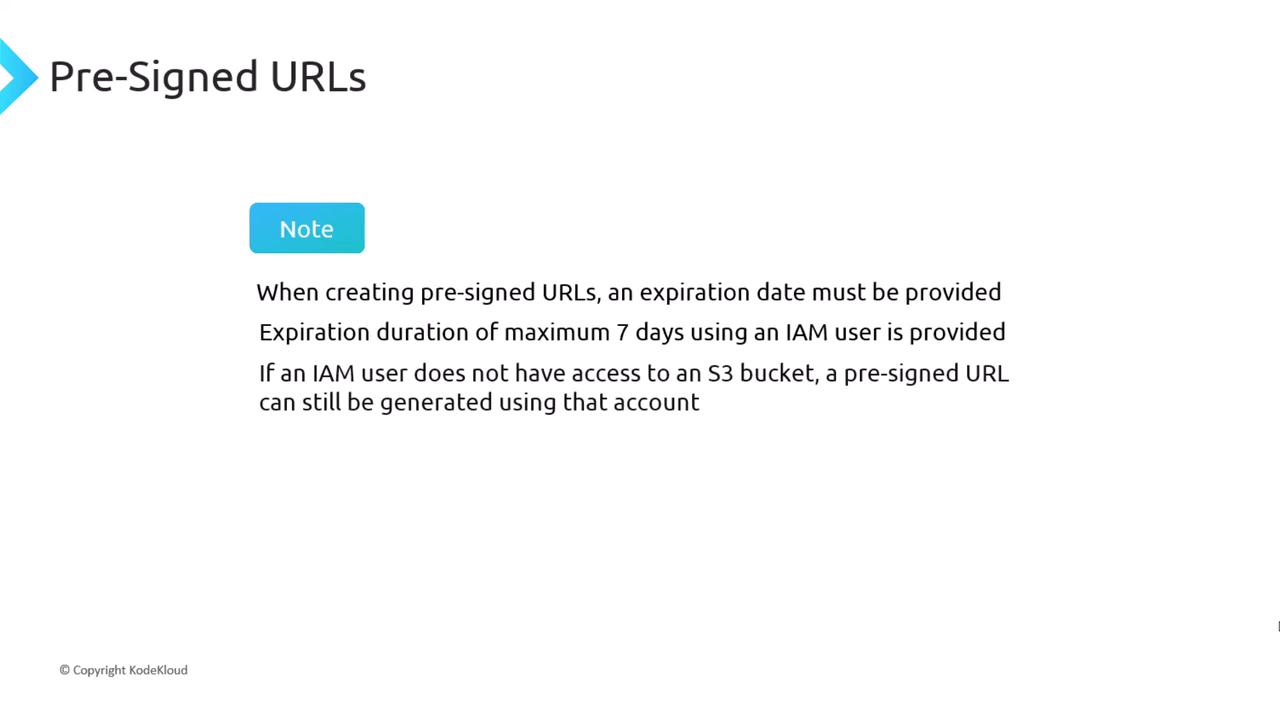
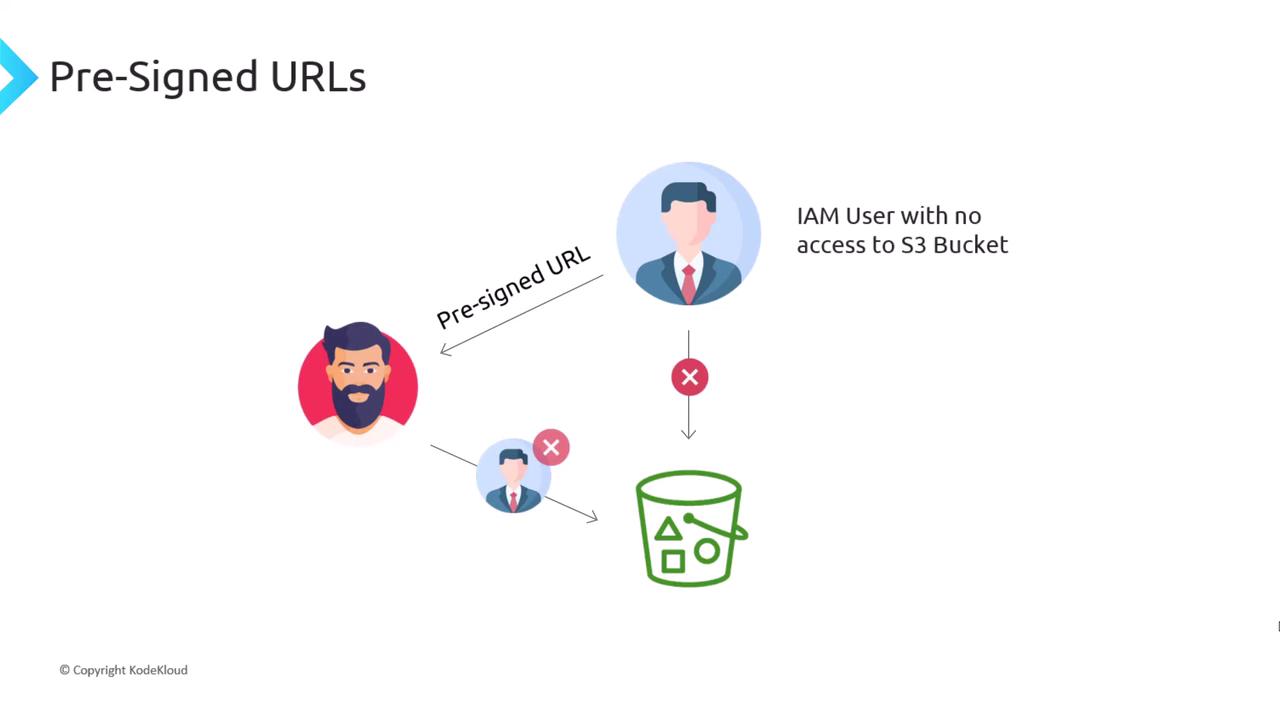
Even if an IAM user lacks direct access to the bucket, they can still generate a pre-signed URL. S3 will enforce the embedded permissions:
A pre-signed URL grants the specified action to anyone holding it. Never expose URLs in public repos or client-side code that can be easily inspected.