

Key Features
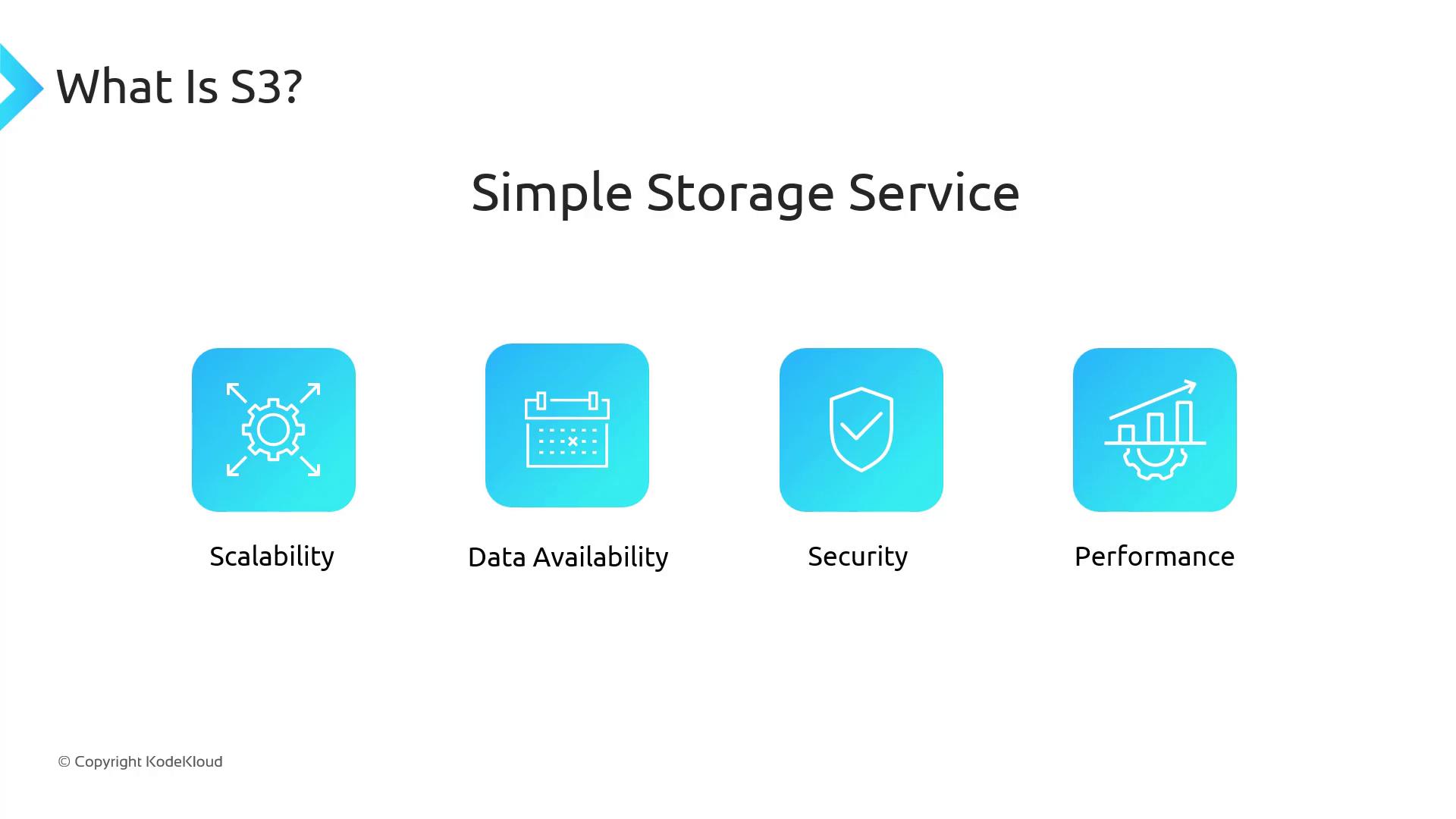
- Virtually unlimited storage capacity
- 99.999999999% (11 9’s) of data durability
- Fine-grained access control with IAM policies and bucket policies
- Multiple interfaces: Console, AWS CLI, AWS SDKs, REST API
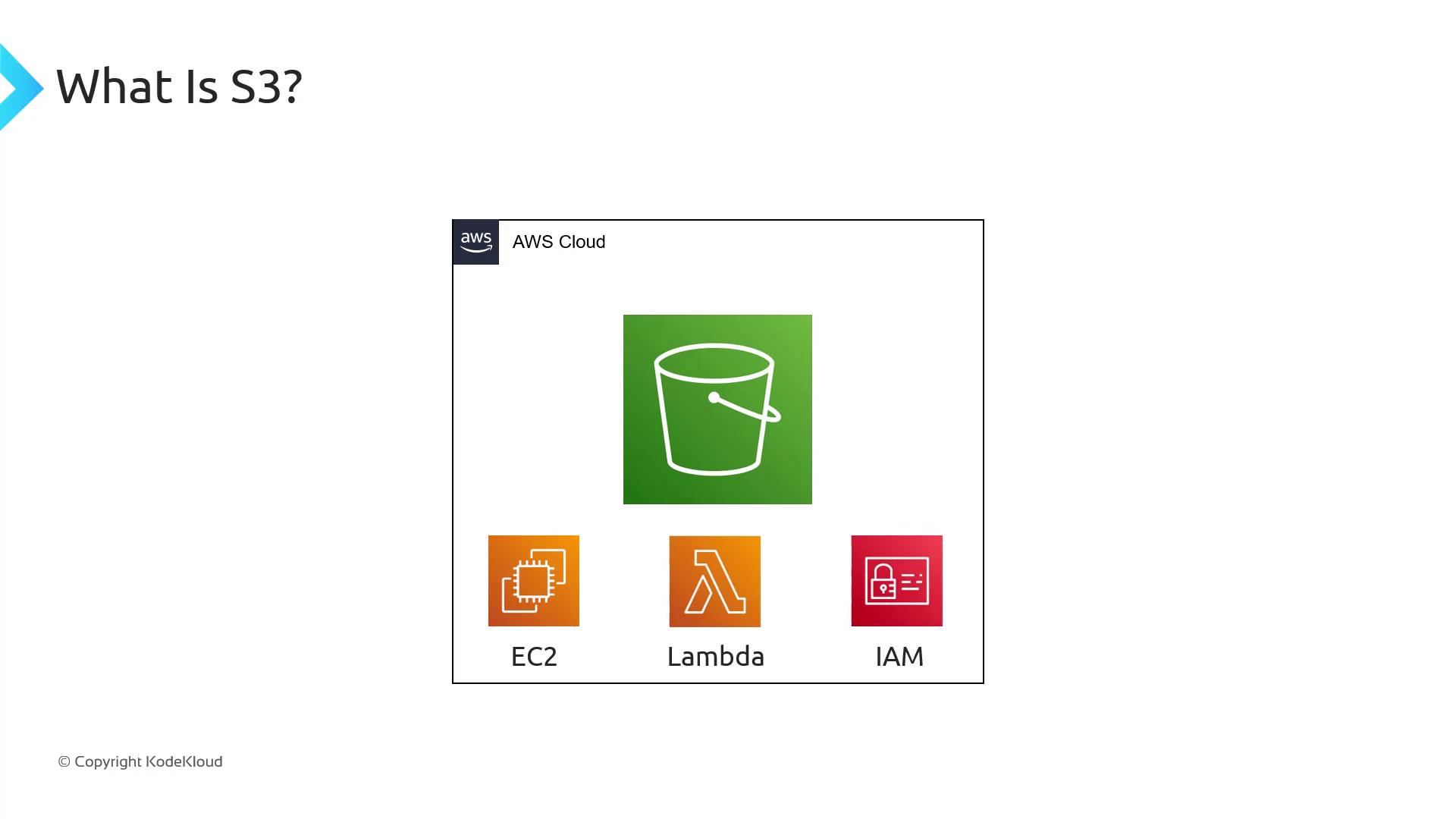
Seamless AWS Integration
Because S3 is an AWS-native service, it integrates seamlessly with services like EC2, Lambda, and IAM. You can manage buckets and objects using:- AWS Management Console
- AWS CLI
- AWS SDKs (e.g., Boto3 for Python)
- RESTful API calls
Object Storage vs. File and Block Storage
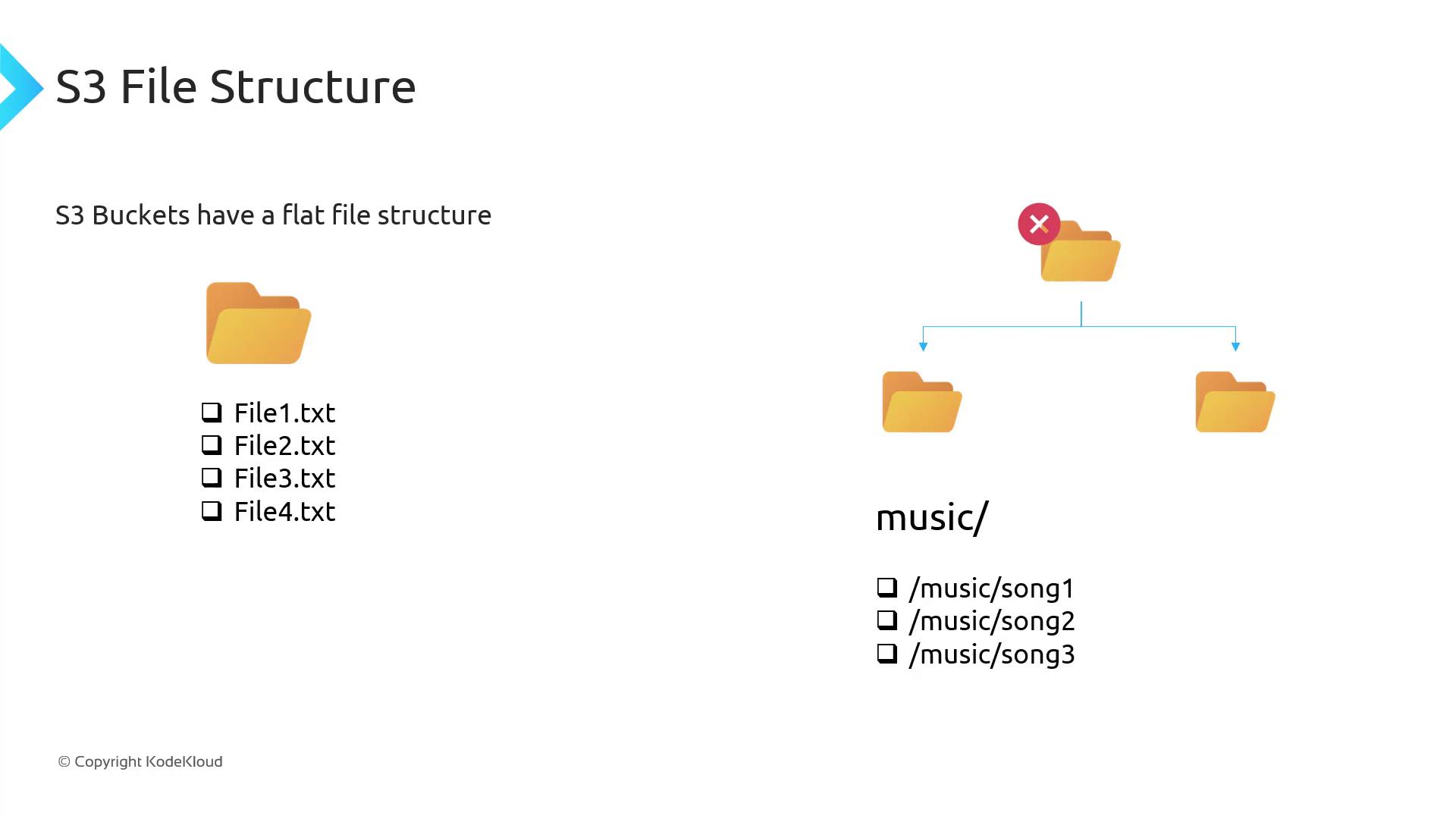
S3 is object-based storage: you upload whole objects (files) rather than individual blocks. It uses a flat namespace rather than a hierarchical filesystem, so you cannot mount an S3 bucket like an EBS volume or NFS share.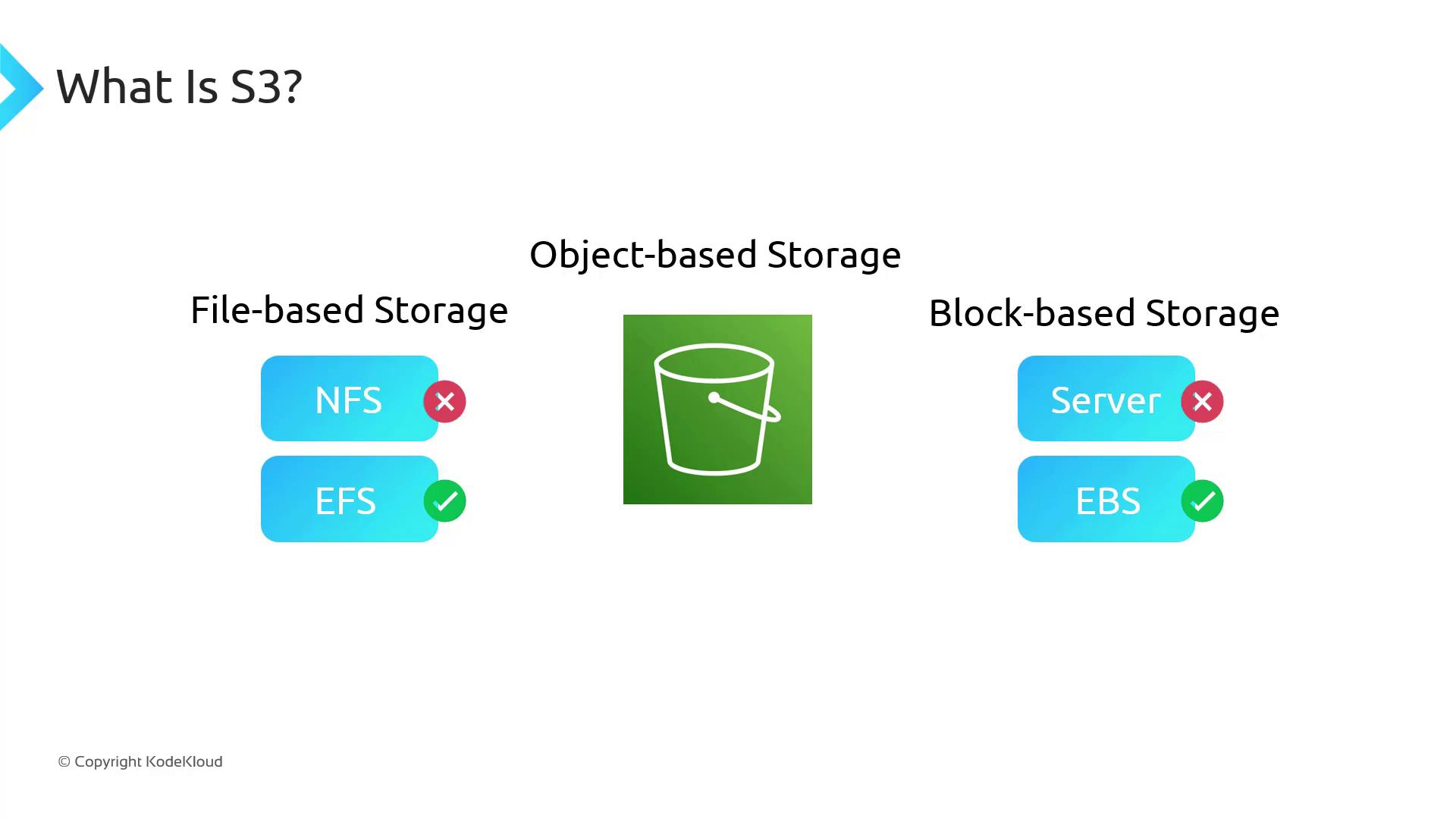
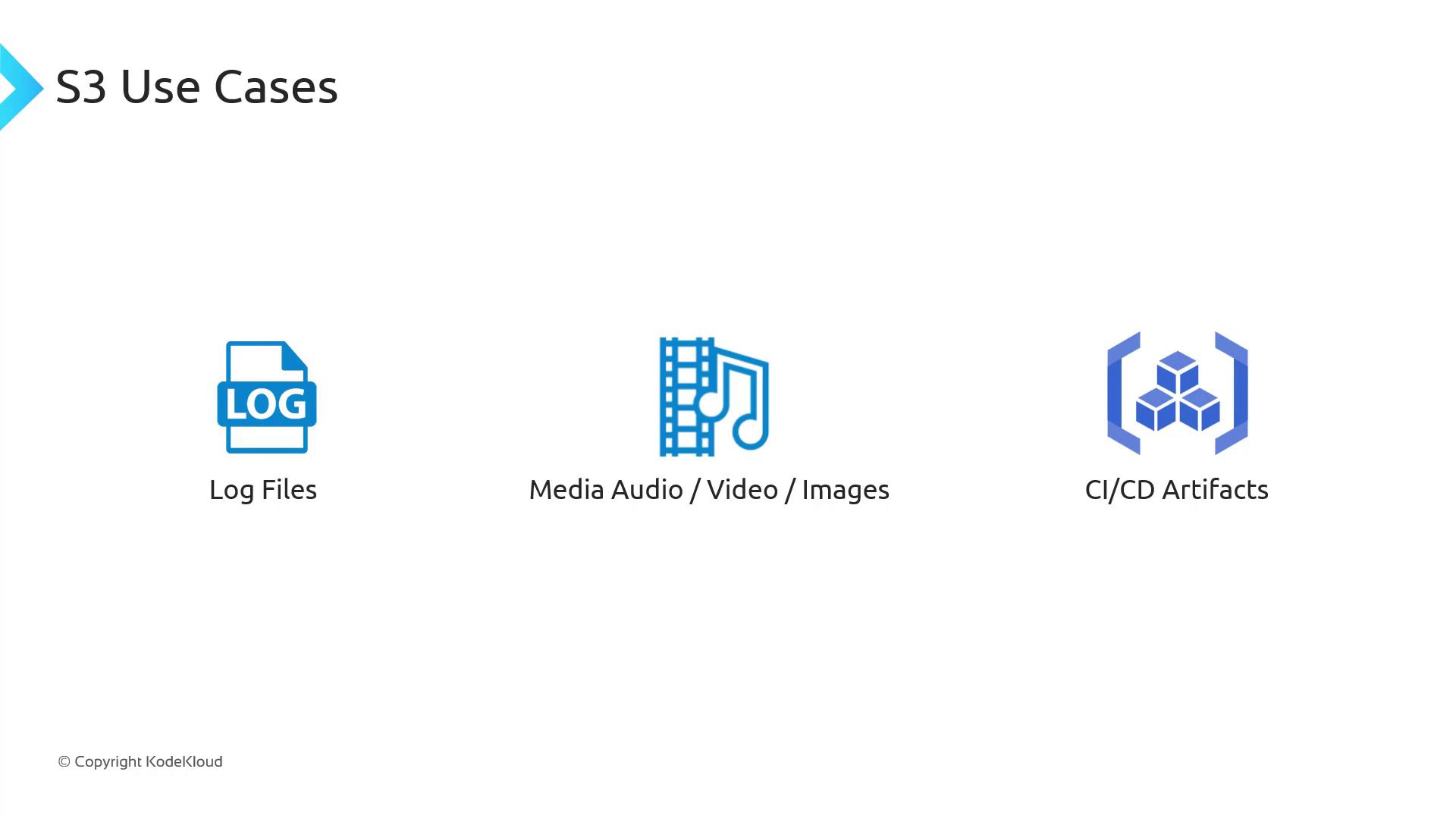
Common Use Cases
- Storing application log files
- Hosting media assets (images, videos, audio)
- Saving CI/CD pipeline artifacts
Real-World Example: Offloading Media for a Website
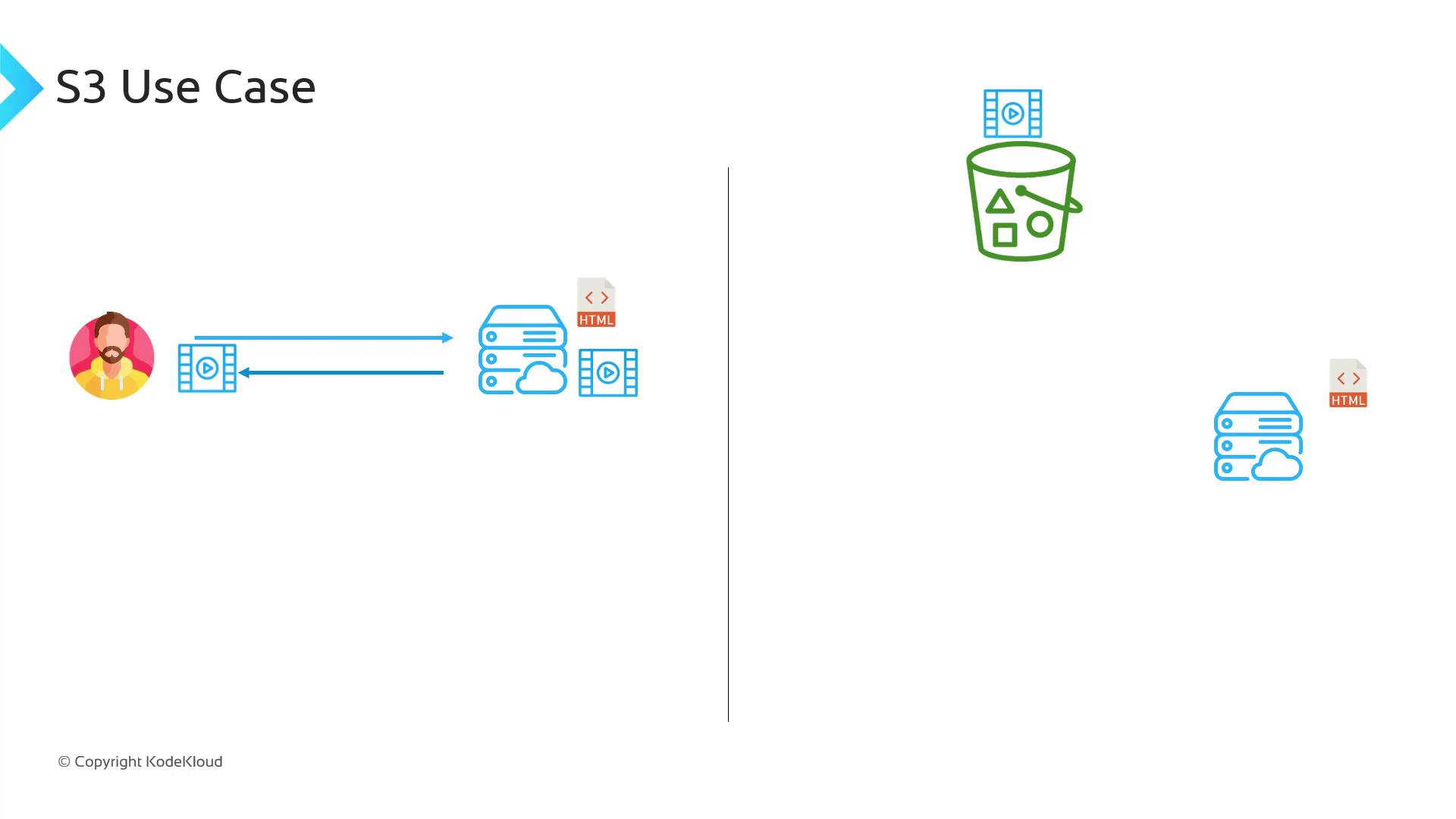
In traditional web hosting, your server handles HTML, CSS, JavaScript, and all media. As traffic scales—imagine YouTube or Netflix—storing petabytes of video on web servers becomes costly and unscalable. With S3:- Keep only static assets (HTML/CSS/JS) on your web server
- Offload large media files to an S3 bucket
- Reference S3 URLs in your HTML so browsers fetch content directly from S3
Key Terminology
Buckets
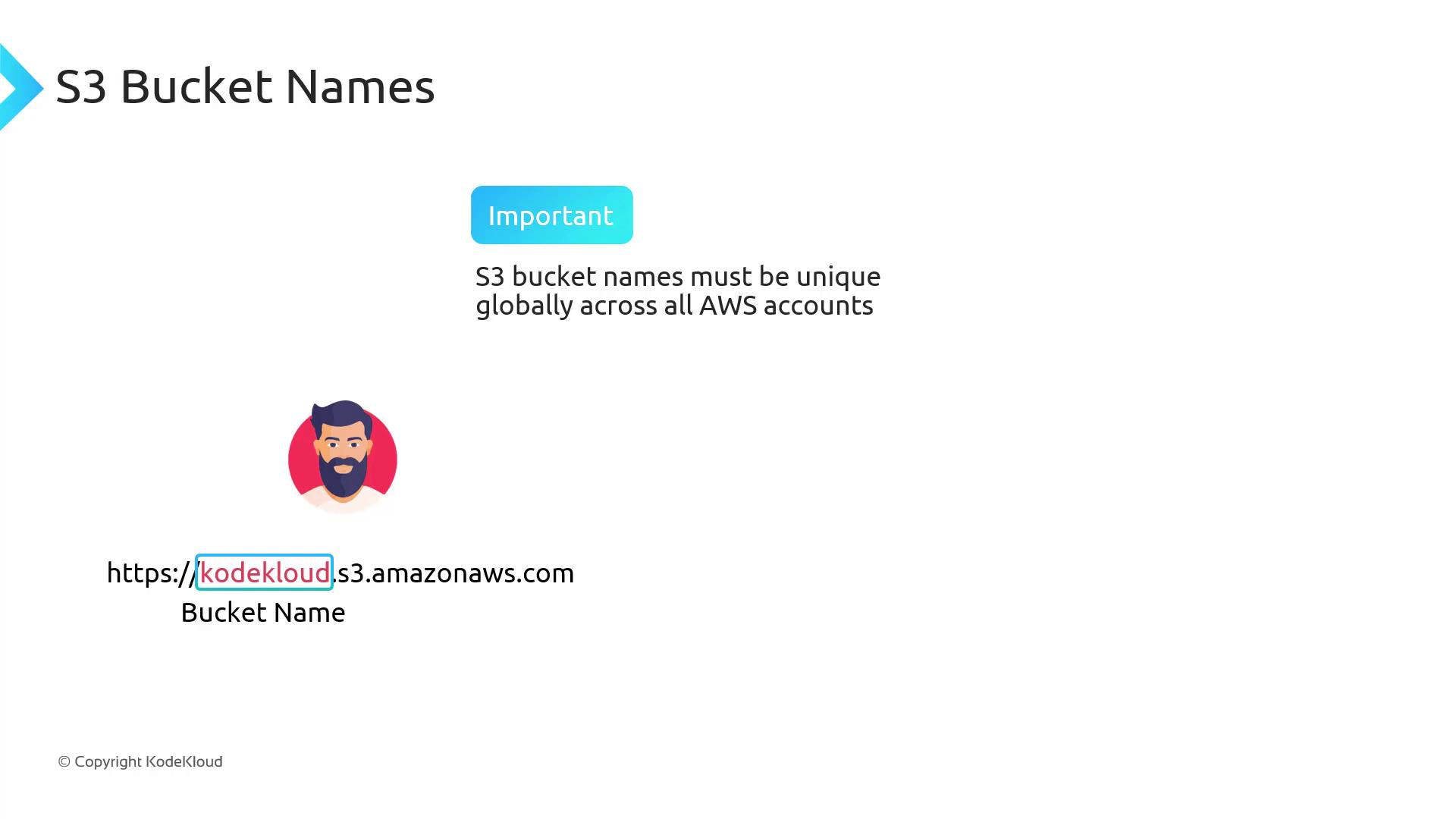
A bucket is a container for objects—think of it as a top-level folder. Names must be globally unique across all AWS accounts.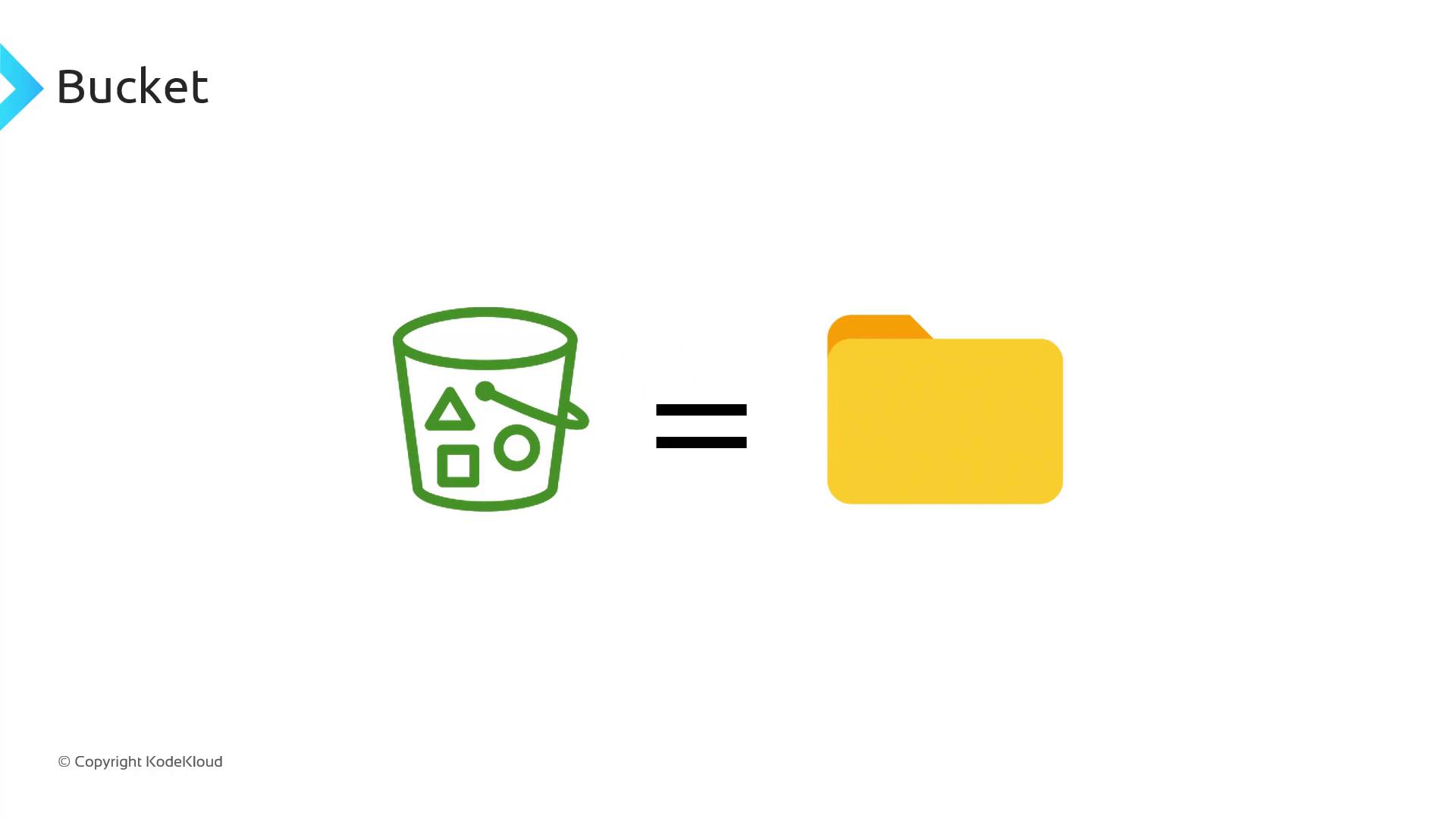
Objects
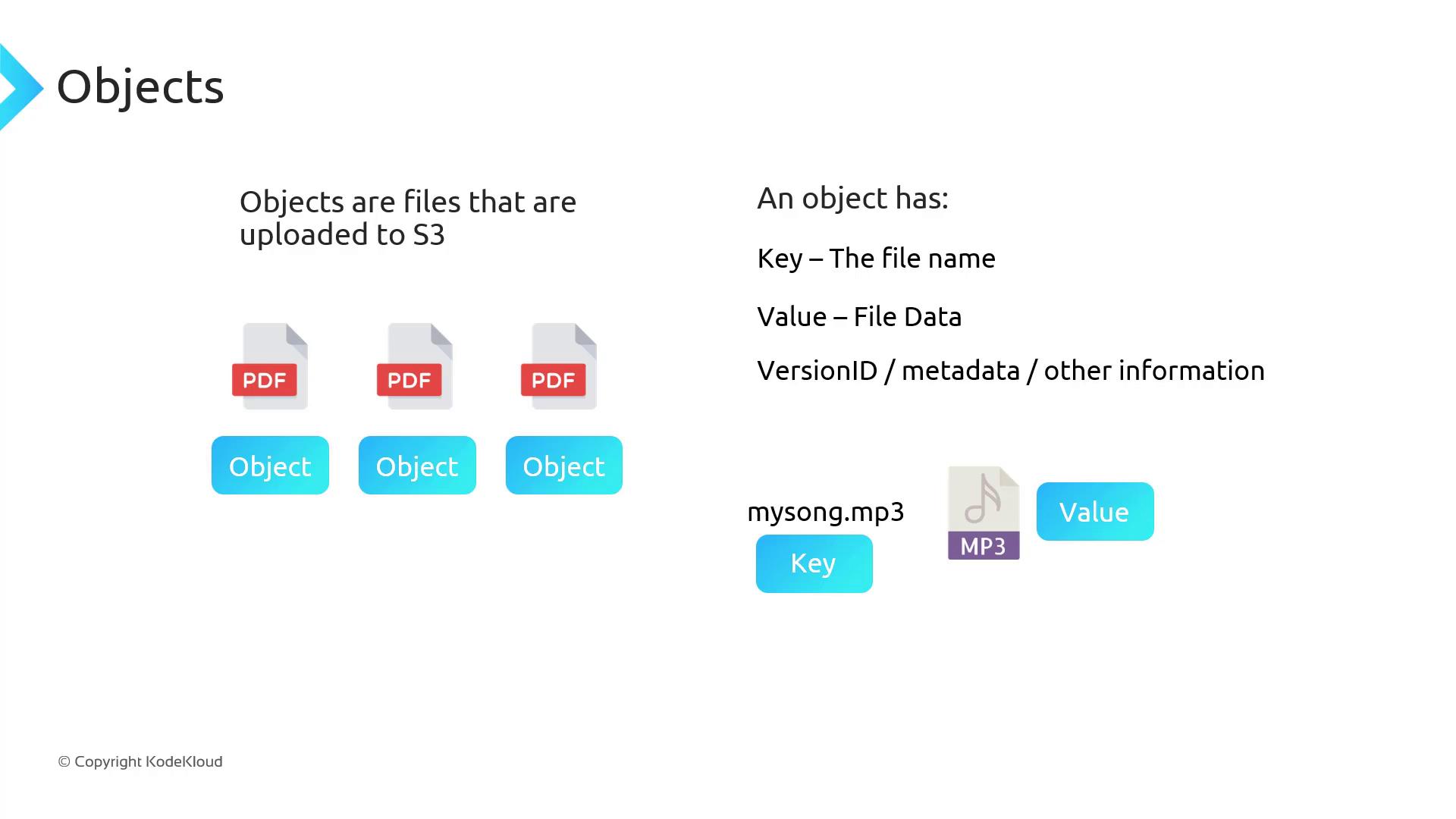
An object is any file stored in S3. Each object includes:- Key: the unique object name (e.g.,
photos/vacation.jpg) - Value: the actual file data
- Metadata: custom or system attributes (e.g.,
Content-Type) - Version ID: if versioning is enabled
Flat Namespace and “Folders”
Under the hood, S3 is a flat key-value store. The console mimics directories by treating prefixes (text before a/) as folders.
- These keys appear under a
music/folder in the console but are stored flat in S3.
Durability and Availability
When you upload to S3, AWS replicates your data across multiple servers and Availability Zones (AZs) within a region, ensuring high durability and availability—even if an AZ fails.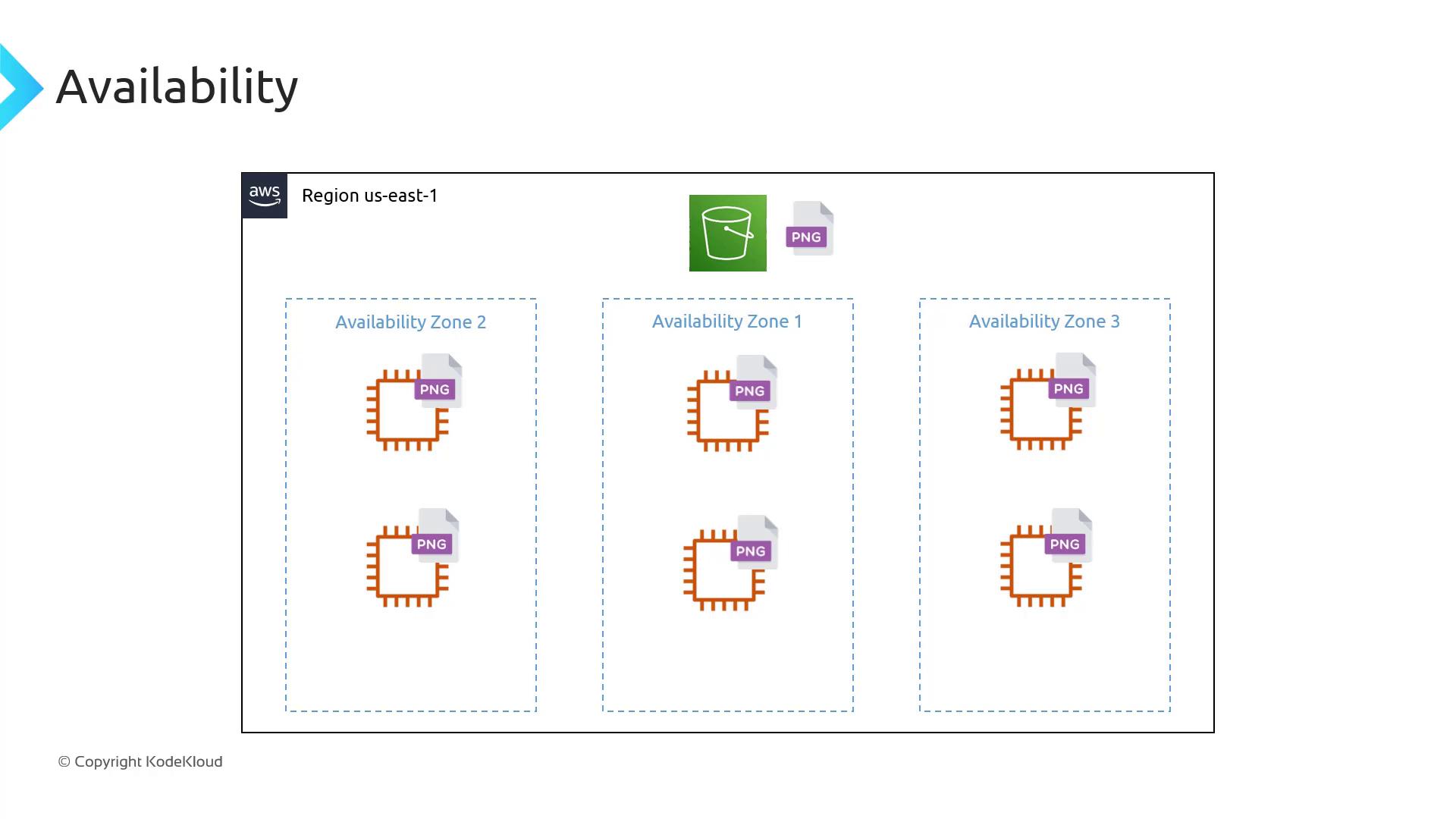
Bucket Naming and Global Uniqueness
Each bucket name must be unique across all AWS accounts and regions. The bucket name appears in the URL:Choose bucket names carefully. Renaming or deleting buckets can disrupt applications that rely on them.
Limits and Restrictions
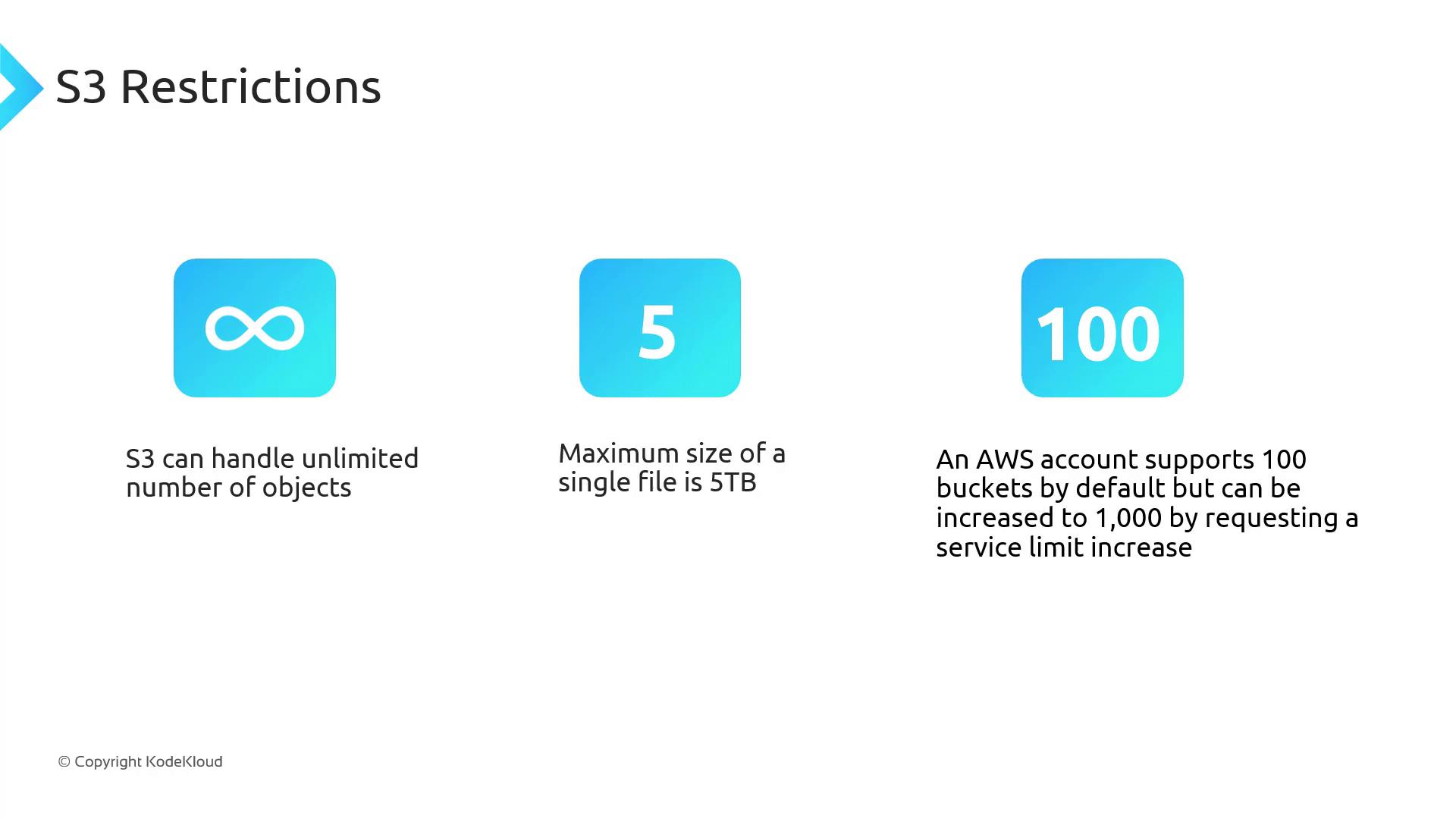
You can request a service quota increase for more buckets or higher throughput in the AWS Console under Service Quotas.
In this lesson, we covered AWS S3’s fundamental concepts, common use cases, and architectural design. Next up: a hands-on demo to create and configure your first S3 bucket.
References
- Amazon S3 Developer Guide
- AWS CLI Command Reference – S3
- Understanding Data Consistency in Amazon S3