

file1.txt—generates a log entry that records who accessed the object, when the request occurred, and which API call was performed:
Why Enable Access Logs?
Enabling server access logging provides several advantages:Storing and analyzing access logs may incur additional storage and request charges. Review your AWS billing dashboard to estimate costs.
What Information Is Logged?
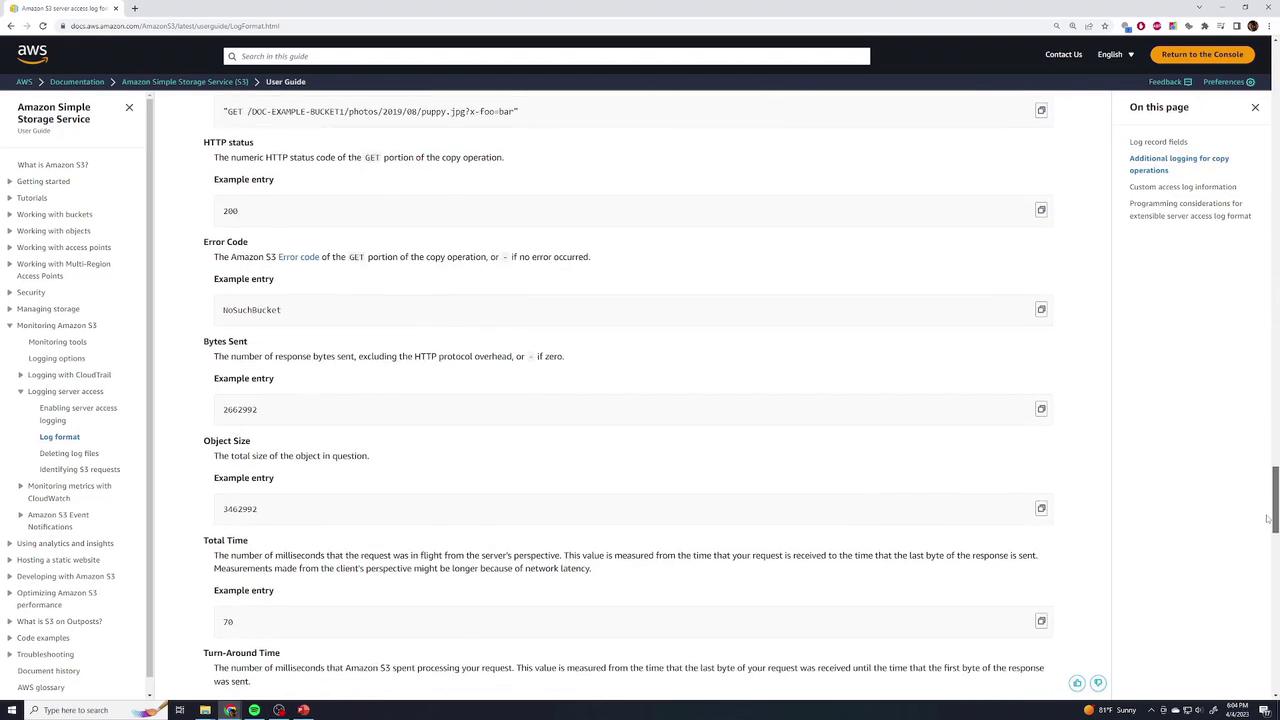
Each log record consists of numerous fields, including:
For the complete list of log fields, see Monitoring Amazon S3 > Log Format in the AWS documentation:
Sample Log Entry
A typical S3 access log record begins with the bucket owner and bucket name, followed by the timestamp and requester details: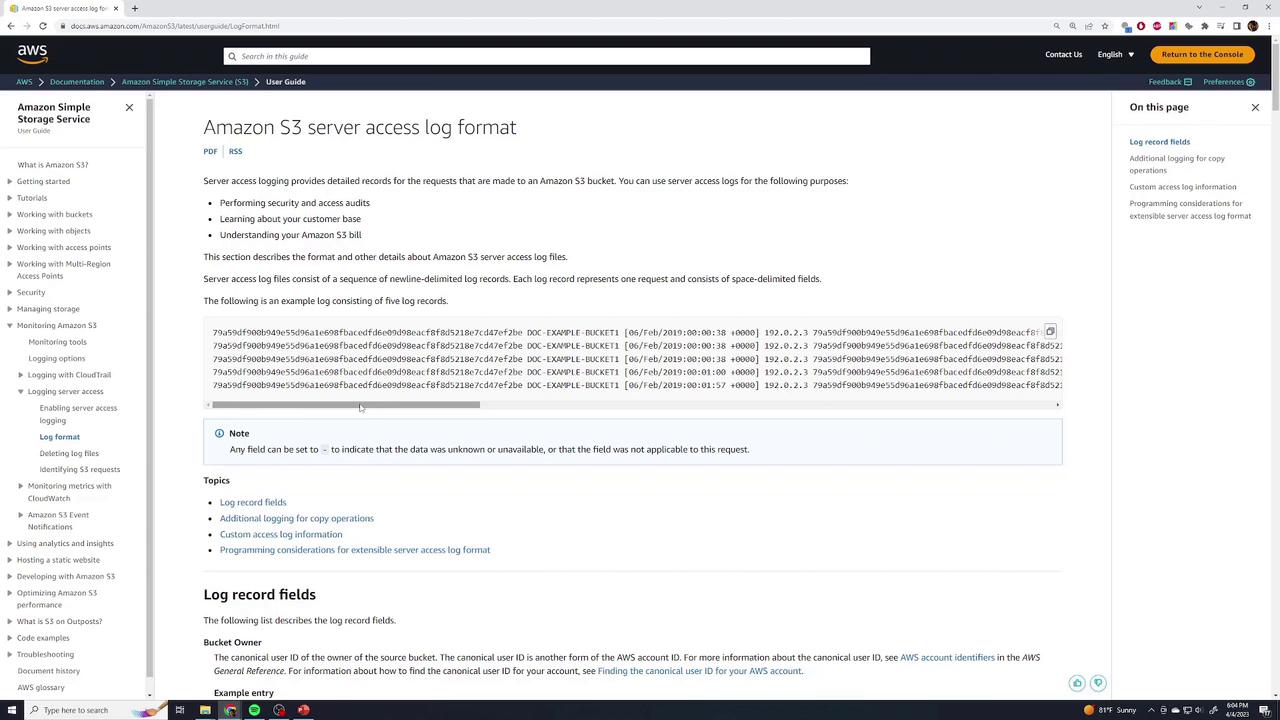
Links and References
- Monitoring Amazon S3 server access logging
- Analyzing S3 access logs with Amazon Athena
- AWS S3 CLI Reference