

Why Use S3 Replication?
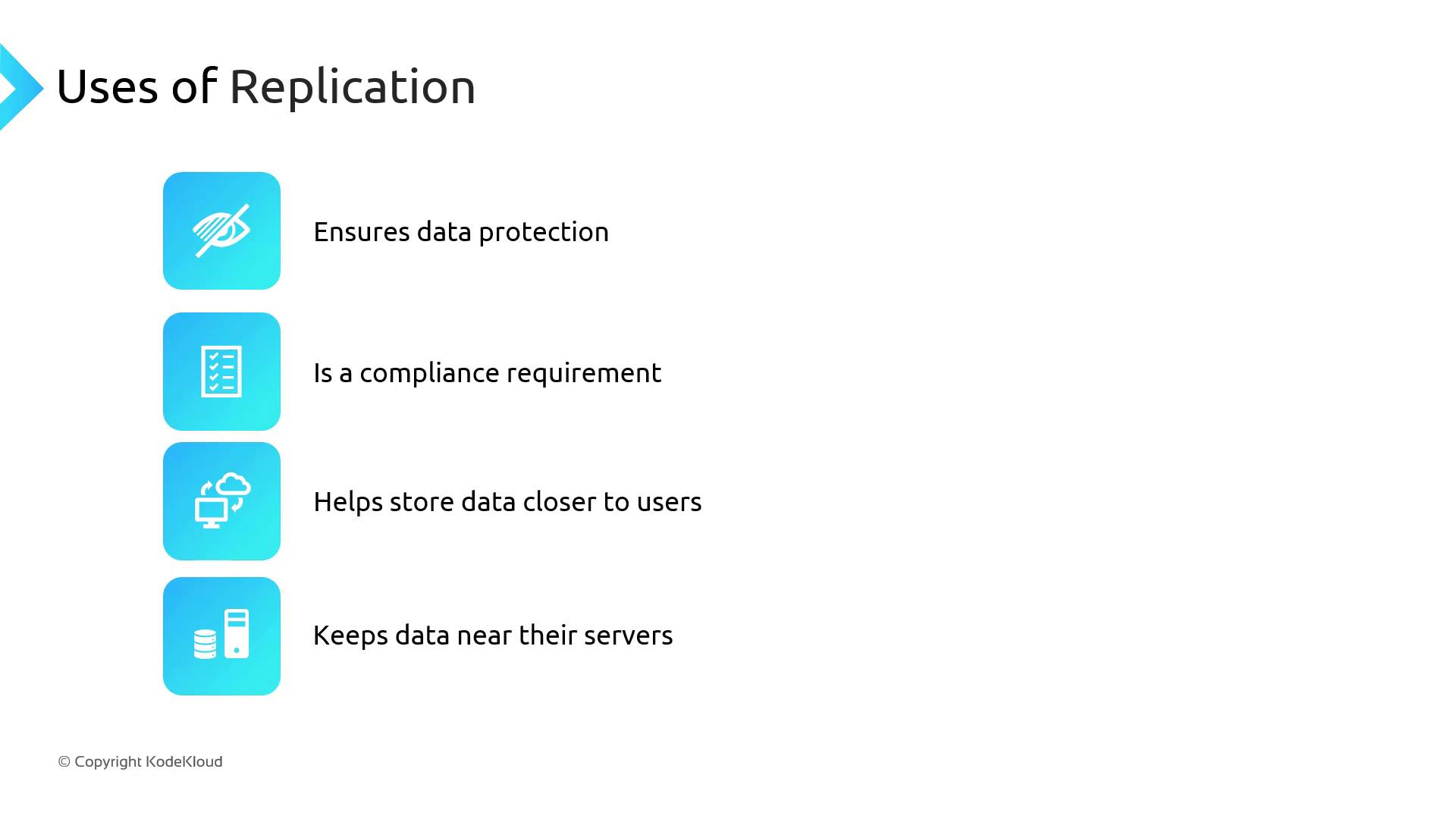
Replication offers several benefits:- Maintain multiple copies of objects in separate locations for disaster recovery
- Comply with regulatory requirements for geographically isolated data
- Reduce read latency by storing objects nearer to end users
- Enhance application performance by keeping data close to processing servers
Types of Replication
Same-Region Replication Use Cases
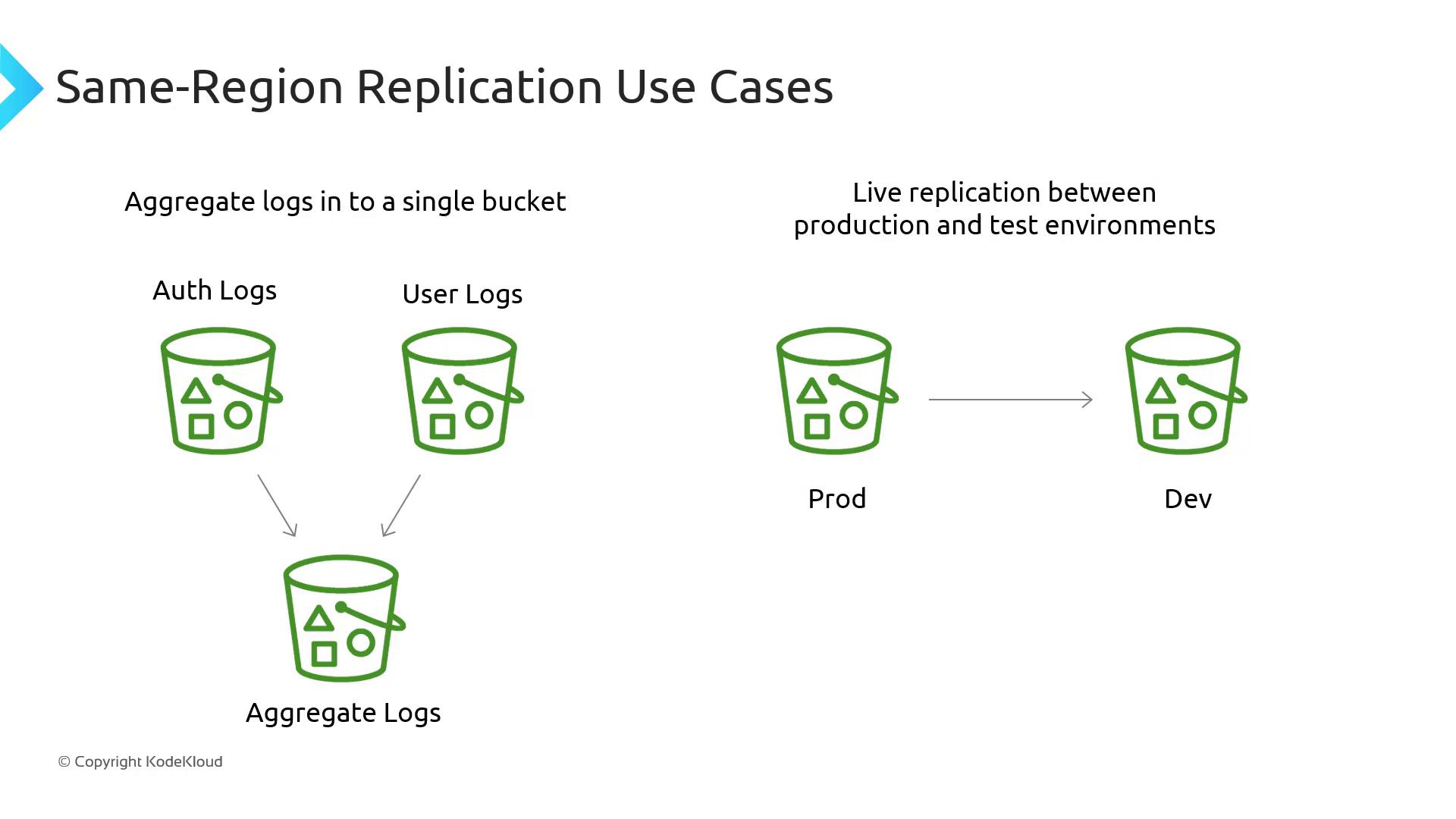
Even when operating in a single Region, SRR can solve key challenges:- Log Aggregation: Consolidate logs from multiple application buckets into a central bucket for unified analytics.
- Prod-to-Test Synchronization: Keep your development or staging environments up to date with production data for realistic testing.
Cross-Region Replication Use Cases
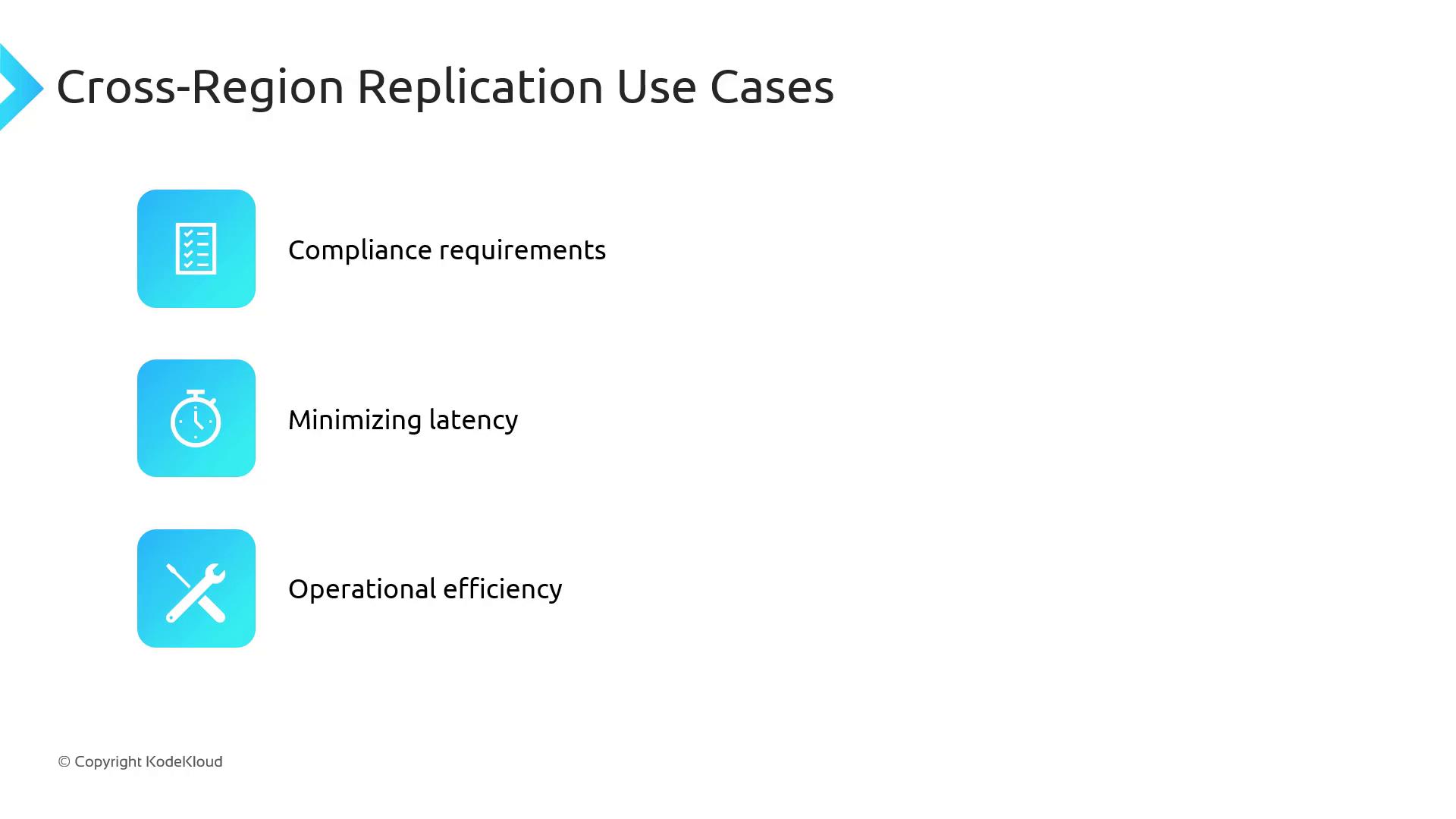
CRR is ideal when you need to:- Fulfill compliance requirements by storing copies in separate Regions
- Deliver content faster to global audiences by minimizing latency
- Increase operational resilience by providing local access to data for multi-Region applications
One-Way vs. Bidirectional Replication
By default, replication in S3 is one-way: changes in the source bucket propagate to the destination, but updates in the destination do not return to the source. For active-active deployments or automated failover, you can configure bidirectional replication manually to synchronize changes both ways.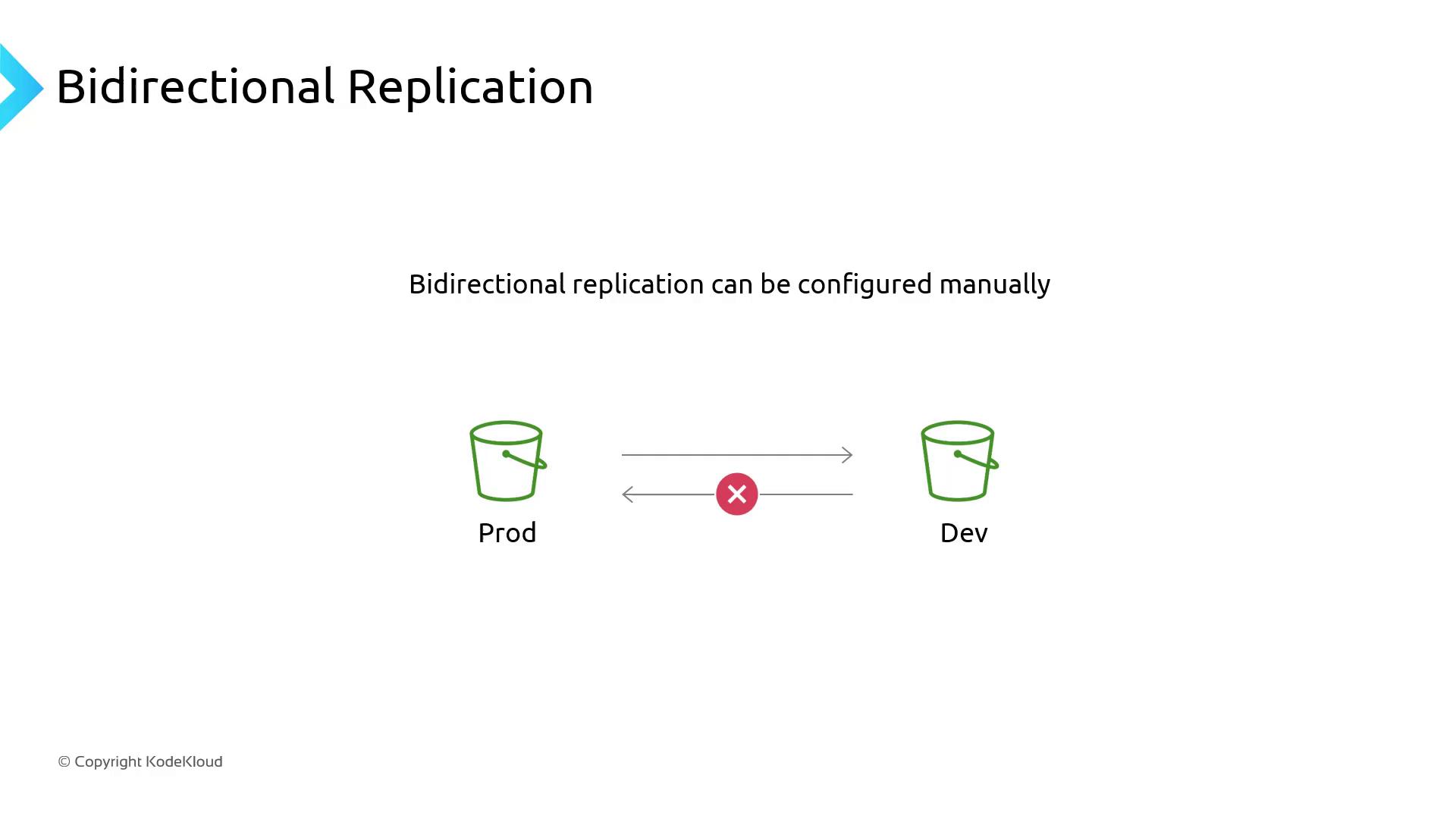
Replication Requirements
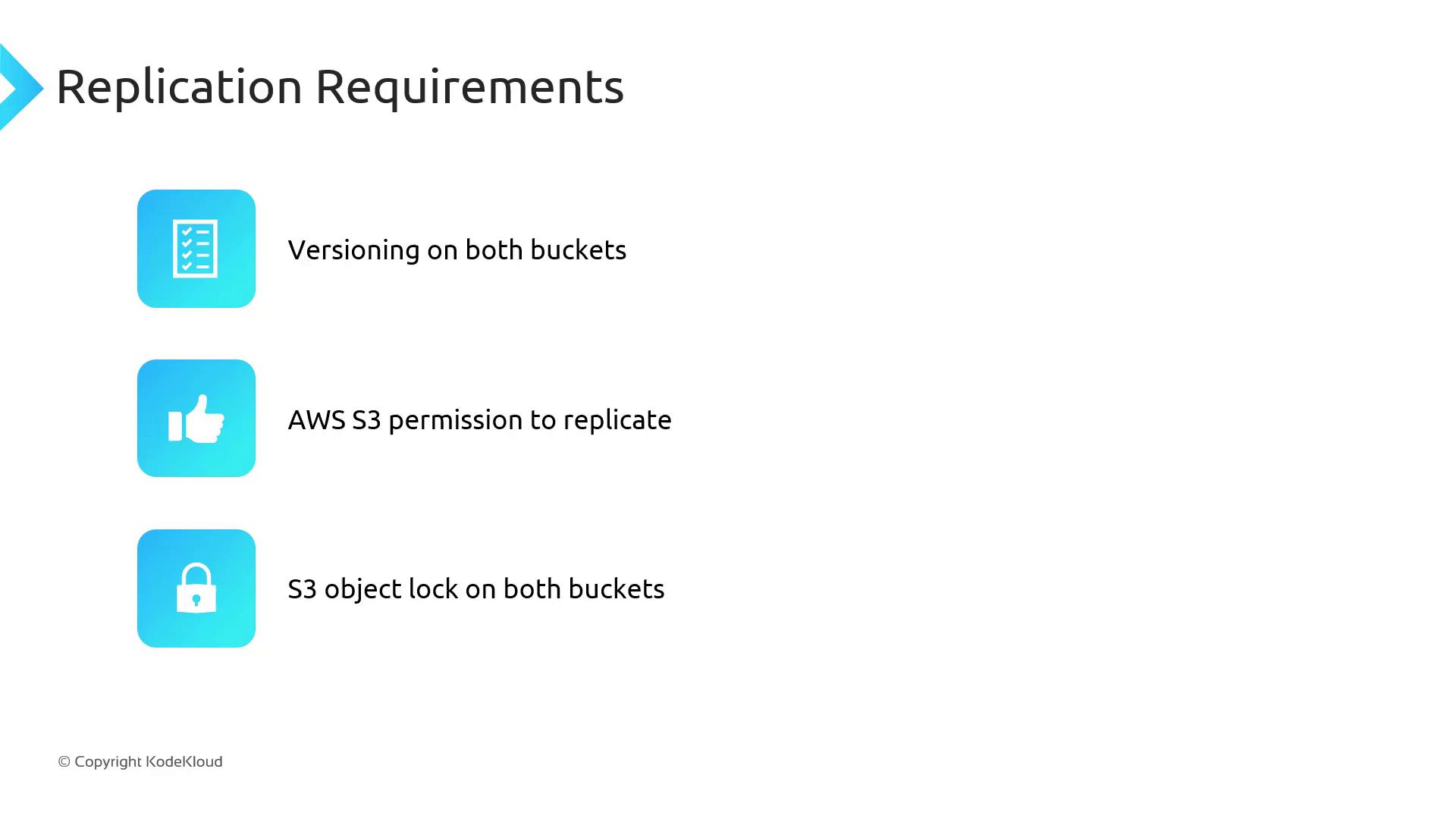
Before enabling replication, verify these prerequisites:Replication will not start until versioning is activated on both buckets. The S3 console will prompt you if versioning is missing.
Object Replication Details
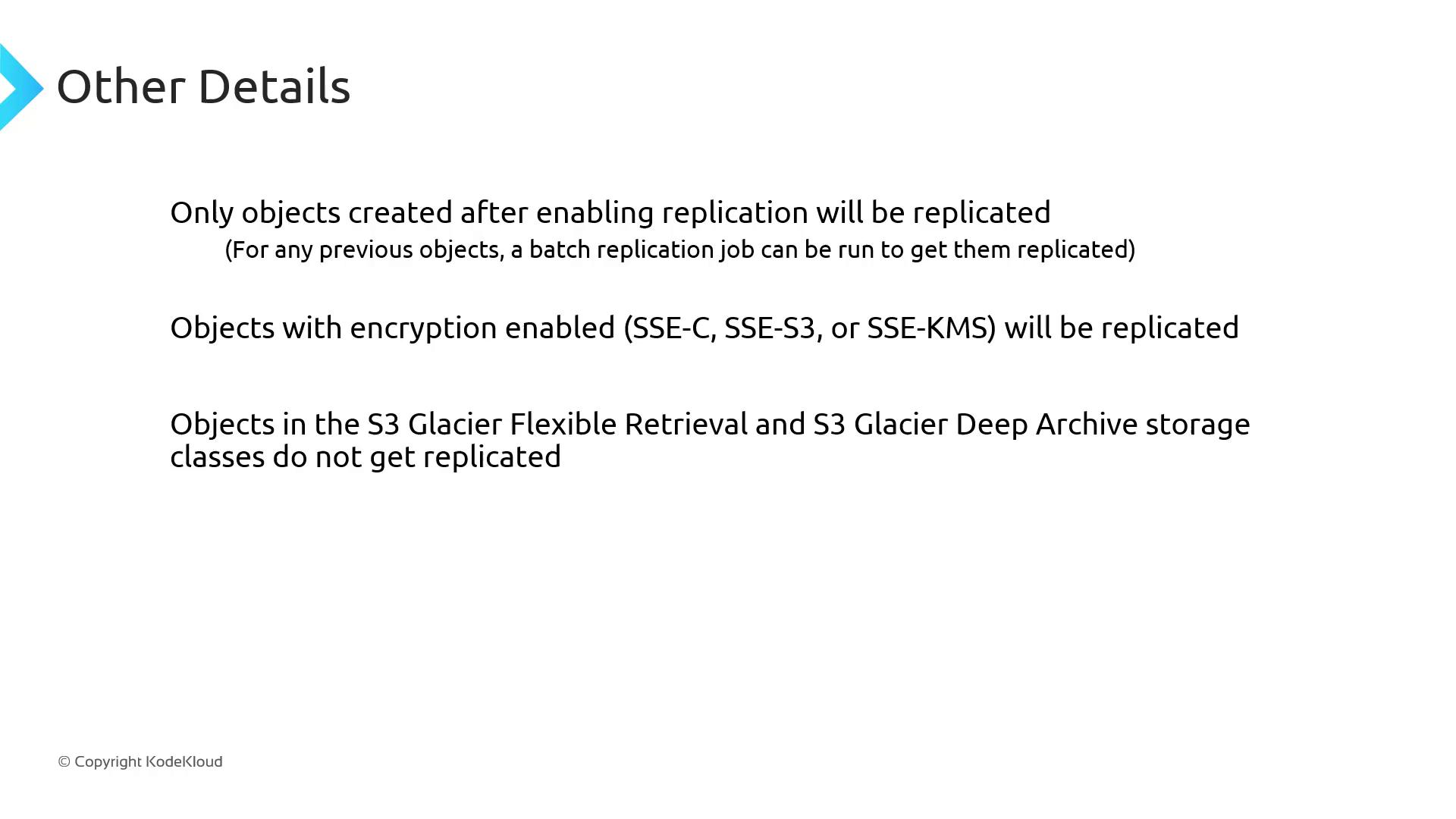
- New vs. Existing Objects: Only objects created after replication configuration are auto-copied. To migrate existing objects, use a one-time Batch Operations job.
- Encryption: Objects encrypted with SSE-S3, SSE-KMS, or client-side encryption replicate transparently.
- Glacier Classes: Objects in Glacier Flexible Retrieval and Glacier Deep Archive replicate like standard objects, but you must restore them before access.
- Metadata & Tags: All object metadata, ACLs, and tags are preserved during replication.
- Storage Class Overrides: Optionally, convert storage classes on the destination—for example, replicate
S3 StandardtoS3 Standard-IAin the target bucket.
Delete Markers and Version Deletions
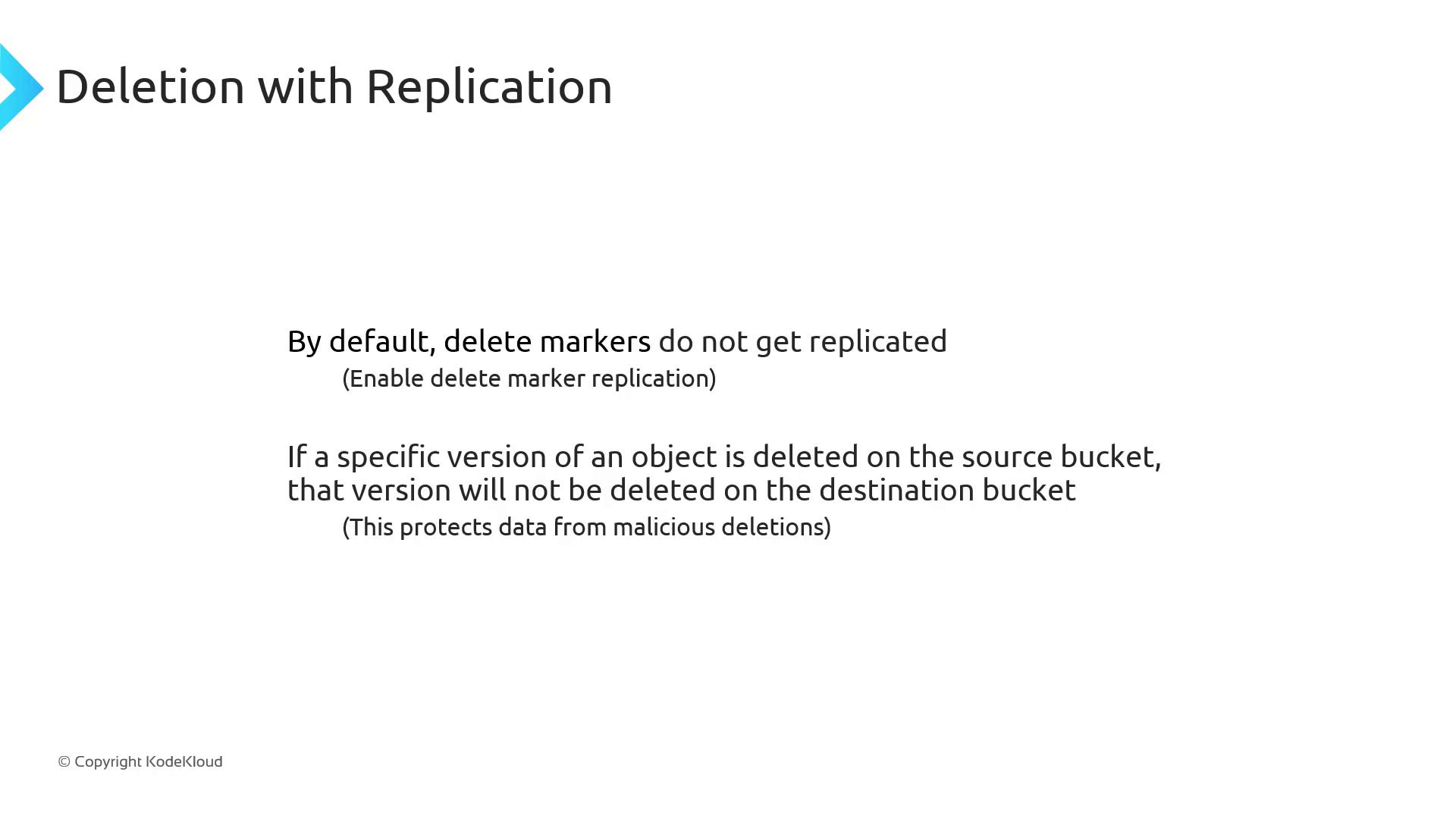
- Delete Markers: Not replicated by default. You can enable marker replication if your workflow requires it.
- Version Deletions: Removing a specific object version in the source bucket does not delete it in the destination—protecting against accidental or malicious data loss.
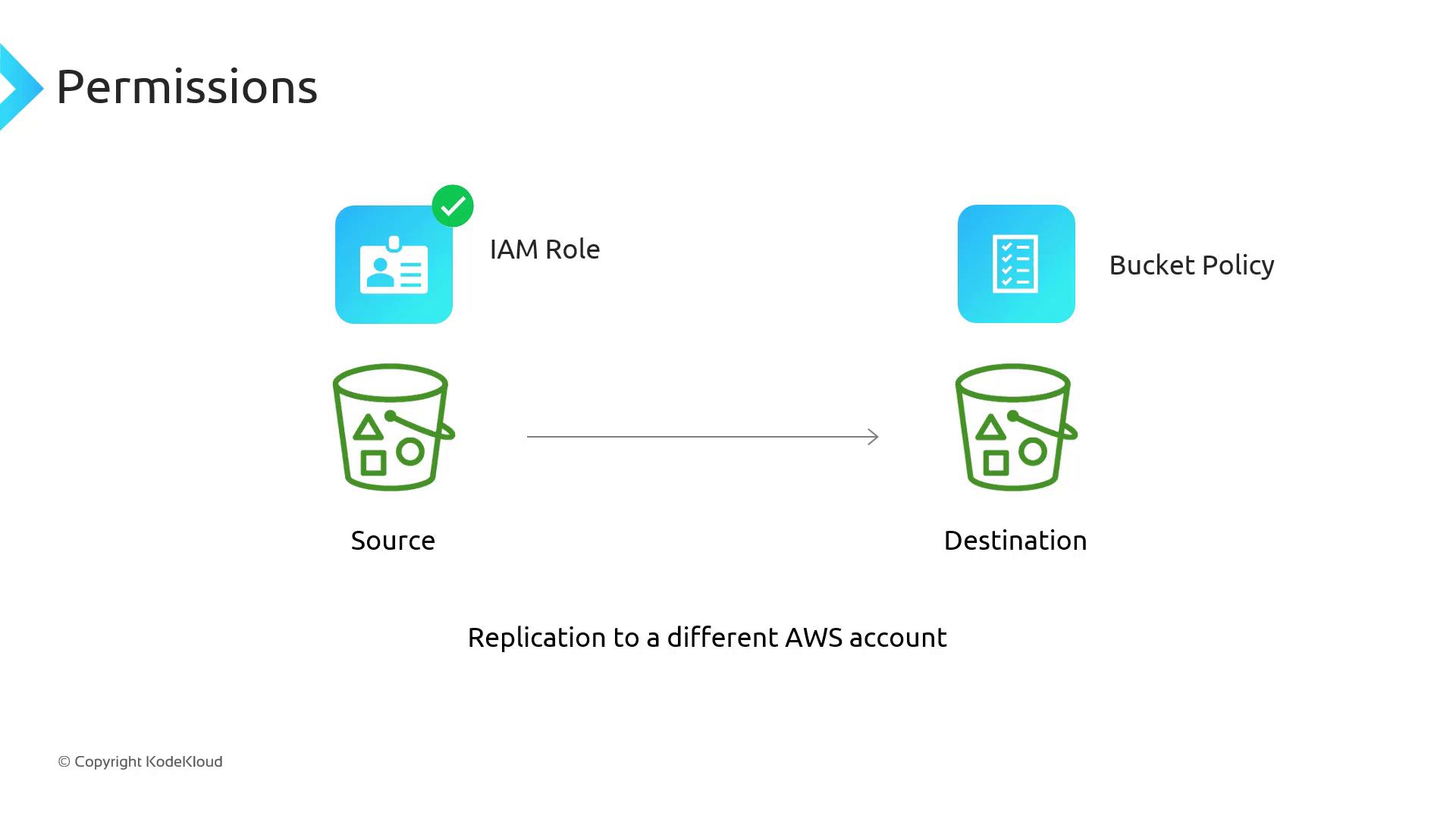
Cross-Account Replication Permissions
Replication Latency and Replication Time Control (RTC)
Replication is inherently asynchronous and may take minutes or hours, depending on object size and count. If you require replication within 15 minutes to fulfill strict SLA or regulatory requirements, enable Replication Time Control (RTC).Replication Time Control (RTC) guarantees that new objects are copied within 15 minutes of creation. This feature incurs additional costs—see the Amazon S3 Pricing page for details.