

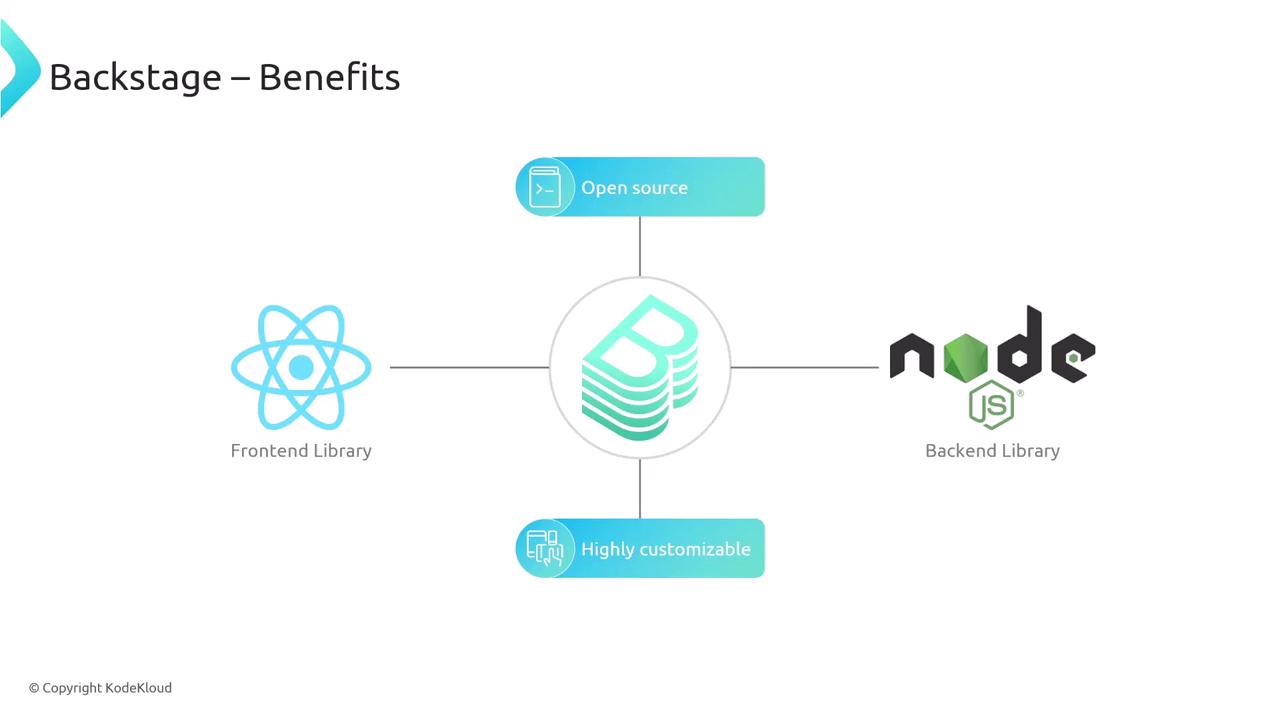
- Open Source: Community-driven platform with frequent updates.
- Customizable: Extend with plugins or build your own.
- Familiar Stack: React UI + Node/Express backend.
- Scalable: Designed to handle catalogs of thousands of services.
- Secure: Integrations with SSO, RBAC, and audit logging.
Software Catalog
The Software Catalog offers a single pane of glass for every service, component, package, and application in your organization. It tracks ownership, lifecycle, metadata, and relationships—all automatically.

| Field | Description |
|---|---|
| Name | Unique identifier of the component |
| Owner | User or team responsible for maintenance |
| Lifecycle | Stage (e.g., production, staging, deprecated) |
| Description | Free-form summary of the purpose and functionality |
| Relations | Visual graph of dependencies and interactions |
The built-in relations graph requires no extra configuration—you immediately see how services connect.
Templates
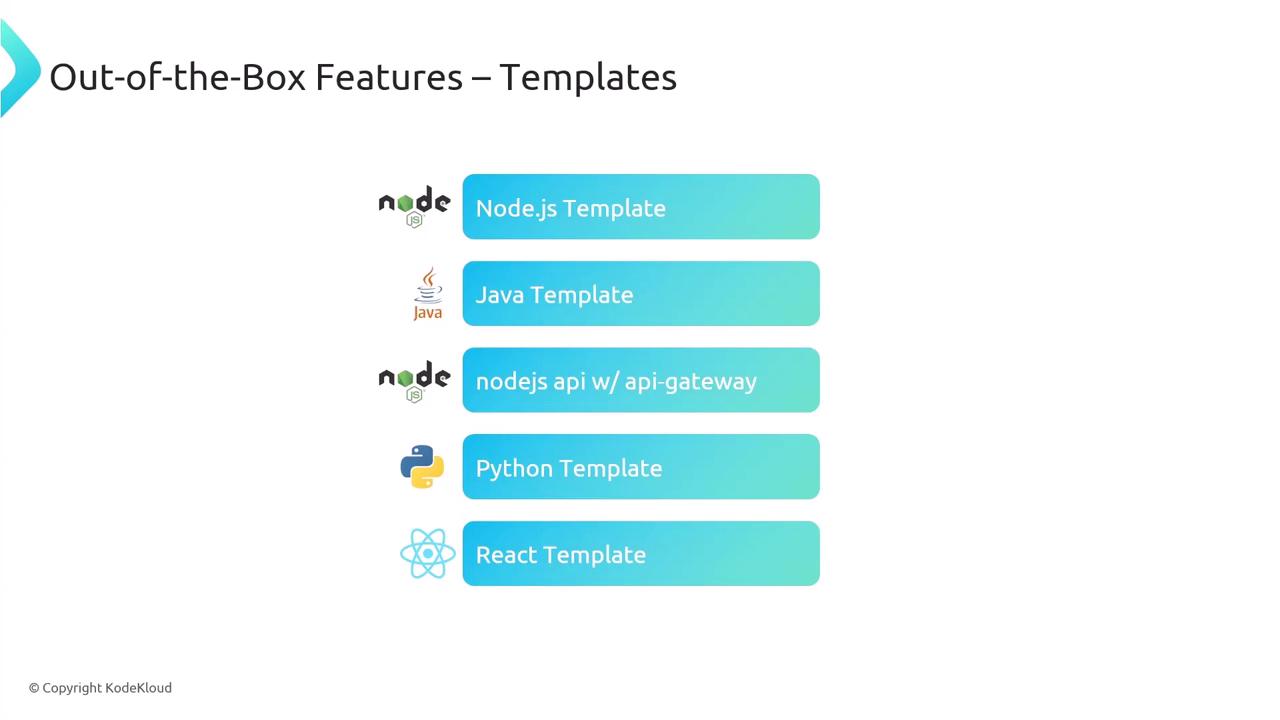
Backstage templates automate project scaffolding, enforcing organizational best practices. This dramatically cuts setup time and reduces configuration drift.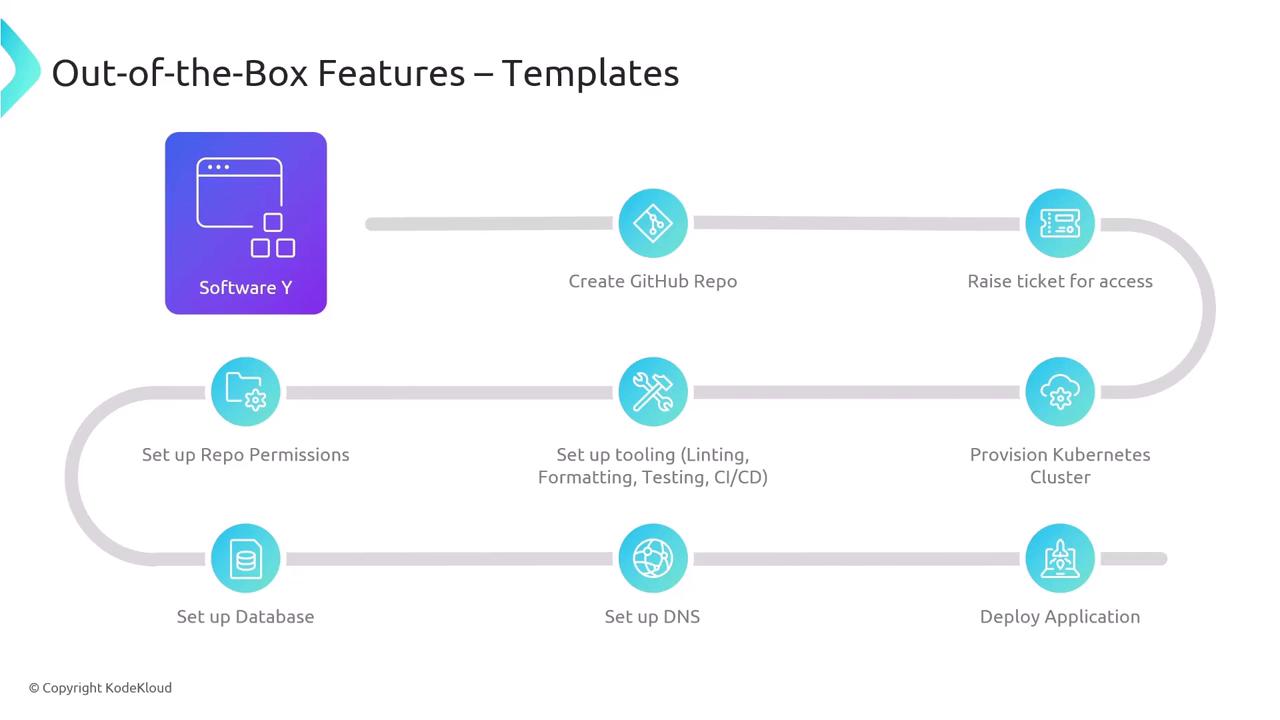
Why Use Templates?
| Benefit | Impact |
|---|---|
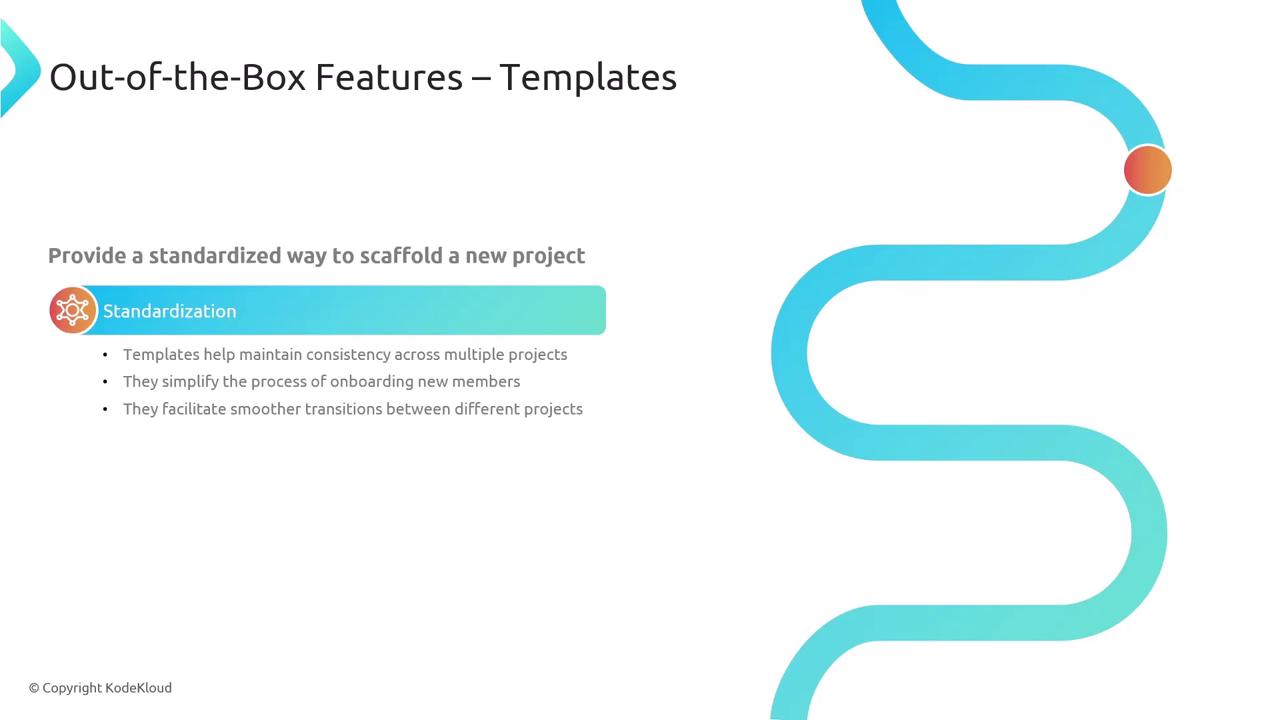
| Consistent Structure | All projects share the same folder layout |
| Pre-configured Tooling | Linting, testing, and CI/CD ready to go |
| Error Reduction | Fewer manual steps means fewer mistakes |
| Faster Onboarding | Developers start coding on day one |
| Custom Stack Support | Templates for Java, Node.js, Python, and more |
Modifying templates directly in production can cause drift—always version-control your template definitions.
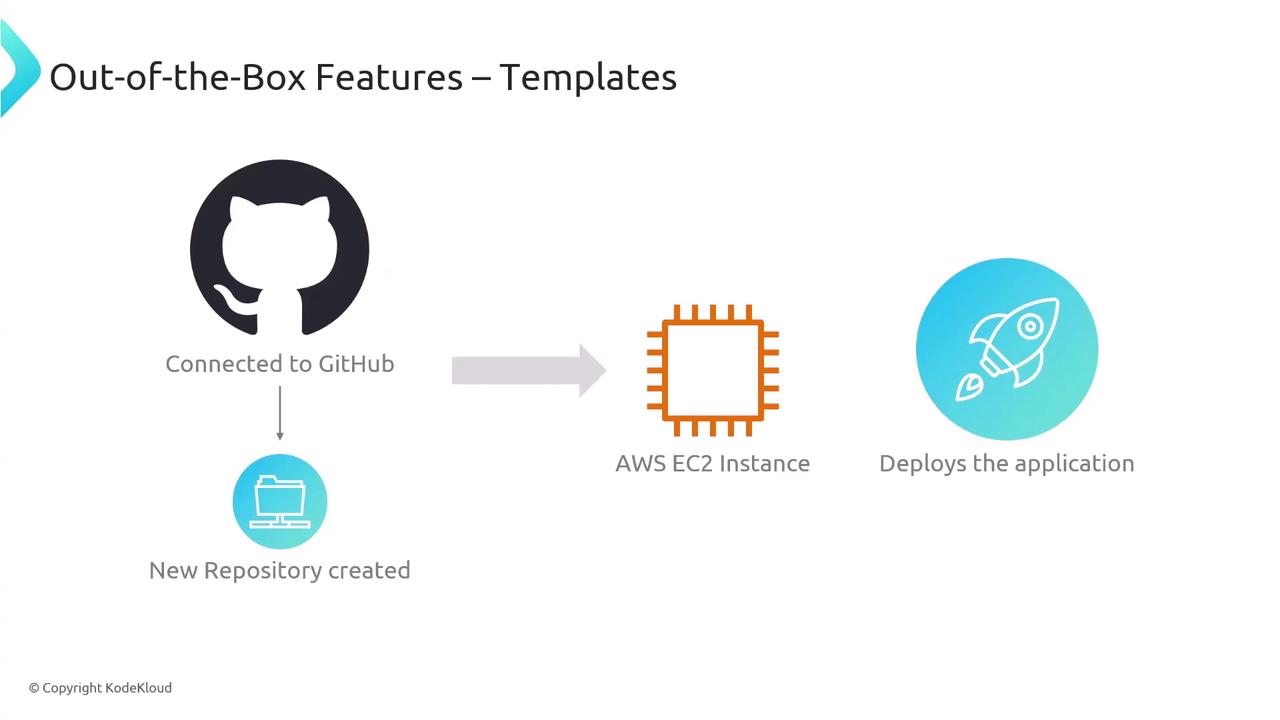
Template Workflow Example
- Select your template (e.g., Python service).
- Provide project metadata (name, owner, repo ID).
- Pick deployment target (EC2, ECS, EKS, Lambda).
- Review defaults and submit.
- Create a GitHub repository with your organization’s naming conventions.
- Generate starter code, config files, and CI/CD pipelines.
- Provision cloud resources and deploy the initial release.
Documentation
Integrated docs keep your documentation close to the code. Backstage uses MkDocs to render Markdown on demand, right within the portal.

Search
Backstage’s universal search indexes your catalog, docs, and even external sources like Confluence or Stack Exchange. Developers find everything from API docs to team wikis in one place.Plugins
Every feature in Backstage is a plugin—catalog, templates, docs, search—all are modular and interchangeable. You can install community plugins or develop your own.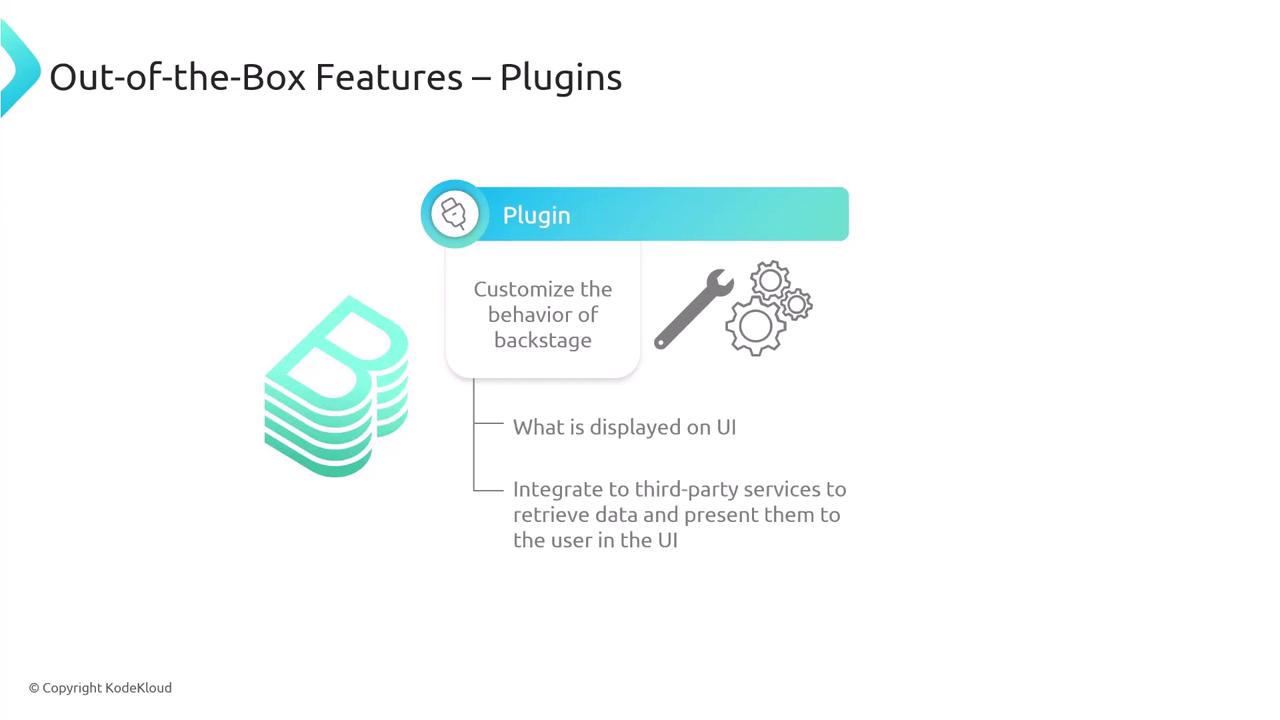
| Plugin Category | Description | Example Usage |
|---|---|---|
| Analytics | Collect usage metrics and telemetry | @backstage/plugin-analytics |
| Monitoring | Display service health and alerts | @backstage/plugin-kubernetes |
| CI/CD | Integrate build and deploy pipelines | @backstage/plugin-circleci |
| Issue Tracking | Link tickets and bug reports | @backstage/plugin-jira |
| Custom UI | Add bespoke components or visualizations | Your organization’s custom plugin |
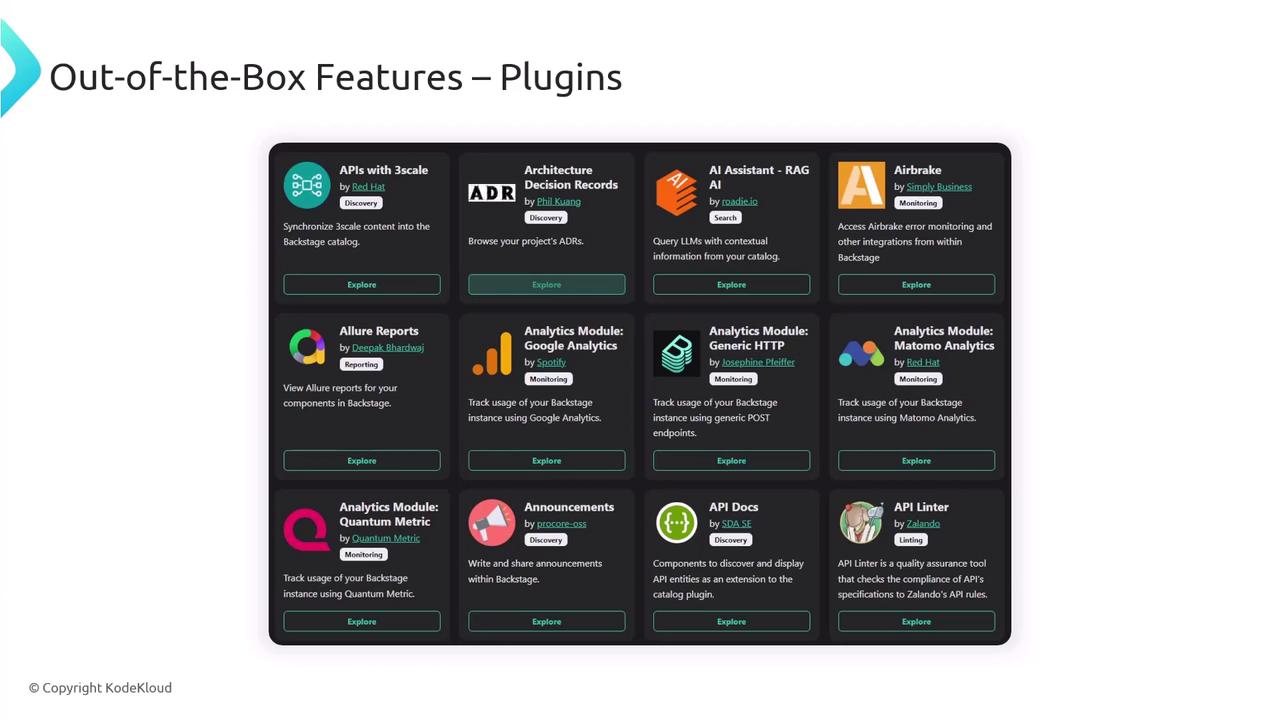
Because the core catalog, docs, and search are all plugins, you can replace or extend any part of Backstage without touching the main codebase.
Summary
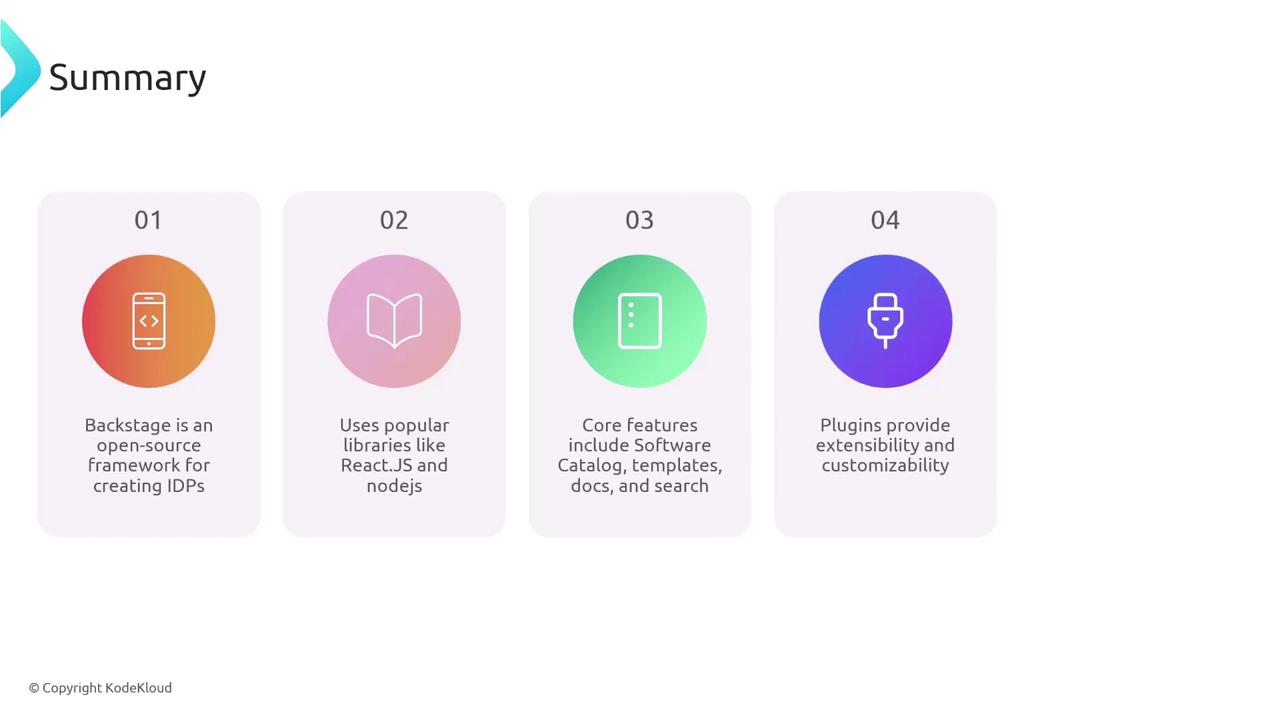
Backstage is the open-source framework for building modern Internal Developer Portals. With a plugin-centric design on top of React and Node.js, you get:- A centralized Software Catalog
- Reusable Templates for consistent scaffolding
- Inline Documentation powered by MkDocs
- Universal Search across your knowledge base
- An extensible Plugin Ecosystem
Links and References
- Backstage homepage: https://backstage.io/
- React: https://reactjs.org
- Node.js: https://nodejs.org
- Express: https://expressjs.com
- MkDocs: https://www.mkdocs.org
- Confluence: https://www.atlassian.com/software/confluence
- Stack Exchange: https://stackexchange.com