

- Linting with ESLint
- Formatting with Prettier
- Testing with Jest
- CI/CD via GitHub Actions
- Express.js as the API framework
| Tool | Purpose | Example Command |
|---|---|---|
| ESLint | Linting | npm run lint |
| Prettier | Code formatting | npm run format |
| Jest | Automated testing | npm run test |
| GitHub Actions | CI/CD | .github/workflows/ci.yml |
| Express.js | API framework | npm install express |

High-Level Workflow
The platform team maintains a blueprint repository containing atemplate.yaml. When a developer fills out a form in Backstage:
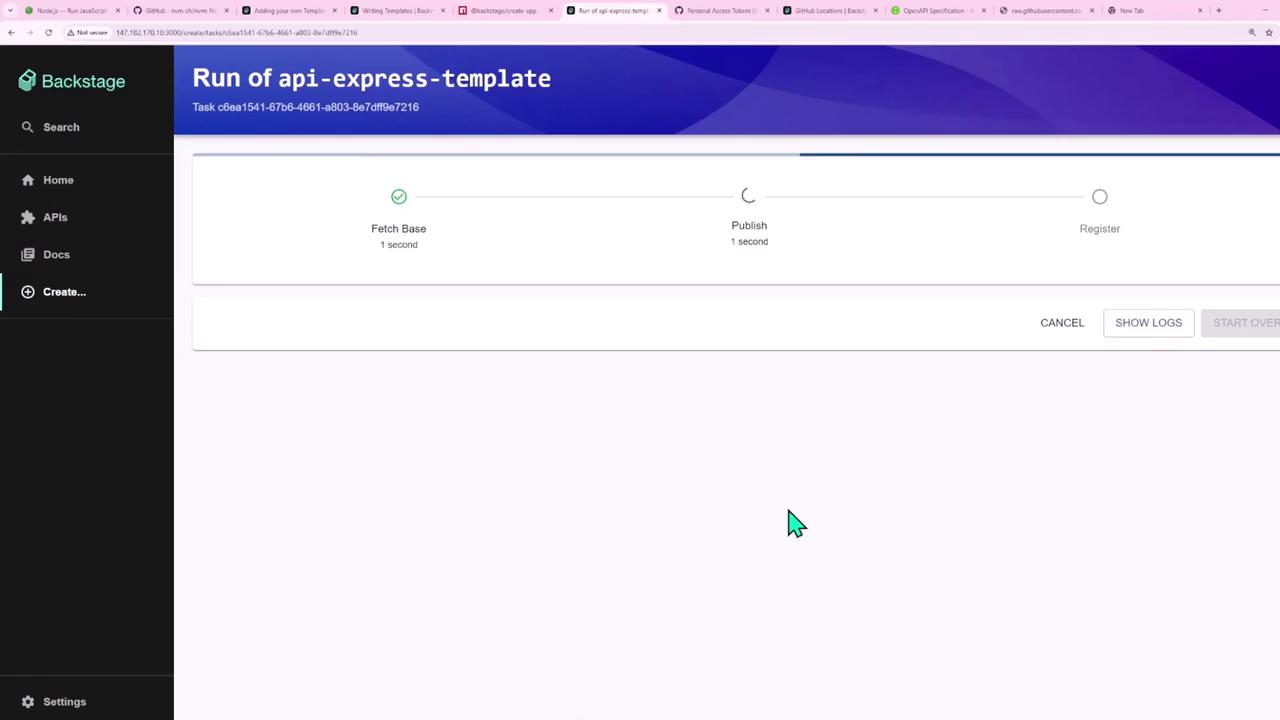
- Backstage fetches the project skeleton.
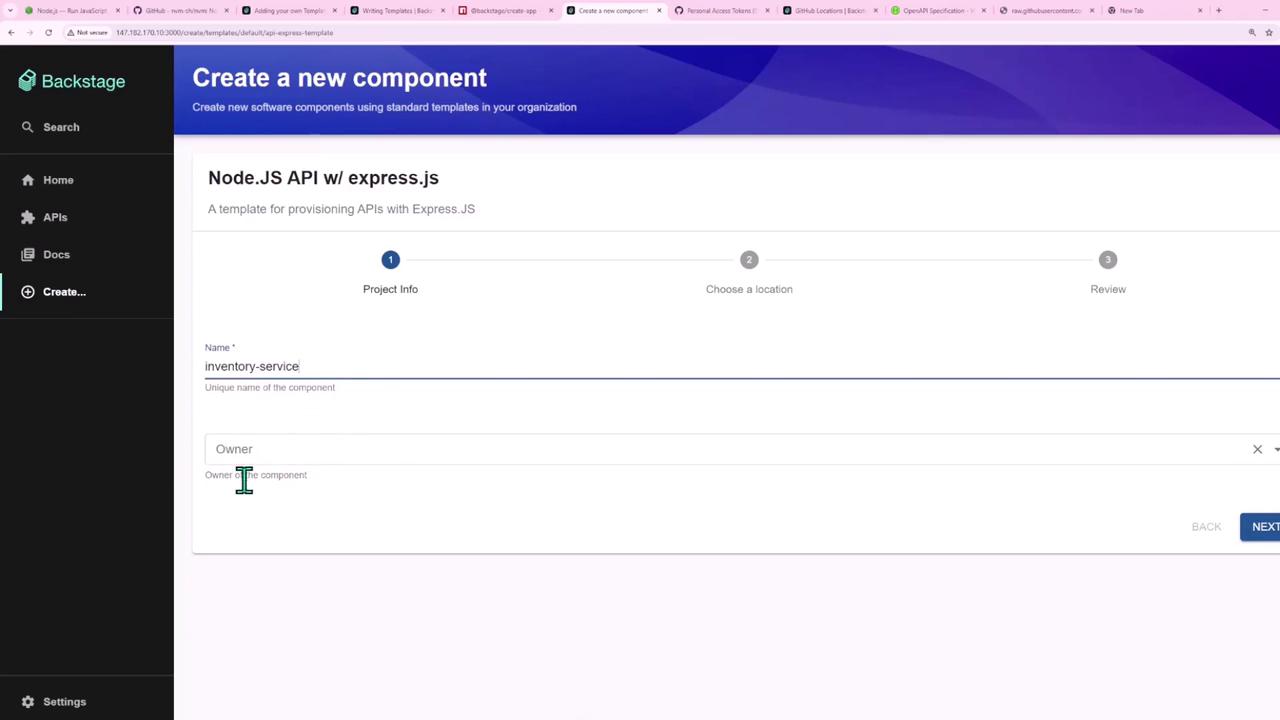
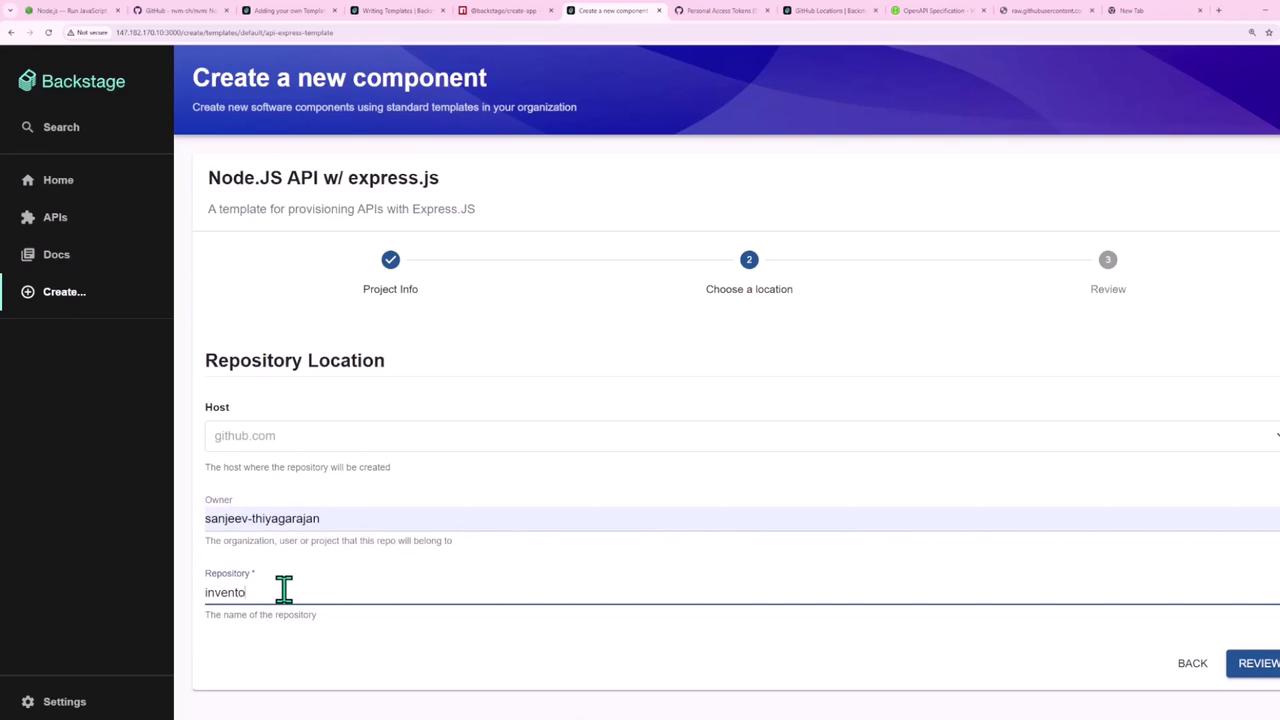
- It injects parameters (name, owner, repo URL).
- A new GitHub repository is created and registered automatically.

1. Project Skeleton
Your blueprint (“Backstage Express API blueprint”) provides starter code:- package.json with scripts for start, dev, test, format, lint
- .nvmrc (Node.js version:
v20.11.0) - .gitignore (ignoring
node_modules/) - src/ directory with a minimal Express endpoint
- .github/workflows/ci.yml for GitHub Actions

package.json
Make sure to update .nvmrc when your team upgrades Node.js:
Express API (src/index.js)
GitHub Actions Workflow (.github/workflows/ci.yml)
2. Developer Experience
Developers select the Node.js + Express template in Backstage’s Create UI, fill in project fields, and click Create. Everything else is automated.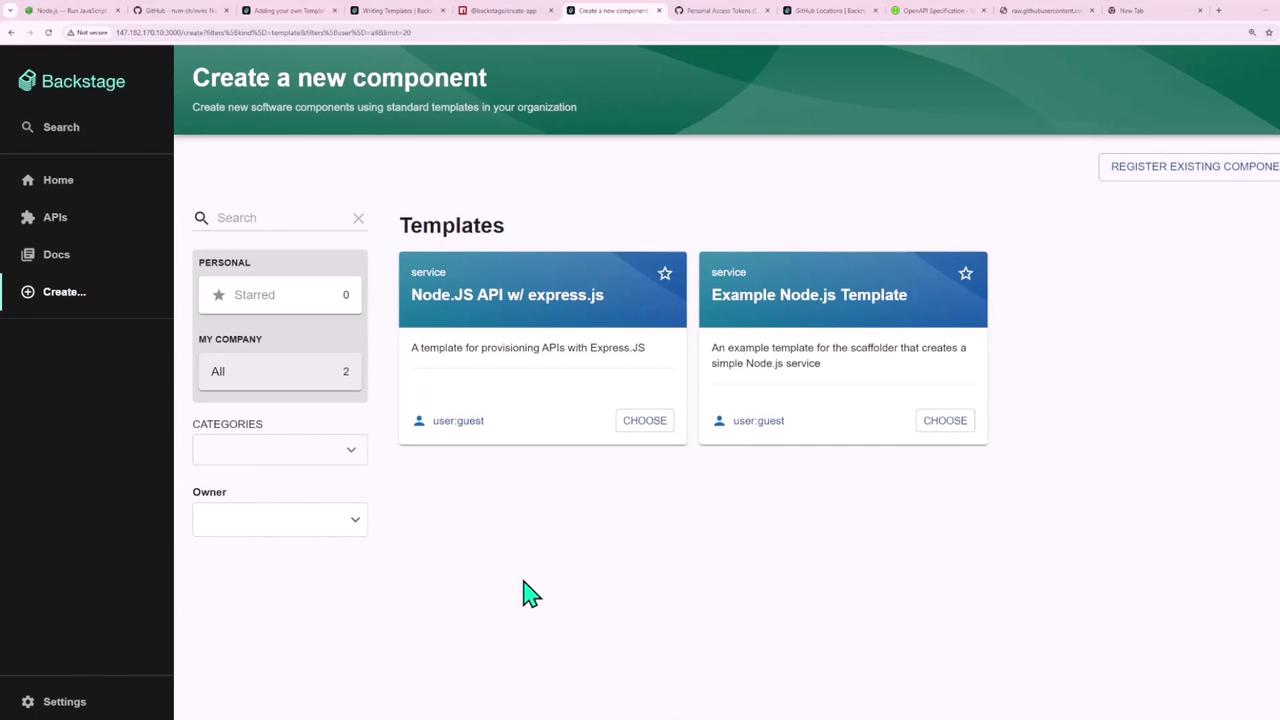


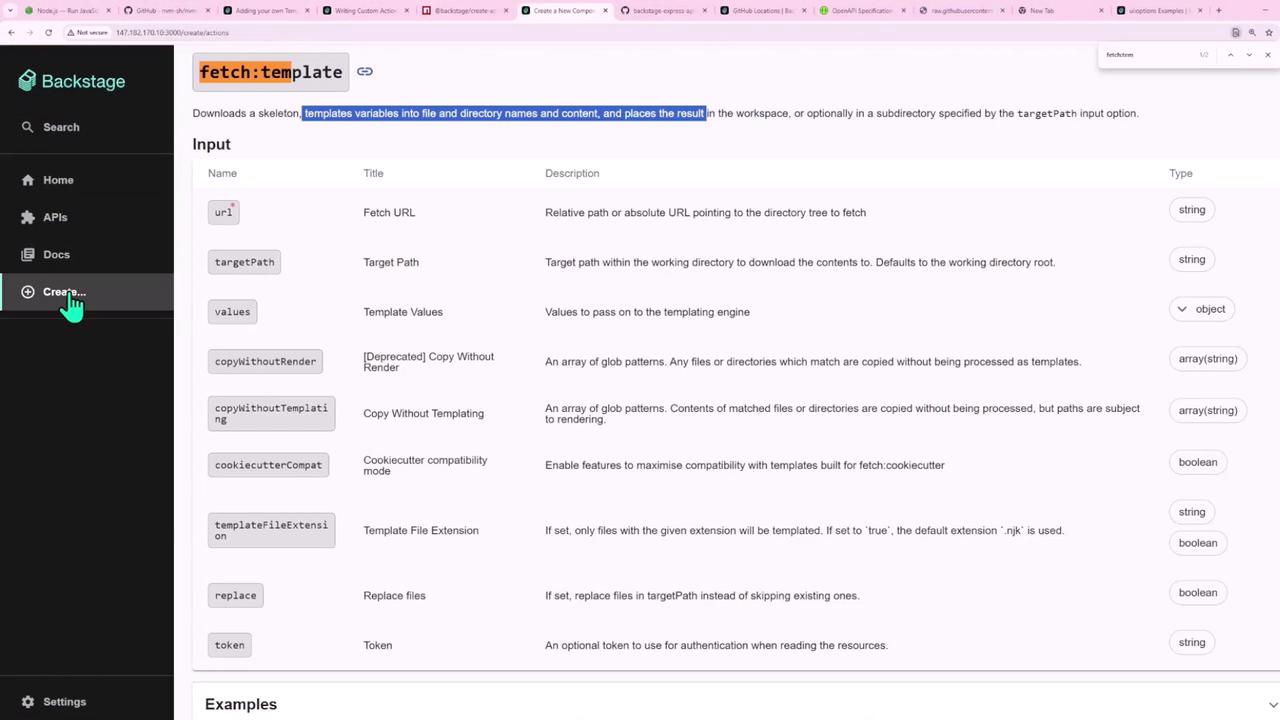
3. Exploring Built-in Actions
Backstage Scaffolder comes with many pre-built actions. For example:| Action | Purpose |
|---|---|
github:actions:dispatch | Trigger a GitHub Actions workflow |
github:repo:push | Push generated code to a GitHub repository |
fetch:template | Fetch and render a template repository |
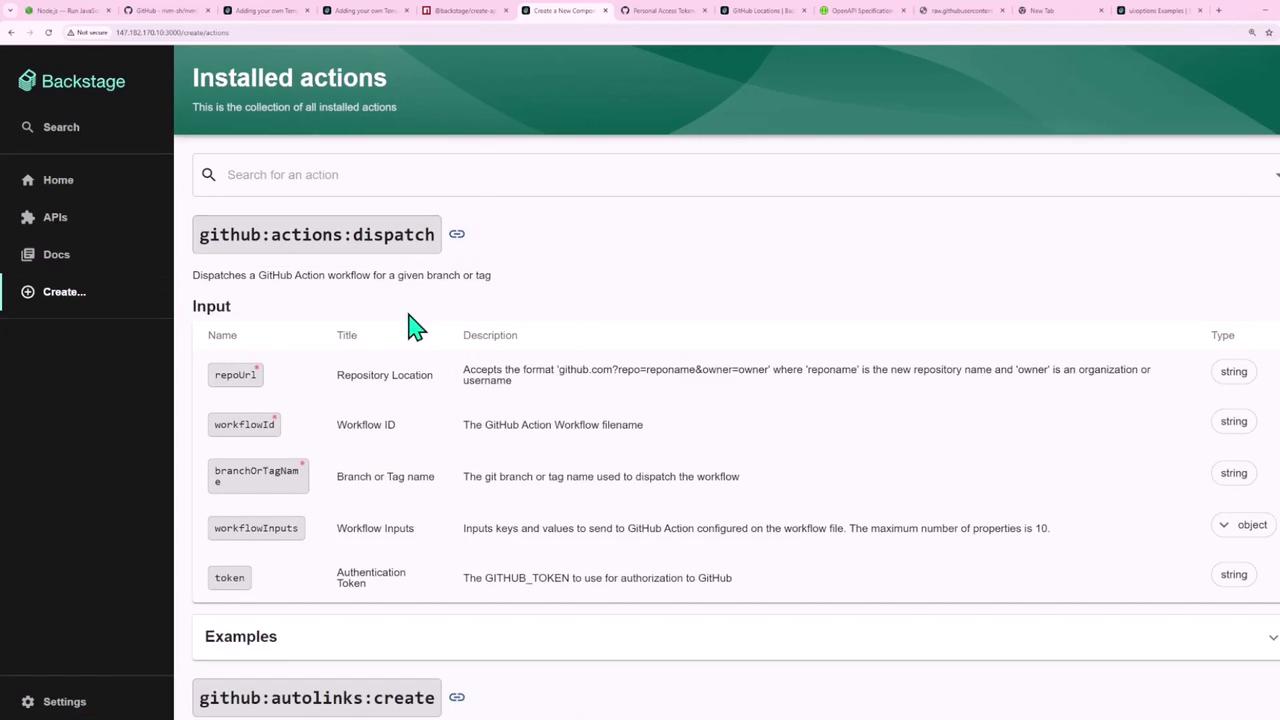
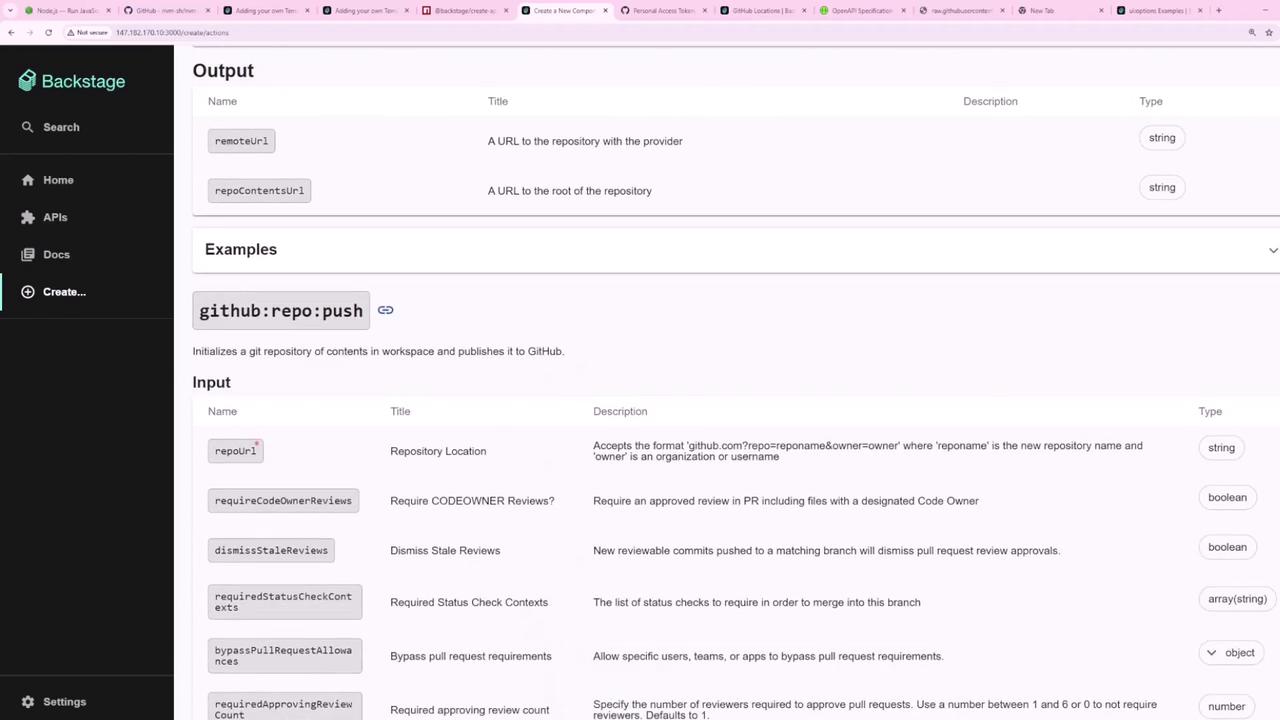
fetch:template in the form playground:
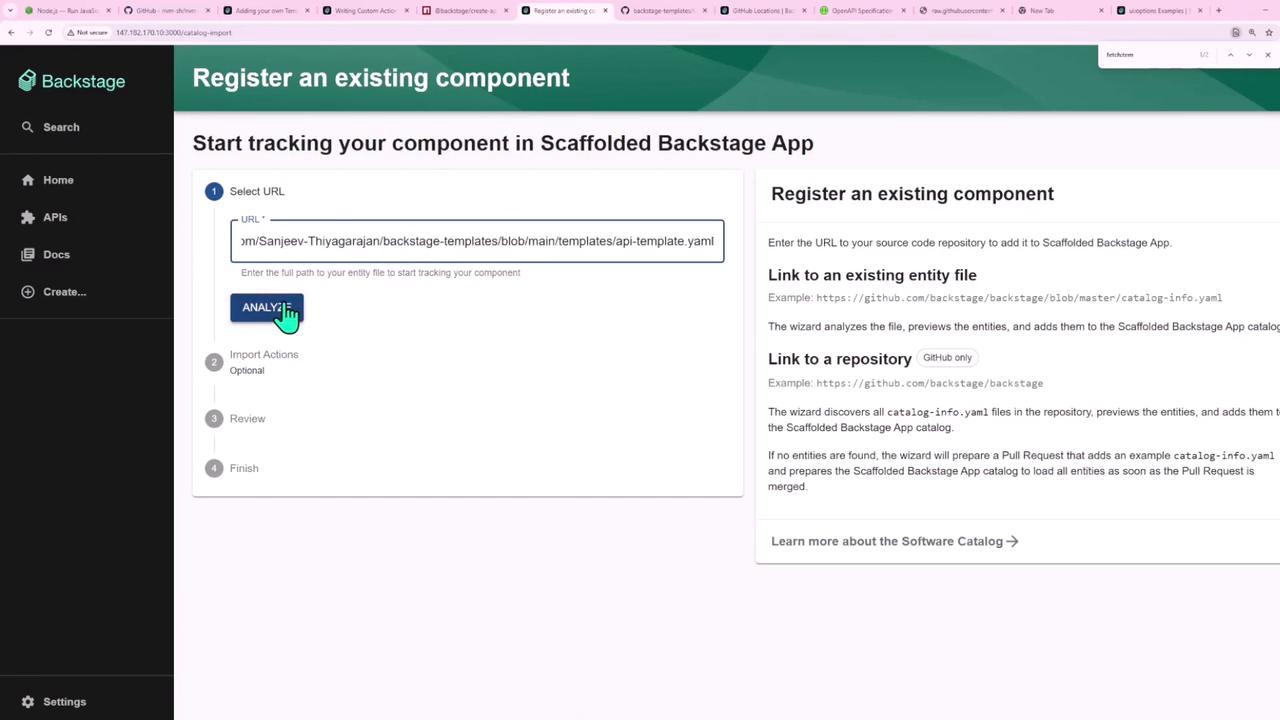
4. Registering the Template
Register yourtemplate.yaml so Backstage displays it in the Create UI. You have two options:
- UI Registration: Paste the URL of your template YAML.
- Import: Select Import and choose from your templates repository.
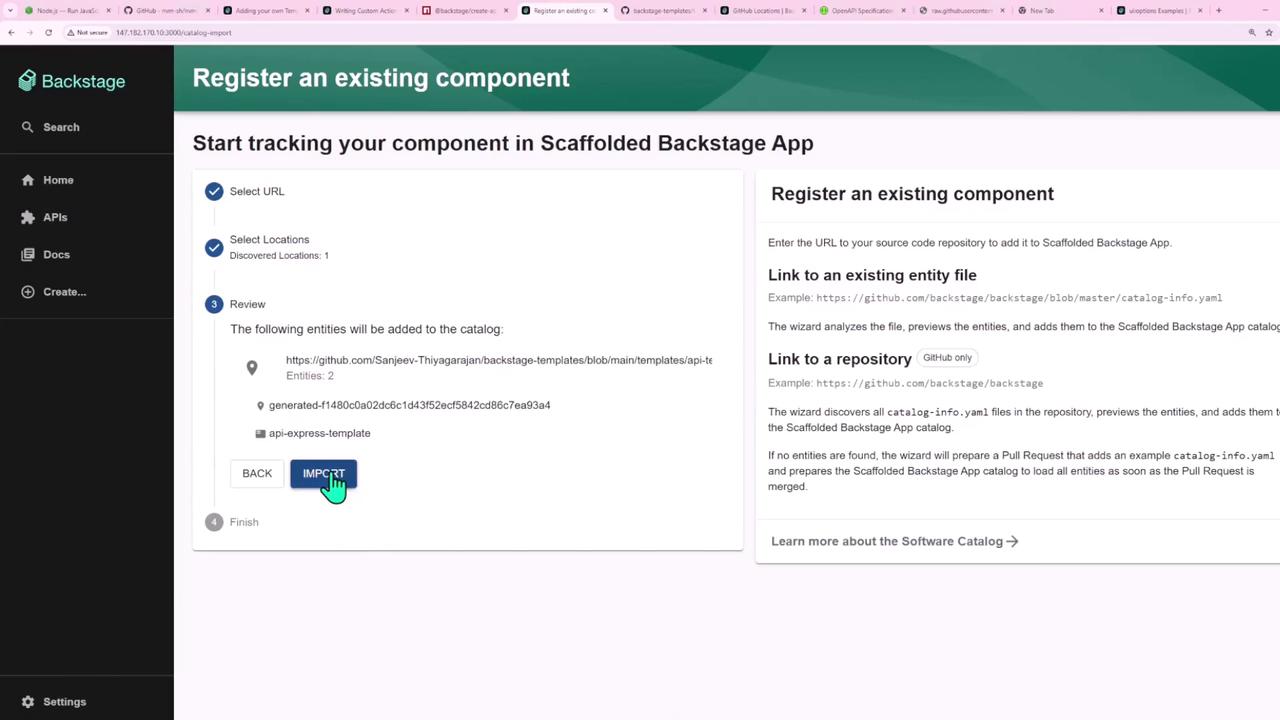
5. Using the Template
Once registered, your Node.js + Express template appears in Create. Select it, fill in details, and click Create: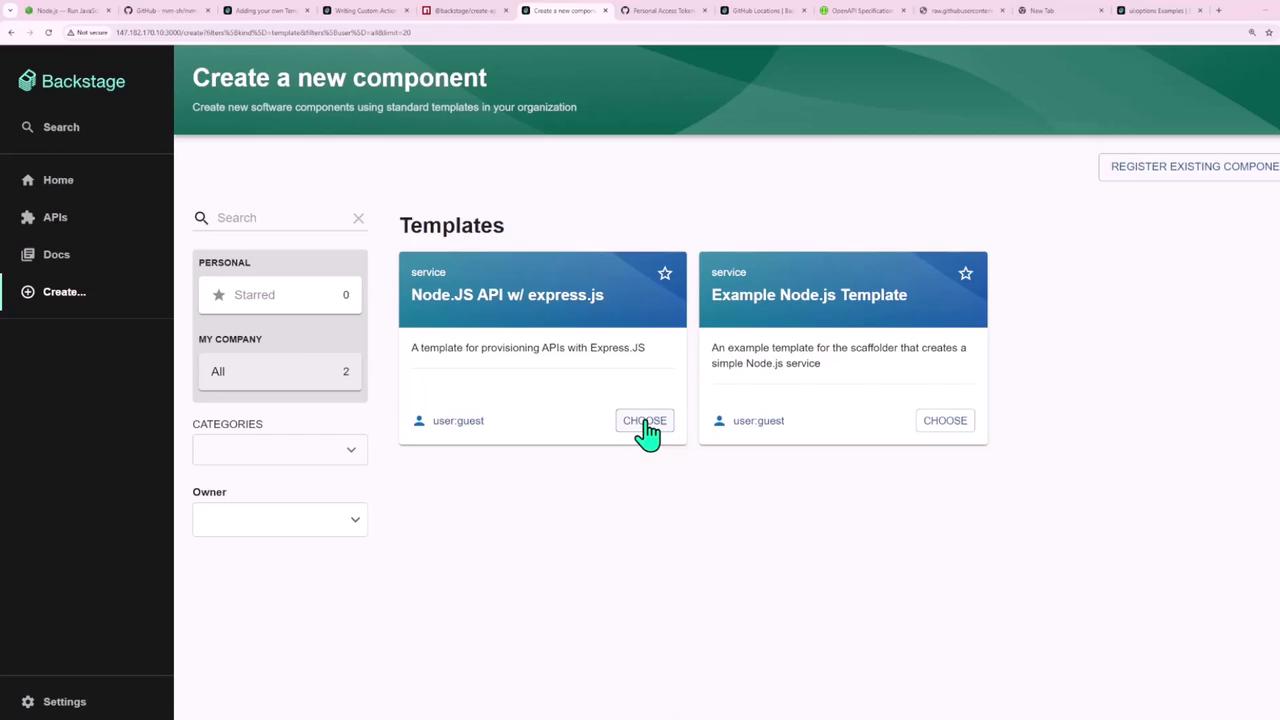
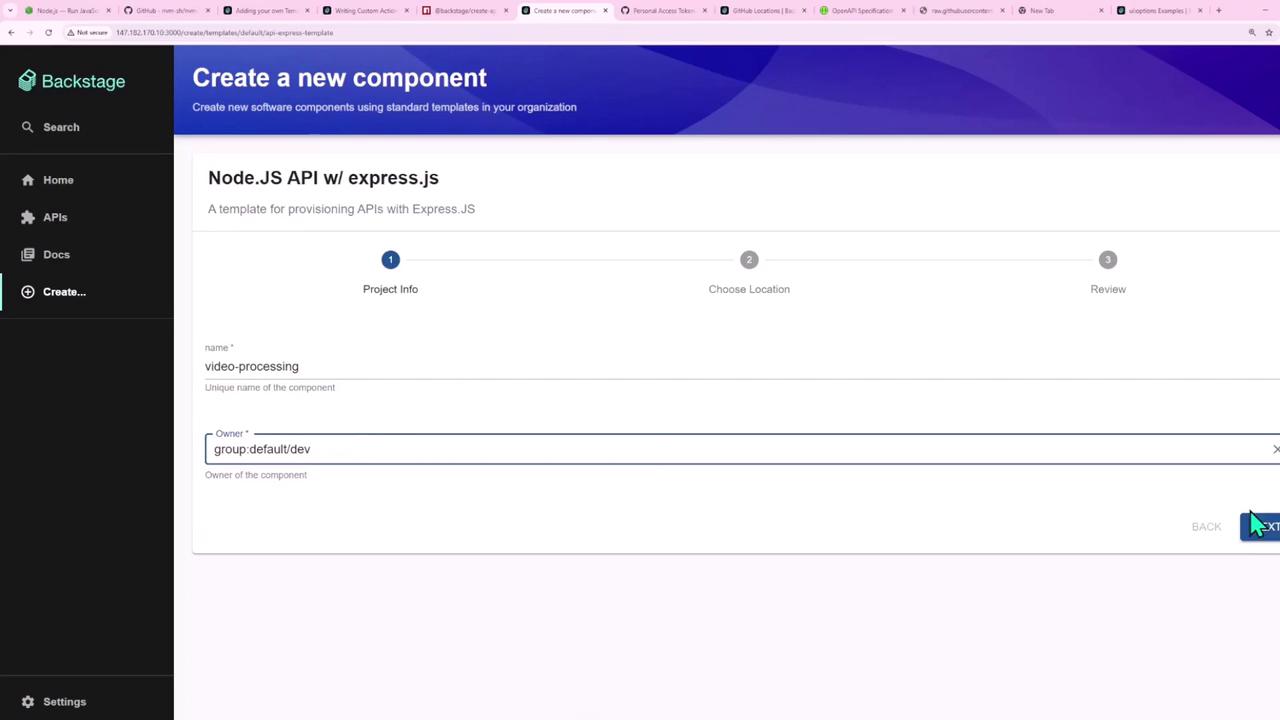
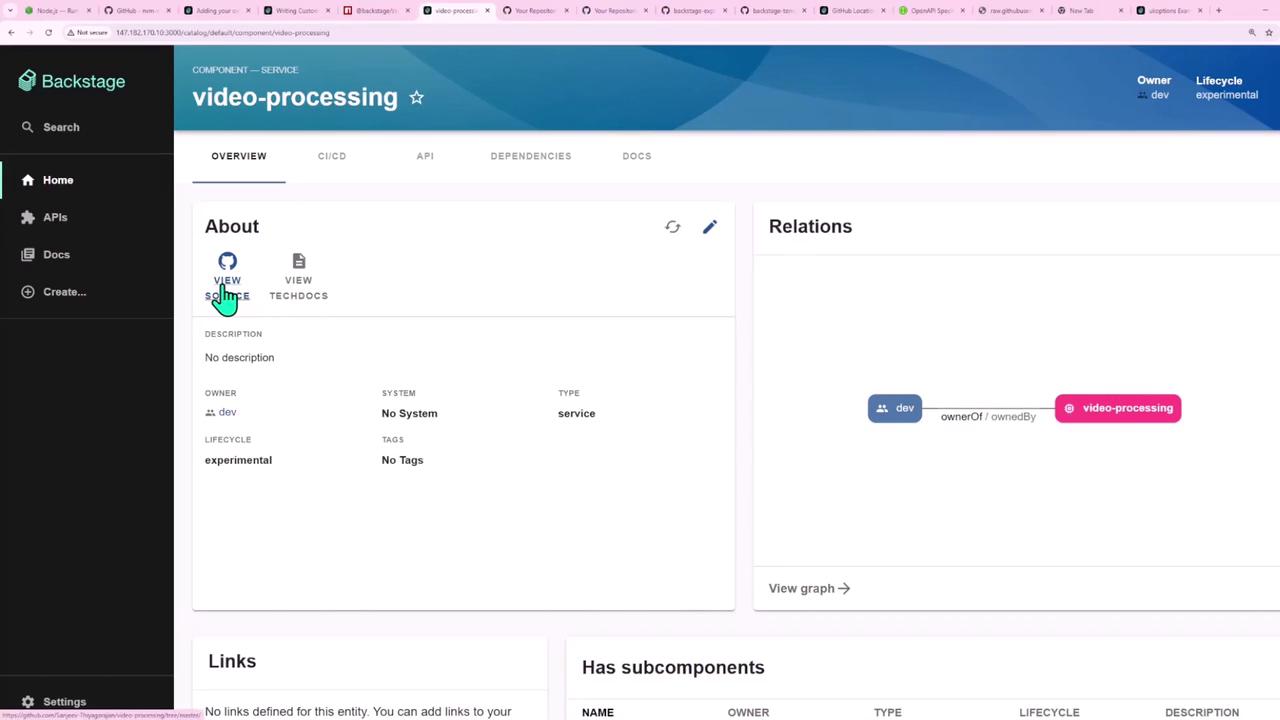
6. Template YAML Example
Here’s a completetemplate.yaml that ties everything together:
In your skeleton’s
package.json and catalog-info.yaml, reference parameters using the values object:Links and References
- Backstage Scaffolder Concepts
- Backstage Template API
- GitHub Actions Documentation
- Node.js Official Site
- Express.js Guide