Learn to create a Backstage template for a Node.js/Express API and provision an AWS EC2 instance using Terraform.
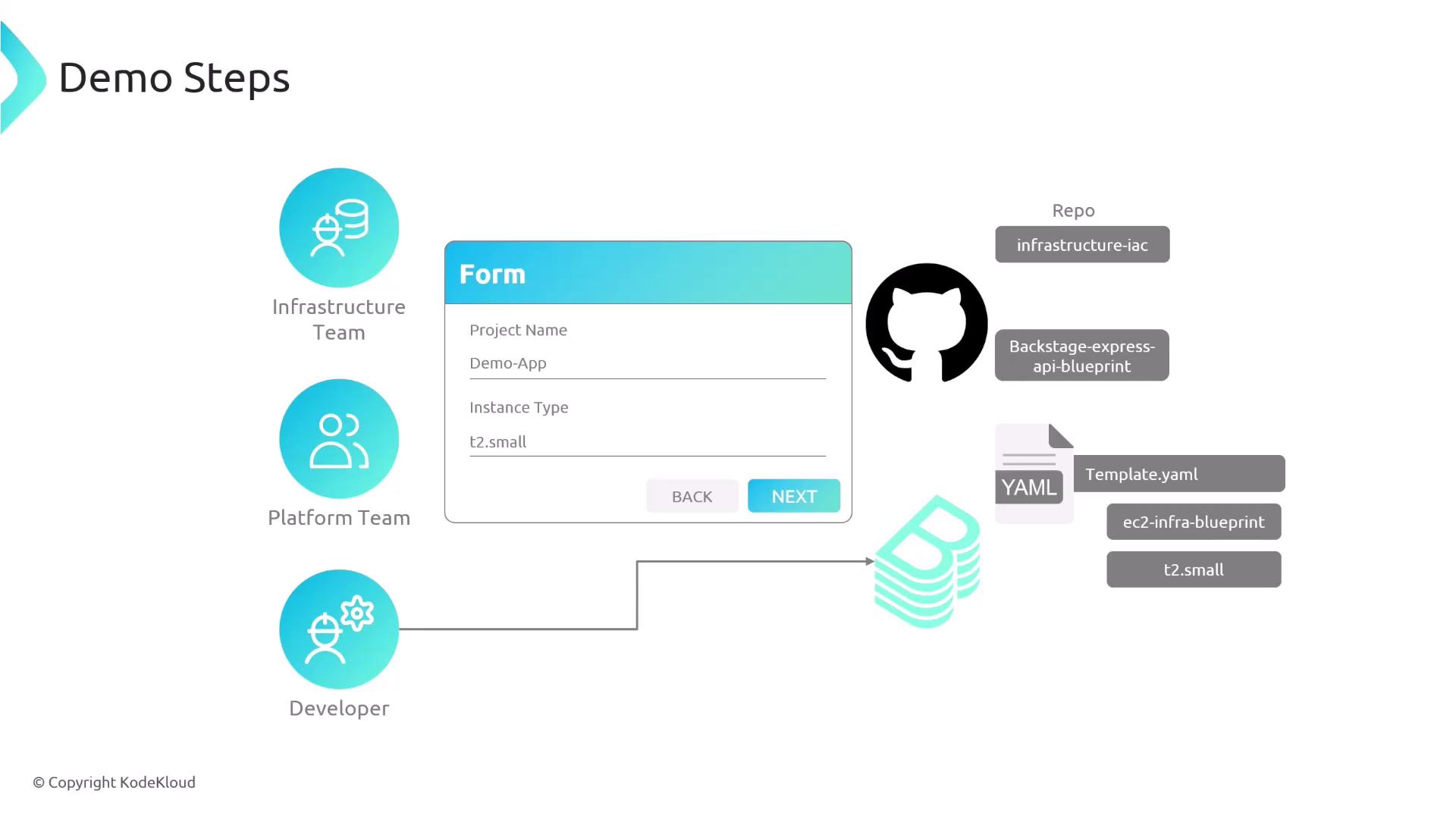
In this guide, you’ll learn how to build a Backstage scaffolder template that generates a Node.js/Express boilerplate and provisions an AWS EC2 instance via Terraform. We’ll cover:
Team workflows and repository breakdown
Terraform configurations for shared infrastructure and EC2 module
The nodejs-ec2-template.yaml scaffolder definition
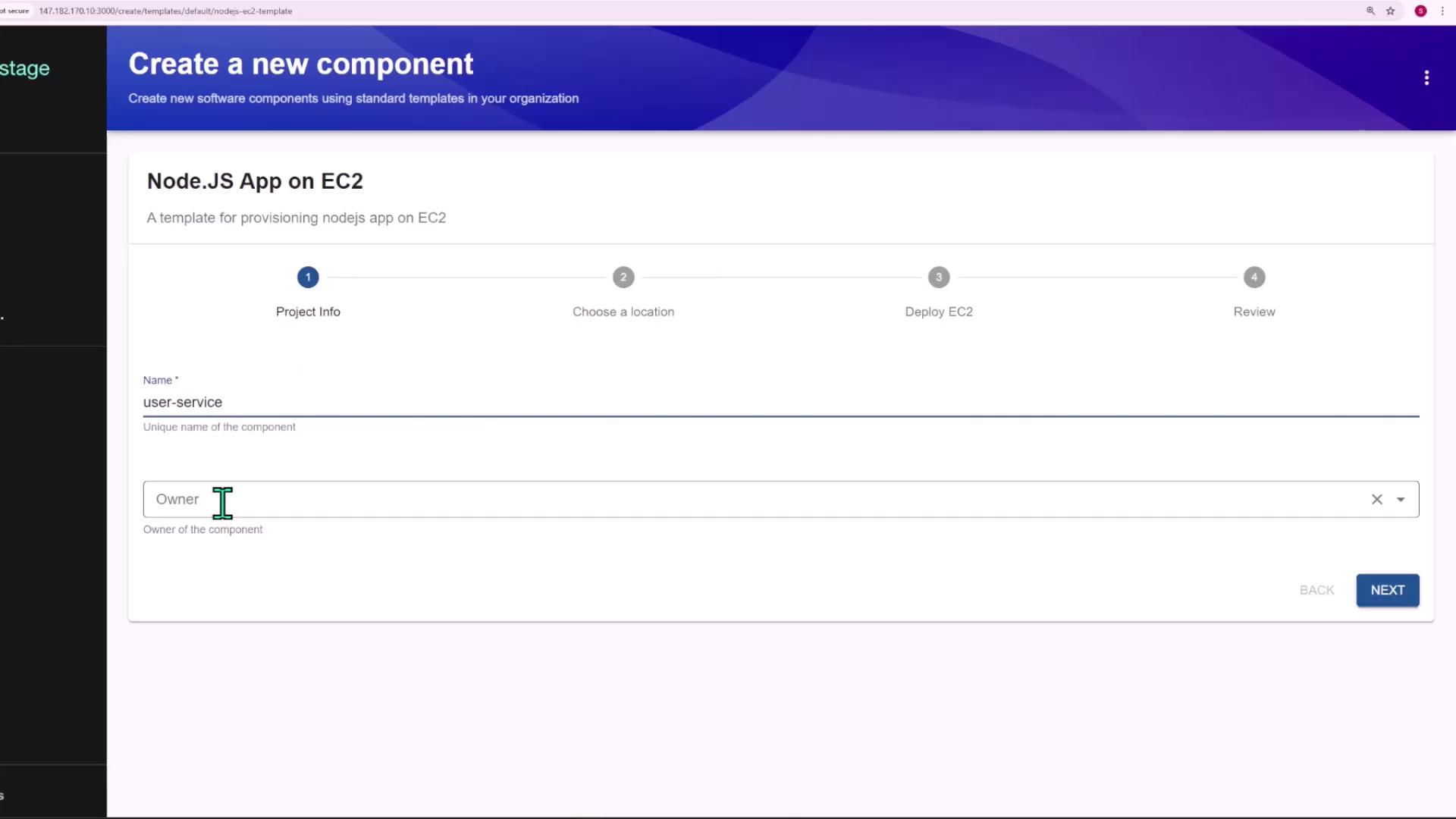
Live demo: creating a new service from the Backstage UI
variable "name" { type = string description = "Name of the EC2 instance"}variable "instance_type" { type = string description = "EC2 instance type (e.g., t2.micro)"}
resource.yaml:
apiVersion: backstage.io/v1alpha1kind: Resourcemetadata: name: "${{ values.name }}-ec2" description: EC2 instance for "${{ values.name }}"spec: type: compute owner: infra
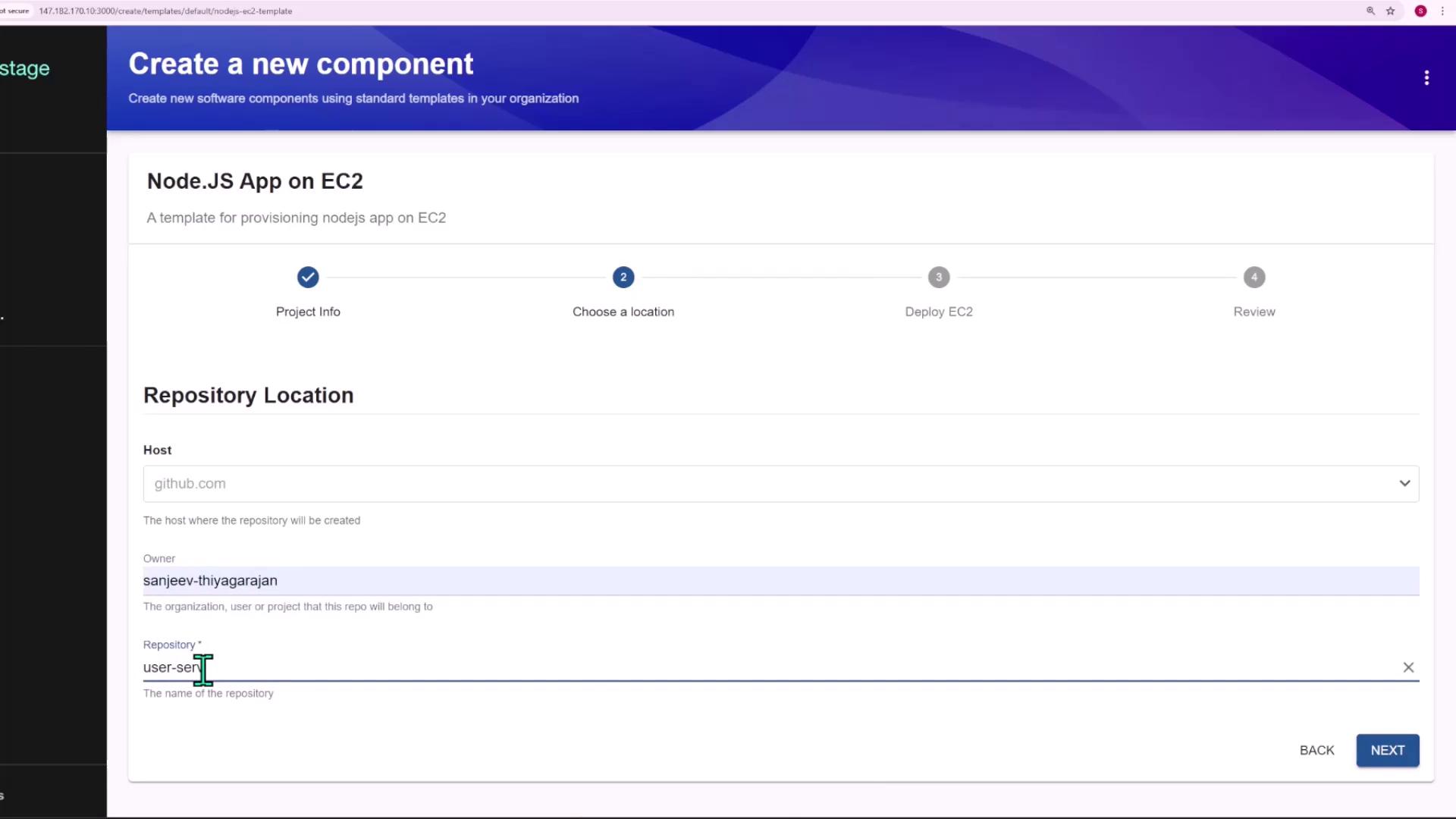
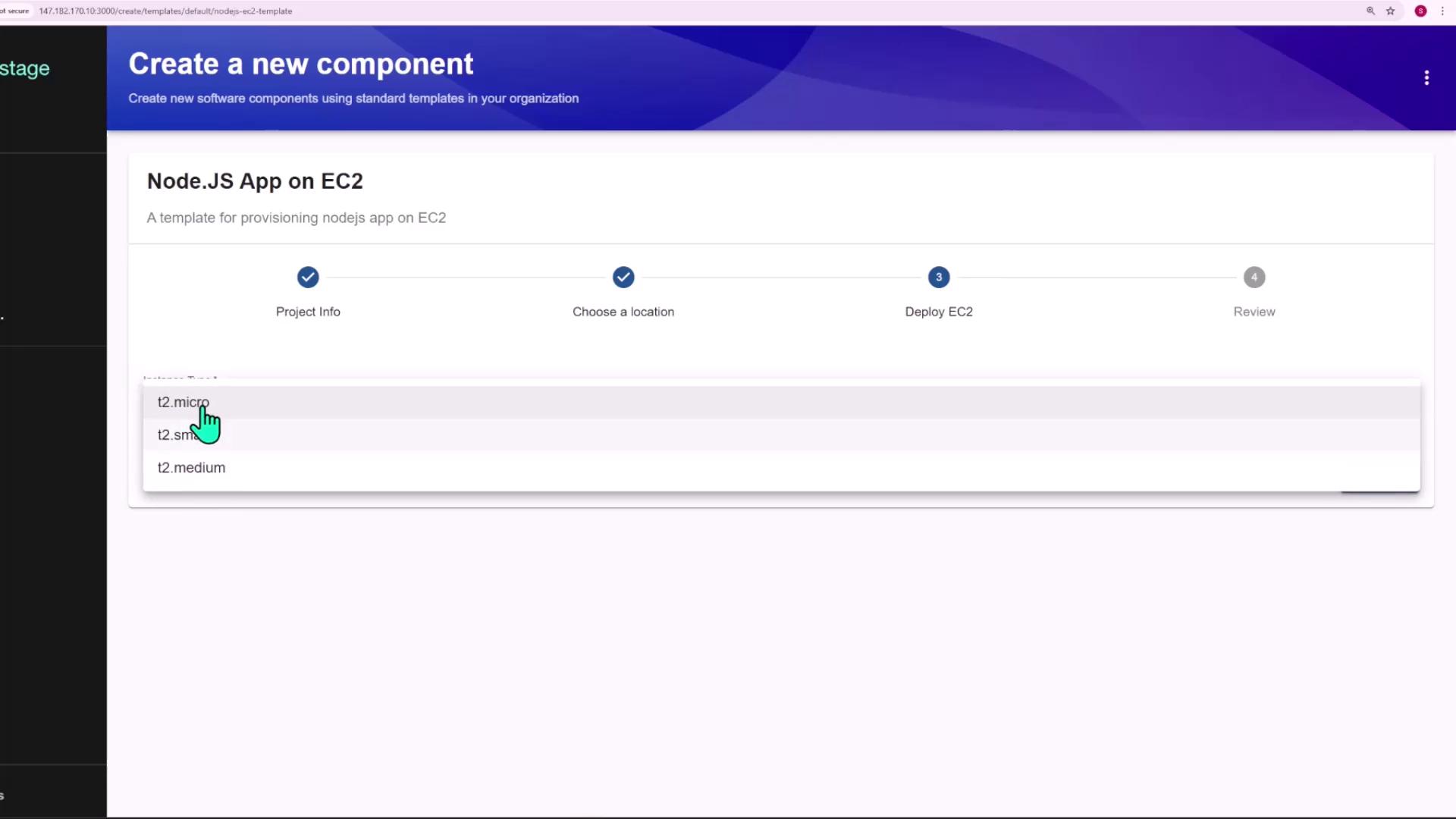
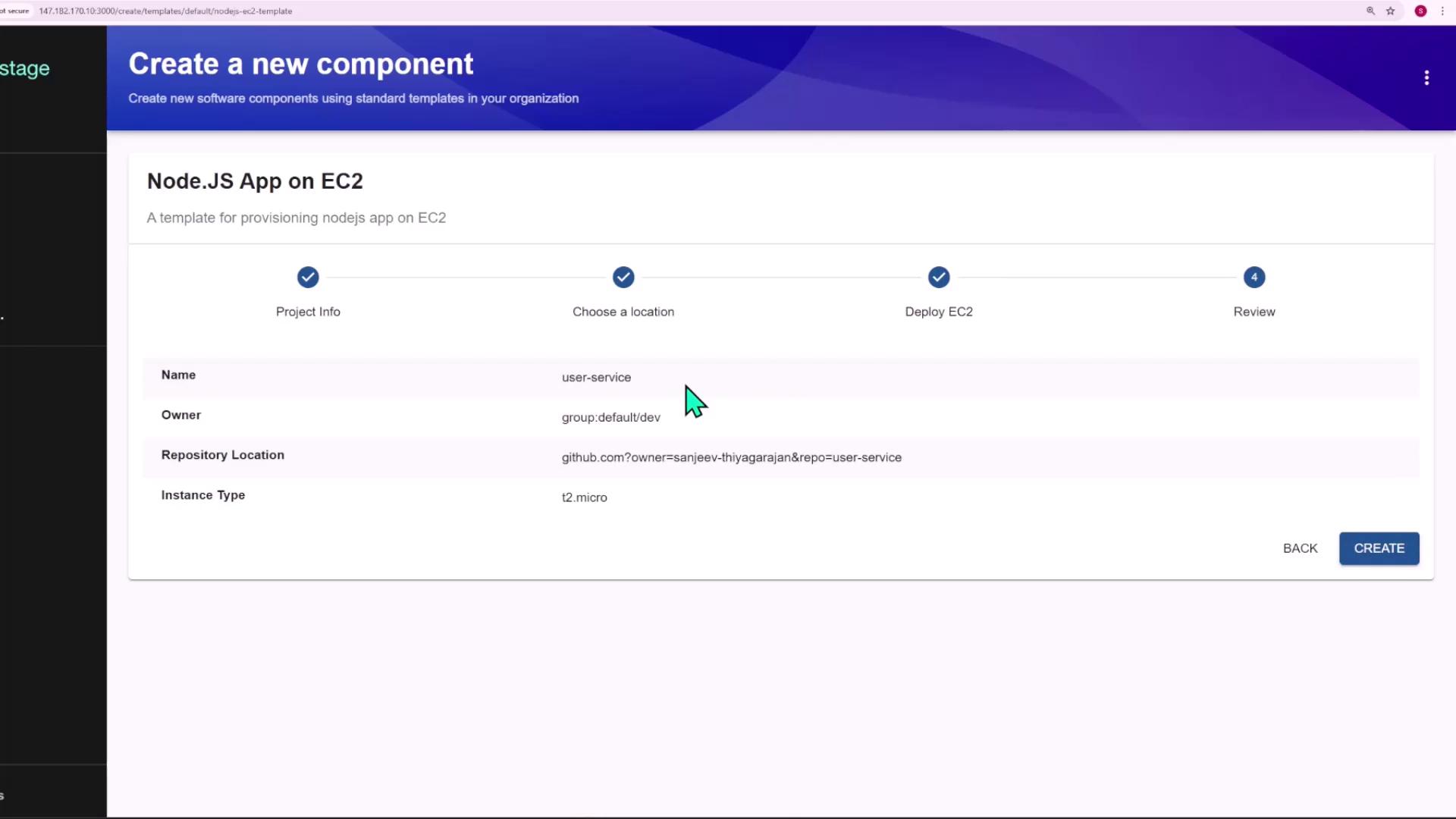
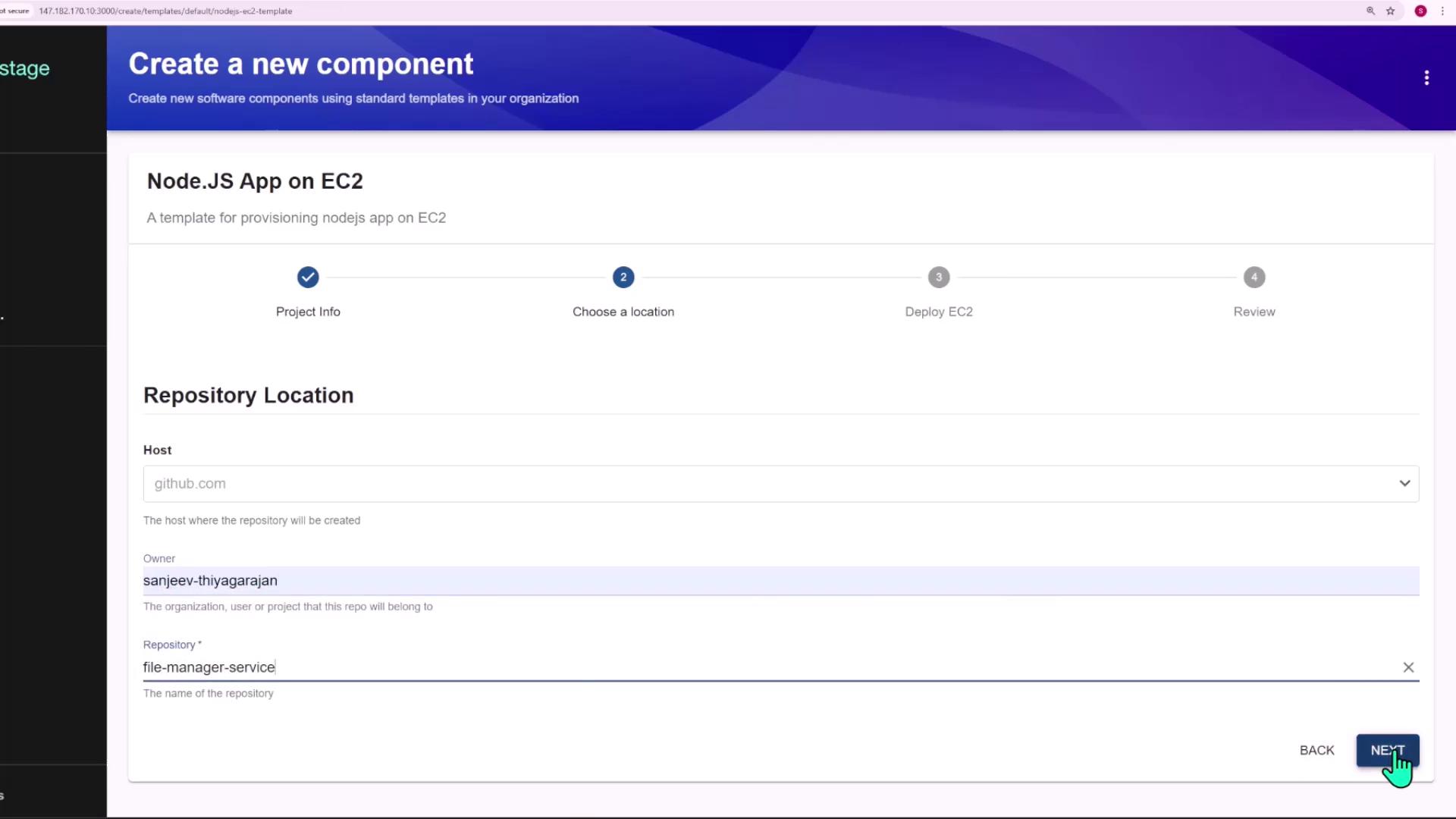
Use the template in Backstage to create a service:
Name: file-manager-service
Owner: group:default/dev
Repo URL: github.com/you/file-manager-service
Instance Type: t2.micro
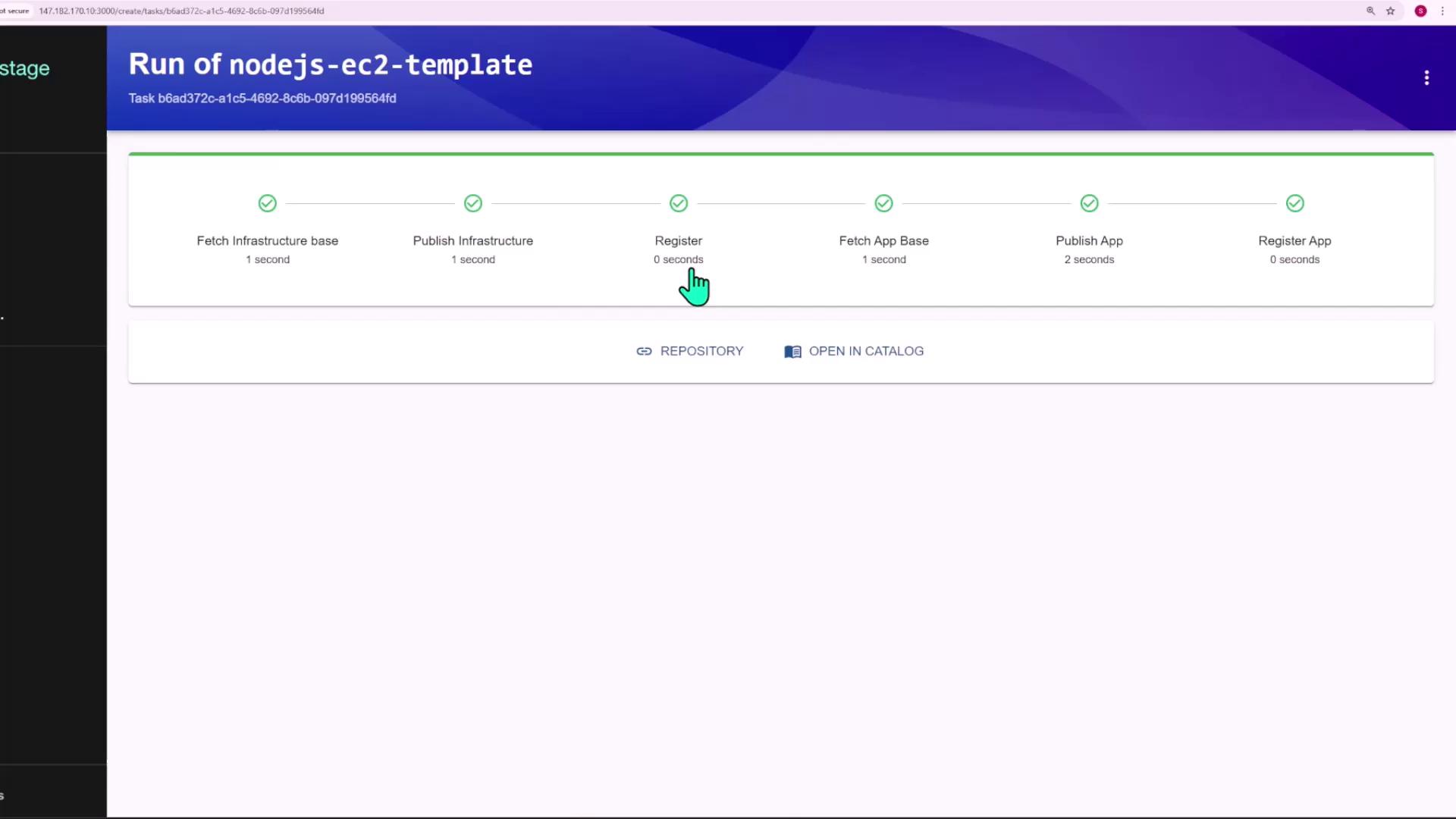
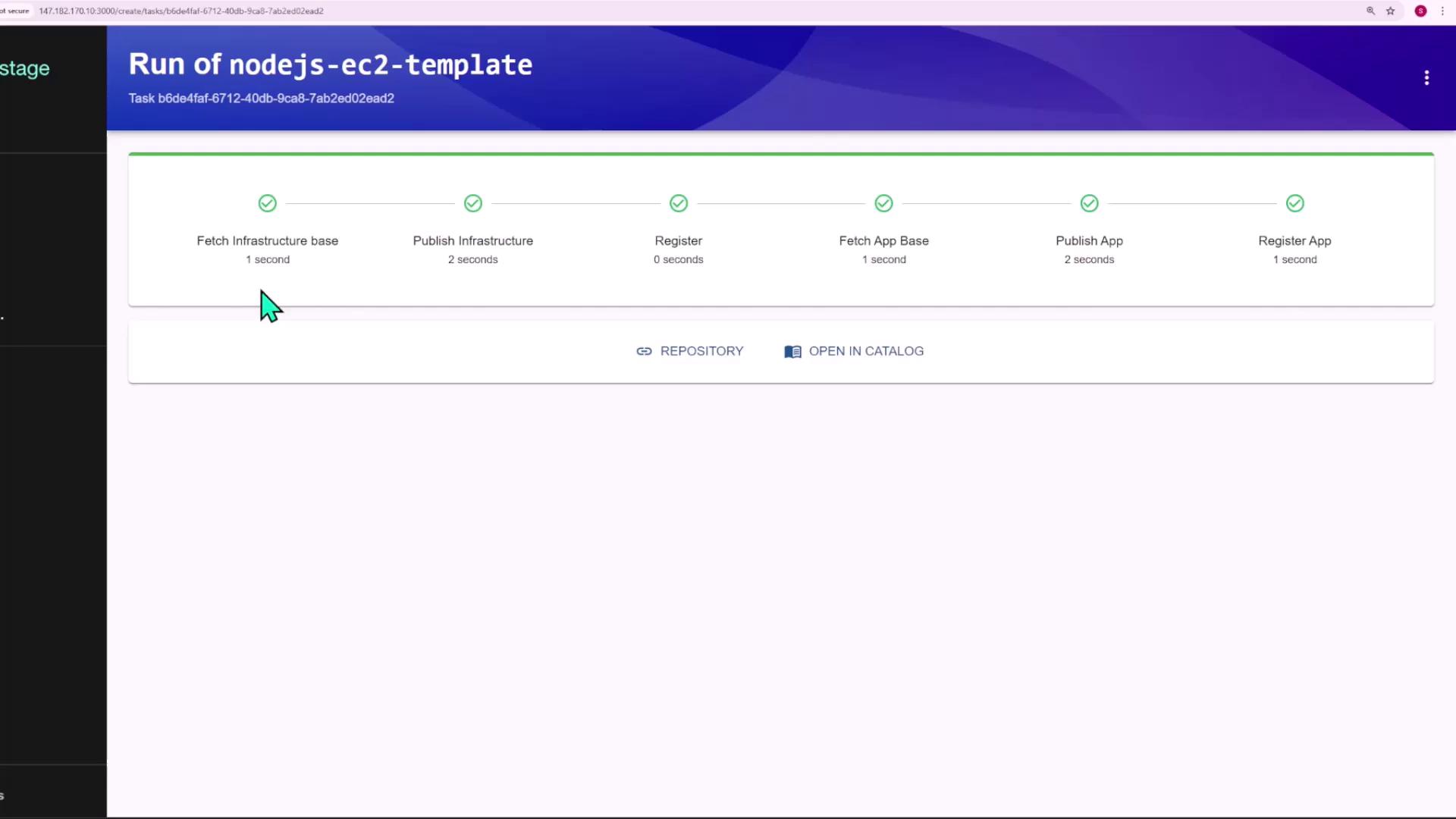
All steps complete successfully:
Two GitHub repositories are created:
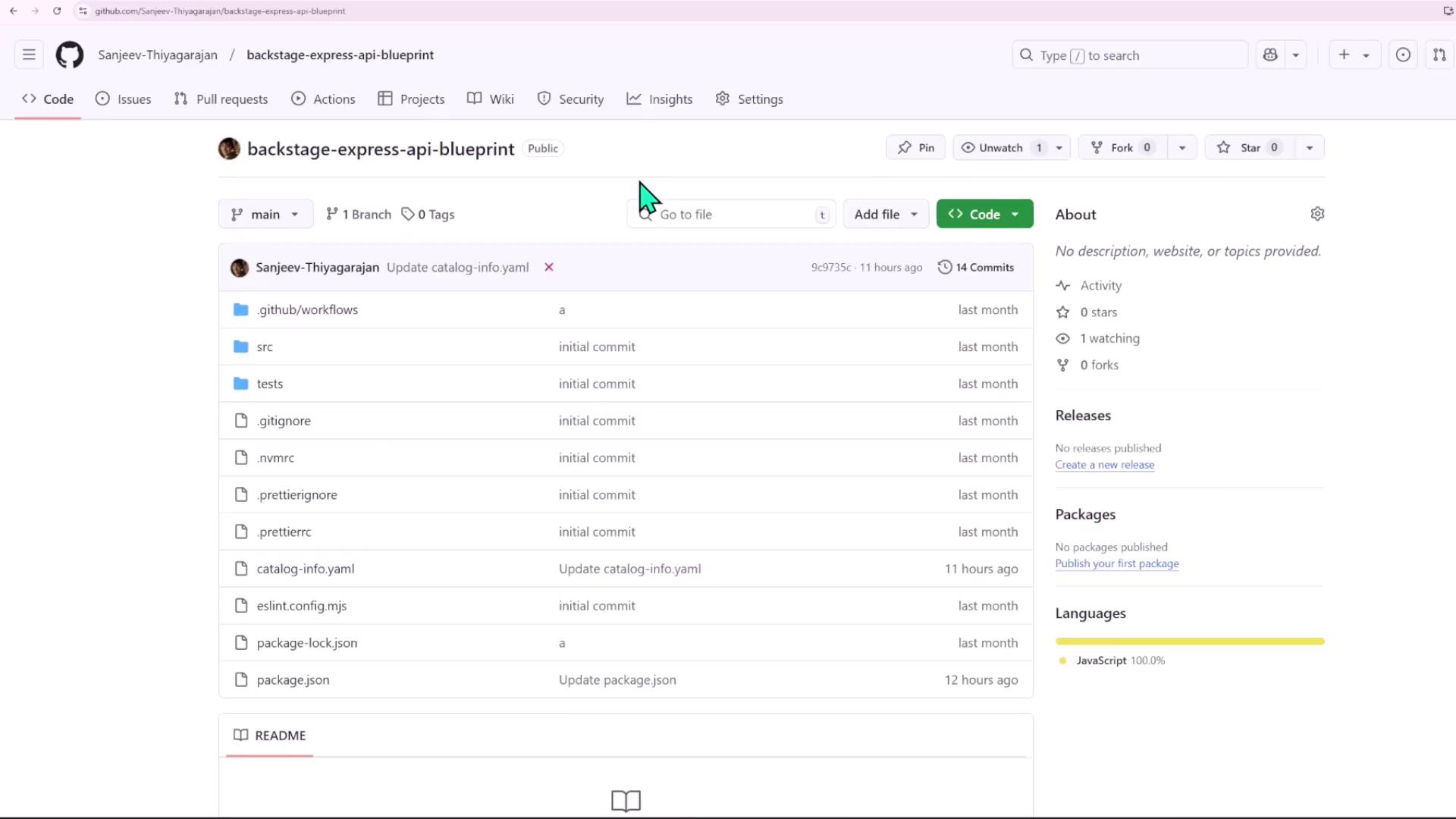
file-manager-service (application code)
file-manager-service-infra (Terraform code)
# file-manager-service-infra/main.tfmodule "my_ec2" { source = "app.terraform.io/sanjeevkt720/ec2-infra/aws" version = "1.0.0" name = "file-manager-service" instance_type = "t2.micro" subnet = data.terraform_remote_state.core.outputs.subnet3_id}
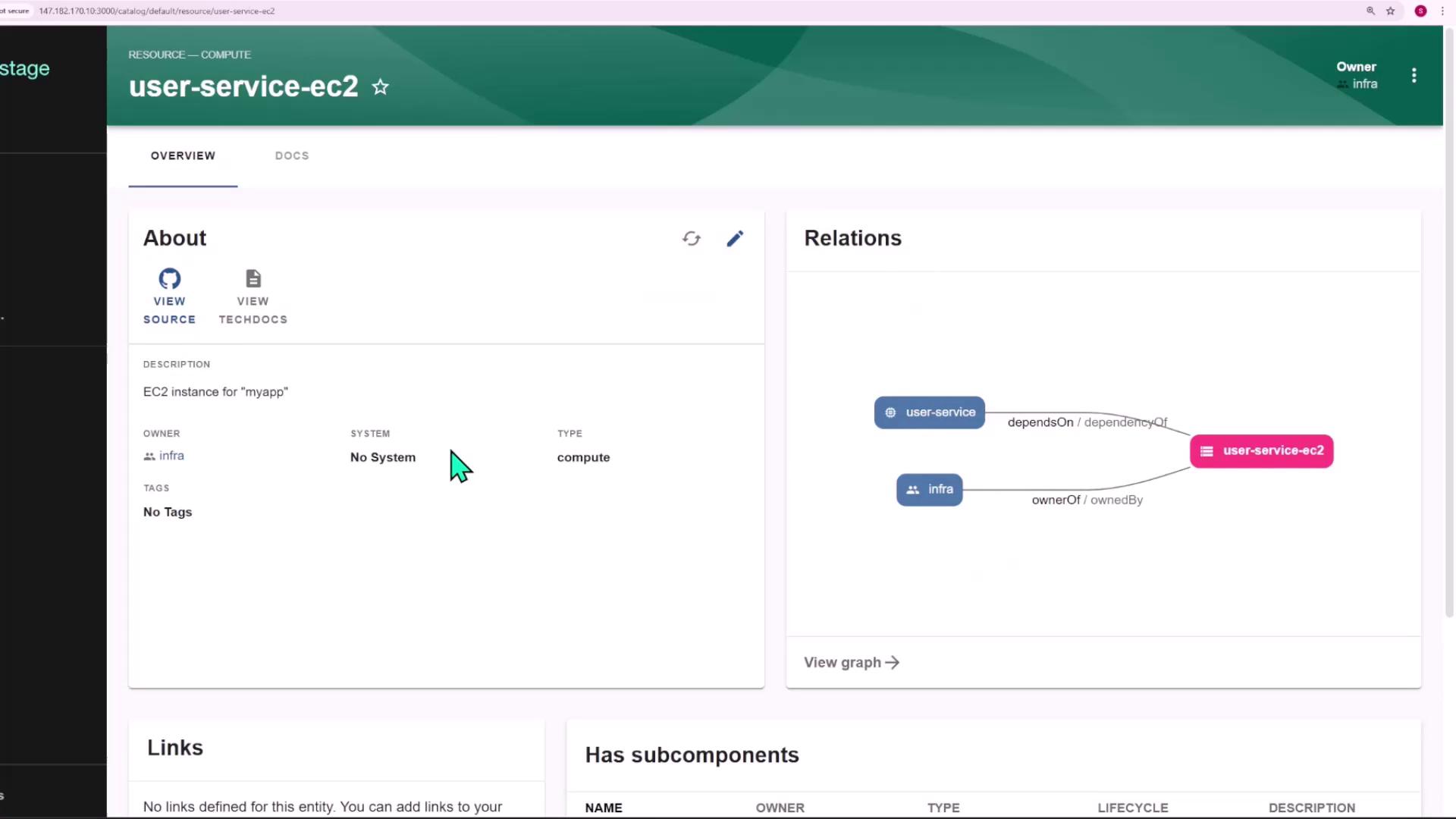
# file-manager-service-infra/resource.yamlapiVersion: backstage.io/v1alpha1kind: Resourcemetadata: name: "file-manager-service-ec2" description: EC2 instance for "file-manager-service"spec: type: compute owner: infra
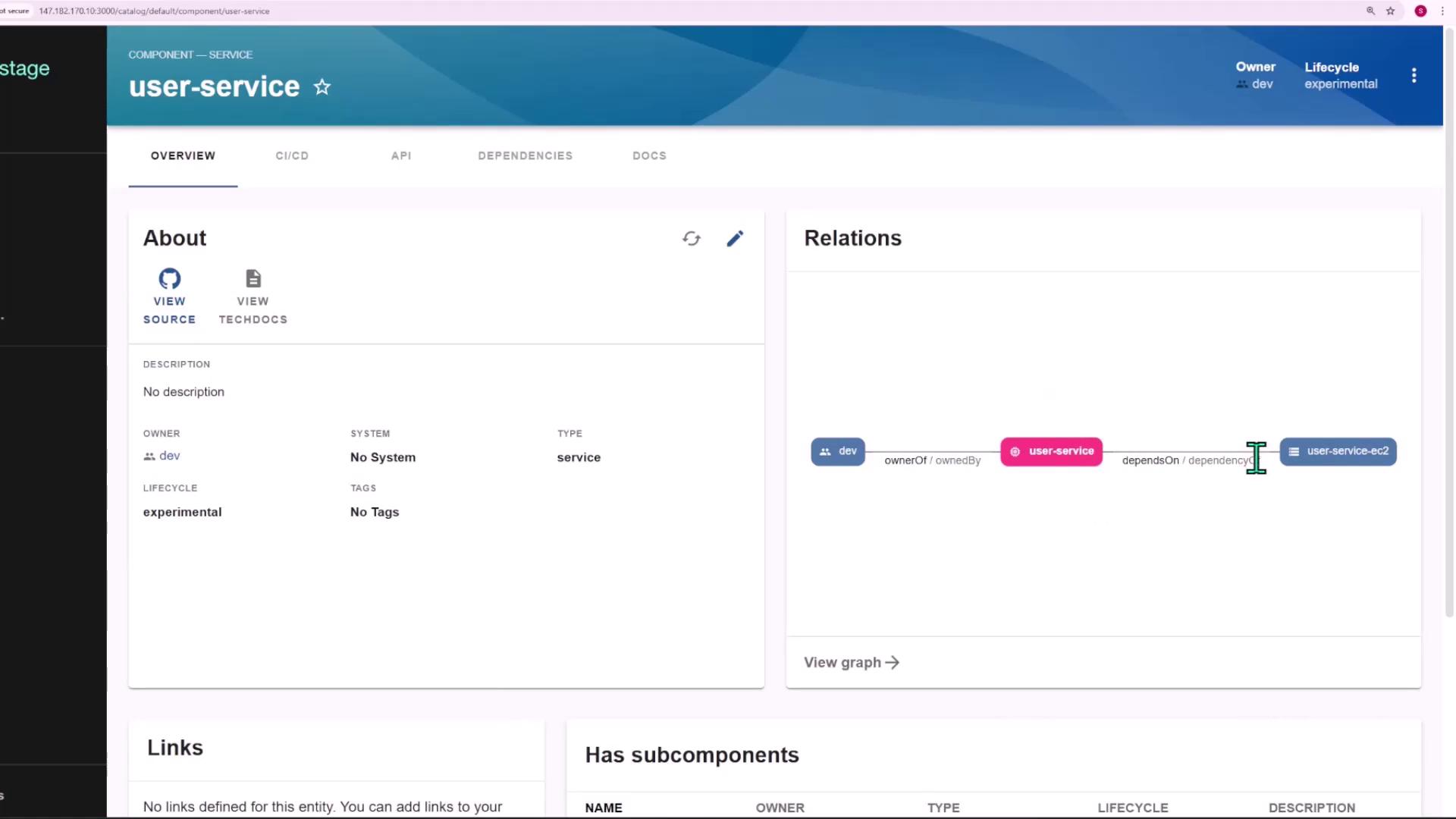
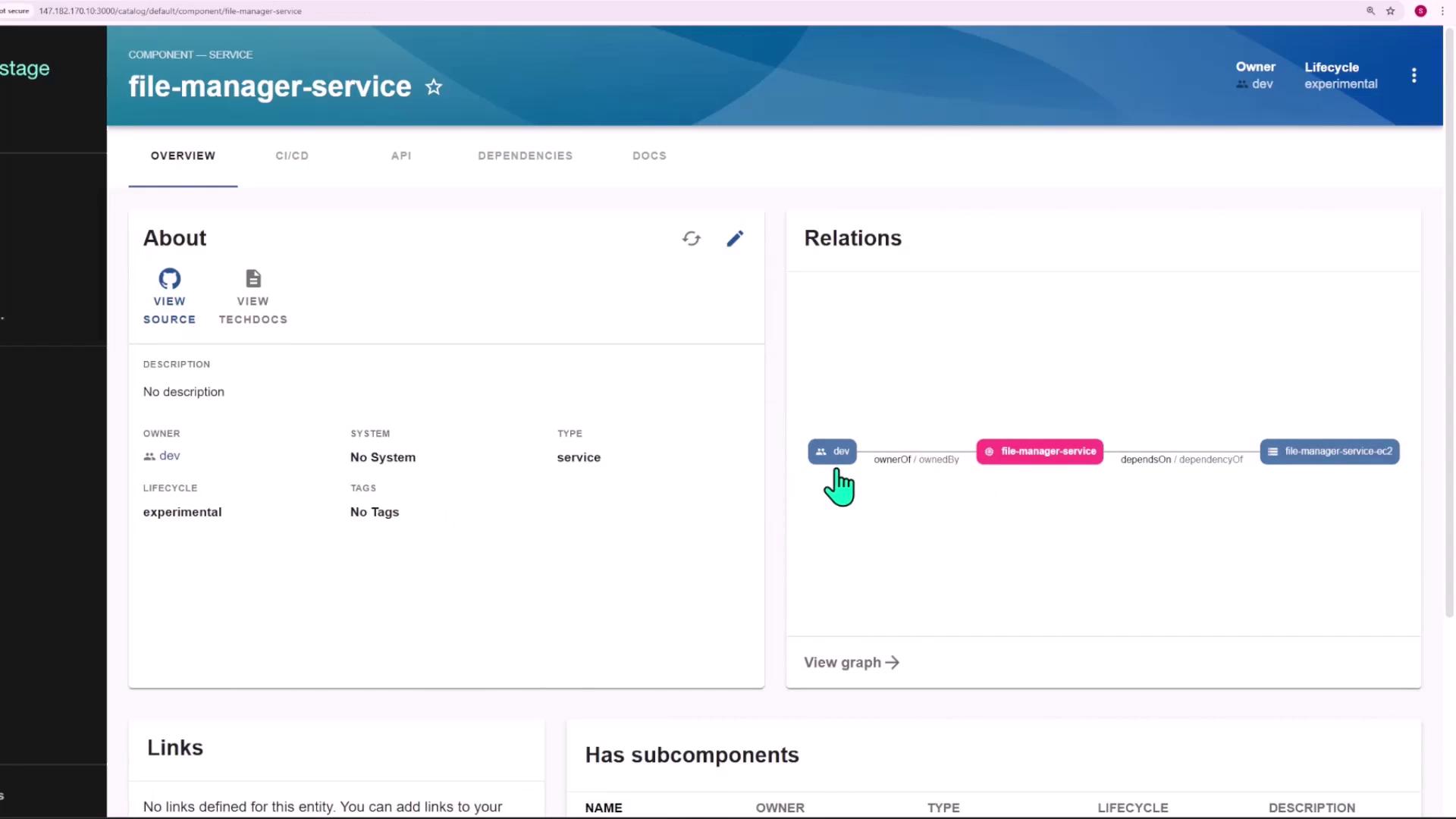
In Backstage, you’ll see the new component linked to its EC2 resource:
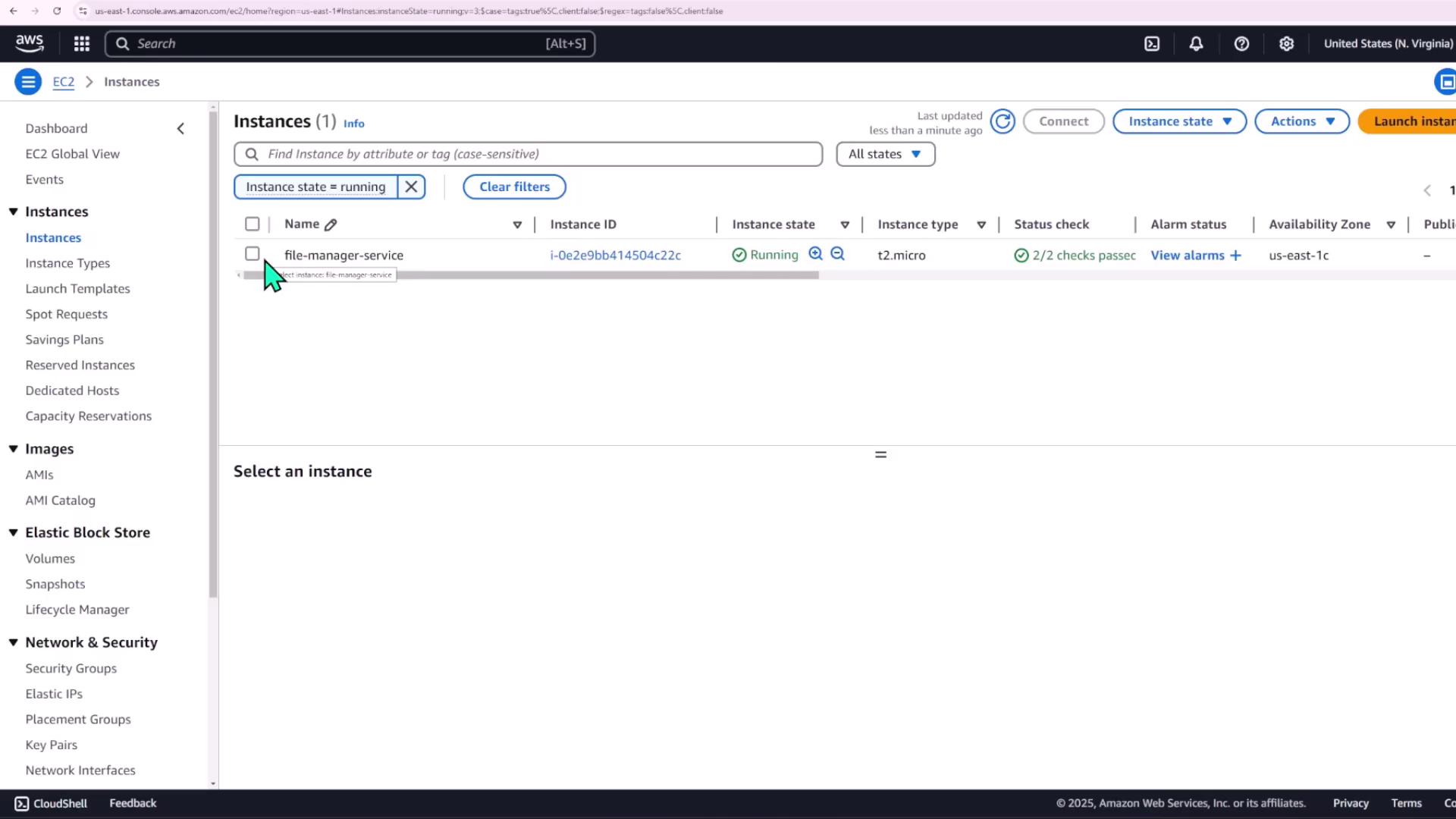
Finally, verify your EC2 instance in AWS:
With this scaffolder template, teams can rapidly spin up Node.js services alongside their AWS infrastructure, all managed via standard Terraform modules.