

Unified Search Interface
Backstage’s built-in search lets you query across services, APIs, and docs—all from one place. Even if you’re not sure where something lives in your infrastructure, a quick search will surface the right component or guide.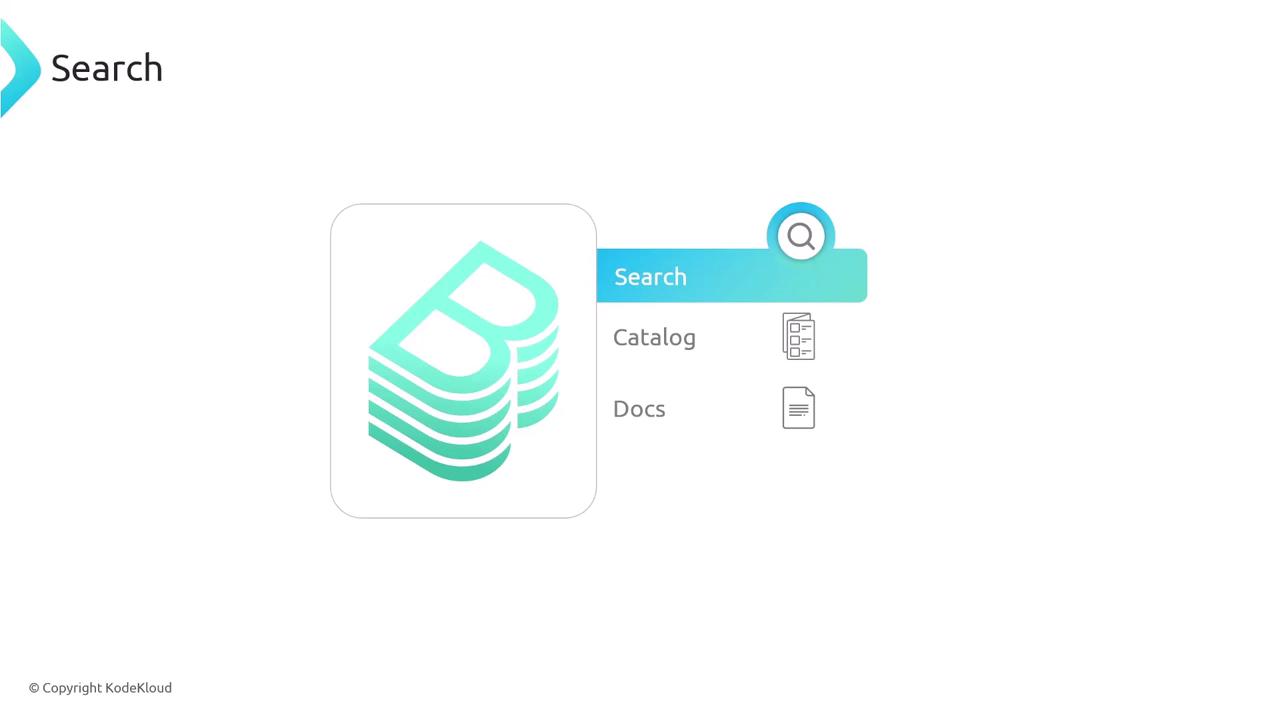
Extending Search with Plugins
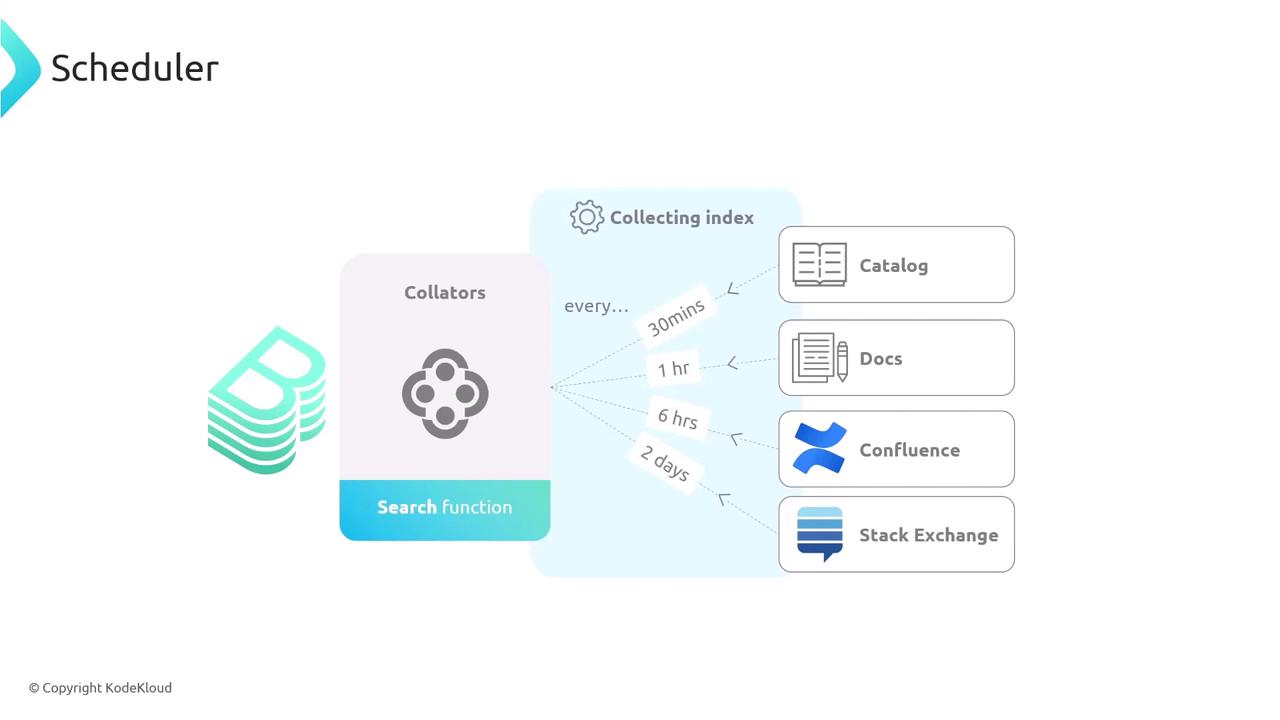
Beyond out-of-the-box catalog and docs indexing, you can add collators for external tools. Index your Confluence pages, Stack Exchange threads, or any web-based resource.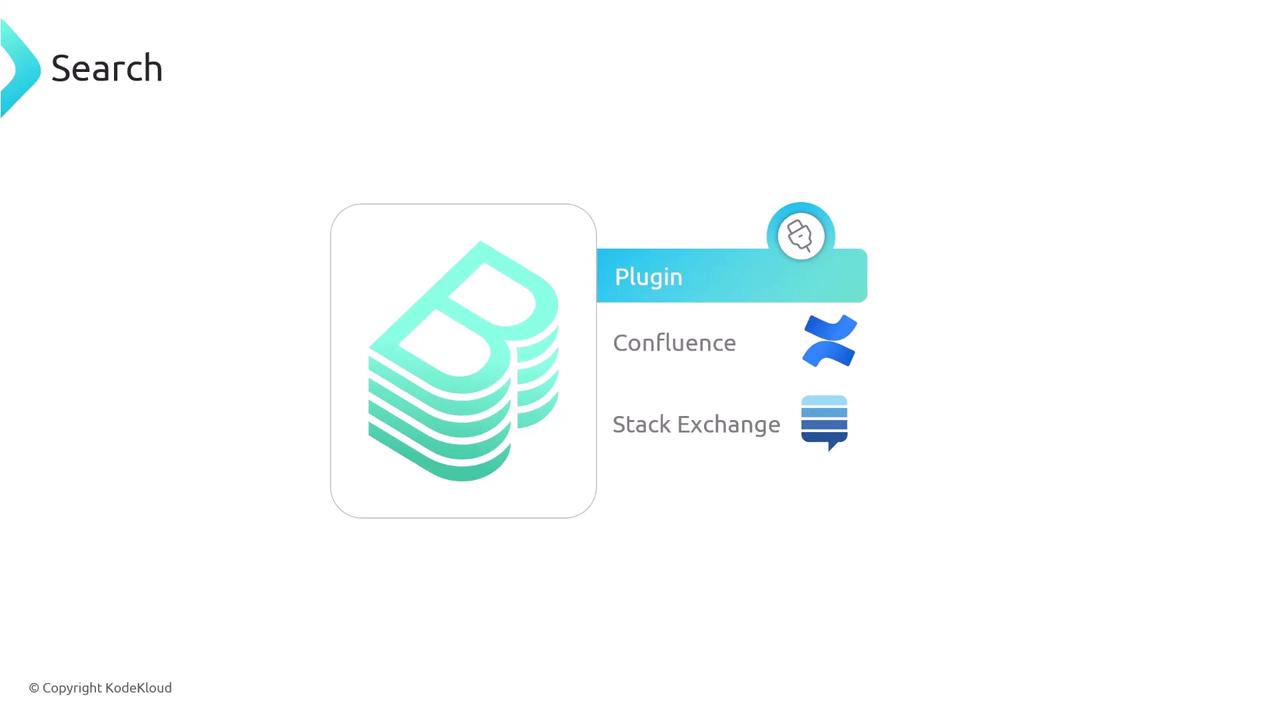
Search Engine Options
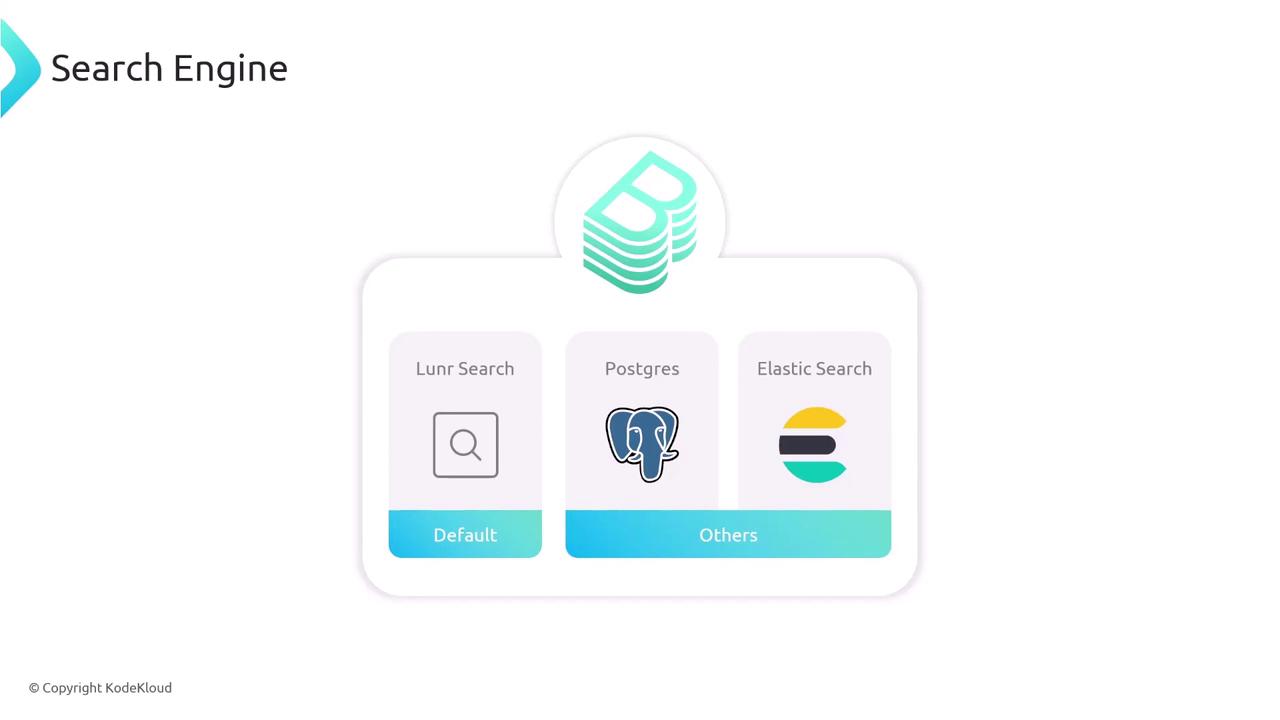
Backstage supports multiple search backends. By default, it uses Lunr, but you can also connect to Postgres or Elasticsearch.| Engine | Default | Scalability | Typical Use Case |
|---|---|---|---|
| Lunr | ✓ | Low | Small to mid-size deployments |
| PostgreSQL | Medium | Teams already standardizing on Postgres | |
| Elasticsearch | High | Large-scale or global search clusters |
Switching backends is straightforward and lets you match search performance to your infrastructure scale.
Configuring What Gets Indexed
The collator system controls which resources are crawled and how often. Out of the box, Backstage includes collators for:- Service Catalog
- Built-in documentation
| Source | Interval |
|---|---|
| Catalog | 30 minutes |
| Docs | 1 hour |
| Confluence | 6 hours |
| Stack Exchange | 2 days |
Frequent indexing keeps your search results fresh, but be mindful of API rate limits and server load.
Adding Elasticsearch as Your Search Backend
If you need enterprise-grade search, switch from Lunr to Elasticsearch:1. Install the Elasticsearch module
2. Register the Elasticsearch plugin in your backend
3. Configure the connection in app-config.yaml
Ensure your Elasticsearch credentials are secured and never committed to version control. Consider using secrets management or environment variables.