Default Guest Access
Out of the box, Backstage permits anyone to sign in as a guest. To prevent unauthorized access, configure an external identity provider before deploying to production.
Supported Identity Providers
Backstage natively supports multiple OAuth and SAML providers. After configuration, users will see additional Sign in buttons on the login page.| Identity Provider | Protocol | Documentation |
|---|---|---|
| GitHub | OAuth 2.0 | GitHub Setup |
| Auth0 | OAuth 2.0 | Auth0 Plugin |
| OAuth 2.0 | Google Auth | |
| OneLogin | SAML | OneLogin SAML |
Authentication Workflow Overview
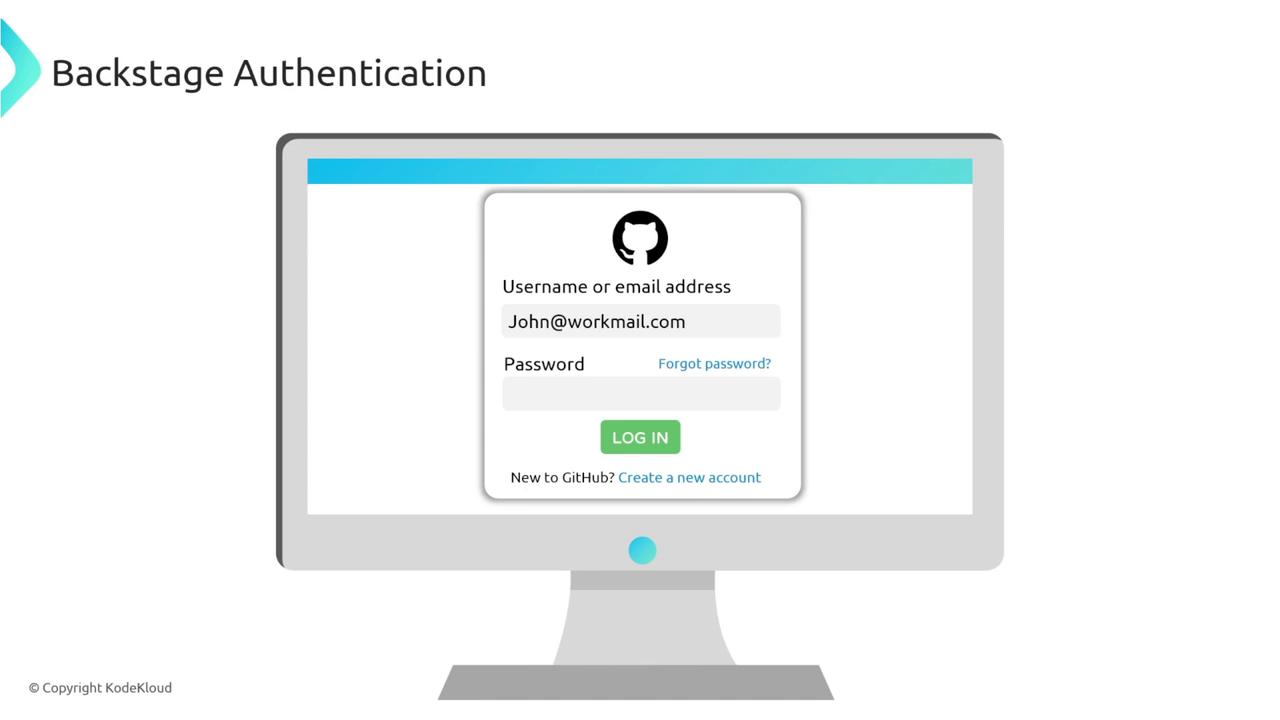
Below is a high-level OAuth 2.0 flow using GitHub as an example:- The user is already logged into GitHub (e.g., john) in their browser.
- They visit Backstage and click Sign in with GitHub.
- Backstage requests the GitHub username and receives john.
- Backstage checks its catalog for a
Userentity named john. - If found, the login succeeds; otherwise, it fails.
Defining a Matching User Entity
To allow john to authenticate, add aUser entity in your catalog with matching metadata:
Ensure the
metadata.name exactly matches the username returned by your OAuth provider.Automating User Import
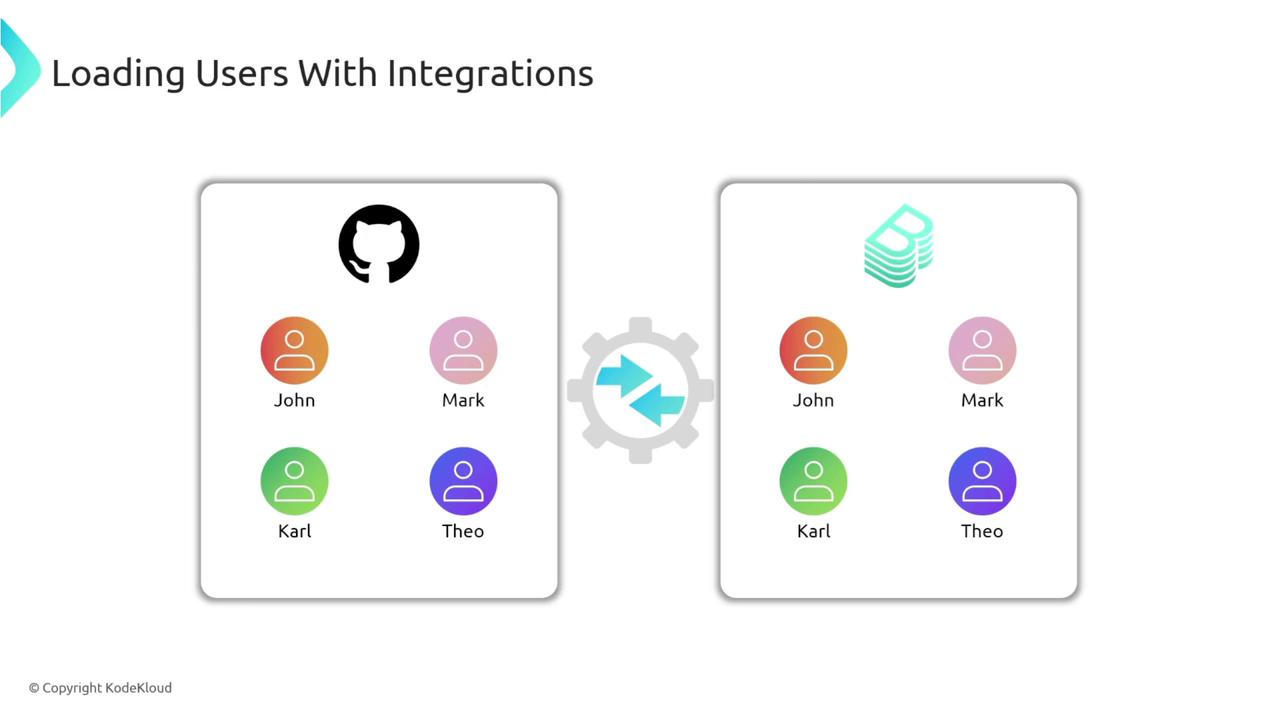
Maintaining user entities by hand doesn’t scale. Backstage can synchronize users from:- GitHub organizations
- LDAP directories
- Enterprise identity platforms (Okta, Azure AD)