

- Statically from a local project
- From a remote URL (e.g., GitHub)
- Via the Backstage UI
- Automatically via templates or repository scanning
1. Where the Example Component Is Configured
Backstage ships with an example component in its software catalog. You can inspect it in the repo: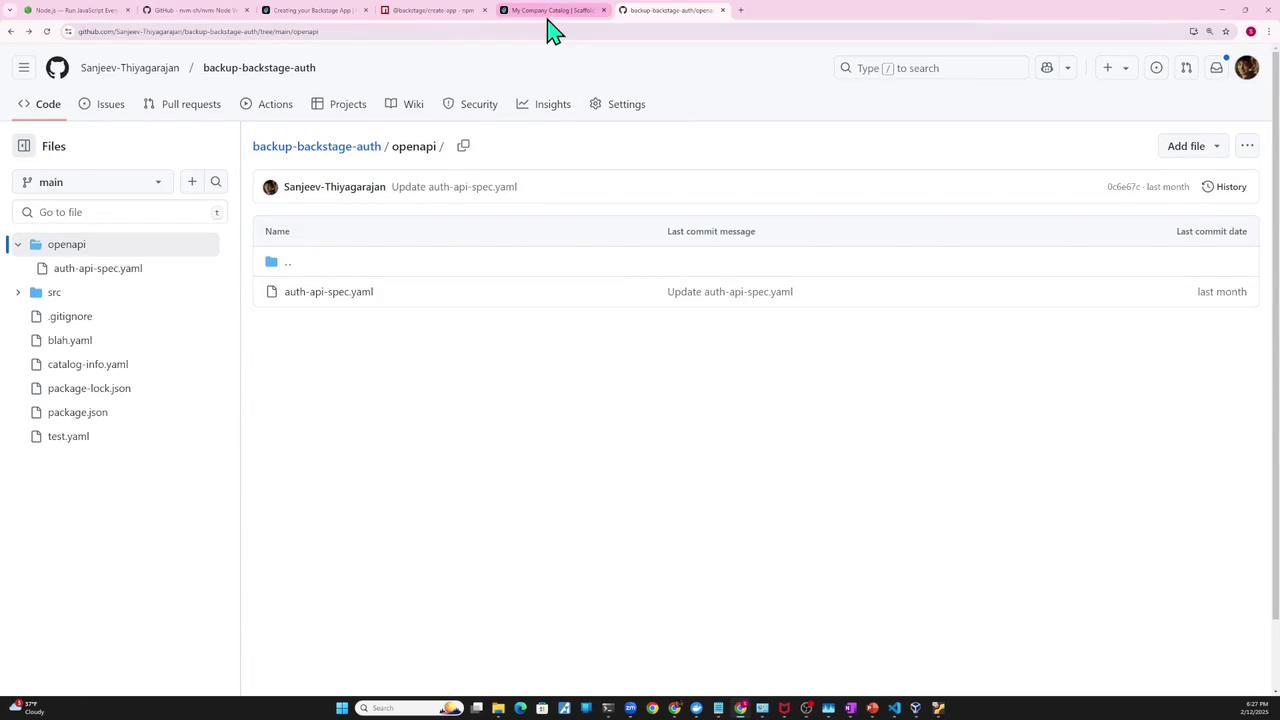
app-config.yaml and find the catalog section. By default, it imports example entities and templates:
examples/entities.yaml defines the example component and API:

2. Defining Your Own Component (catalog-info.yaml)
Let’s add a simple Node.js “auth service” component:
src/index.js
catalog-info.yaml:
spec.type values (e.g., service, website, library). For full schema details, see the Backstage software catalog descriptor format docs:

3. Statically Importing the Entity
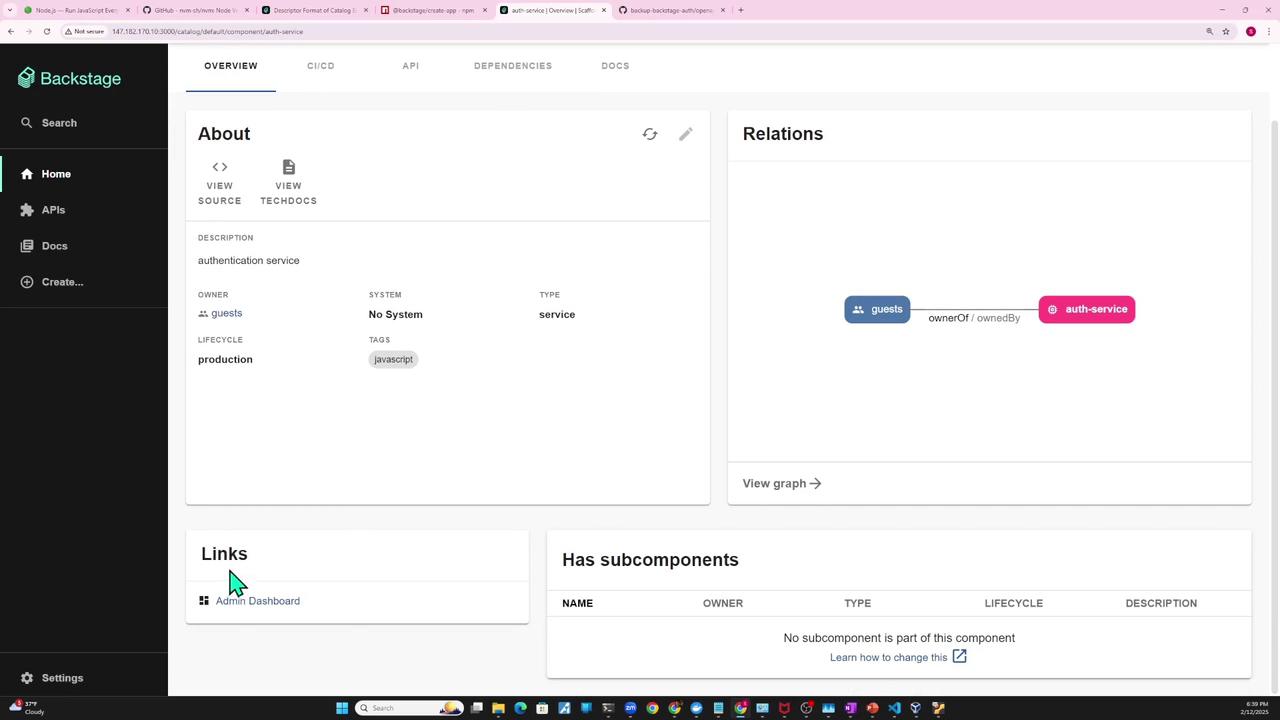
To register yourauth-service locally, update app-config.yaml:

4. Importing from a GitHub URL
You can hostcatalog-info.yaml alongside your code on GitHub:
- Create a new repo (e.g.,
backstage-auth-service):

- Push your code and YAML:

When using a GitHub URL for Backstage locations, point to the raw file link, for example:
https://raw.githubusercontent.com/YourOrg/backstage-auth-service/main/catalog-info.yaml- Update
app-config.yamlto reference the remote URL:
- Restart the backend. Backstage will fetch auth-service from GitHub and register it automatically.
- Backstage syncs on its regular interval (~30 min). You can force a sync by clicking the refresh icon in the UI.
If you update
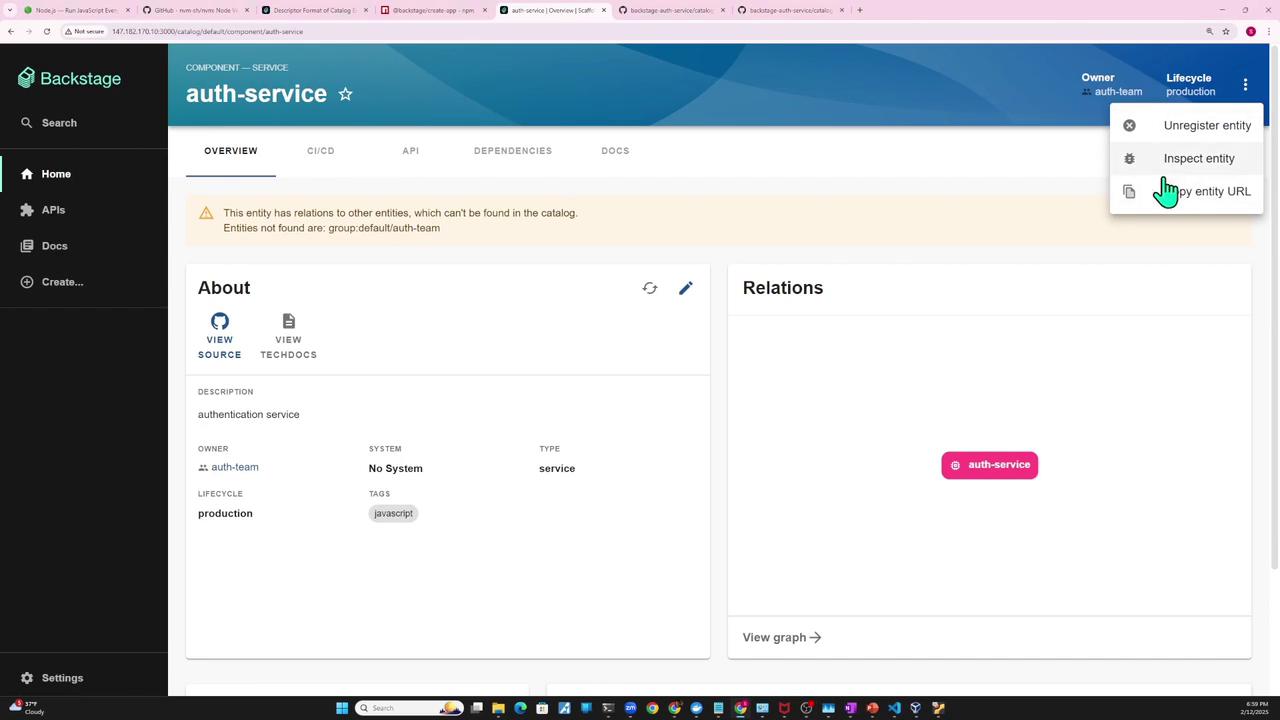
owner: auth-team without registering the auth-team group, you’ll get a missing relation error.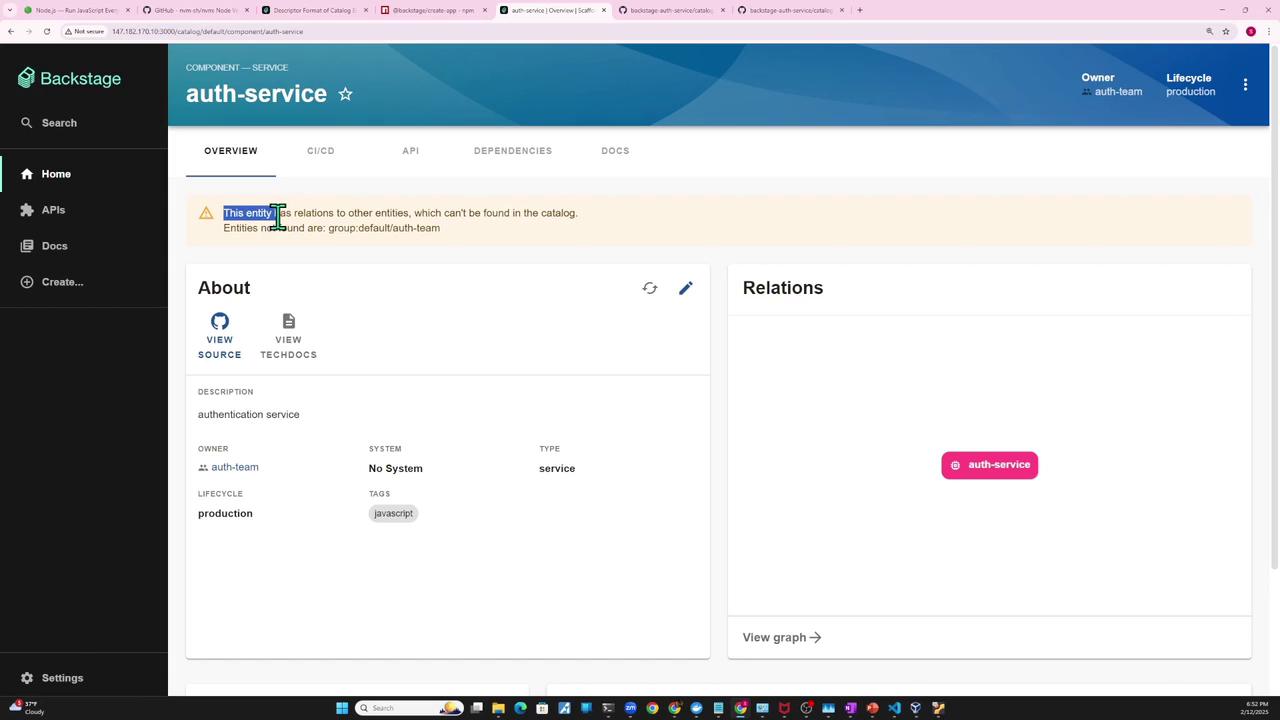
User and Group entities, for example:
5. Registering via the Backstage UI
You can import any existing component directly in the UI:- Click Create → Register existing component.
- Paste the URL to
catalog-info.yamland click Analyze.
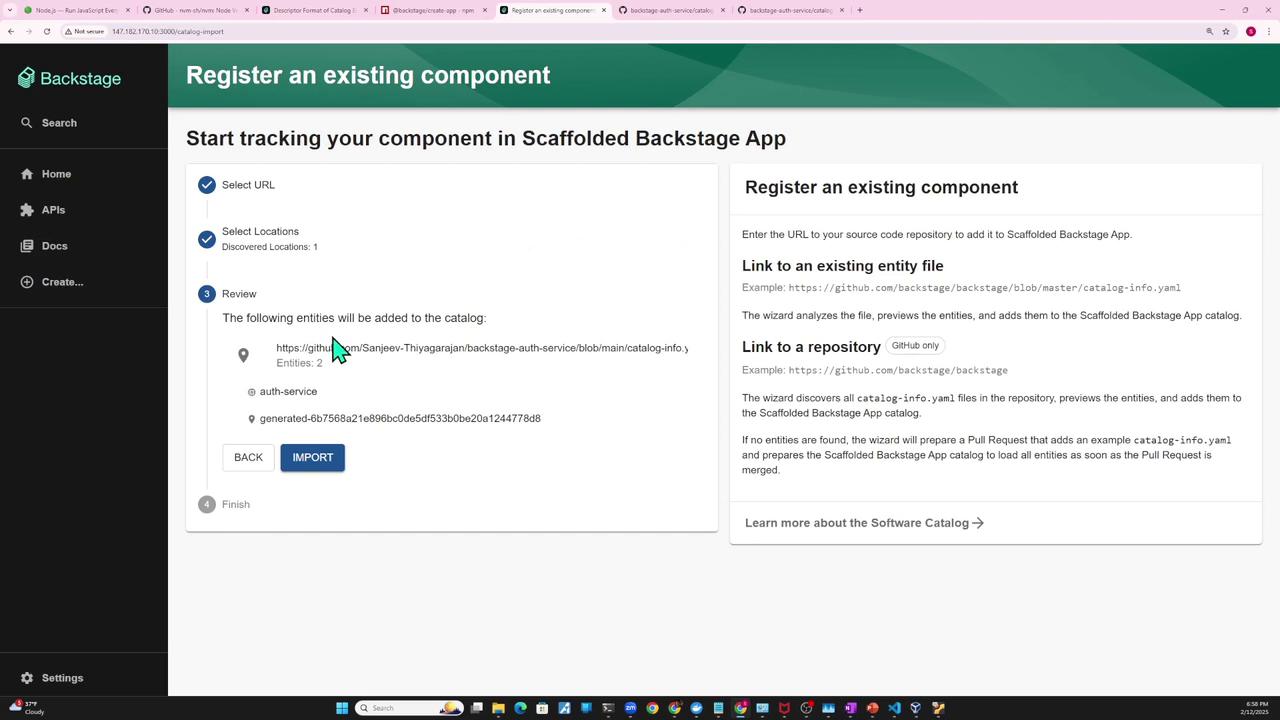
- Review the entity and click Import. Now auth-service appears in your catalog.
- Use the “…” menu on a component to:
- Inspect entity: view metadata or raw JSON/YAML
- Unregister entity: remove it from the catalog

Summary of Registration Methods
| Method | Configuration Location | When to Use |
|---|---|---|
| Static file | app-config.yaml → type: file | Local projects or monorepos |
| Remote URL | app-config.yaml → type: url | Hosted catalogs on GitHub or HTTPS endpoint |
| UI import | Backstage Create → Register existing | Quick manual imports without config changes |
| Templates & repo scan | Scaffold or scanning plugins | Automated registration during code generation |
