- Proctored online
- 90 minutes, single-answer multiple-choice
- No labs or terminal access required
- Certification valid for two years
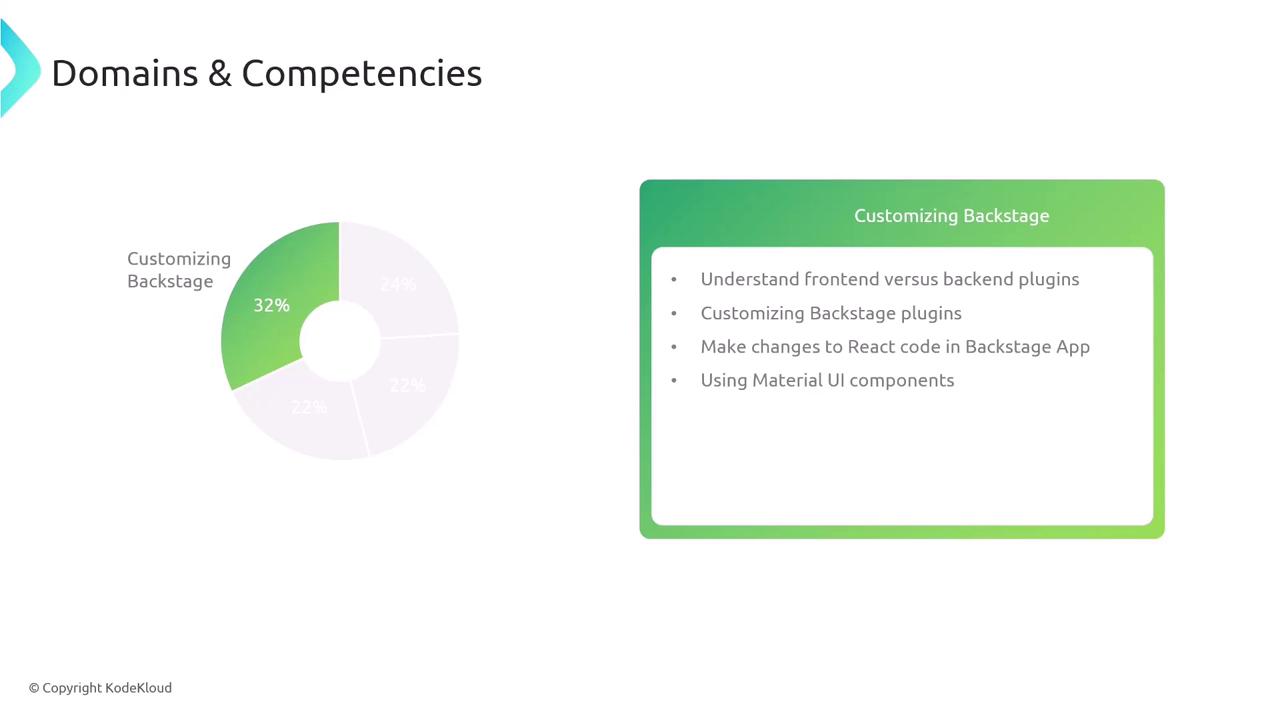
Exam Domains and Weightings
| Exam Domain | Weight | Key Topics |
|---|---|---|
| Backstage Development Workflow | 24% | Local build & run, TypeScript compilation, NPM/Yarn, Docker image creation |
| Backstage Infrastructure | 22% | Framework concepts, environment config, production deployment, client-server |
| Backstage Catalog | 22% | Entity registration, annotations, ingestion pipelines, error troubleshooting |
| Customizing Backstage | 32% | Plugin architecture, React customization, Material UI components |
1. Backstage Development Workflow (24%)
In this domain, you’ll demonstrate your ability to set up and iterate on a Backstage app in your local development environment.- Build and launch a Backstage project locally
- Navigate the Backstage CLI and development server
- Compile code with TypeScript and fix type errors
- Manage dependencies using NPM and Yarn
- Create a Dockerfile and build a container image

2. Backstage Infrastructure (22%)
This section focuses on deploying and configuring Backstage at scale across multiple environments.- Understand Backstage core architecture and microservices
- Configure
app-config.yamlfor development, staging, and production - Deploy Backstage using Docker, Kubernetes, or serverless platforms
- Secure connections, manage secrets, and enable TLS
- Explain the client-server communication model
3. Backstage Catalog (22%)
Master the Backstage Catalog to inventory and manage your software components.- Define and register entities in
catalog-info.yaml - Apply annotations for metadata enrichment
- Set up and troubleshoot automated ingestion pipelines
- Manually add entity locations and resolve ingestion errors
- Use the Catalog API for advanced integrations
4. Customizing Backstage (32%)
Extend and tailor Backstage to fit your organization’s needs by creating and modifying plugins.- Differentiate between front-end and back-end plugins
- Scaffold a new plugin with the Backstage CLI
- Extend existing plugins and contribute code back to the community
- Make React component changes within your Backstage app
- Leverage Material UI to style and enhance user interfaces