

Access the Search Input
- In the left sidebar, click the search icon

- The global search bar appears, ready to index and query across your catalog and docs.
Backstage’s search is powered by a pluggable architecture. You can add or remove indexers for entities, tech docs, and third-party sources.
What Can You Search?
Backstage search spans multiple resource types:| Search Scope | Description | Example Query |
|---|---|---|
| Entities | Components, APIs, user groups, systems | recommendation-service |
| Documentation | Markdown files, tech docsMarkdown files, tech docs | Cassandra |
| External Sources | Stack Exchange, GitHub, custom endpoints | site:stackoverflow.com |
Example: Find a Component
Search for the termrecommendation service. Backstage will return a list of matching entities:
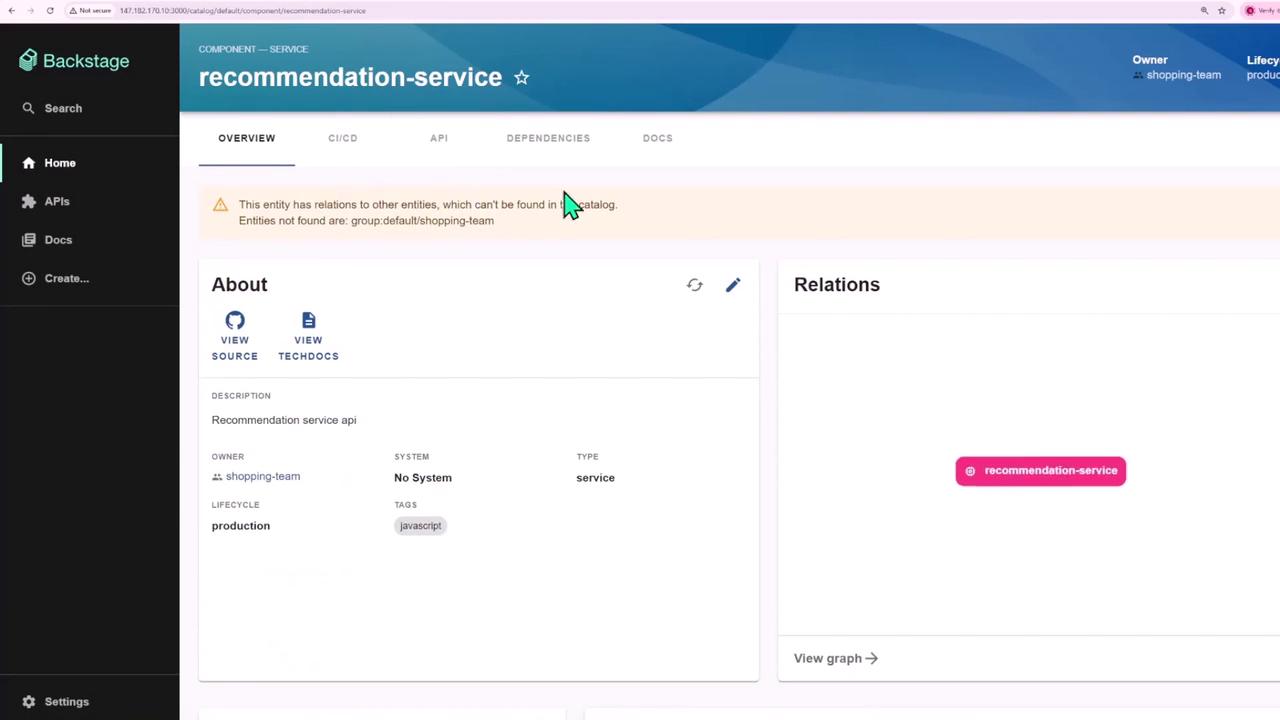
- Click the result to open the Recommendation Service component page.
- Review metadata, owner, lifecycle, and relationships to other services or systems.
Example: Search Within Documentation
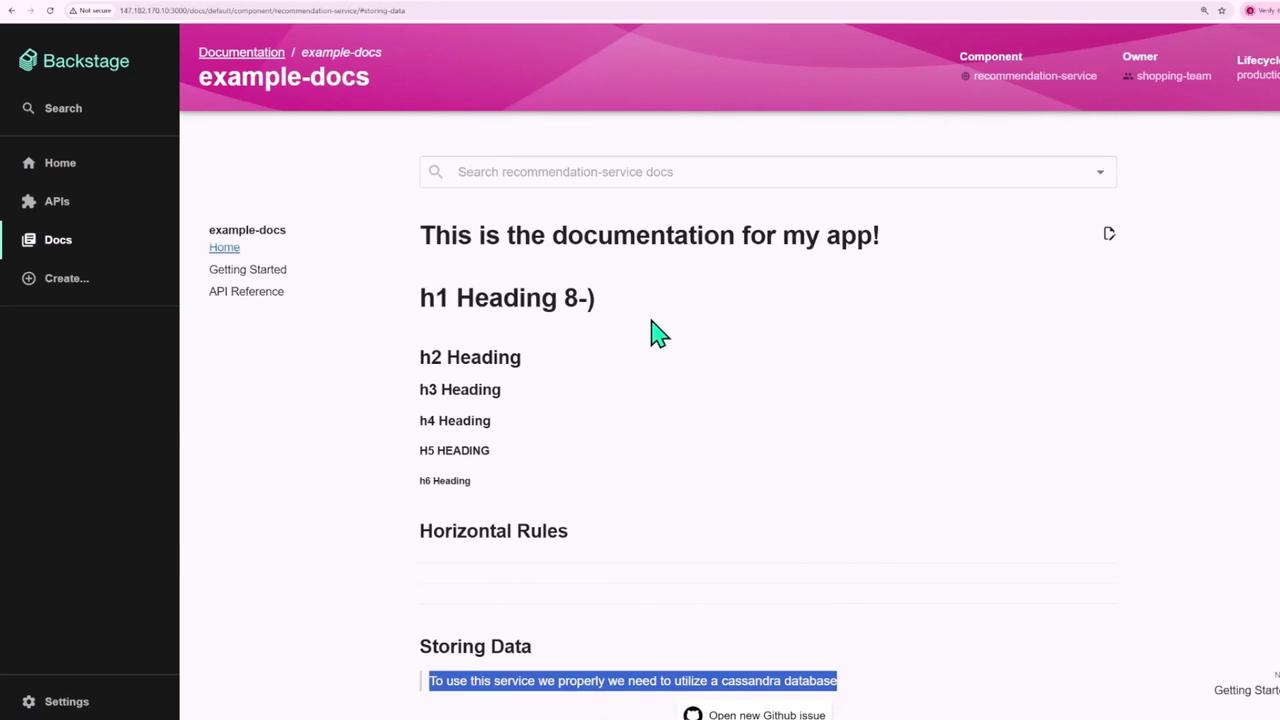
You can also look up keywords inside your tech docs. For instance, typeCassandra to locate all references in component documentation:
Integrating External Search Connectors
Backstage allows you to plug in external indices—such as Stack Exchange or private GitHub repos—so your team can search Q&A threads, code snippets, or design docs without leaving the portal.When enabling external connectors, verify API rate limits and authentication scopes to avoid indexing failures or data leaks.