

Whenever you want Backstage to track something — a microservice, an API, a team, or a resource — model it as an entity.
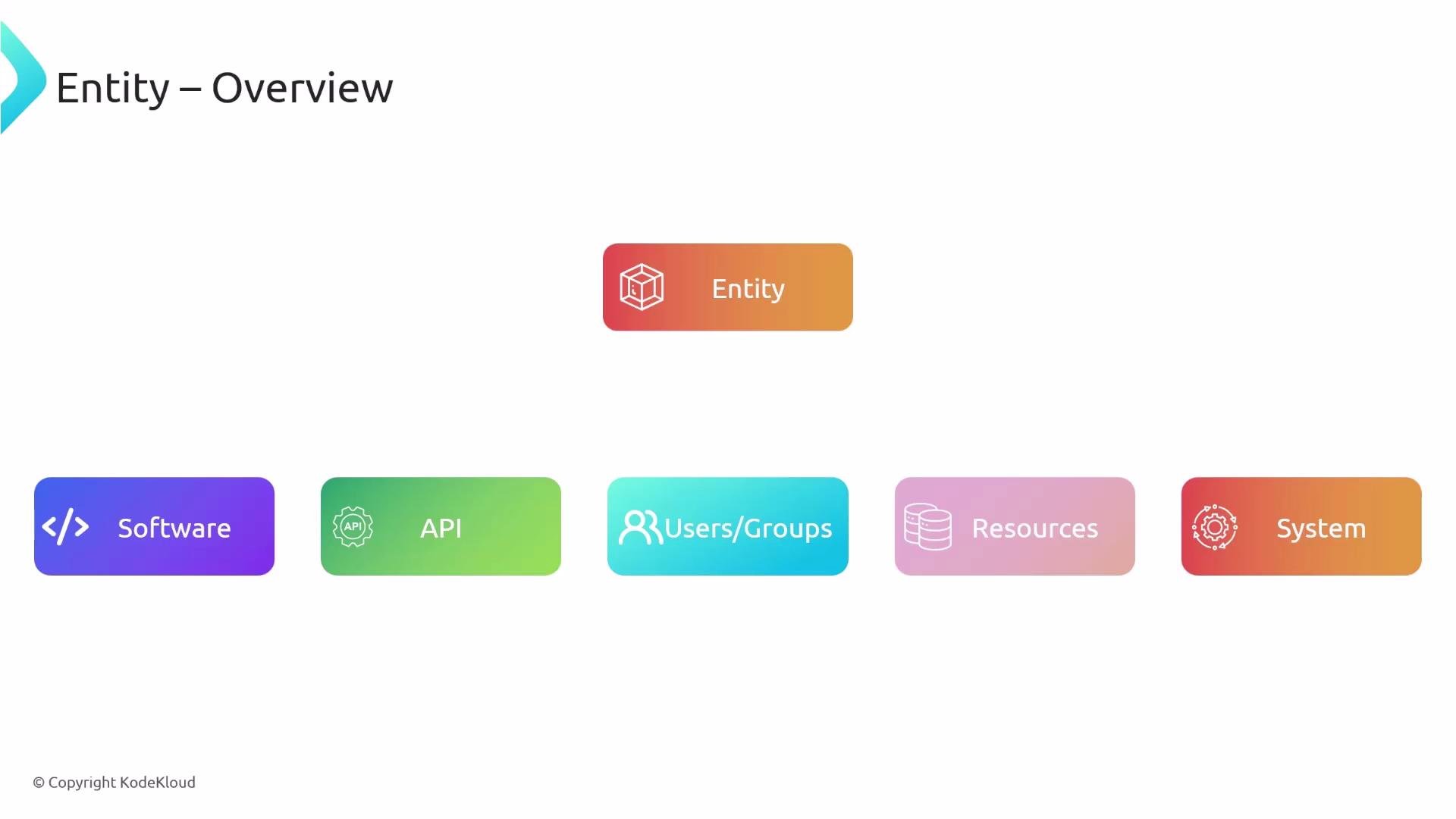
apiVersion values (for example v1alpha1 → v1beta1 → v1) while keeping a consistent top-level shape.
Typical top-level fields:
apiVersion— schema version (e.g.,backstage.io/v1alpha1)kind— entity kind (e.g.,Component,API,User,Resource,System)metadata— identifier, name, description, labels, annotations, tags, and linksspec— domain-specific fields (type, lifecycle, owner, system, etc.)
kinddetermines how Backstage will interpret the entity and which built-in processors or templates apply.metadatais used for display, filtering, and linking in the UI.speccontains the attributes your organization uses to classify and operate the entity (standardizespec.typevalues across teams for consistent catalogs — e.g.,website,service,package,library).
catalog-info.yaml) in the root of the repository they describe. This keeps metadata versioned with the code and simplifies discovery when scanning repositories.
- Preferred: Put
catalog-info.yamlat the repository root of the project it describes. - Alternatives: Store entity YAML in a central repo, cloud storage (S3), or any location Backstage can access. Choose whatever fits your organization’s workflow.
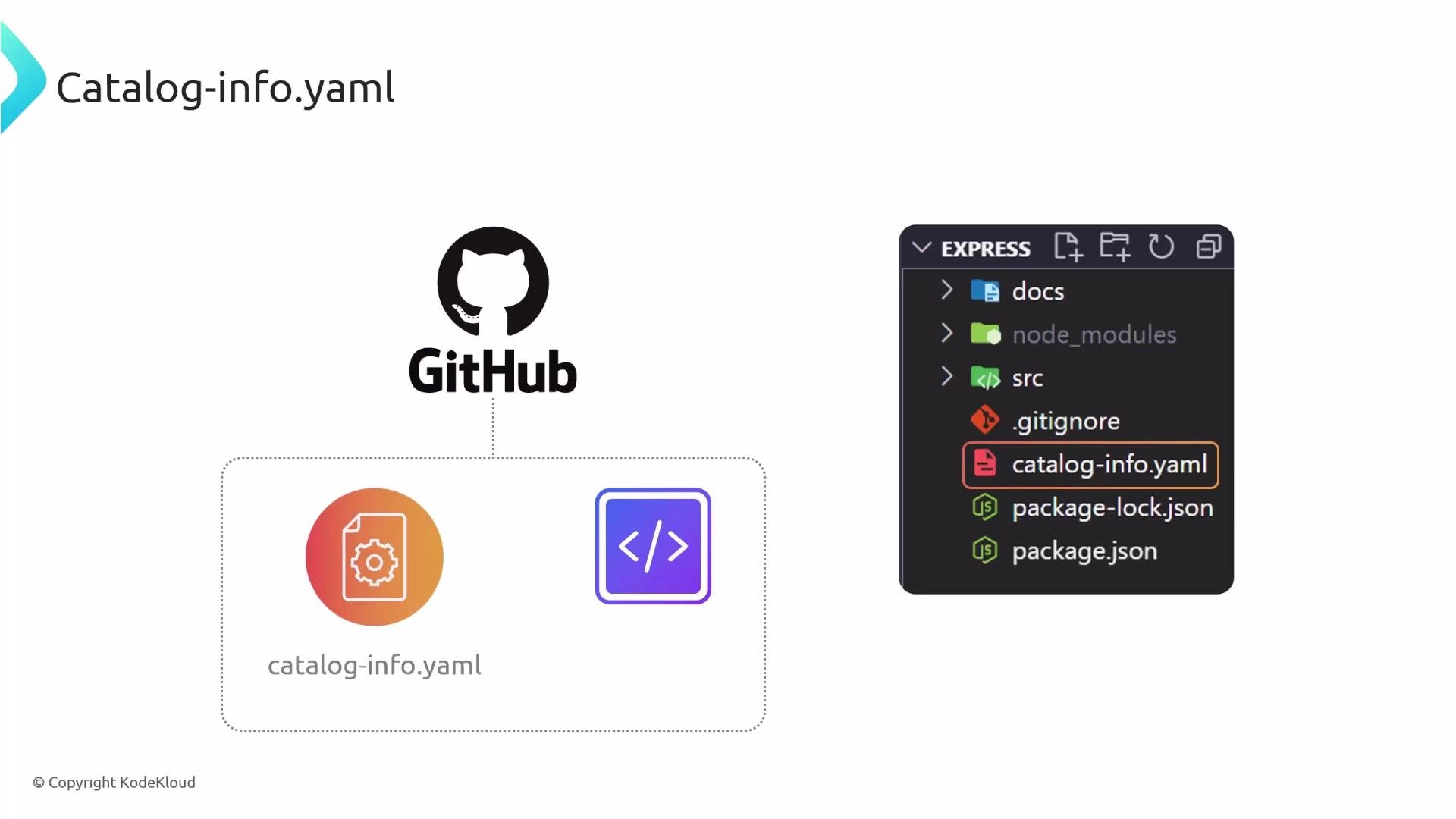
Placing
catalog-info.yaml in the project root is recommended because it keeps entity metadata versioned alongside the code and simplifies automatic discovery through repository scans or templates.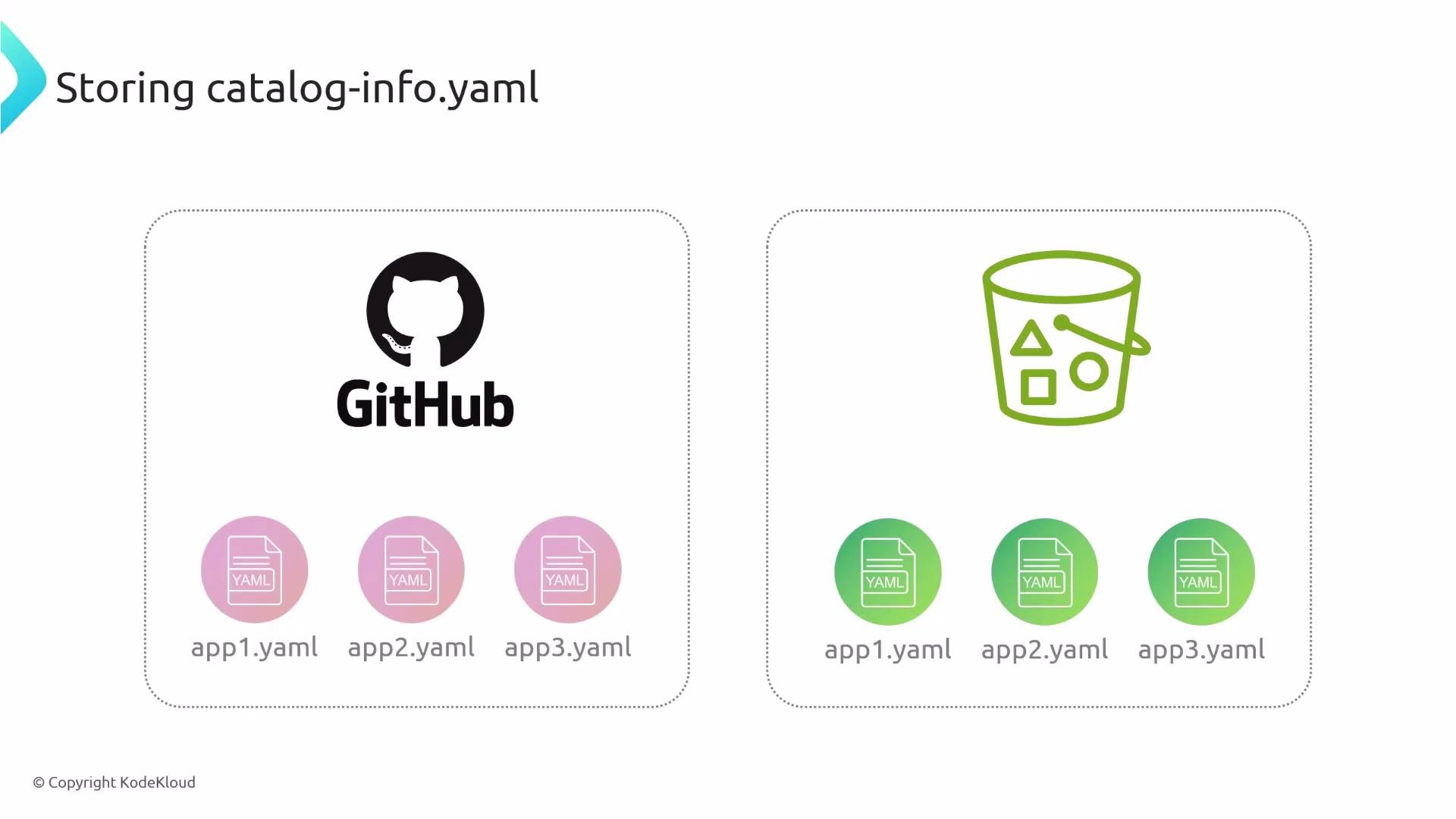
- Static configuration via
app-config.yaml- Declare locations in your Backstage app configuration under
catalog.locations. Each location can be aurl(for raw GitHub files) or afile(local path relative to the backend process). - Example
app-config.yamlentries:
- Declare locations in your Backstage app configuration under
- Entities discovered via configured locations are imported on startup or when the location is refreshed. This is useful for centrally-managed lists of entities.
- Register via the Backstage UI
- Use Create → Register Existing Component and provide a URL or repository path to an entity file. The UI analyzes the target and guides you through importing the entity.
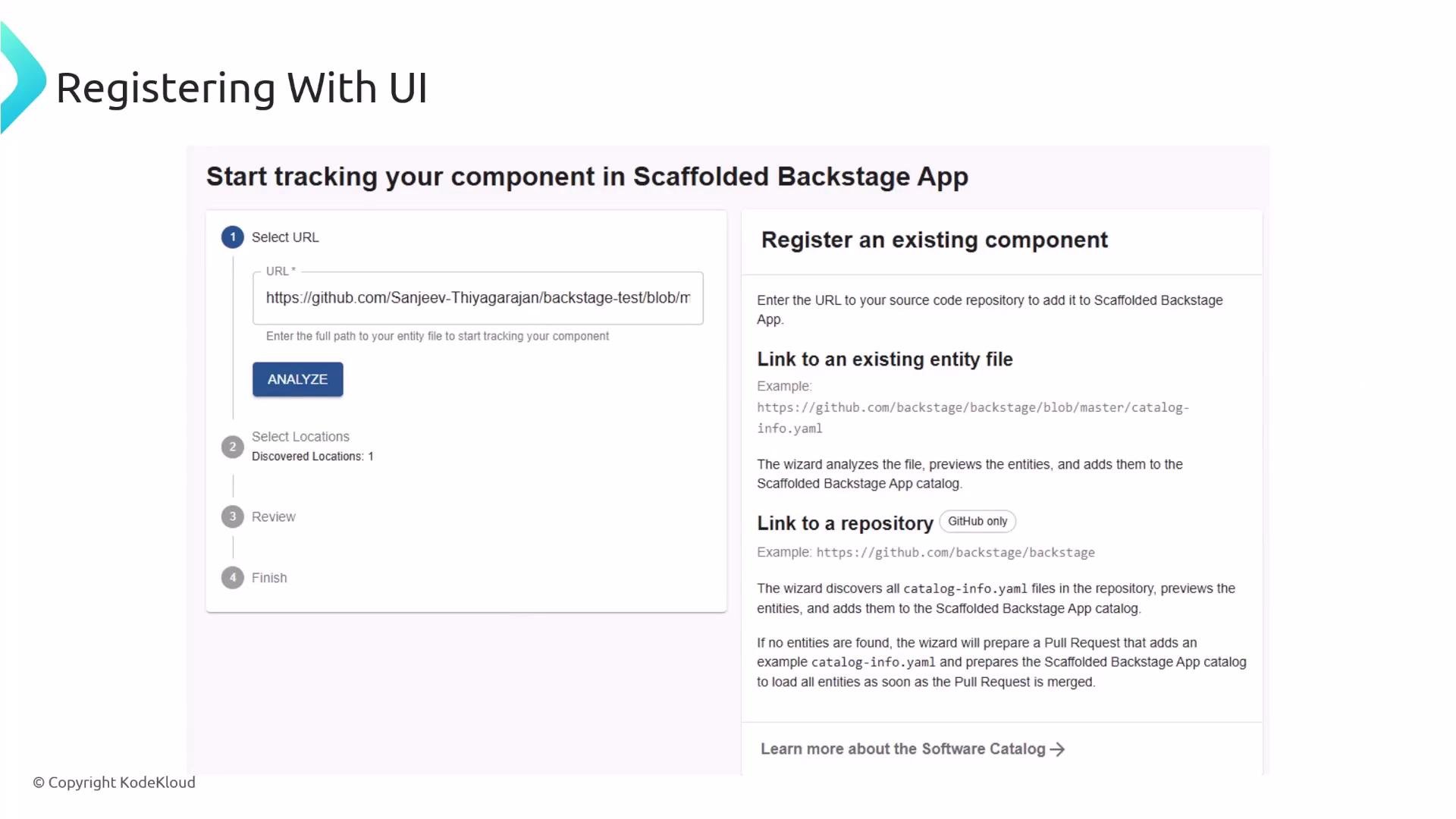
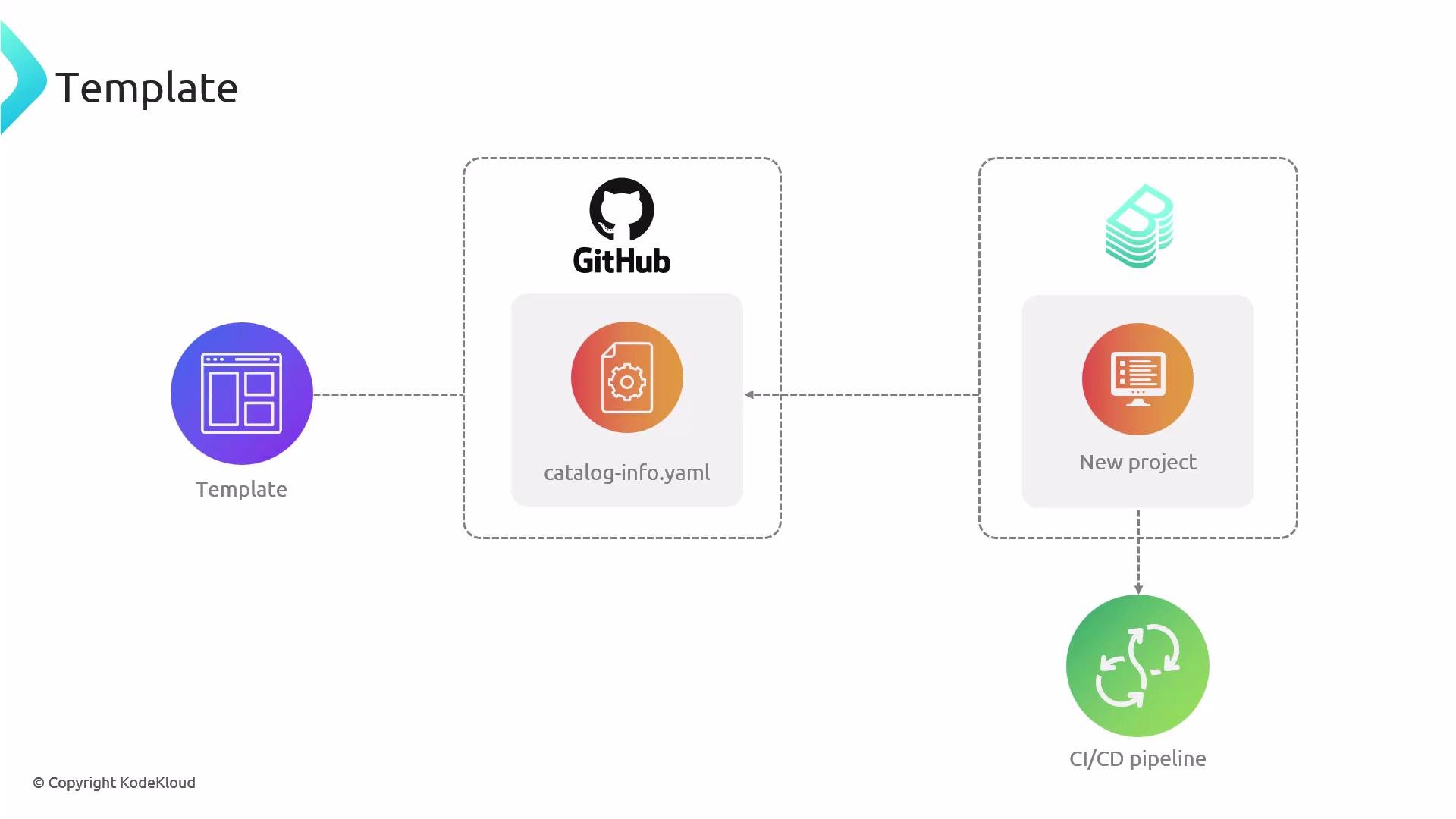
- Templates
- Backstage software templates scaffold new projects and can generate a
catalog-info.yamlas part of the template. Templates can also include registration automation so a newly created project gets registered automatically in the catalog.
- Backstage software templates scaffold new projects and can generate a
- Entity providers
- Use entity providers to automatically discover and register entities at scale. Providers are able to scan sources such as:
- GitHub organizations or lists of repositories
- Cloud storage (S3)
- Custom inventory services
- Entity providers are ideal for onboarding many repositories without manually declaring each location.
- Use entity providers to automatically discover and register entities at scale. Providers are able to scan sources such as:
- Define entity YAML files (
catalog-info.yaml) for every resource you want Backstage to track. - Store them where they best fit your workflow (recommended: next to the code).
- Choose discovery/registration strategies that match your scale: static
app-config.yamllocations, UI registration, templates, or automated entity providers. - Standardize metadata fields and allowed
spec.typevalues across teams to maintain a consistent, searchable, and actionable catalog.
- Backstage Catalog: https://backstage.io/docs/features/software-catalog/overview
- Backstage Software Templates: https://backstage.io/docs/features/software-templates/overview
- Backstage Entity Model: https://backstage.io/docs/features/software-catalog/descriptor-format
- Kubernetes Concepts (for resource-like YAML familiarity): https://kubernetes.io/docs/concepts/overview/what-is-kubernetes/