

Templates provide an automated, repeatable scaffold for new projects. They combine repository creation, recommended code and configuration, CI/CD setup, and infrastructure provisioning into a single workflow.
- Create a new GitHub repository.
- Request and configure access (raise tickets, set repo permissions).
- Provision the target environment (for example, a Kubernetes cluster or Amazon EC2).
- Configure repository tooling (linters, formatters, tests, CI/CD pipelines).
- Set up dependent resources (databases, DNS, secrets).
- Deploy the application.
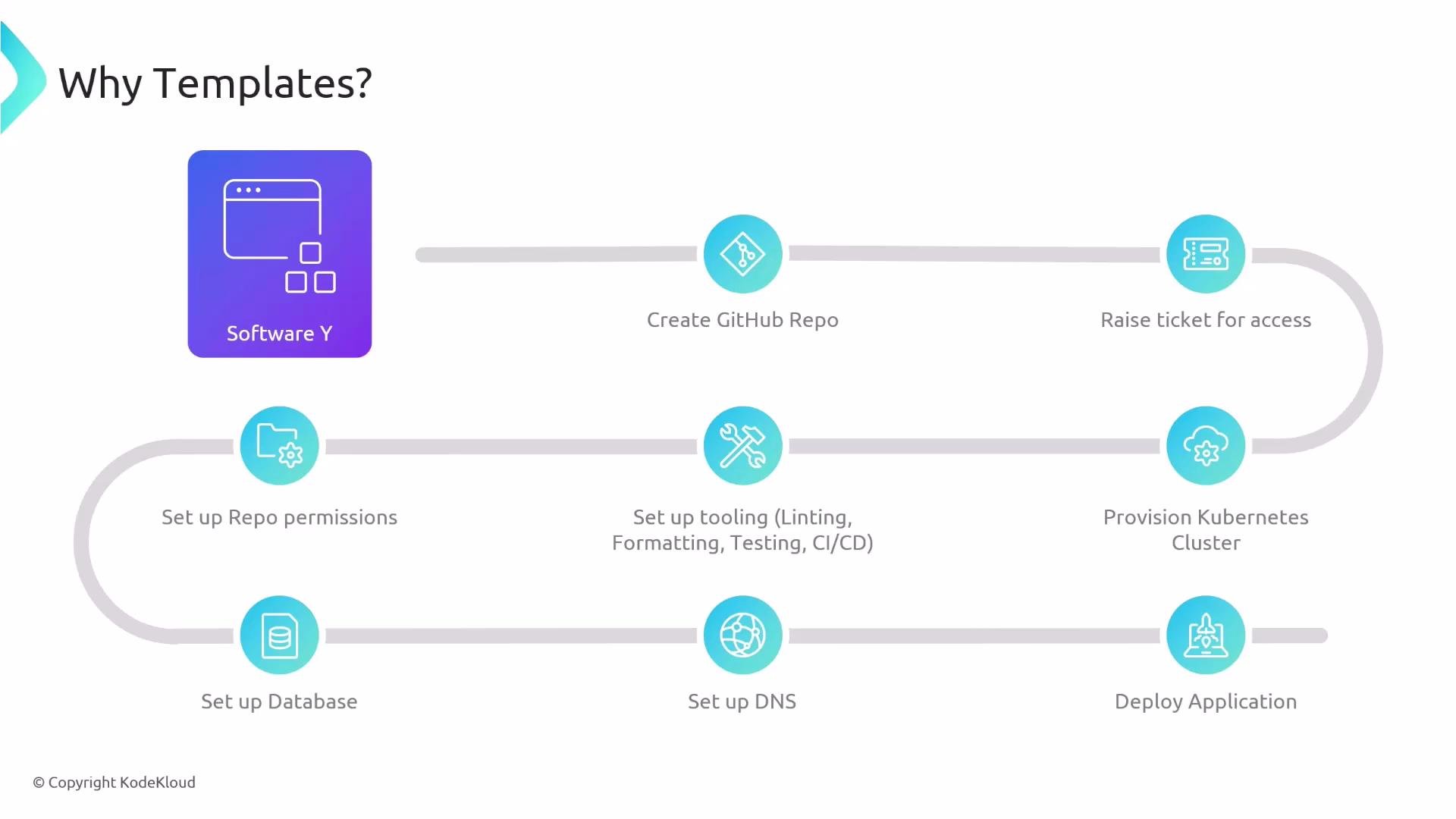
- Create the repository with an initial codebase and best-practice defaults.
- Configure linting, formatting, tests, and CI/CD.
- Set repository permissions and open any required tickets or approvals.
- Provision infrastructure (for example, create an EC2 instance or provision Kubernetes resources).
- Deploy the application and provision dependent services (databases, DNS) when configured.
By automating these steps you gain consistency across projects, faster onboarding, and fewer manual errors.
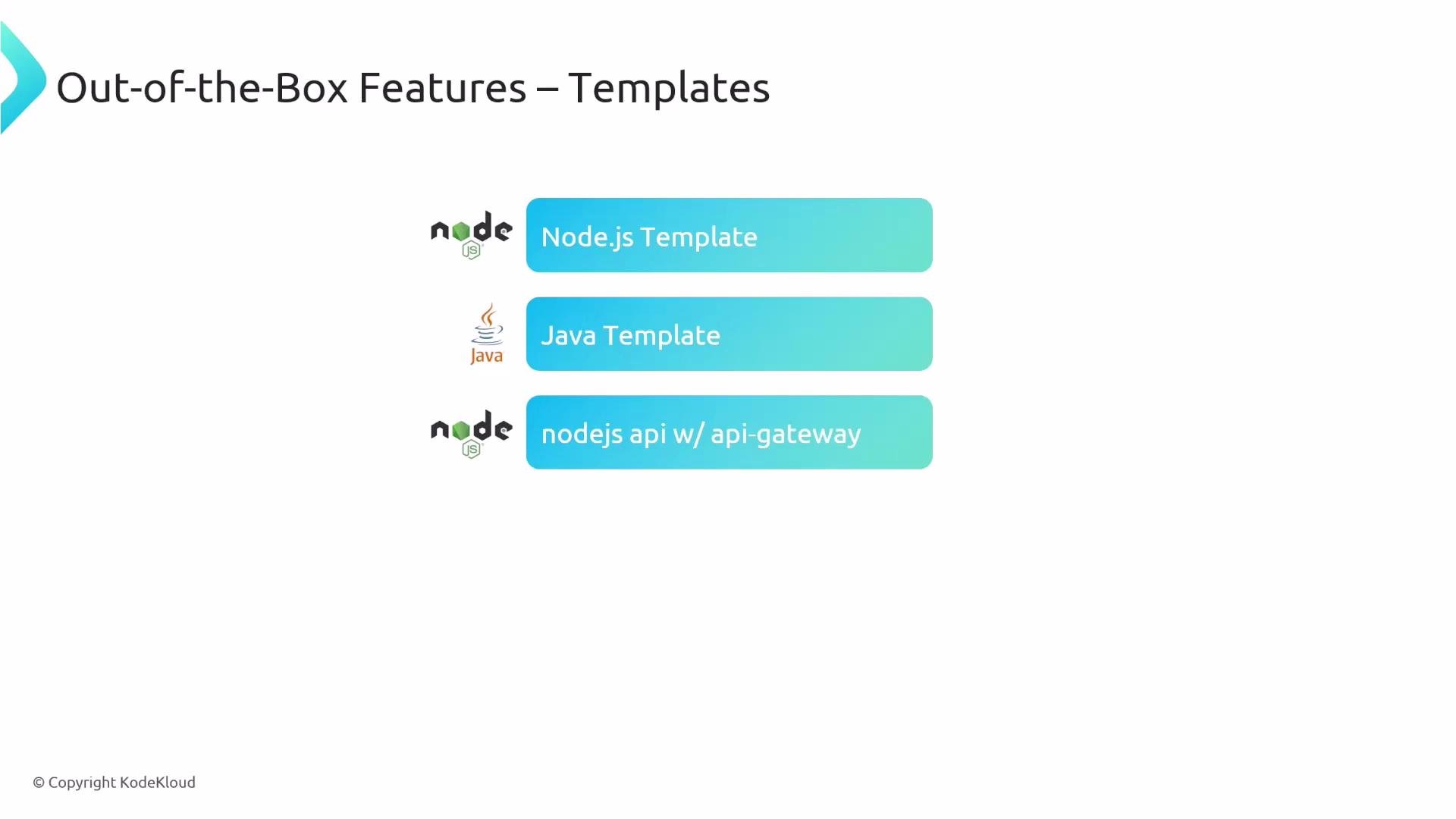
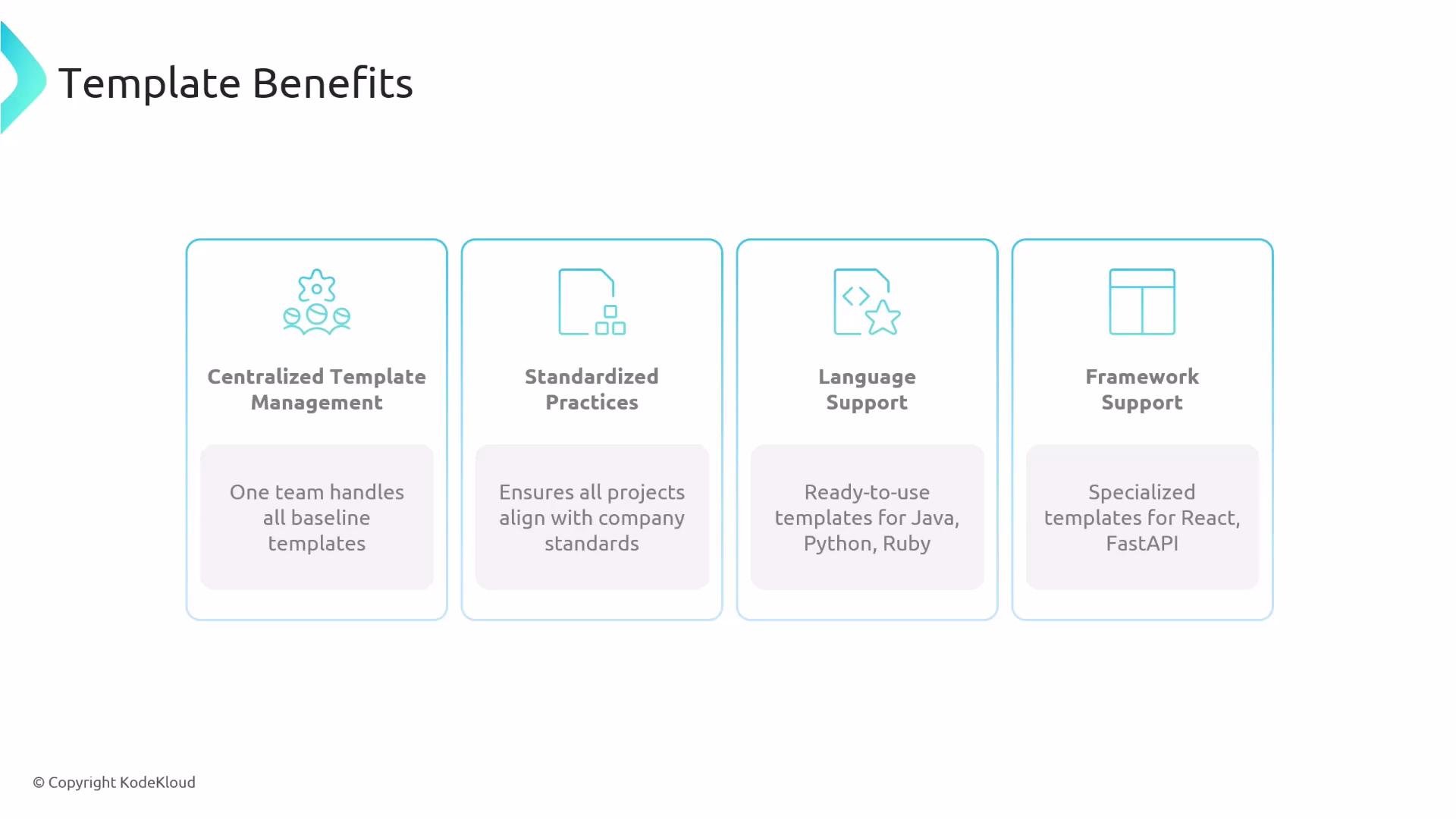
- Language-specific templates (Node.js, Java, Python, Ruby).
- Framework-specific templates (Next.js, Django, FastAPI).
- Role-specific templates (microservice, data science project, API-backed service with API Gateway).
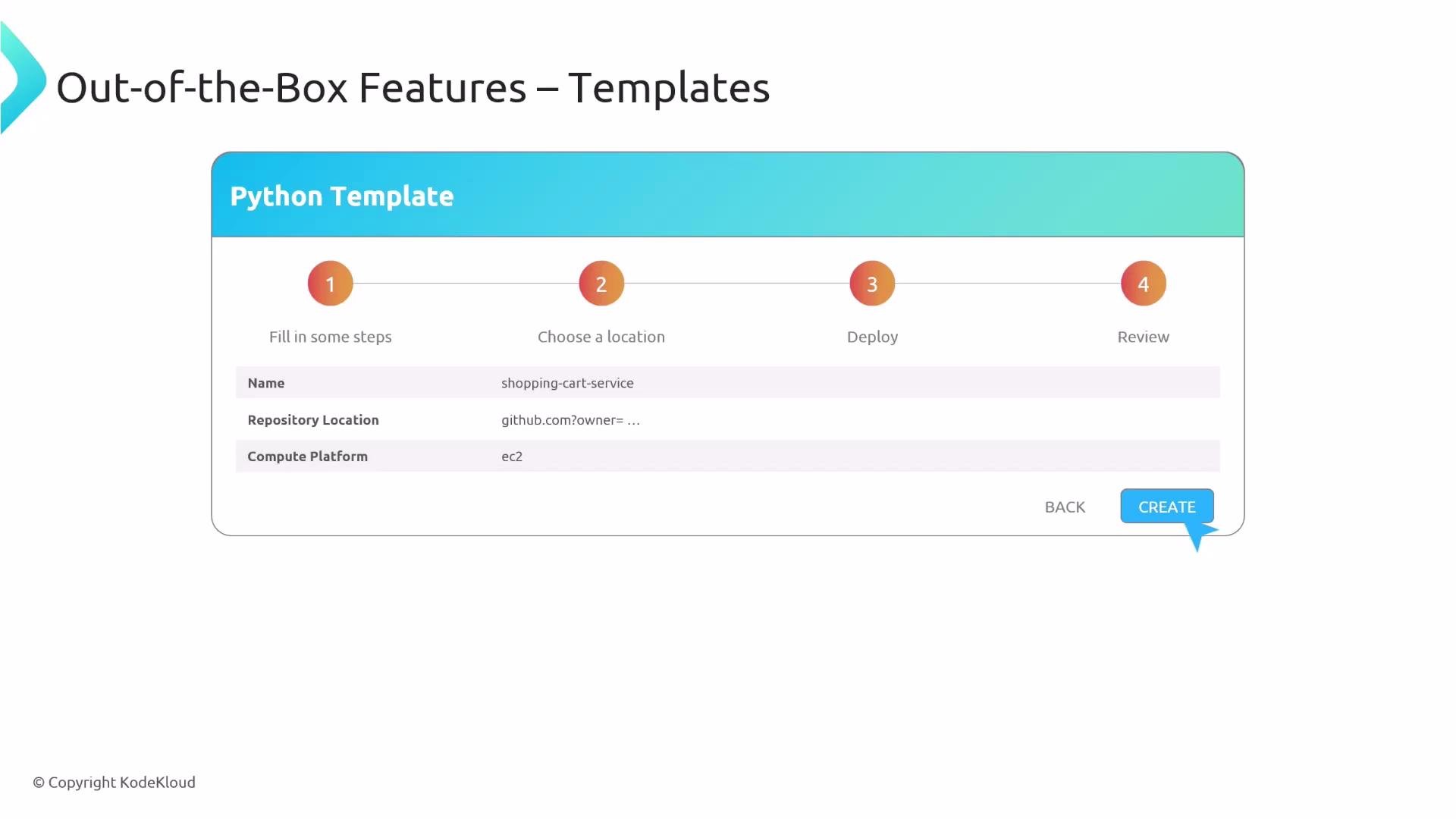
- Select the template that matches the project (for example, “Python app” or “Node API”).
- Fill in the small form with required inputs (project name, owning team, repository location, compute platform).
- Click Create.
- The template executes the automated workflow: repository creation, code scaffolding, CI/CD setup, infrastructure provisioning, and deployment.
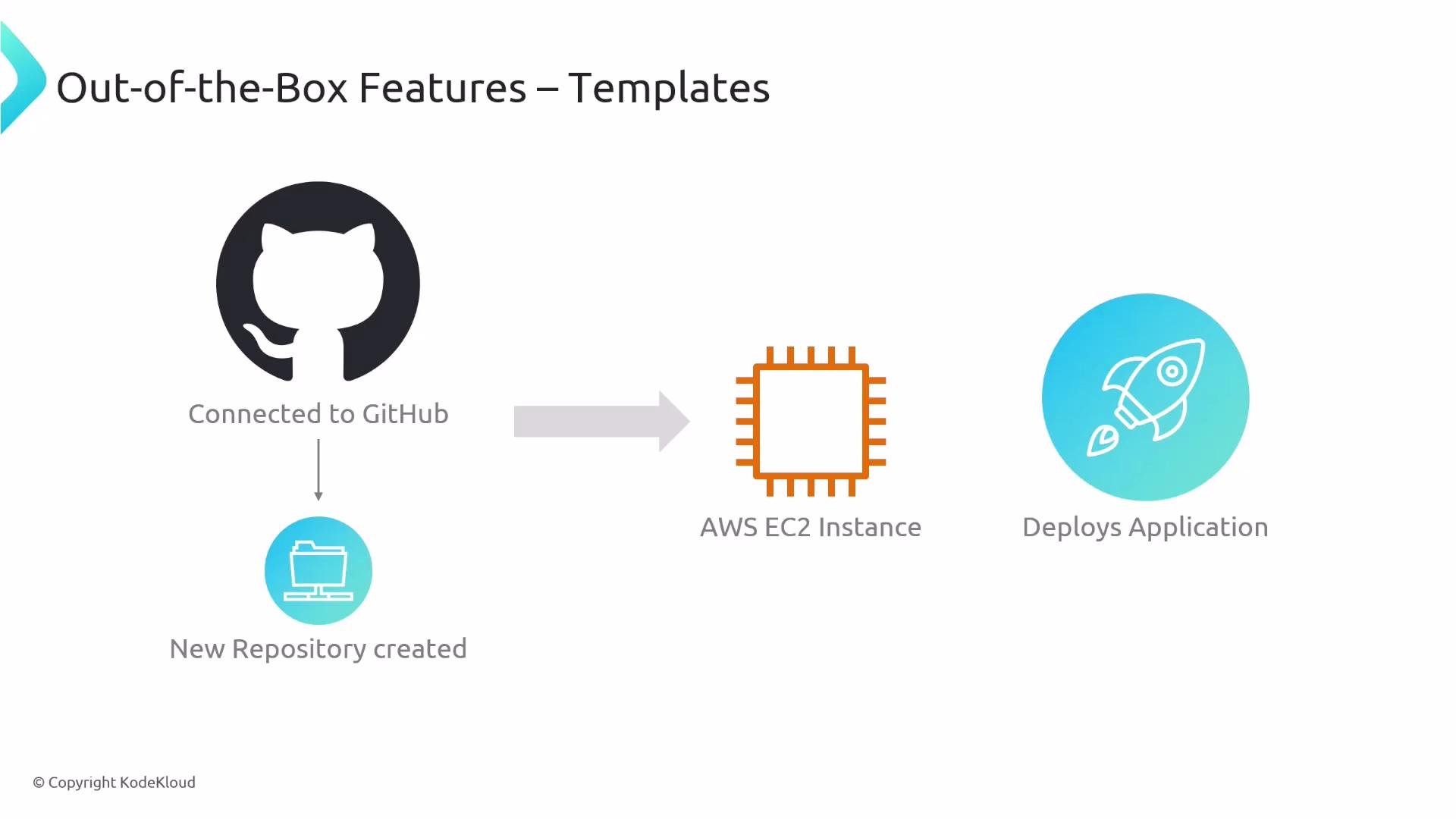
- Connect to GitHub and create the repo with branch protection and default reviewers.
- Apply initial code and configuration (linting, formatting, tests, CI/CD).
- Provision the selected compute (for example, Amazon EC2 or Kubernetes).
- Deploy the application and wire up services (databases, DNS, secrets) so the team can start developing immediately.
- Keep templates focused and simple: prefer multiple specialized templates over one giant monolith.
- Version and test templates: treat templates as code, run CI on template changes, and version them to support existing projects.
- Review permissions and secrets: templates that auto-configure access or create secrets should be audited and follow least-privilege principles.
Ensure templates do not grant excessive permissions or expose secrets unintentionally. Always review and audit templates that automate access control or infrastructure provisioning.
- Backstage templates documentation: https://backstage.io/docs/features/software-templates
- Kubernetes Basics
- Amazon EC2 documentation
- Language and framework courses: Python basics, FastAPI