

- Turn a repository private and reproduce the import error.
- Generate a GitHub PAT with minimal scopes.
- Configure Backstage to use the token and allow access to
raw.githubusercontent.com. - Restart Backstage and successfully import the entity.
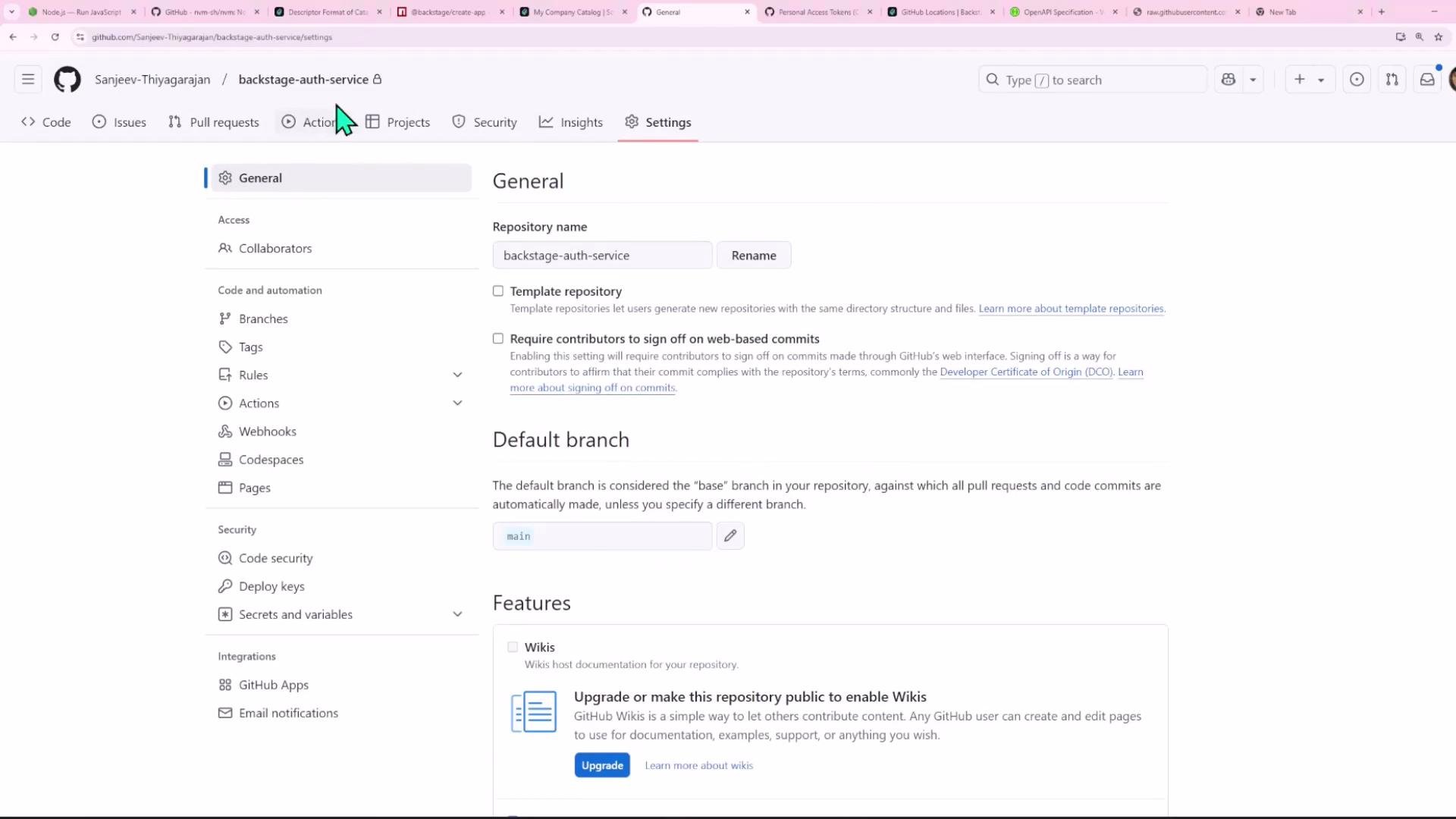
catalog-info.yaml, the backend will return a 404 because it cannot read the raw.githubusercontent.com URL without authentication. Example error returned by the Backstage backend:
catalog-info.yaml) looks like this:
Backstage configuration required
Backstage uses anintegrations section in app-config.yaml to authorize GitHub requests. At minimum you must:
- Allow reading
raw.githubusercontent.comin thereading.allowlist. - Add a
githubintegration entry and provide a token (via environment variable is recommended).
app-config.yaml snippet:
Generate a GitHub Personal Access Token (PAT)
Steps to create a PAT:- In GitHub go to: Profile → Settings → Developer settings → Personal access tokens → Classic tokens → Generate new token (classic).
- Give it a descriptive name (e.g., “Backstage”), choose an expiration, and grant the minimal scope(s) needed to read private repos — typically the
reposcope. - Generate and copy the token; store it securely.
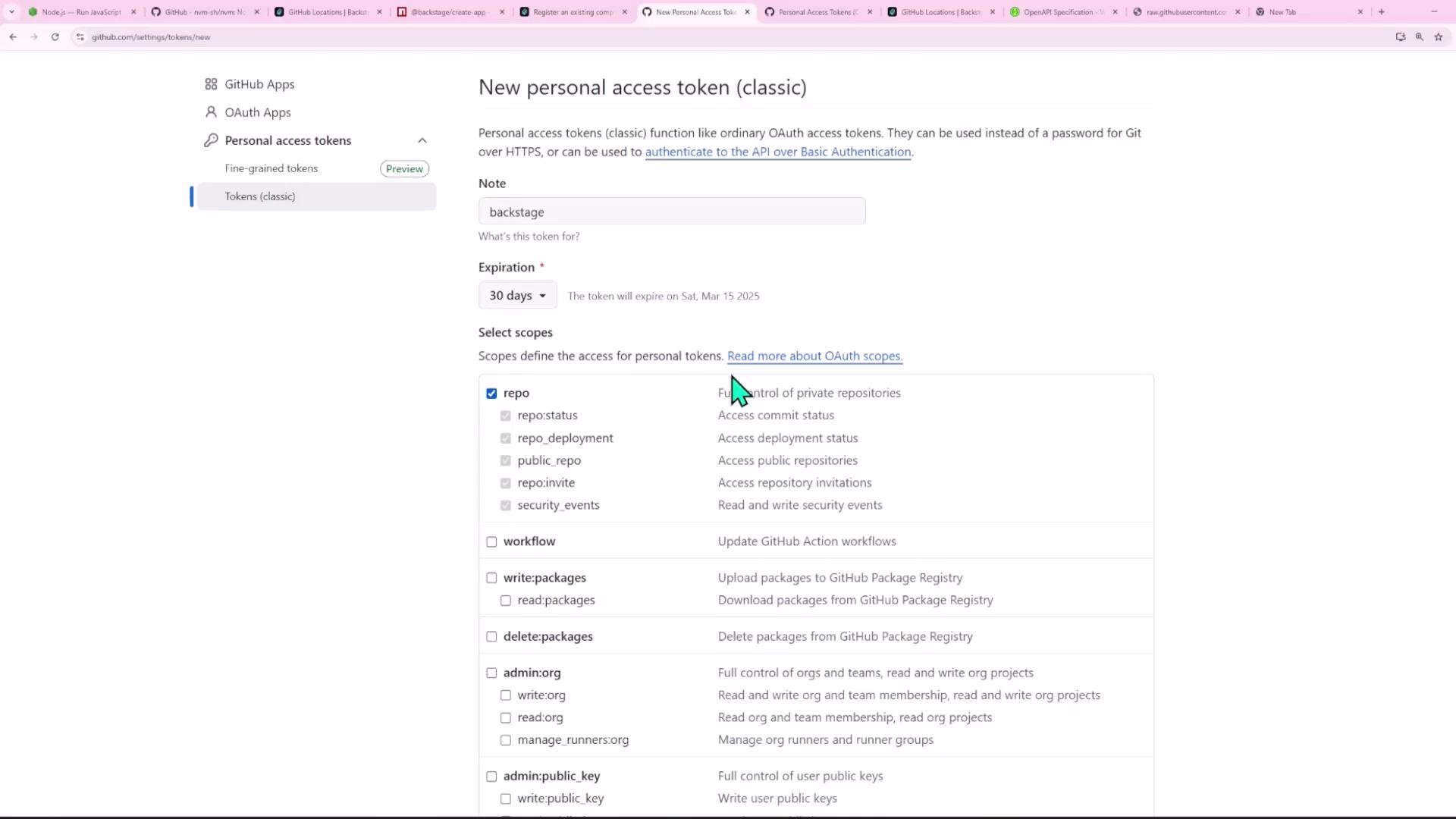
Personal access tokens are sensitive credentials. Grant the least privilege required (e.g.,
repo for reading private repos), and avoid long-lived tokens when possible. Use a secrets manager or short expirations in production.Set the token in the environment (recommended)
Export the token into the environment used by the Backstage backend process. For example, in a POSIX shell:yarn dev or yarn start depending on your setup).
Do not commit personal access tokens to source control. Use environment variables or a secrets manager for production deployments.
Note: For local testing you can temporarily hardcode the token in app-config.yaml, but never commit such changes.
Retry the Register an existing component flow
After restarting Backstage with the GitHub integration configured and the token available, retry the “Register an existing component” flow in the Backstage UI. Backstage should now be able to access the raw file on GitHub and import the entity. Register an existing component — Import flow: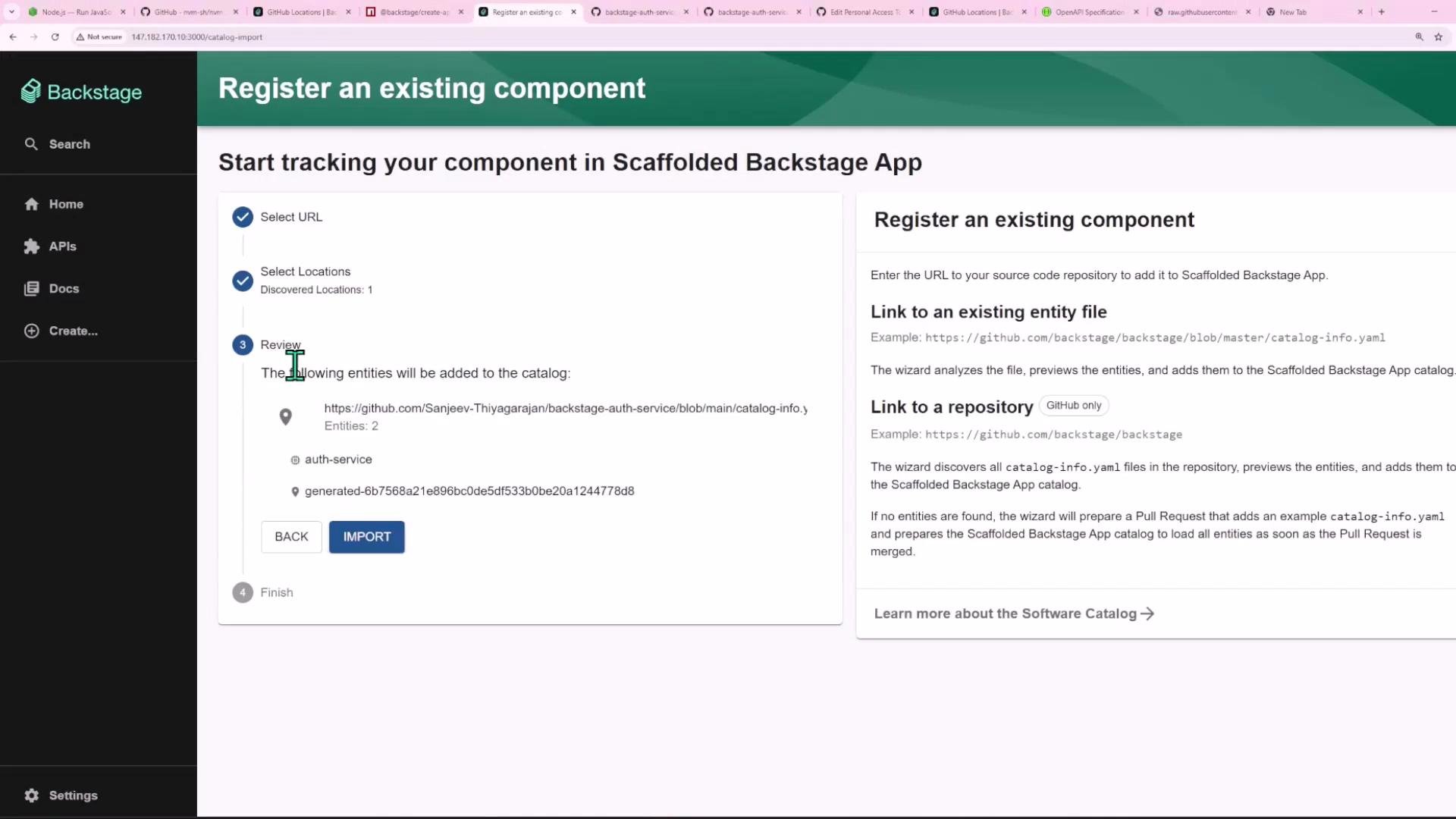
auth-service component overview:
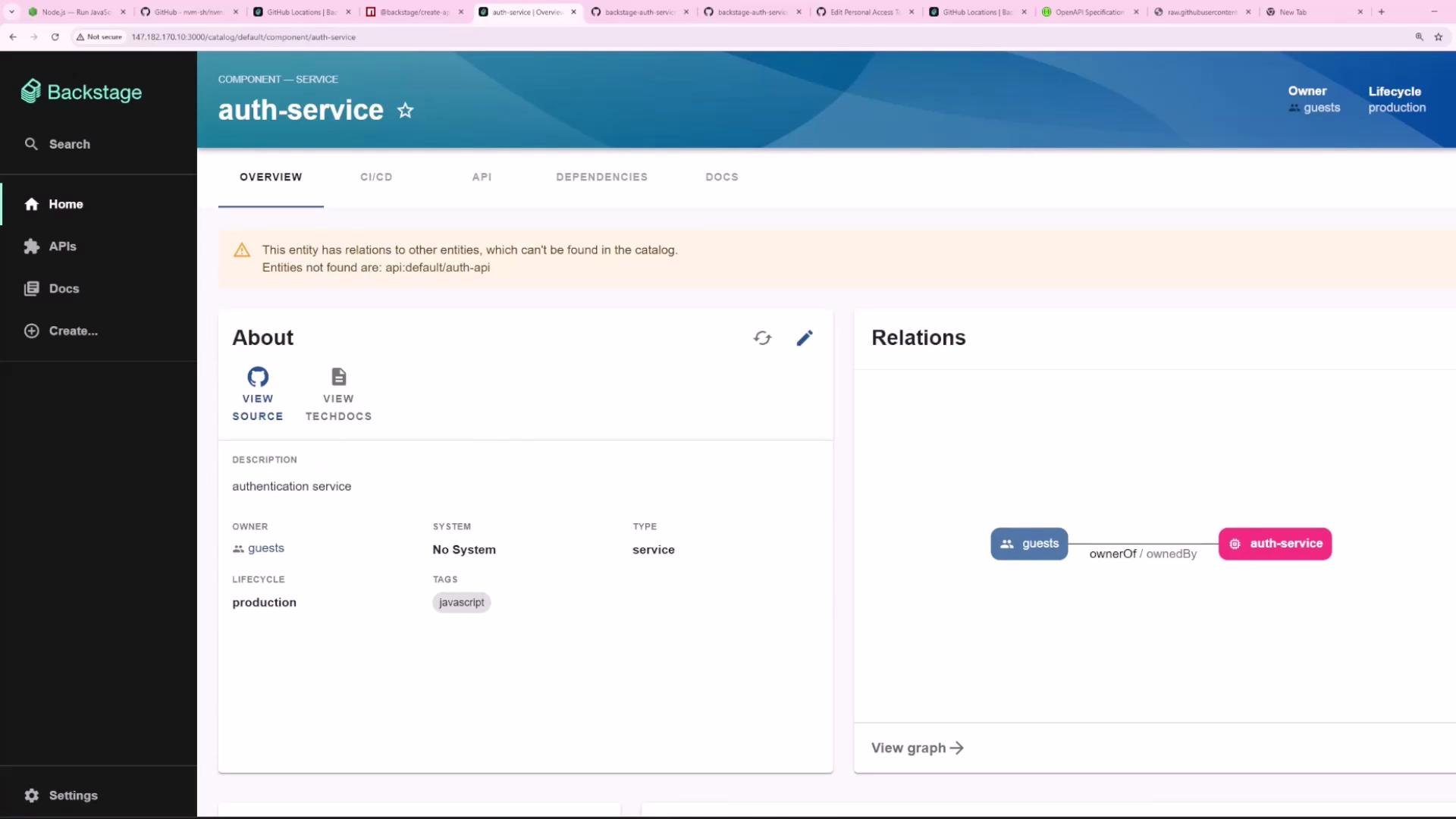
Summary / Checklist
- Private repositories require a configured GitHub integration so Backstage can authenticate and read raw files.
- Add
raw.githubusercontent.comtoreading.allowand configure agithubintegration inapp-config.yaml. - Generate a GitHub PAT with the
reposcope (least privilege) and set it via an environment variable (e.g.,GITHUB_TOKEN). - Restart the Backstage backend after configuration changes.
- Re-run “Register an existing component” to import the entity into the catalog.
- Backstage docs — Integrations: https://backstage.io/docs/integrations
- GitHub docs — Creating a personal access token: https://docs.github.com/en/authentication/keeping-your-account-and-data-secure/creating-a-personal-access-token