

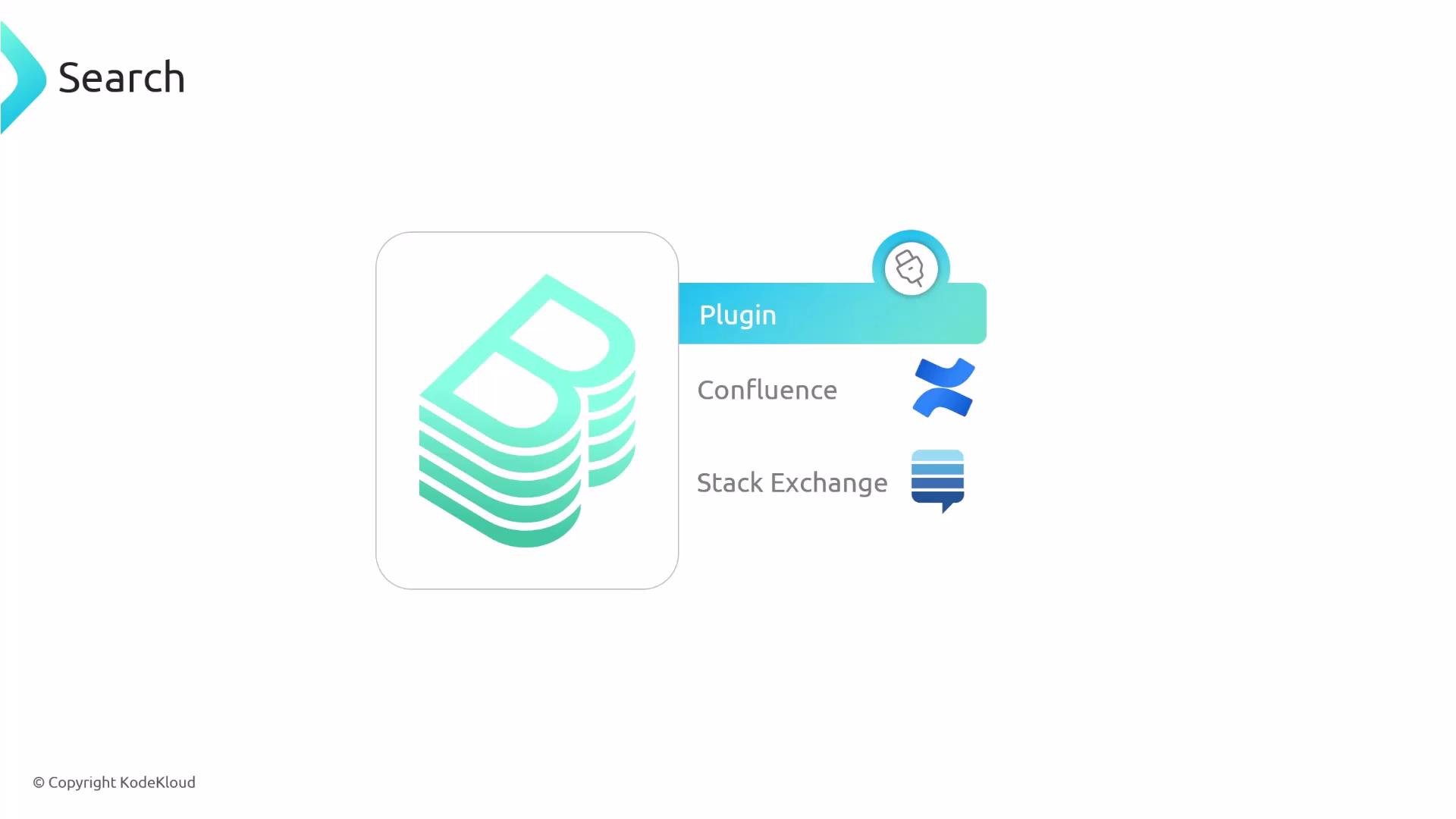
Collators — what they do
Collators determine which data is discovered and indexed. A collator:
- Discovers content in a specified location (catalog entities, TechDocs, Confluence spaces, Stack Exchange data, etc.).
- Converts that content into canonical “documents” for the search indexer to consume.
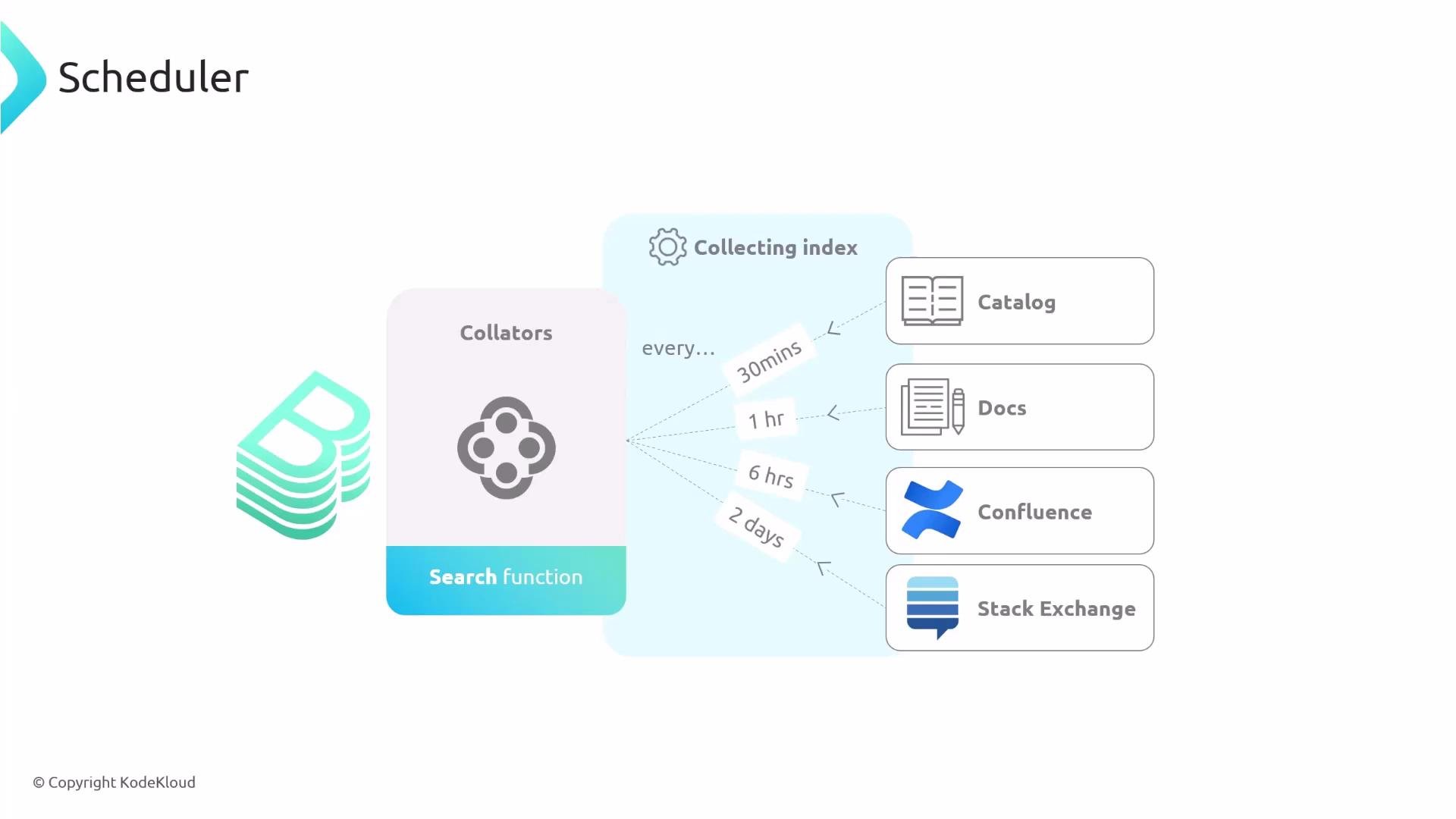
Adjust polling intervals to match the change frequency and operational cost for each source in your environment.
Switching to Elasticsearch / OpenSearch
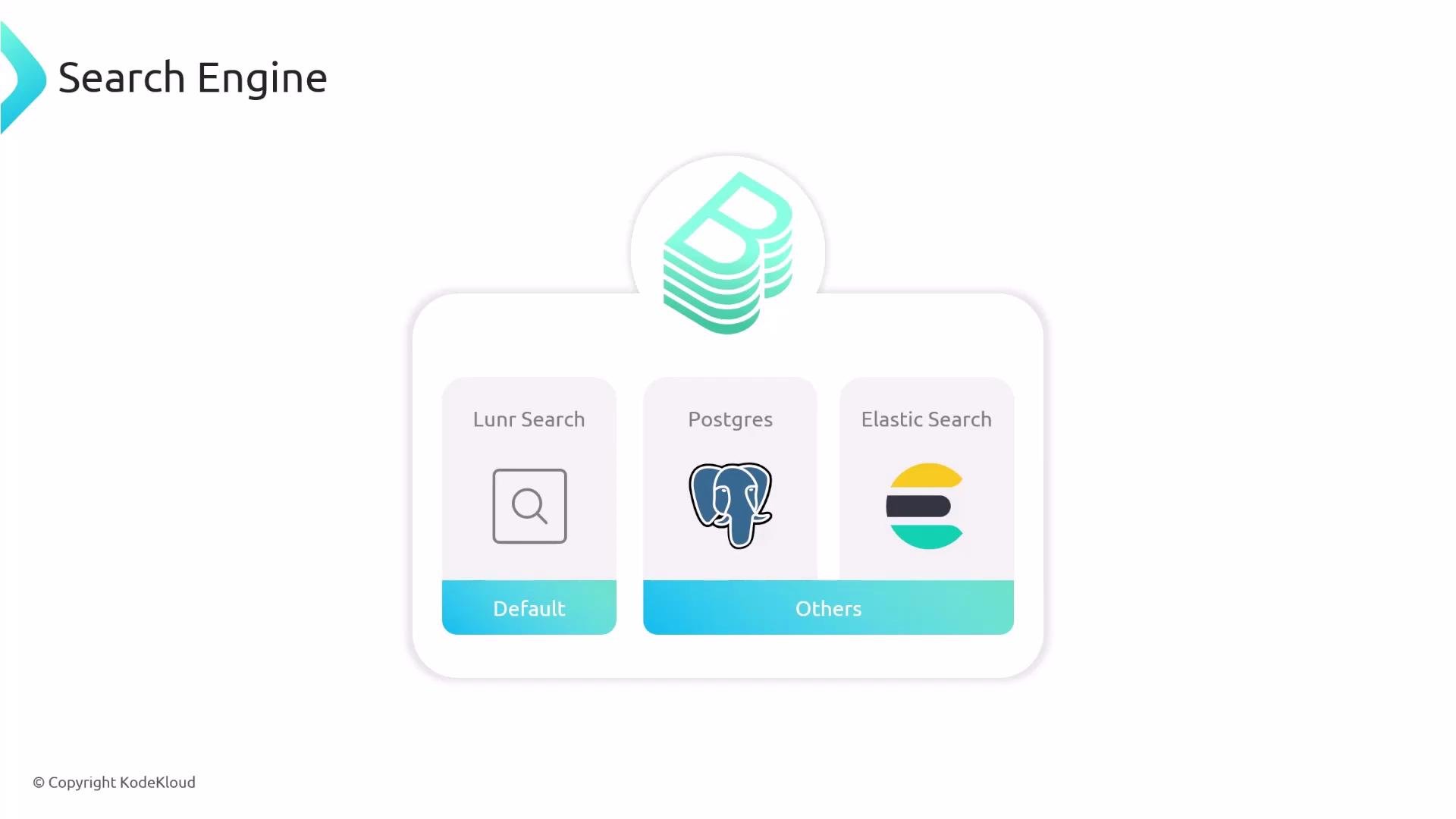
If your installation needs a persistent, scalable index, switch from the default Lunr to Elasticsearch or OpenSearch. Steps:
- Add the Elasticsearch/OpenSearch backend collator module to your backend packages.
- Register the module with your backend at startup.
- Configure the connection details in
app-config.yaml.
packages/backend):
await these imports. A typical pattern:
When using dynamic imports, ensure the surrounding context supports
await (for example, by using top-level await in an ES module) or wrap this logic inside an async function. Restart the backend after adding new modules.app-config.yaml. Example:
provider to elasticsearch or opensearch depending on your server, and update node and credentials to match your deployment.
Best practices
- Start with Lunr for small teams or evaluations; move to Postgres or Elasticsearch/OpenSearch as scale demands.
- Use per-source scheduling to reduce unnecessary indexing load.
- Add collators only for data sources you need in search to keep the index relevant and performant.
- Secure your Elasticsearch/OpenSearch endpoints and credentials (use secrets management where possible).
- Backstage search indexes catalog entities, TechDocs, and any additional sources you enable via collators.
- Choose Lunr for simplicity, Postgres for DB-backed indices, or Elasticsearch/OpenSearch for large-scale, feature-rich search.
- Collators define what gets indexed and can be scheduled independently to balance freshness and cost.
- To add Elasticsearch/OpenSearch: install the backend module, register it during backend startup, and configure connection settings in
app-config.yaml.
- Backstage Search docs: https://backstage.io/docs/search/
- Lunr: https://lunrjs.com
- PostgreSQL: https://www.postgresql.org
- Elasticsearch: https://www.elastic.co
- OpenSearch: https://opensearch.org
- Confluence: https://www.atlassian.com/software/confluence
- Stack Exchange: https://stackexchange.com