

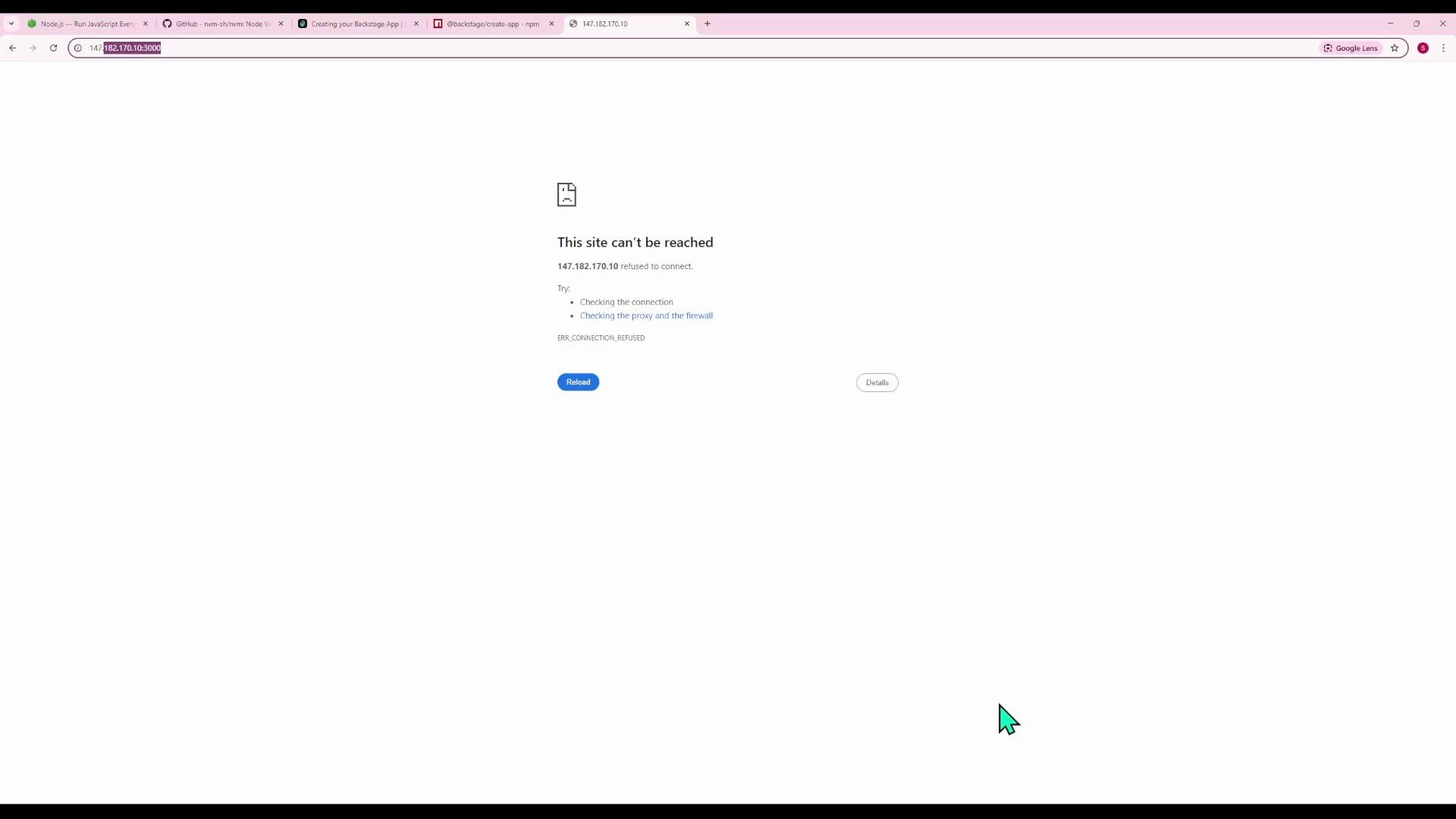
localhost, which prevents accessing Backstage from an external browser using the server’s IP or DNS. This article preserves the original configuration examples and shows the minimal changes required to make Backstage reachable externally while keeping local overrides manageable.
What you’ll learn
- Why
localhostbindings block external access - Which config keys to update (
app.baseUrl,backend.baseUrl,backend.listen,backend.cors.origin) - How to apply changes safely with
app-config.local.yaml - How to restart and verify the dev server
- The frontend is configured with
app.baseUrl: http://localhost:3000. Generated URLs and the webpack dev server advertiselocalhost, so requests sent to the server’s external IP are rejected by the host checks or by the server binding. - The backend uses
localhostforbaseUrland may bind to the loopback interface, or its CORS config may not allow the external frontend origin, causing the browser to block API calls. - Solution: switch the frontend
app.baseUrland backendbaseUrlto the server IP or DNS name, ensure the backend listens on an interface that accepts external requests (commonly0.0.0.0), and add the frontend origin tobackend.cors.origin.
app.baseUrl is localhost):
- Set
app.baseUrlto the server IP or DNS with port3000. - Set
backend.baseUrlto the same server IP or DNS with port7007. - Configure the backend
listen.hostto0.0.0.0(or removehostto bind all interfaces) so it accepts external connections. - Add the frontend origin to
backend.cors.originso the browser is allowed to call the backend.
app-config.yaml for this demo (replace 147.182.170.10 with your server IP or DNS name):
Note: If you have a DNS name for your server, prefer that instead of a raw IP address for better maintainability and SSL/HTTPS compatibility.
Restart the dev server
After changing configuration files you must restart Backstage to load the new settings.
Steps:
- Stop the running dev server (Ctrl+C in the terminal; press again if necessary to force exit).
- Start it again:
http://147.182.170.10:3000 and be able to communicate with the backend at http://147.182.170.10:7007.
Using app-config.local.yaml for local overrides
- Prefer placing machine-specific or development-only overrides in
app-config.local.yamlso the sharedapp-config.yamlremains suitable across environments. - Backstage merges configuration files;
app-config.local.yaml(if present during development) overrides keys inapp-config.yaml.
app-config.local.yaml with minimal overrides:
app-config.yaml to scaffold defaults for portability:
app-config.local.yaml has precedence in development, the effective configuration used by yarn dev is the merge of app-config.yaml and the local overrides. After creating or modifying app-config.local.yaml, restart the dev server.
Use
app-config.local.yaml for developer- or machine-specific settings (like using an external IP for a demo server). Keep app-config.yaml for defaults shared among environments, and use production-specific files (e.g., app-config.production.yaml) when deploying to production.Exposing a development server on a public IP can expose sensitive endpoints or secrets. Avoid using production secrets in development configs and secure access with firewall rules or VPNs when demoing externally.
- Confirm the server firewall/security group allows ports
3000and7007. - Verify Backstage logs show the backend listening on
0.0.0.0:7007(or expected host/port). - Inspect browser DevTools Console and Network tab for CORS errors; adjust
backend.cors.originas needed. - If the frontend still advertises
localhost, clear caches and ensureyarn devrestarted after config changes.
- The frontend refused external connections because
app.baseUrlwas set tolocalhost. The backend may also have been bound only to localhost or rejected cross-origin requests. - Update
app.baseUrl,backend.baseUrl, andbackend.cors.originto the server IP or DNS name and ensure the backend binds to an interface that accepts external connections. - Prefer
app-config.local.yamlfor local overrides to keep shared configuration environment-agnostic. - Always restart Backstage after modifying configuration and double-check firewall and CORS settings.
- Backstage Configuration: https://backstage.io/docs/configuration/overview
- Backstage Dev Mode: https://backstage.io/docs/development/dev-setup
- CORS and browser security: https://developer.mozilla.org/en-US/docs/Web/HTTP/CORS