

app-config.local.yaml, app-config.production.yaml, app-config.yaml, backstage.json, and catalog-info.yaml, along with folders like node_modules, packages, and plugins.
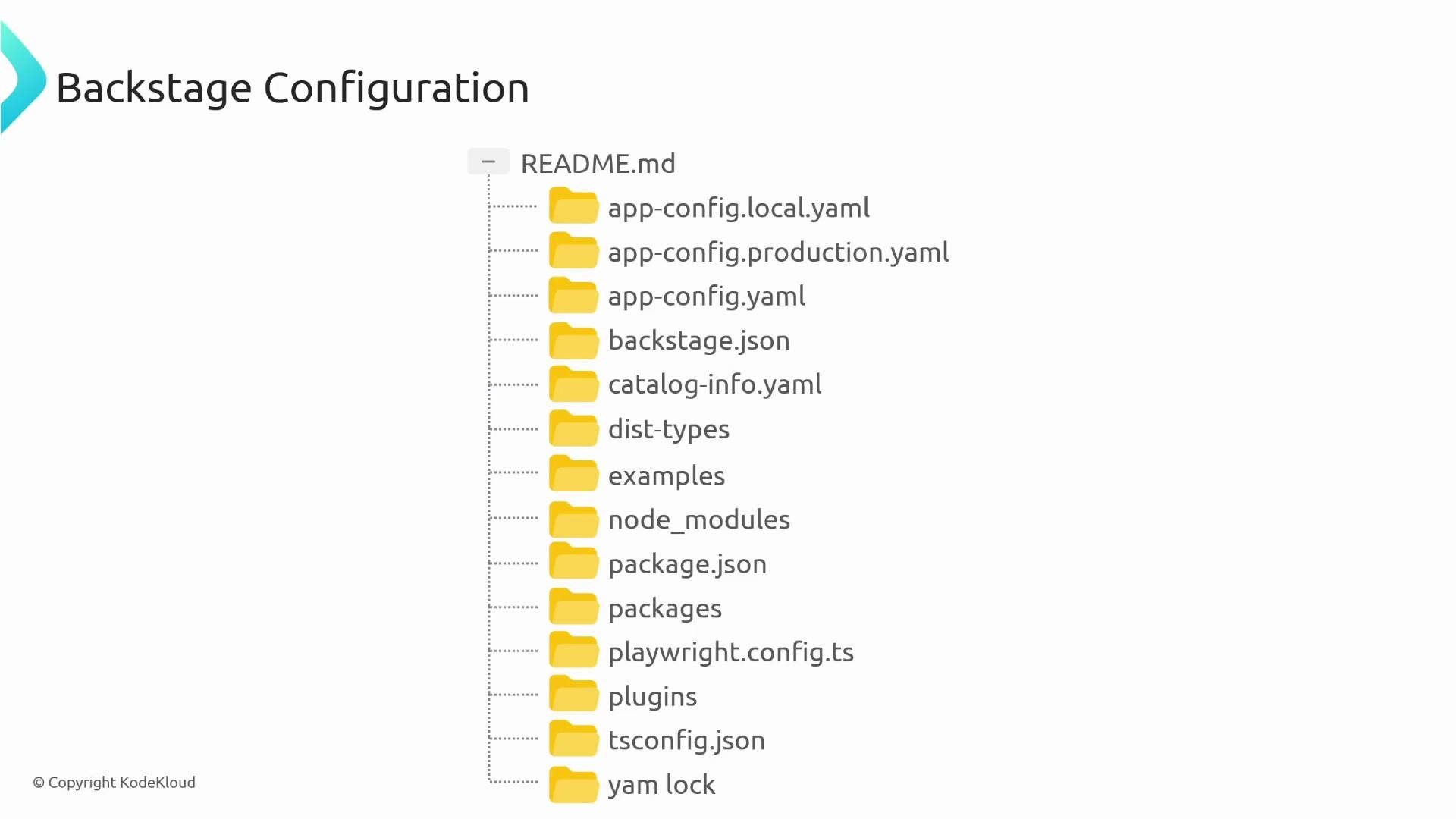
app-config.yaml— base configuration shared across environmentsapp-config.local.yaml— overrides for local developmentapp-config.production.yaml— overrides for production deployments
app-config.yaml contains settings common to all environments, and environment-specific files merge on top of it to override values when present.
How the config files work (layered configuration)
- Backstage loads
app-config.yamlfirst as the canonical base. - If present,
app-config.local.yamlandapp-config.production.yamlare merged on top of the base and replace any overlapping keys. - Only include keys in the override files for properties that change between environments; unspecified keys remain as defined in the base file.
app-config.yaml (base configuration)
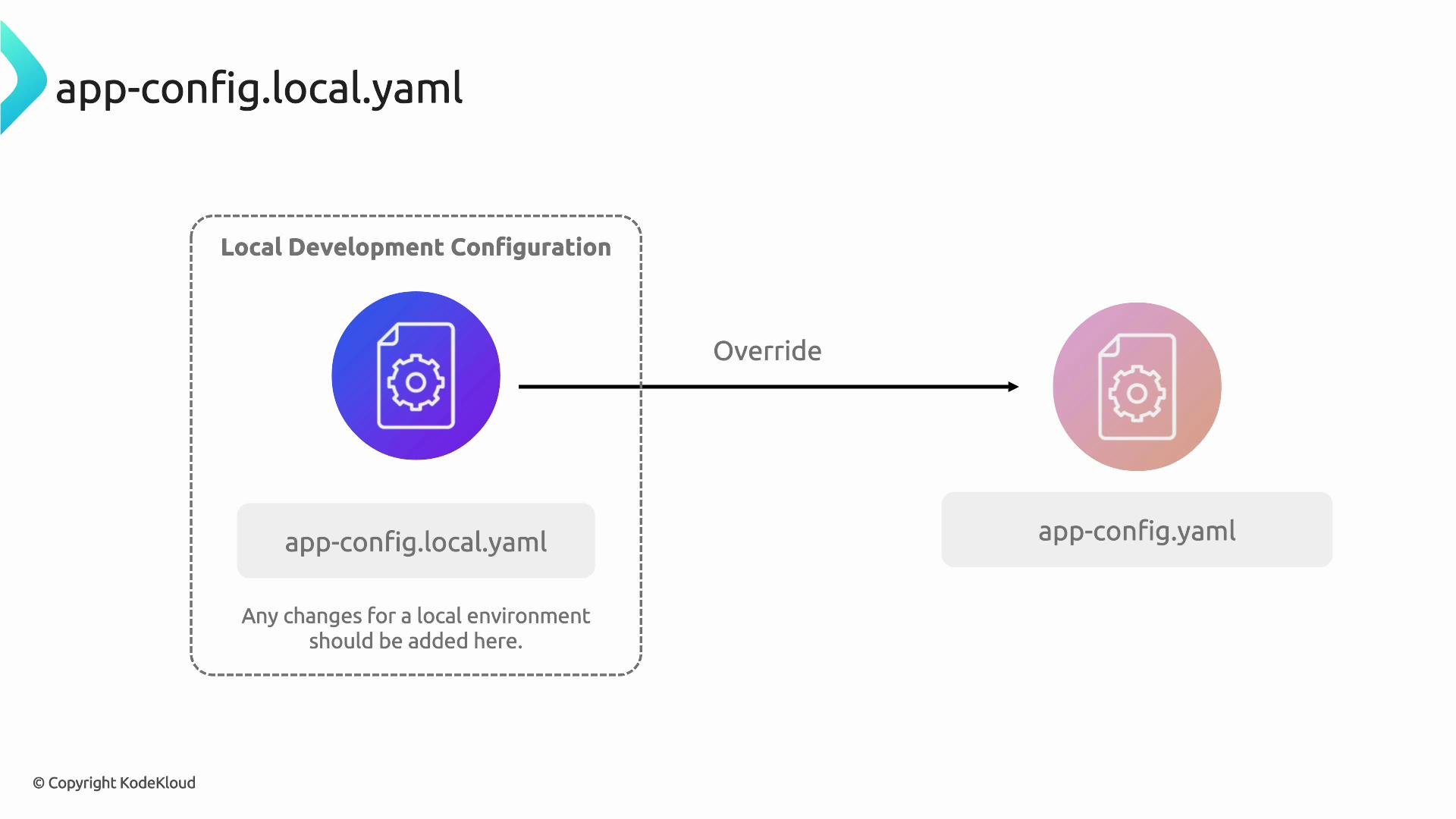
Put values that are identical across environments here. This file should be committed to source control and serve as the canonical configuration for your Backstage instance.app-config.local.yaml (local development overrides)
Useapp-config.local.yaml to override only the values that differ for local development. Backstage merges this file on top of the base config, so you don’t need to repeat the entire configuration—only the keys you want to change.
Do not commit
app-config.local.yaml if it contains secrets (API keys, credentials) or machine-specific values. Keep it as a local-only configuration file and add it to .gitignore where appropriate.app-config.production.yaml (production overrides)
app-config.production.yaml works the same as the local override file but is intended for production deployments. Use environment-specific overrides here and avoid hard-coding secrets or machine-specific values in files stored in version control.
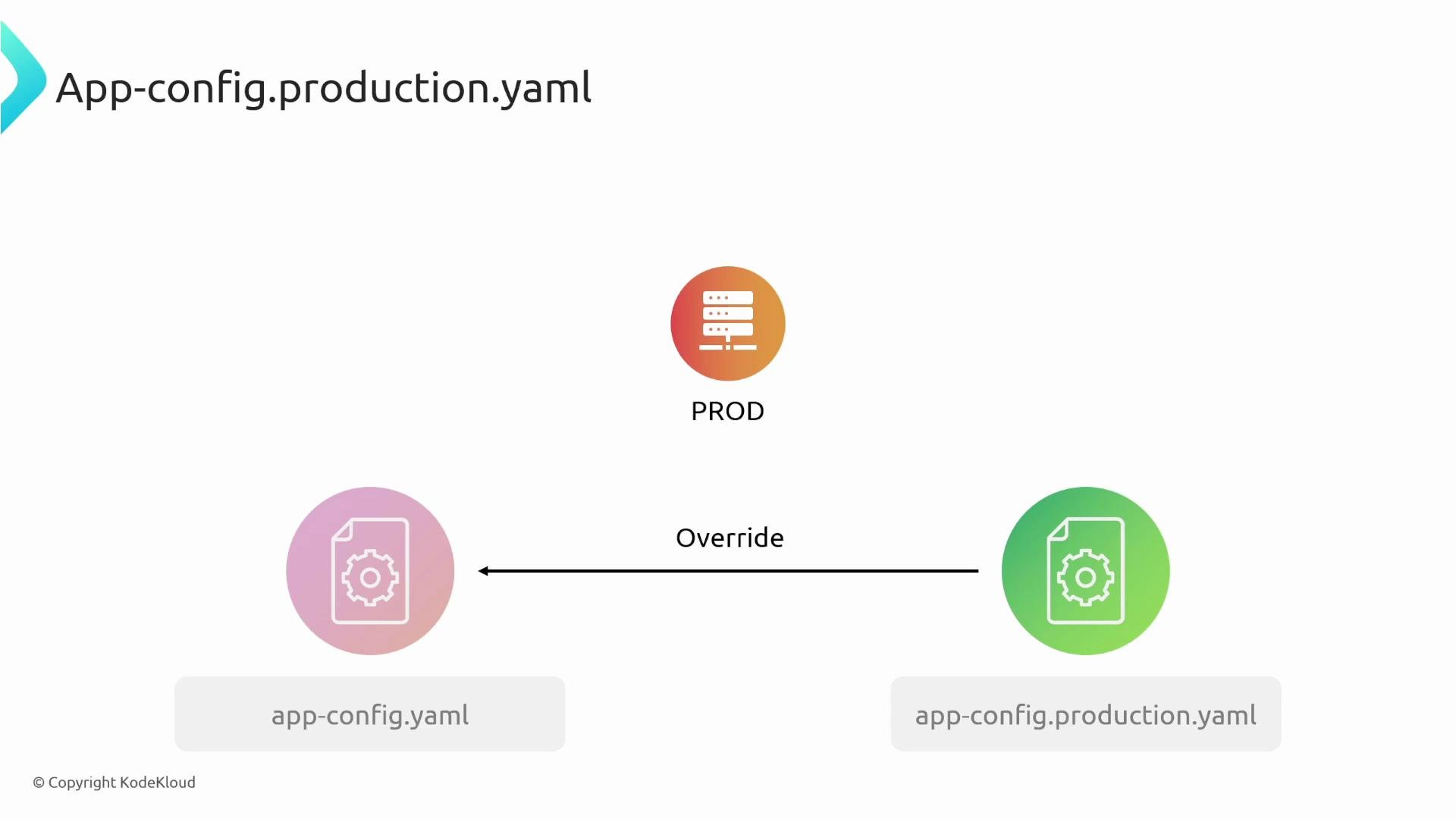
Use environment variables in production configs to avoid storing secrets in version control. The
HOST environment variable in the example above will be substituted at runtime.Restarting Backstage after config changes
Backstage reads configuration files at startup. After editing any config file, restart your Backstage process so the new settings are applied.Quick reference table
Summary
app-config.yamlis the shared base config; commit this file.app-config.local.yamlprovides local development overrides—keep sensitive values out of version control.app-config.production.yamlcontains production-specific overrides and should rely on environment variables for secrets.- Backstage merges the base and override files at startup; restart the process to load configuration changes.