

https://api.adviceslip.com/advice) and renders it as a compact card on an entity page.
This practical example demonstrates:
- How to scaffold a frontend plugin in a Backstage repository
- How Backstage plugins declare routes and expose extensions
- How to implement a React component that fetches data using Backstage APIs
- How to register a component extension so it can be embedded in the app
Make sure your development environment can run the Backstage frontend (Node.js, Yarn) and that you understand basic React hooks (
useState, useEffect). This example focuses on frontend plugin development and using Backstage APIs like useApi and fetchApiRef.1) Scaffolding a frontend plugin
Backstage includes a generator to add new packages to a monorepo. From the project root run:advice. The generator will create the plugin under plugins/advice and update the root frontend package dependencies (for example, adding "@internal/backstage-plugin-advice": "^0.1.0" to the root package.json).
Expected output includes messages like:
2) What the generator creates (important files)
Openplugins/advice/src. The generator provides several files you will use:
routes.ts
3) Creating a reusable component extension (AdviceCard)
For this lesson we want a small, embeddable component — an AdviceCard — that can be placed on an entity overview page. To make it reusable across the app we will export it as a component extension. Create the component file:plugin.ts using createComponentExtension (so other parts of the app can import and render it):
src/index.ts:
AdviceCardExtension) is the identifier other packages will import.
4) Using the plugin in the app
The generator wires the routable AdvicePage into the app router. Inpackages/app/src/App.tsx you might see:
Important: when referencing JSX tags in MDX text, wrap them in backticks to avoid MDX parsing (for example
AdviceCardExtension).5) Styling with Backstage UI components
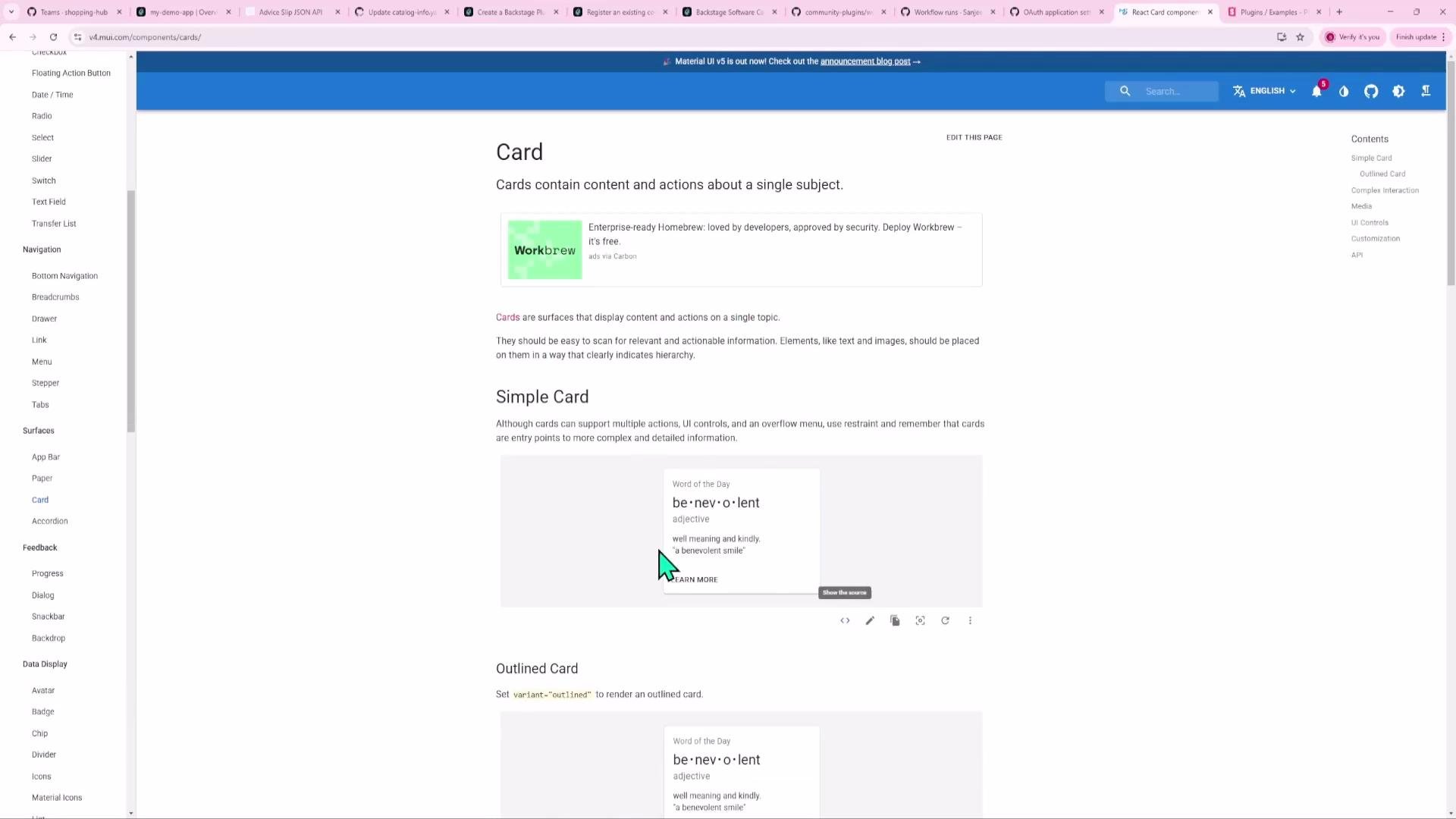
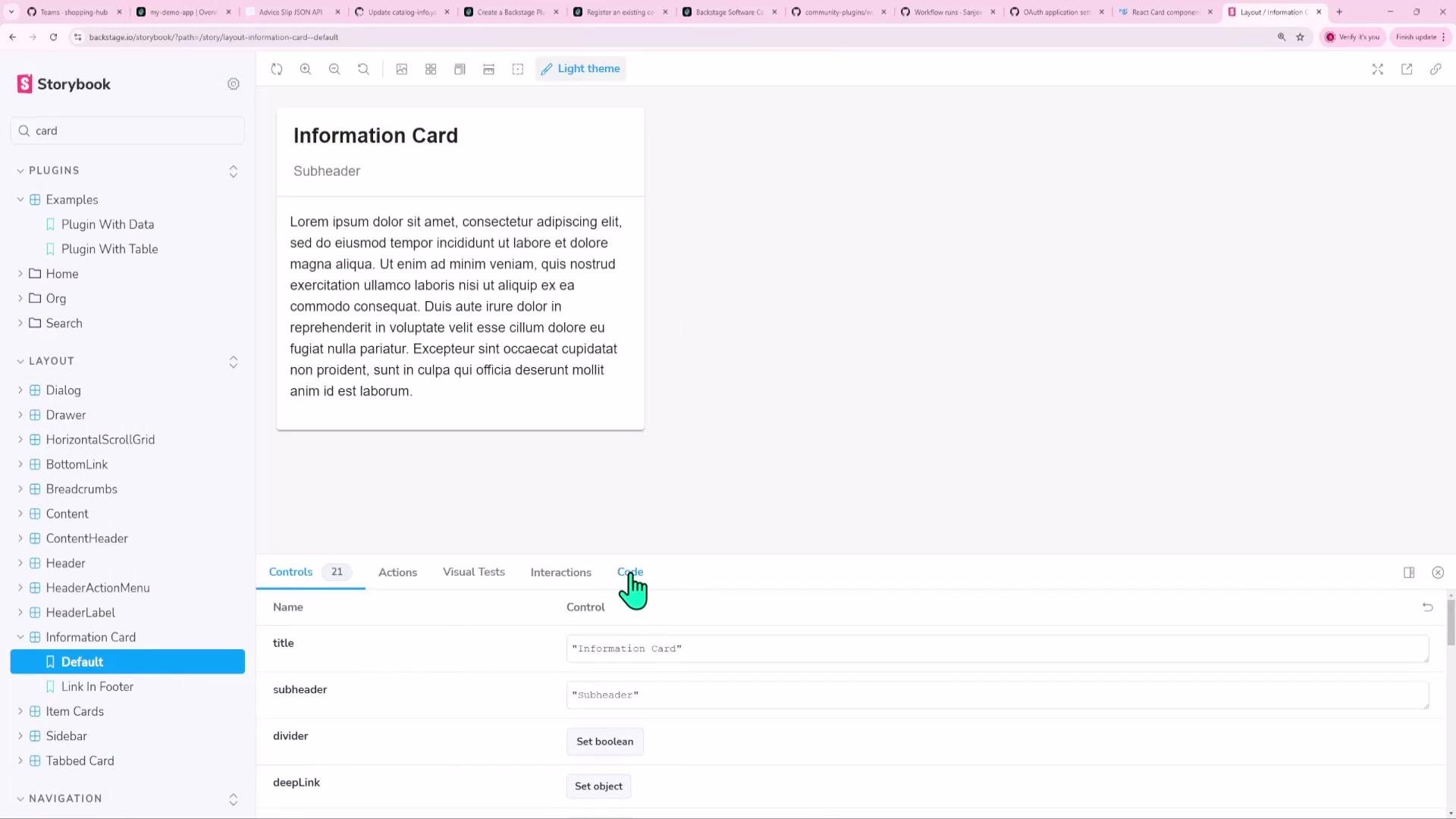
Backstage uses Material-UI and provides curated UI primitives in@backstage/core-components. Use these building blocks for a consistent look-and-feel rather than custom CSS.
Common components:
We used
InfoCard in the AdviceCard to inherit Backstage styling and accessibility defaults.
6) Why use Backstage APIs for fetch (useApi + fetchApiRef)
Prefer Backstage’s injectable fetch API over the global fetch. Benefits:
- Centralized configuration (proxying, auth headers, base URLs)
- Consistent logging and error handling across plugins
- Easier testability and mocking in unit tests
7) Running and developing the plugin independently
Develop plugins without booting the entire Backstage app. Common ways:- From the plugin folder:
- From the repo root using Yarn workspaces:
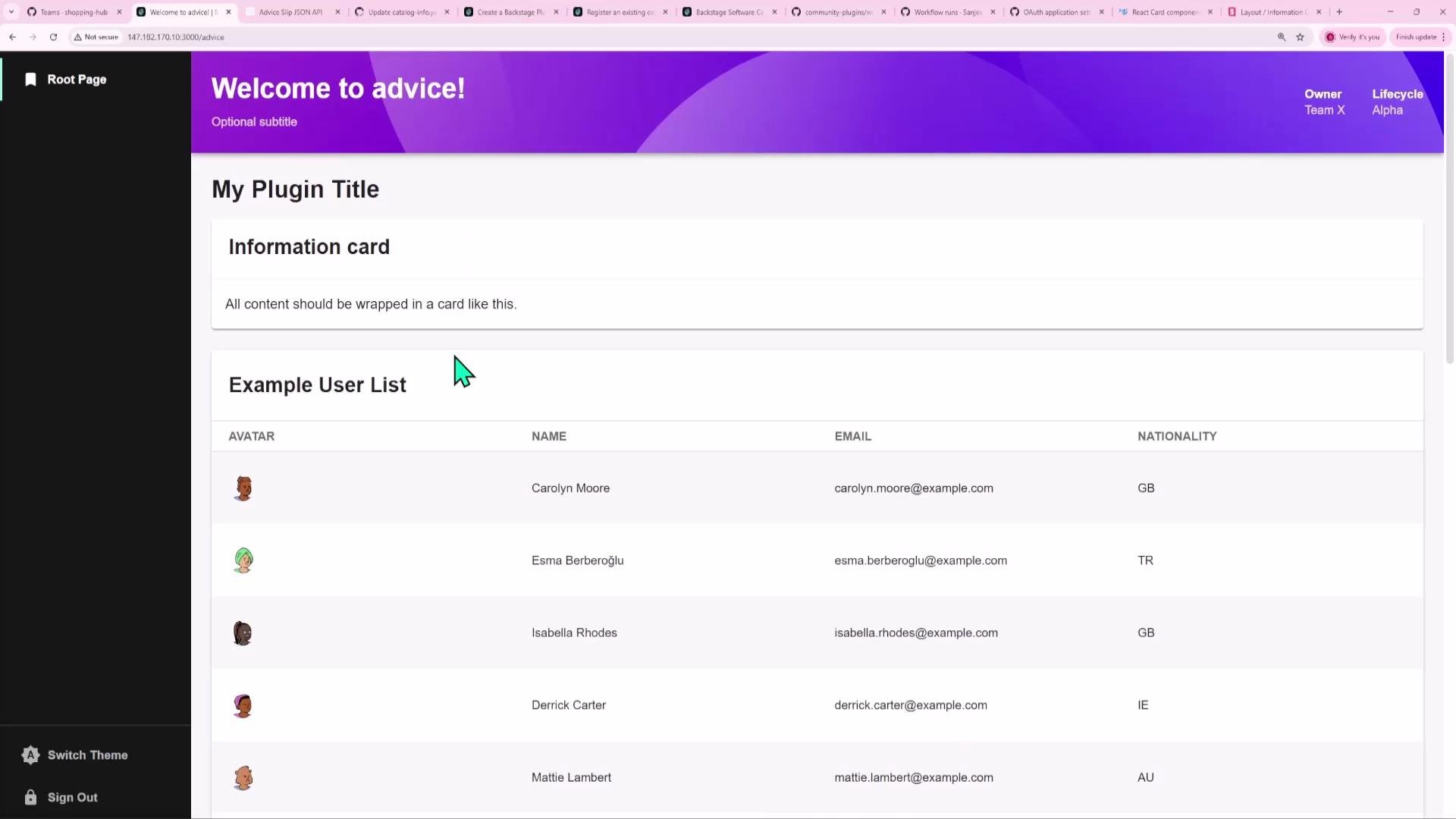
http://localhost:3000/, where you can preview the plugin UI.
8) Recap — complete AdviceCard component
For convenience, here is the finalAdviceCard.tsx:
That covers creating a simple, reusable frontend plugin in Backstage: scaffolding, registering a component extension, using Backstage UI primitives, and performing API requests through the Backstage fetch API. From here you can extend the plugin with caching, explicit loading/error states, tests, configuration via the Backstage config system, or a backend proxy if you need to avoid CORS or rate limits. Links and references