

- What software exists in the organization?
- Who owns or is responsible for each component?
- What type of component is it (service, library, website, data pipeline, etc.)?
- What is the component’s lifecycle stage and health?
- What are the dependencies and relationships between components?
- Which team or person to contact for changes or incidents?
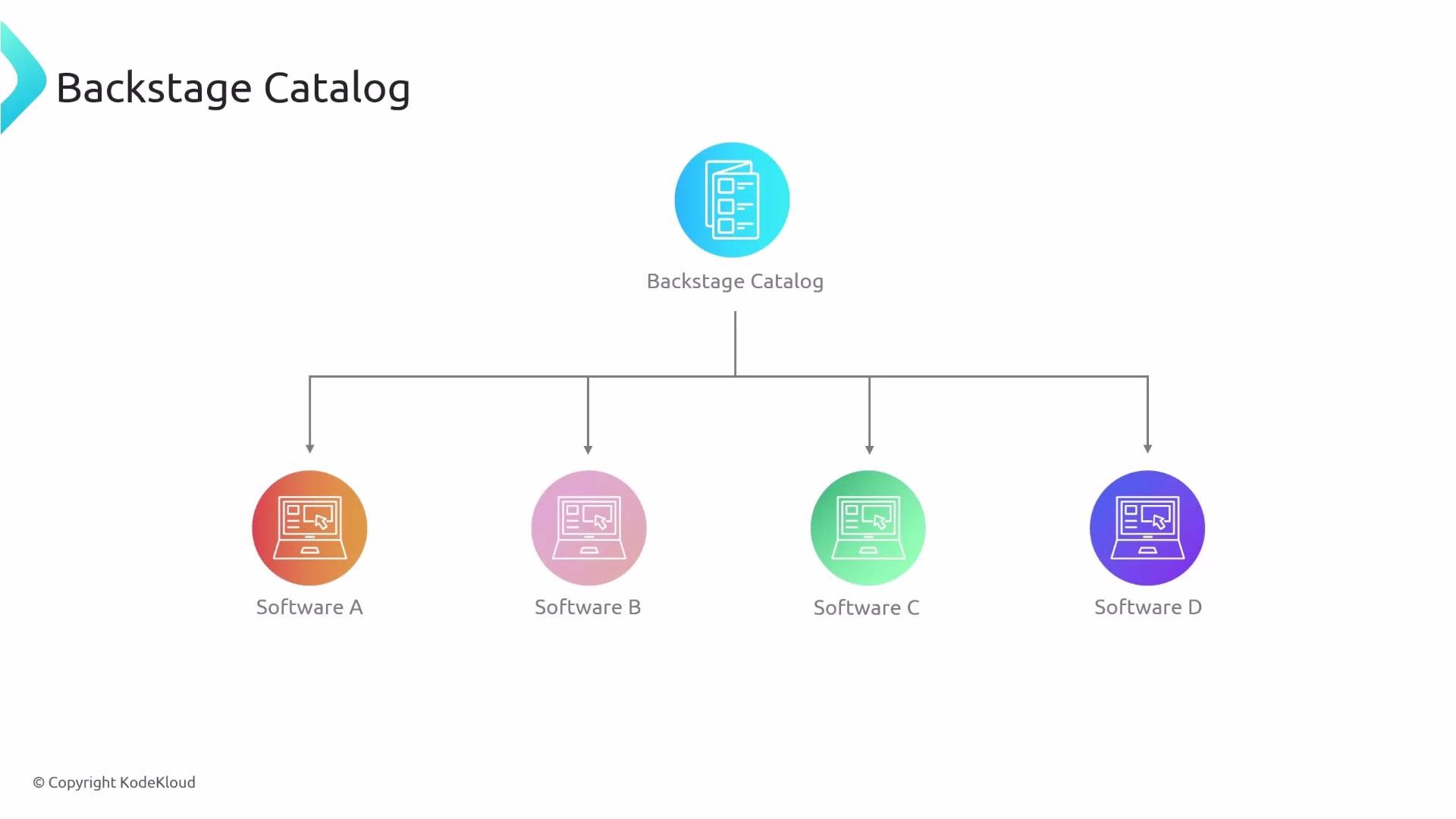
Backstage Catalog standardizes how software metadata is stored and surfaced. By centralizing ownership, lifecycle, and dependency data, it reduces cognitive load for engineers and speeds up discovery and incident response.
In the following sections we will examine:
- How Backstage represents software entities (entity model, kinds, and schemas).
- How ownership and teams are recorded and surfaced.
- How to query and interact with the Catalog via UI and APIs.
- Best practices for modeling metadata and keeping the Catalog accurate.