

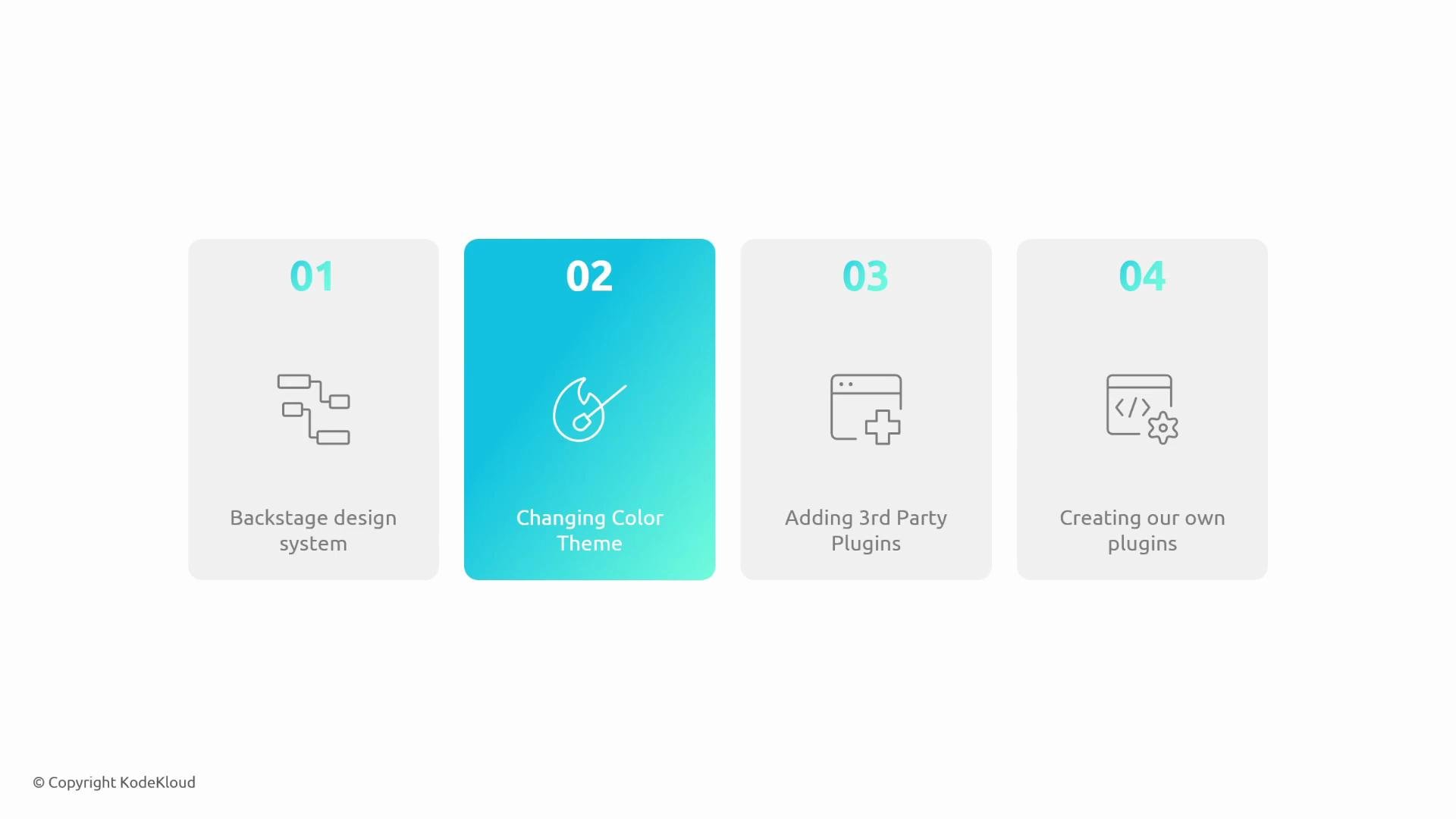
- An overview of the Backstage Design System and layout primitives for building consistent interfaces.
- How to change and configure color themes to align Backstage with your organization’s brand.
- How to install and integrate third‑party plugins from the community or vendors.
- How to scaffold, develop, and register your own plugins to introduce new capabilities.
Before you begin, ensure you have a working local Backstage app (the App template or an existing instance). Familiarity with React, TypeScript, and basic plugin structure will make following the examples easier. If you need setup help, the Backstage docs include quickstart and local development guides.
- Backstage official site: https://backstage.io/
- Backstage Design System: https://backstage.io/docs/design-system/
- Theming and customization: https://backstage.io/docs/features/theming/overview
- Plugin development guide: https://backstage.io/docs/plugins/overview
- Community plugins catalog: https://backstage.io/plugins/overview