

apiVersion, kind, metadata, and spec — which makes them simple to author, relate, and automate. After reading this guide you’ll understand when to create each entity type and how they commonly reference one another.
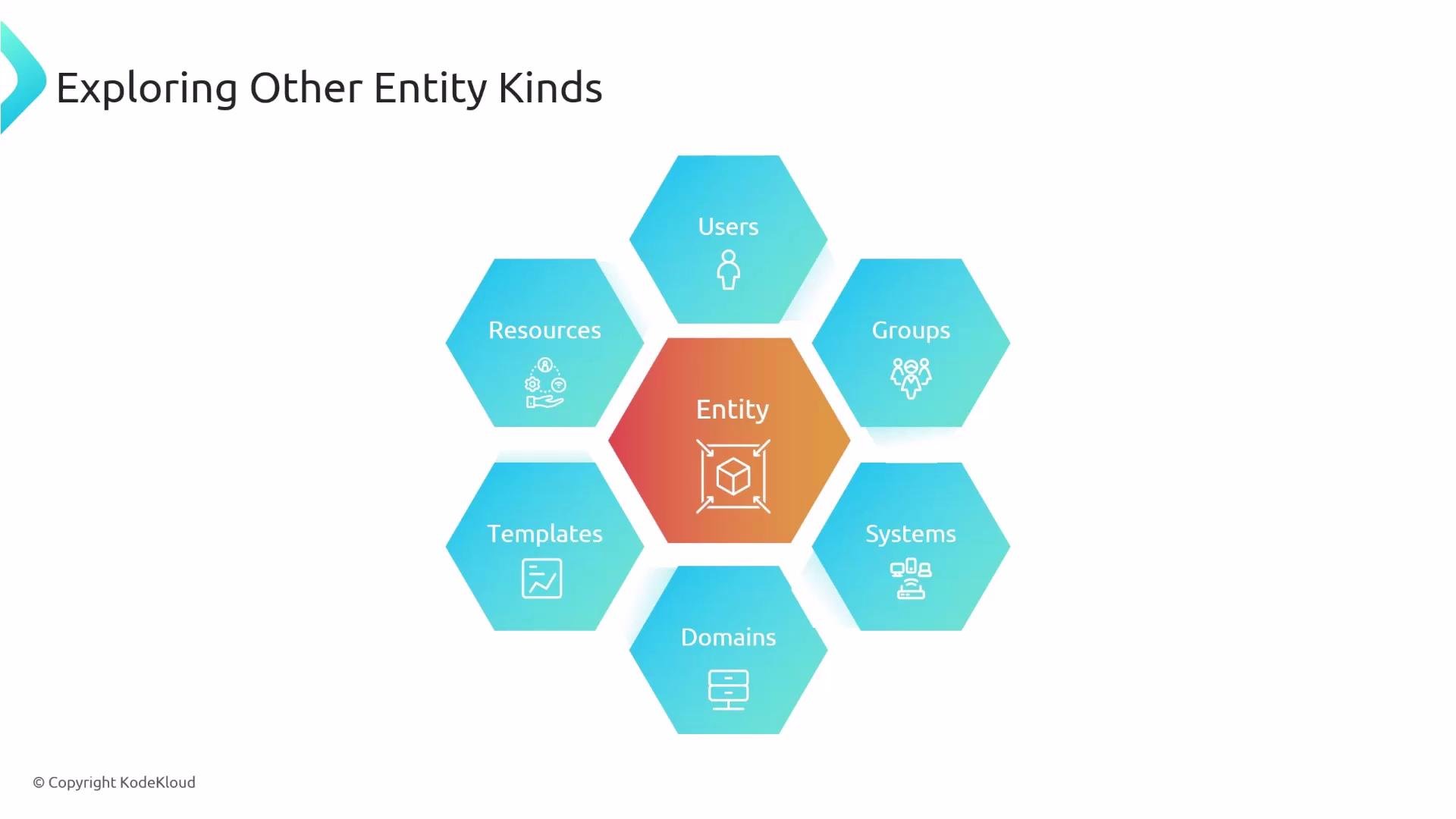
Users
A
User entity models a person in the organization and typically holds display and contact information. Users can belong to zero or more Group entities via the memberOf list, and are often automatically synchronized from your identity provider instead of being created manually.
Example User YAML:
metadata.nameis the unique entity identifier used in cross-references (e.g. groupmembers).spec.profilestores what is shown in UI cards (display name, email, picture).- Prefer syncing from your canonical identity source to reduce duplication and drift.
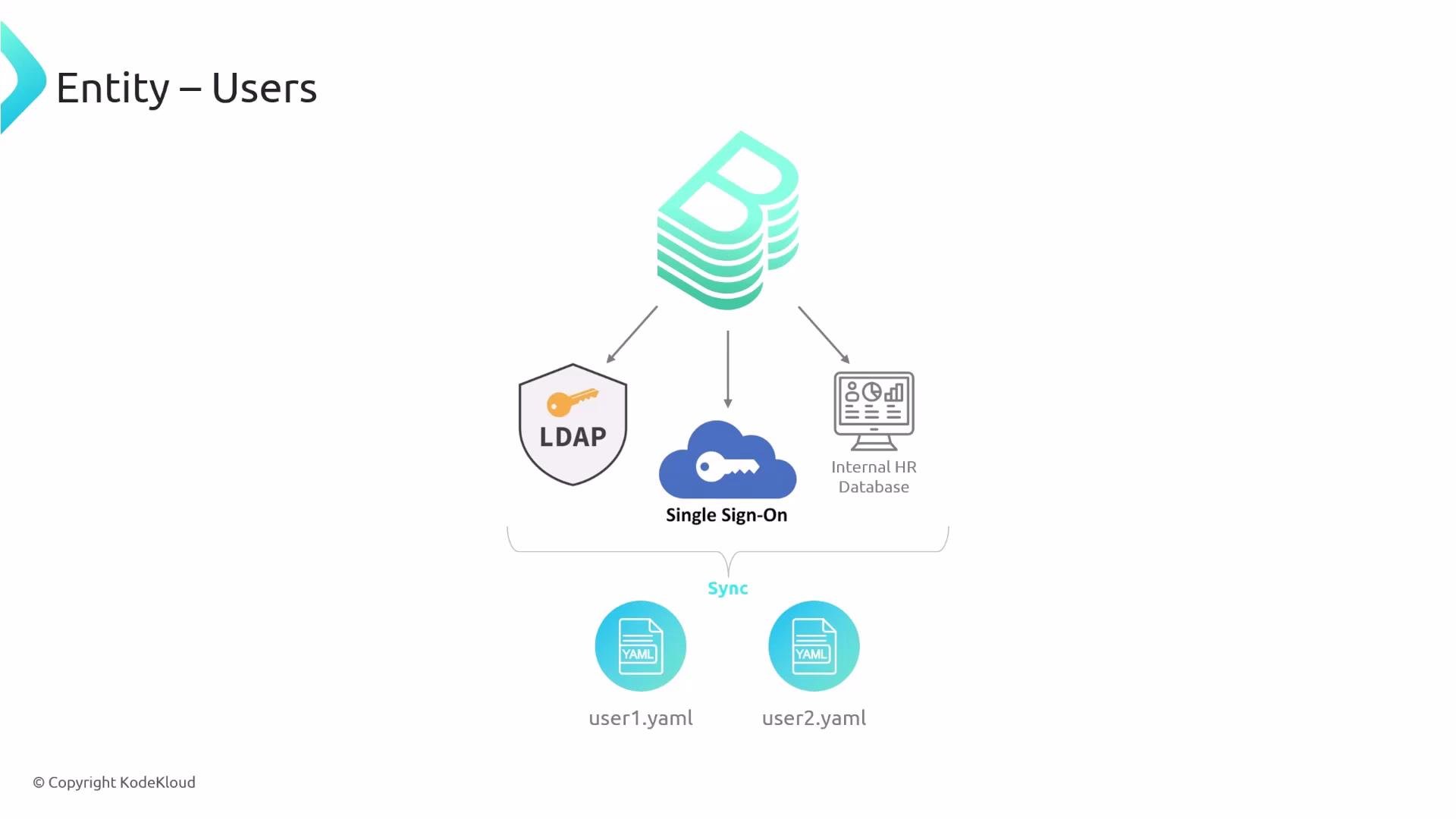
If you use LDAP, SSO, GitHub organizations, or an HR system, configure a catalog processor or a sync integration so
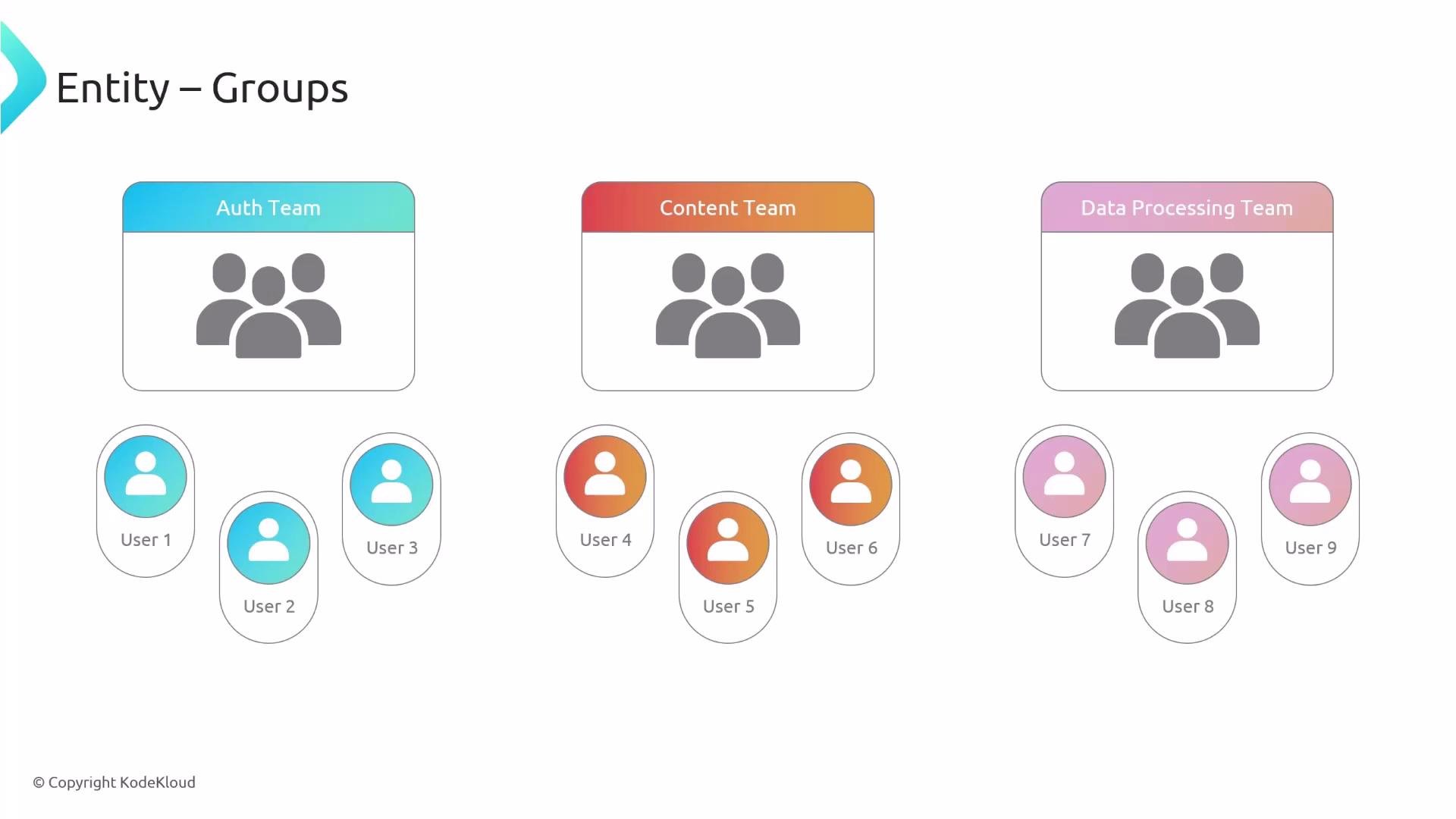
User and Group entities are imported automatically rather than edited by hand.Group models an organizational unit such as a team, business unit, or cross-functional group. Use spec.members to list user entity names and use parent / children to represent hierarchical structure.
Example Group YAML:
- Keep
spec.typesmall and consistent across the org (for example:team,business-unit,guild). - Prefer references to user
metadata.namevalues instead of repeating personal info.
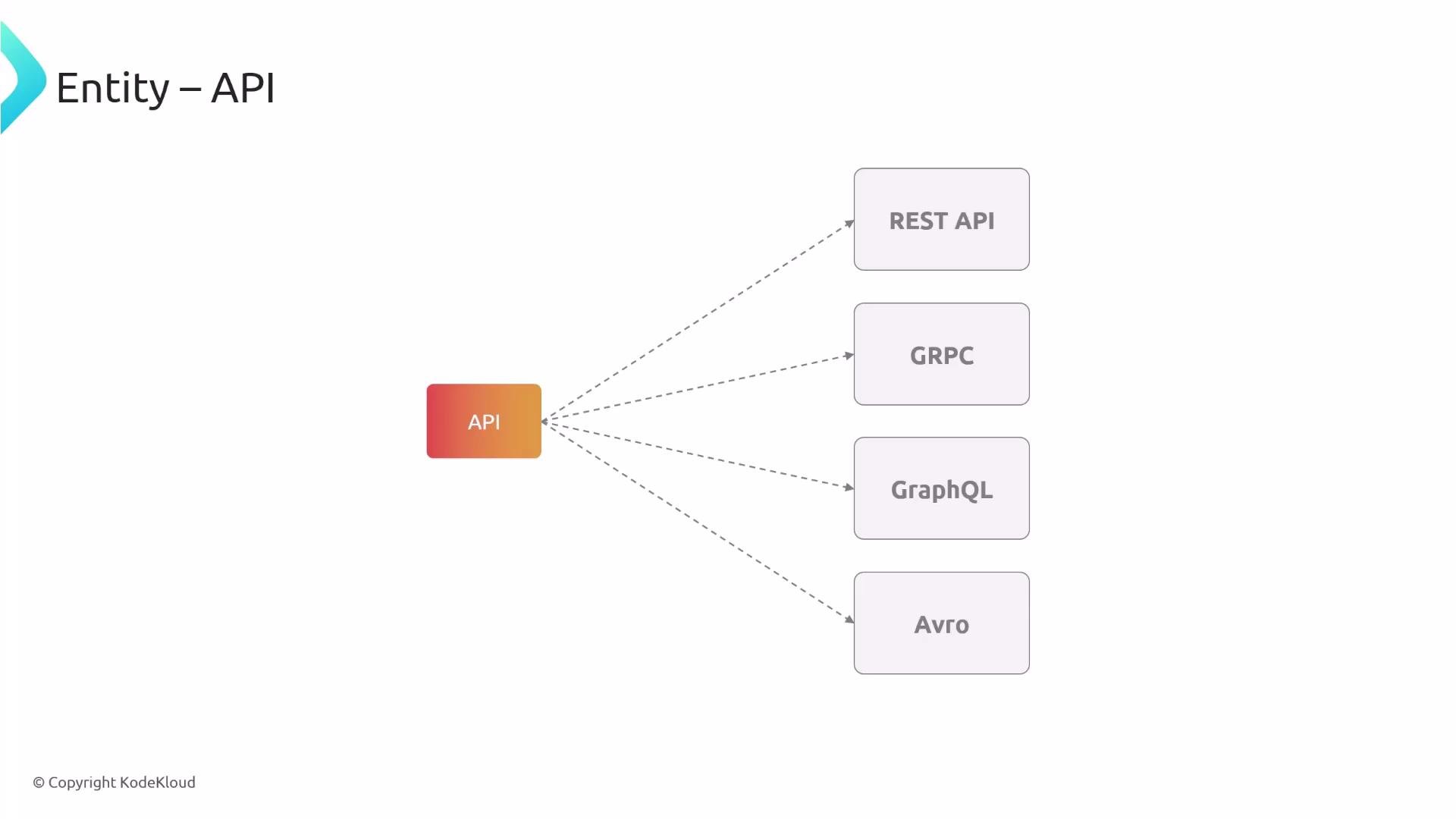
Component entities to show which component provides or consumes an API. Typical relationship fields:
- On a
Component:spec.providesApis(list of API names) - On an
API:spec.apiProvidedBy(the providing component)
spec.typeon an API can beopenapi,grpc,graphql,avro, etc.- The
definitionfield points to the API specification (URL or embedded document).
System entities to group components, resources, and internal APIs that together implement a logical product or service area. Systems help surface which public APIs belong to a logical unit while encapsulating internal components.
Example System and Component association:
- Use
spec.systemon aComponentto associate it with aSystem. - Use
spec.systemon aResourceas well to associate infra with the same system.
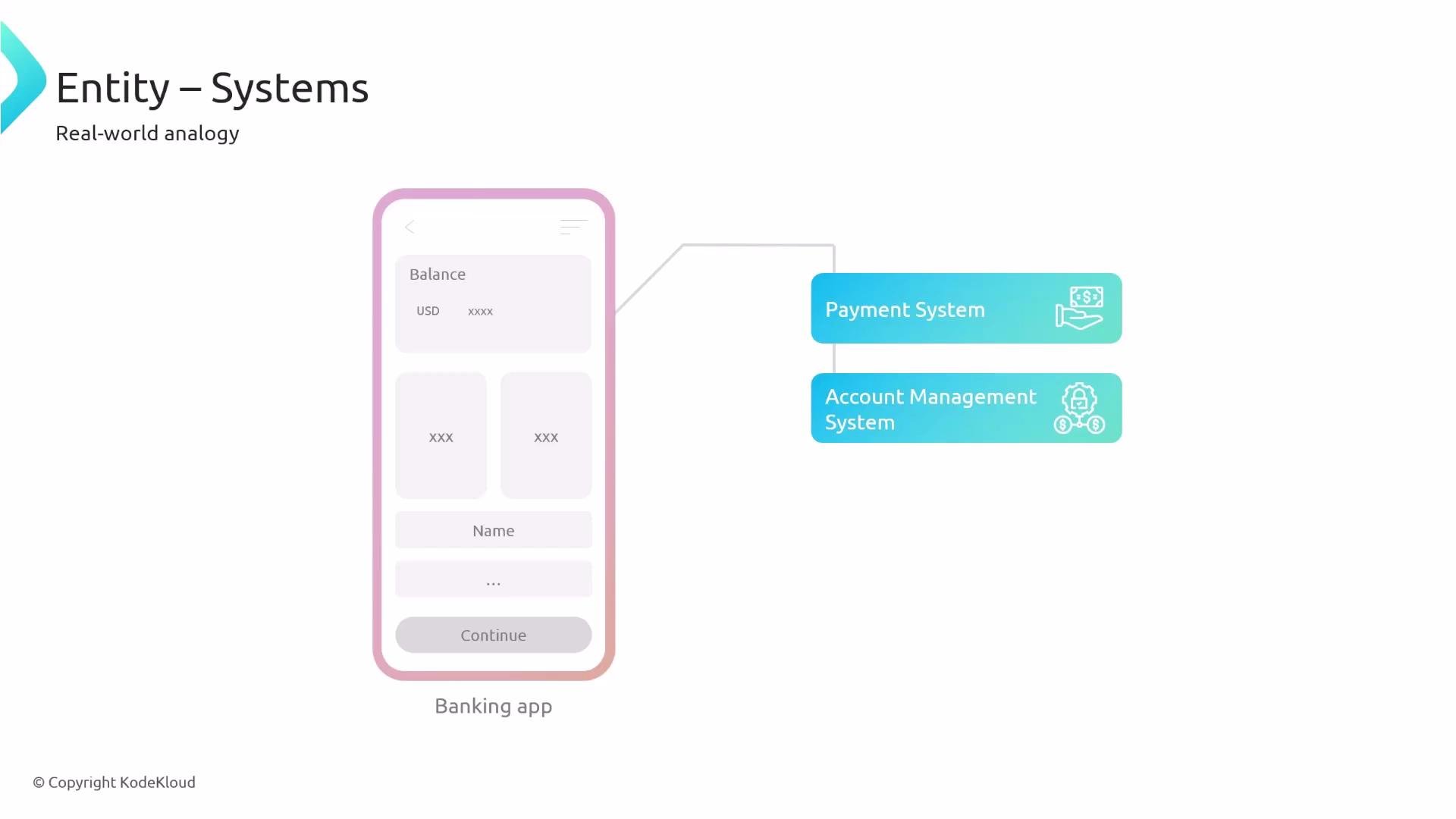
Domain entities capture broader business or product areas that group multiple System entities. Domains reflect organizational ownership and help align systems to strategic responsibilities.
Example Domain and System association:
- Use
spec.subdomainOffor nested domains. - Domain ownership helps map support and governance responsibilities.
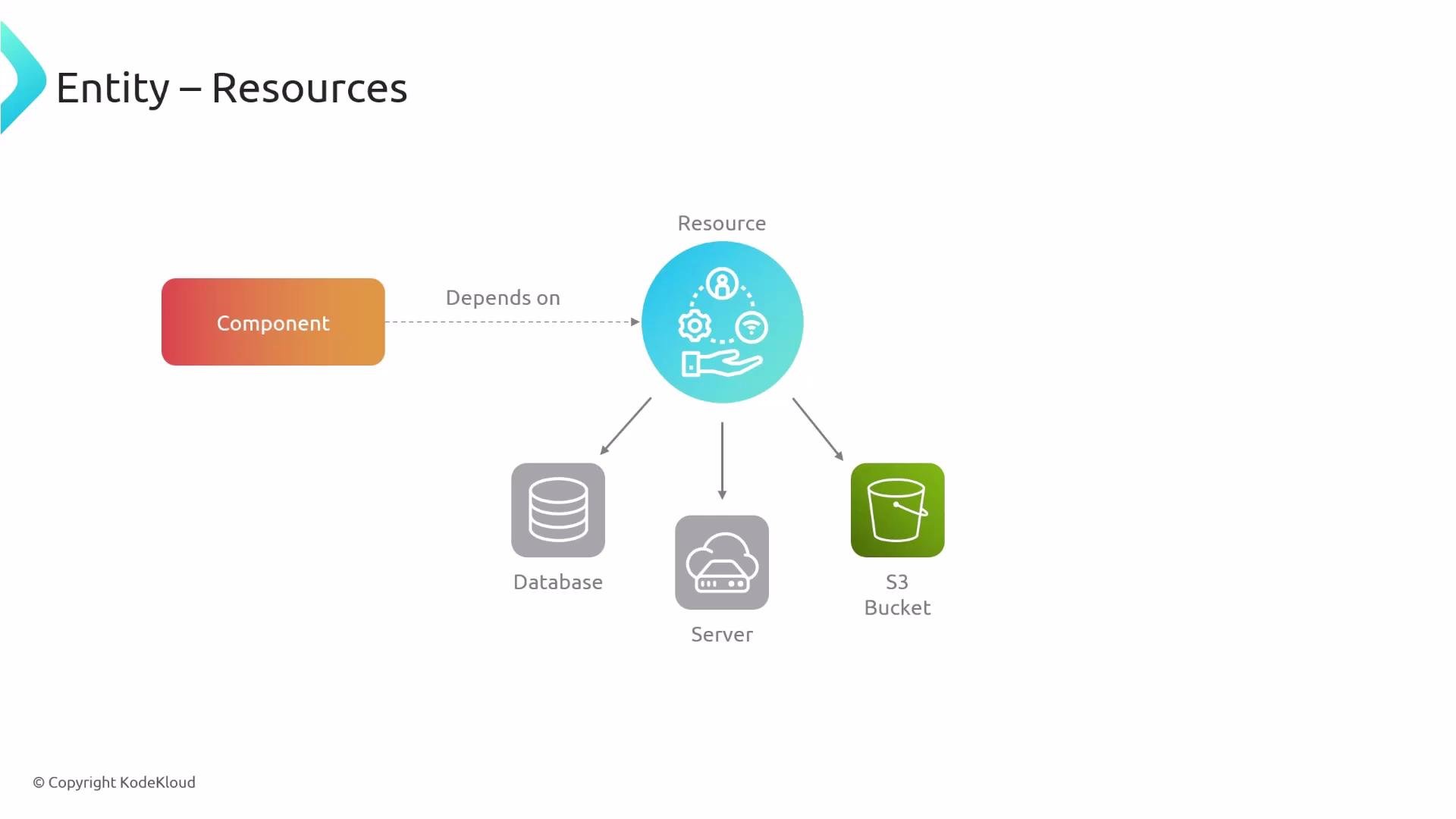
Resource entities model infrastructure dependencies (databases, message topics, storage buckets, CDNs). Explicit resource modeling clarifies operational boundaries and supports impact analysis.
Example Resource YAML:
- Reference the
Resourcefrom components and systems to mark dependencies. - Use resource
spec.typeto categorize infra (e.g.,database,s3-bucket,kafka-topic).
Wrapping up
All Backstage entities use the same foundational YAML structure and connect through simple reference fields (
memberOf, members, providesApis, apiProvidedBy, system, domain, spec.subdomainOf, etc.). Model entities to reflect your organizational structure and automate their creation and updates with catalog processors and sync integrations from your identity and infrastructure sources. Doing so reduces manual drift and keeps the catalog accurate and useful.
That’s all for this lesson.