

The exam is 90 minutes long, proctored online, multiple-choice (single answer), with no lab exercises. The certification remains valid for two years after passing.
Below are expanded summaries for each domain with the specific competencies to prioritize when preparing.
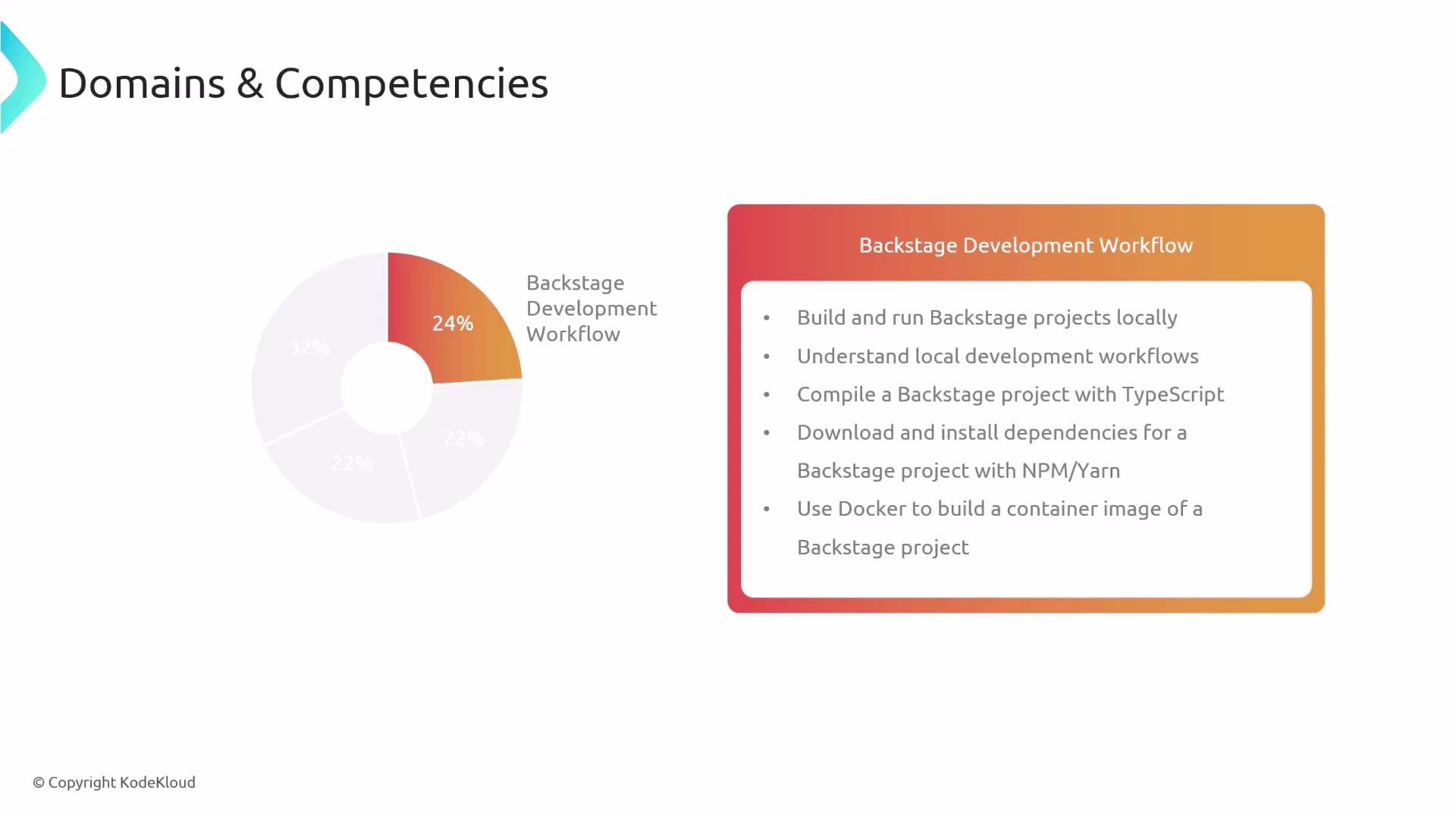
Backstage Development Workflow — 24%
- Build and run Backstage projects locally (create-app flow and local dev servers).
- TypeScript compilation and troubleshooting typical TypeScript issues.
- Install and manage dependencies using
npmand Yarn across Backstage packages. - Use Docker to containerize a Backstage app and understand basic Dockerfile patterns for Backstage services.
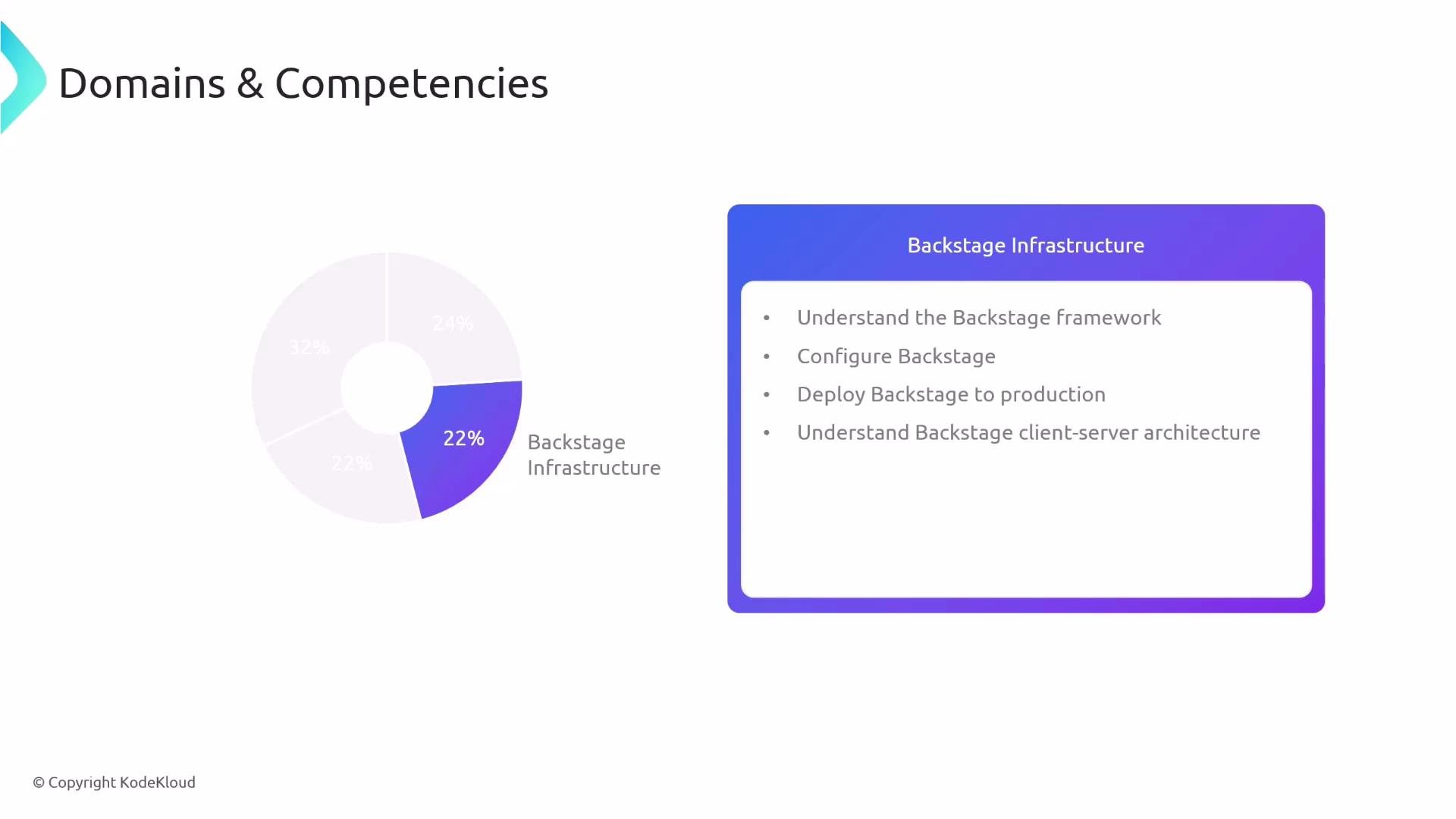
- Know the Backstage framework components and where configuration lives (
app-config.yamland environment layering). - Deploy Backstage to production environments (container orchestration basics, reverse proxies, and static asset serving).
- Understand the client–server architecture: how the frontend communicates with backend plugins and service discovery patterns.
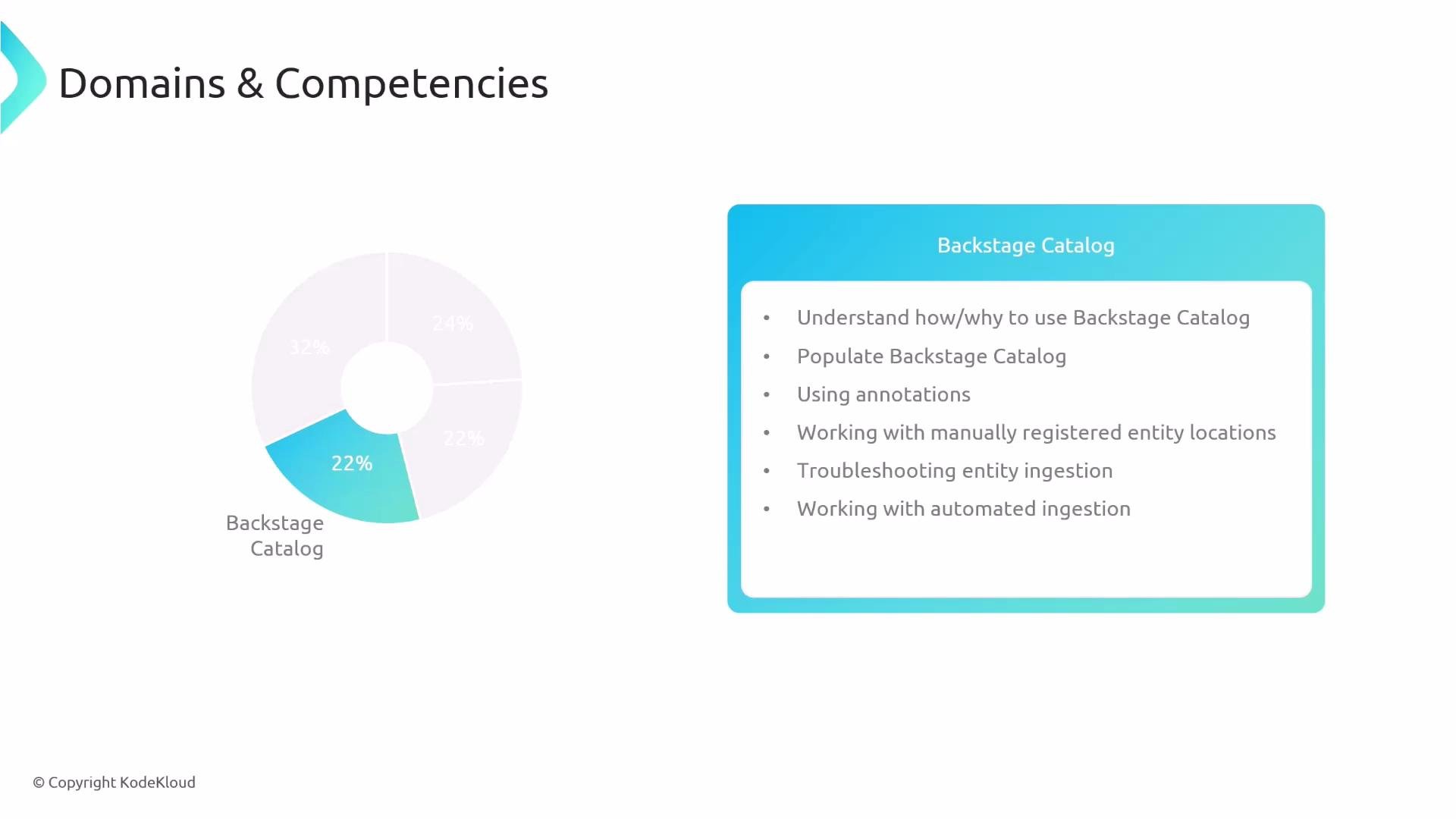
- Understand the purpose of the Backstage software catalog and when to use it.
- Populate the catalog with applications, components, and organizational entities using YAML descriptors.
- Use annotations and register entity locations both manually and via automated discovery/ingestion.
- Troubleshoot entity ingestion issues and configure automated ingestion pipelines.
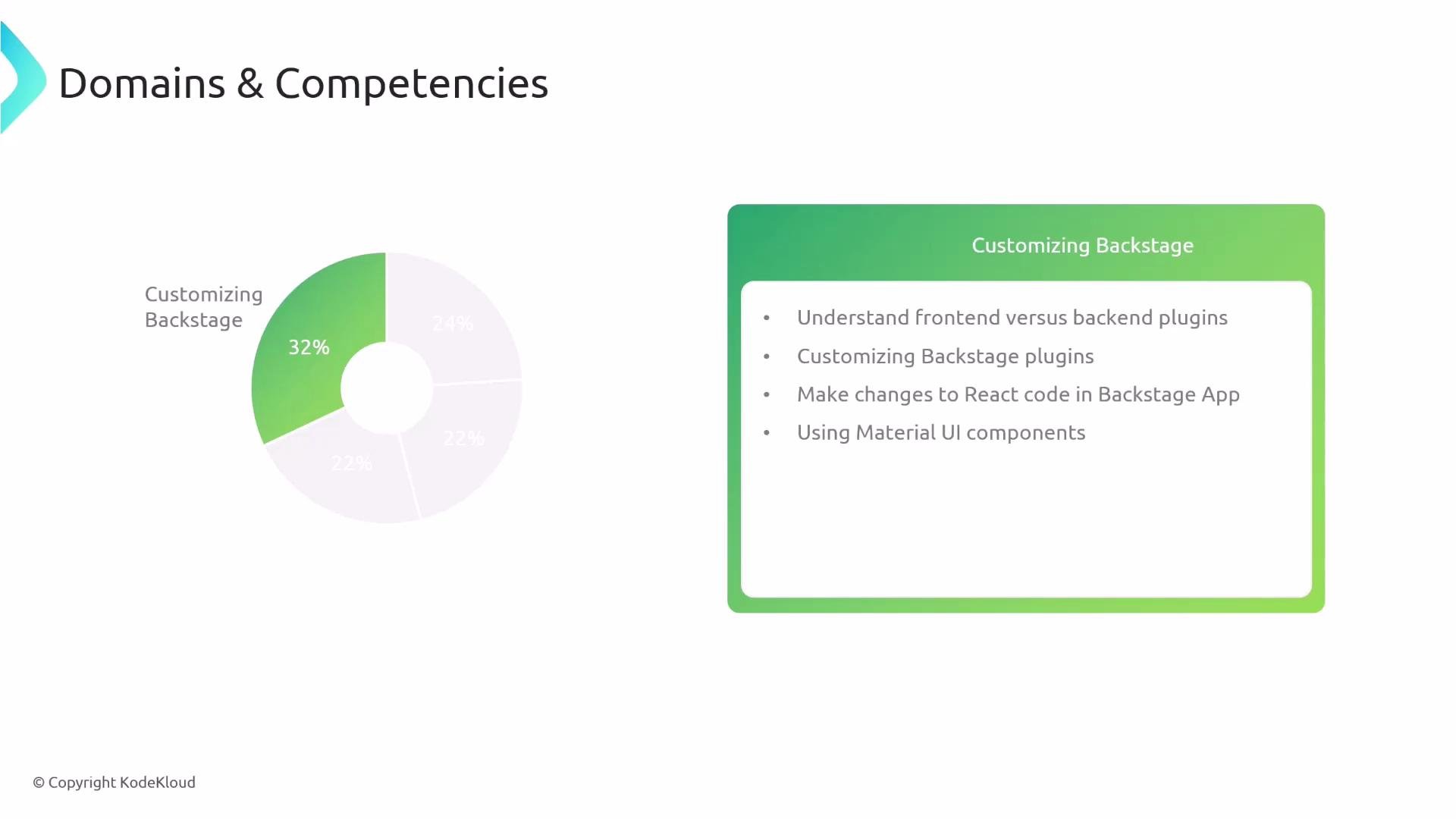
- Distinguish between frontend and backend plugins and know typical responsibilities for each.
- Create and customize plugins (frontend and backend) to add functionality and integrations.
- Modify React code within a Backstage app to add features and change appearance.
- Use Material-UI components and layout primitives to extend and standardize the UI.
- Apply theming and design tokens to adjust the overall look-and-feel of your Backstage instance.
- Map your study time to the domain weights — allocate more time to Customizing Backstage (32%) and Development Workflow (24%).
- Practice local development flows: scaffold an app, run the dev server, add a simple plugin (frontend and backend), and build a Docker image.
- Read the official Backstage docs and examine example plugins to understand patterns and conventions.