

SidebarItem that points to /catalog-import.
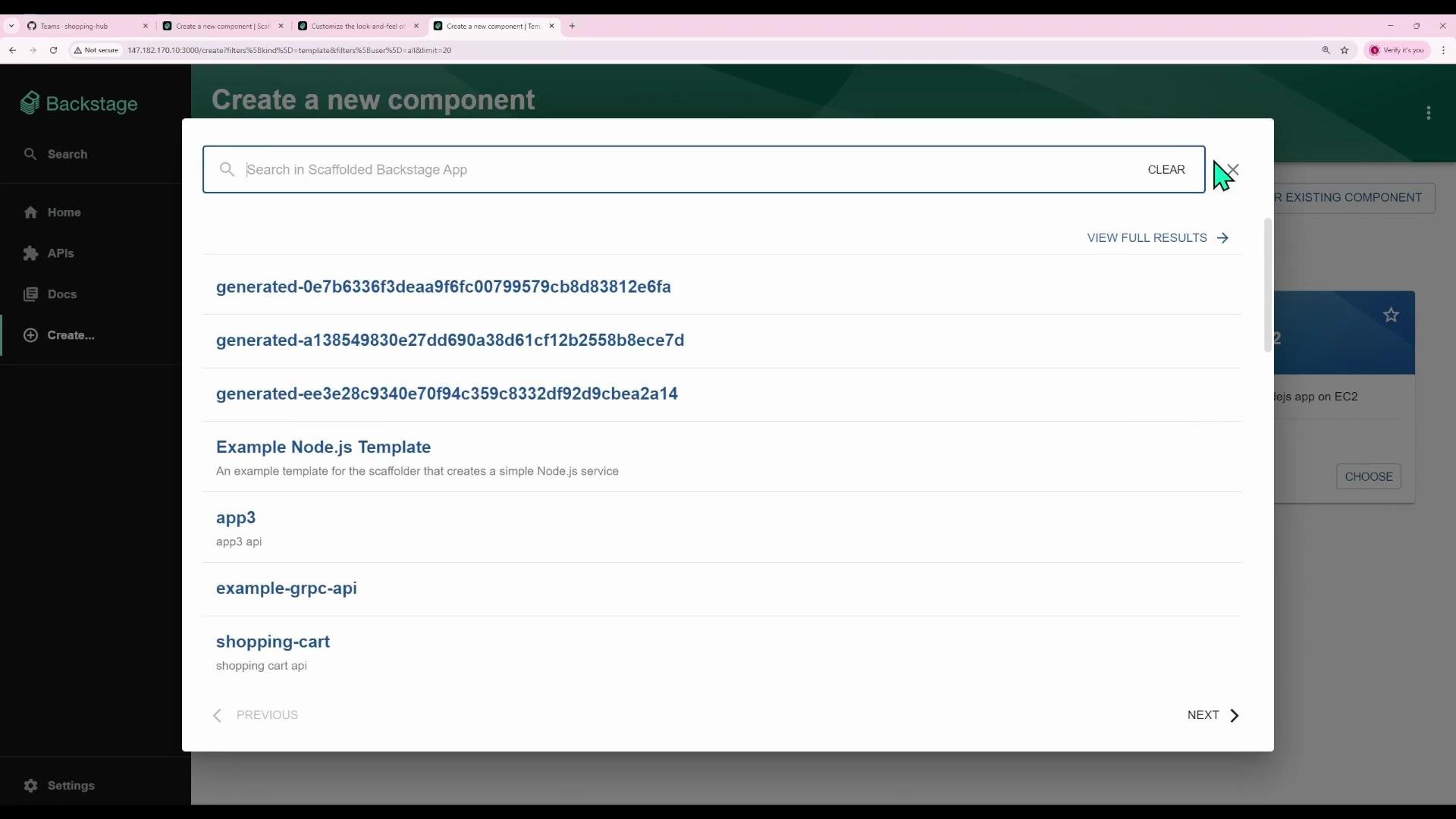
- Backstage renders each page as a React component.
- Navigation is implemented by mapping URL paths to components using React Router.
- The left sidebar is defined in
Root.tsx— add or updateSidebarItementries there.
FlatRoutes / Route elements to wire a path to a page component.
Common page paths in this example:
Example route configuration (from
App.tsx)
- A
Navigateat/commonly redirects users to a landing page (here/catalog). - Protect sensitive pages (like
catalog-import) with permission checks (RequirePermission).
src/components/Root/Root.tsx. Sidebar navigation is built with components such as SidebarGroup and SidebarItem. Each SidebarItem accepts props like icon, to, and text to control where it navigates and how it appears.
Example excerpt from Root.tsx showing the existing menu:
/catalog-import):
- Import an icon (e.g., Material UI’s
AssignmentReturned):
- Add a
SidebarIteminside the “Menu”SidebarGroupnear the other top-level items:
/catalog-import, streamlining the Create → Register flow.
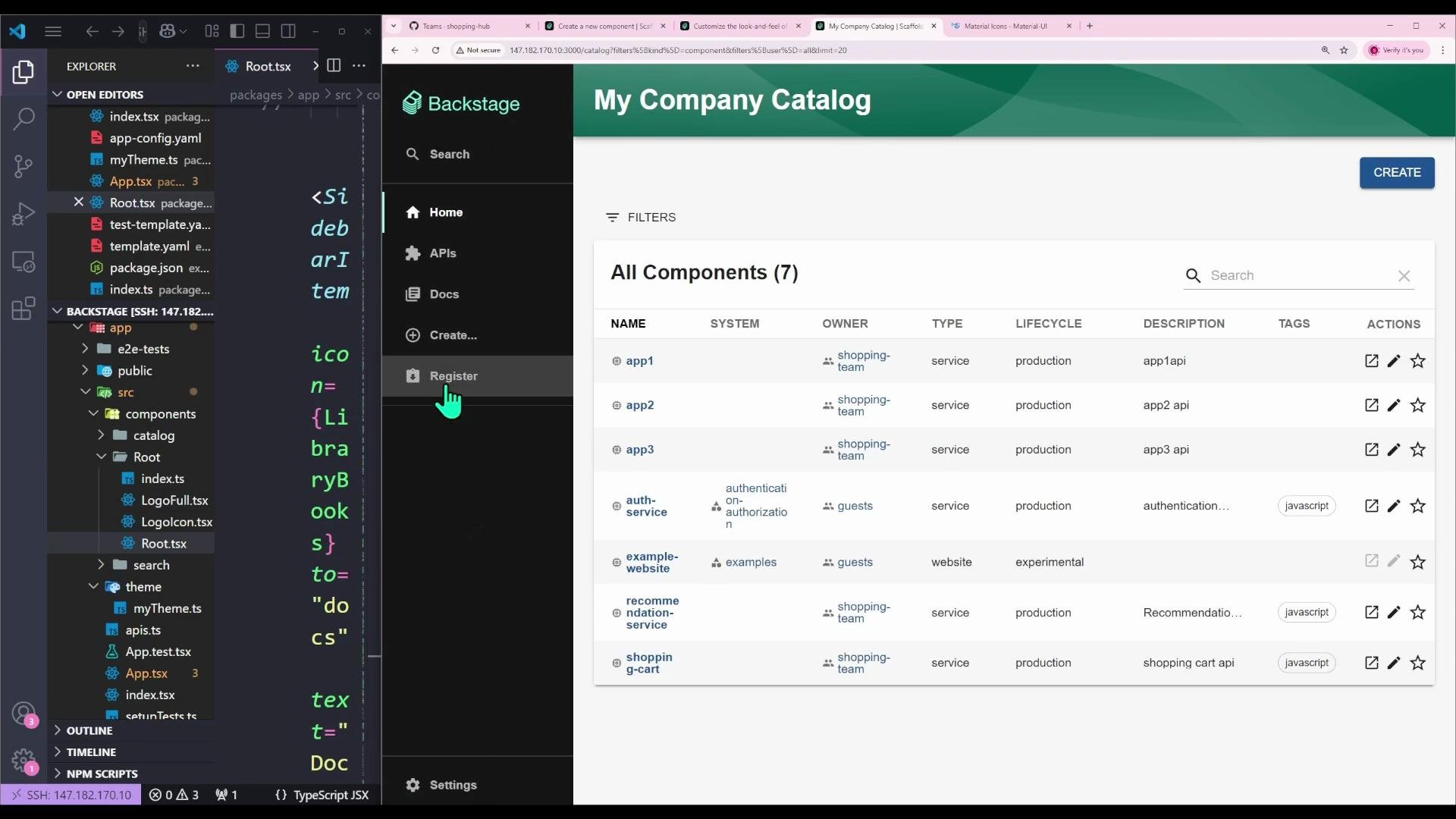
Tip: Use a distinct icon and clear label to make the new link discoverable. Keep
SidebarItem placement near related items so users learn the menu layout quickly.- The Catalog Import page (
/catalog-import) typically requires a permission check such ascatalogEntityCreatePermission. If you add the sidebar link but users lack permission, they’ll be prevented from accessing the page. - Wrap the target page in
RequirePermission(as shown in the routes example) to enforce access control.
Important: If you add a
SidebarItem that points to a protected route, ensure the route itself enforces permissions. The sidebar link does not implicitly grant access.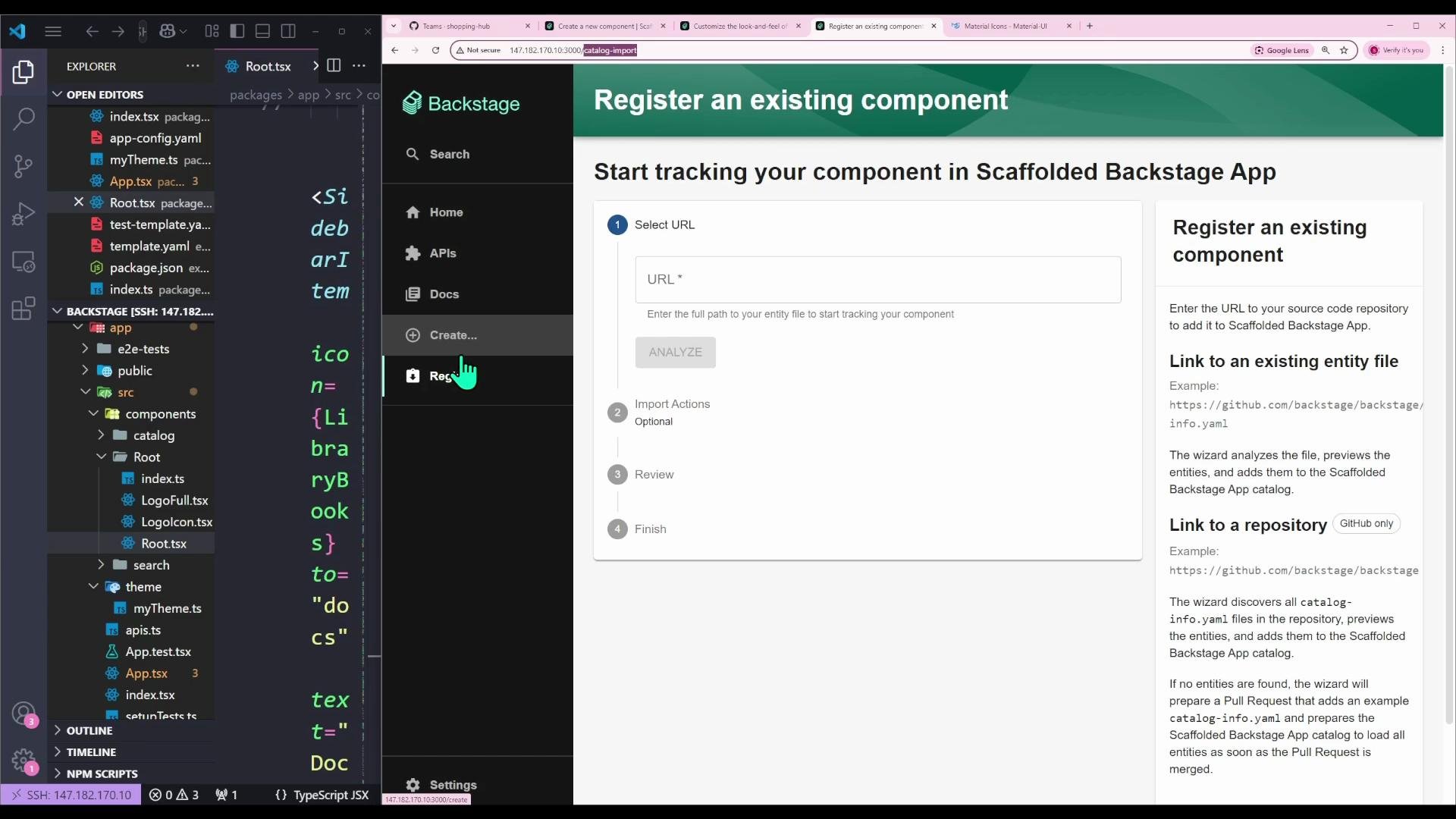
- Backstage pages are React components mapped to routes — update
App.tsx(or equivalent) to wire new pages. - Modify
Root.tsxto change or add sidebar entries usingSidebarItem,SidebarGroup, andSidebarDivider. - Use the
toprop to pointSidebarItemat the route you want (e.g.,/catalog-import). - Choose distinct icons and labels to improve usability.
- Ensure protected pages enforce permissions using
RequirePermission.
- Backstage docs: https://backstage.io/docs
- React Router: https://reactrouter.com/
- Backstage core components: https://backstage.io/docs/components/core-features
Root.tsx you can customize the UI to match your team’s workflows.