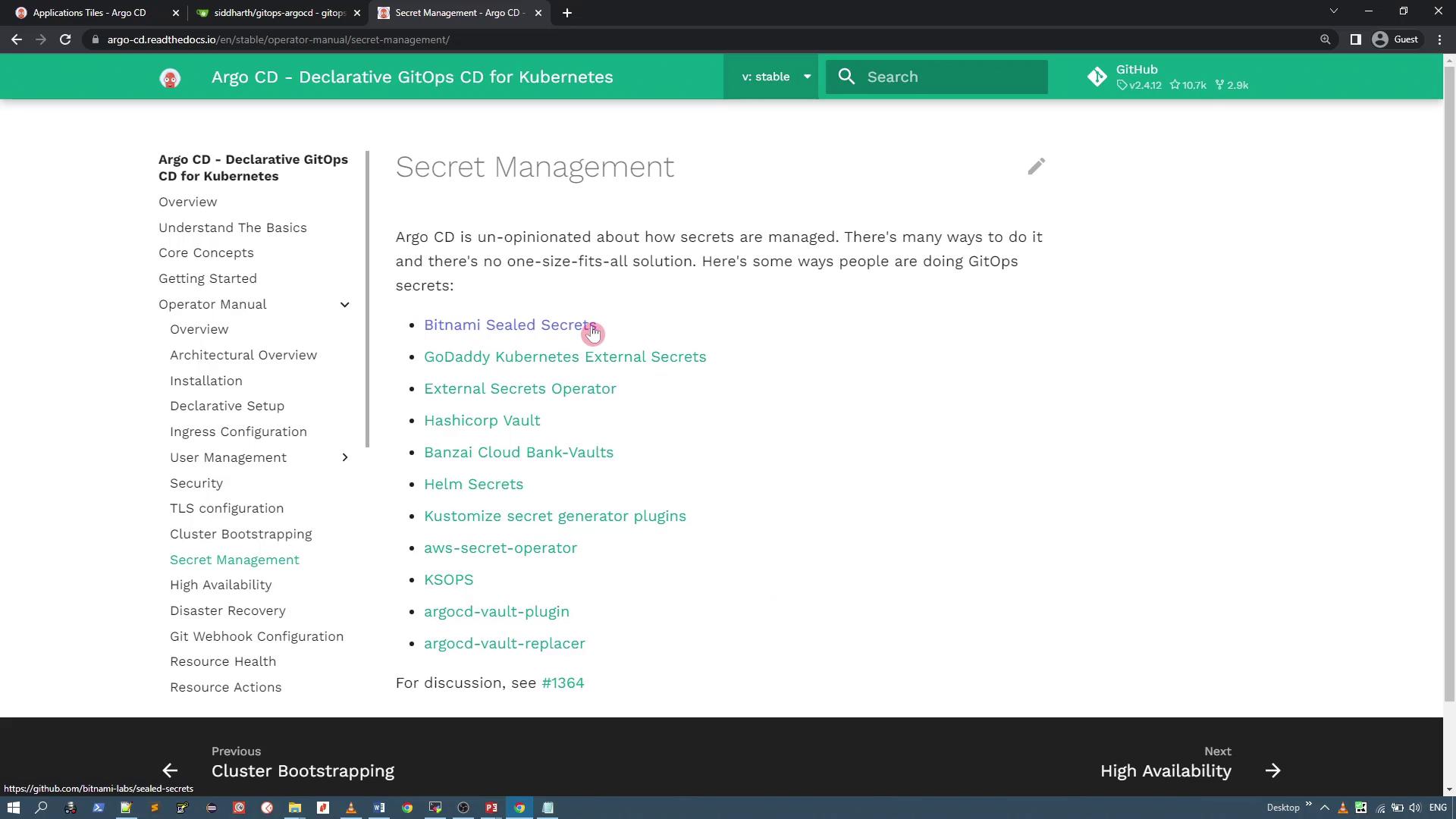
Reviewing the Git Repository
The Bitnami Sealed Secrets project is hosted on GitHub. Let’s take a look at the repository to review the installation instructions and related files.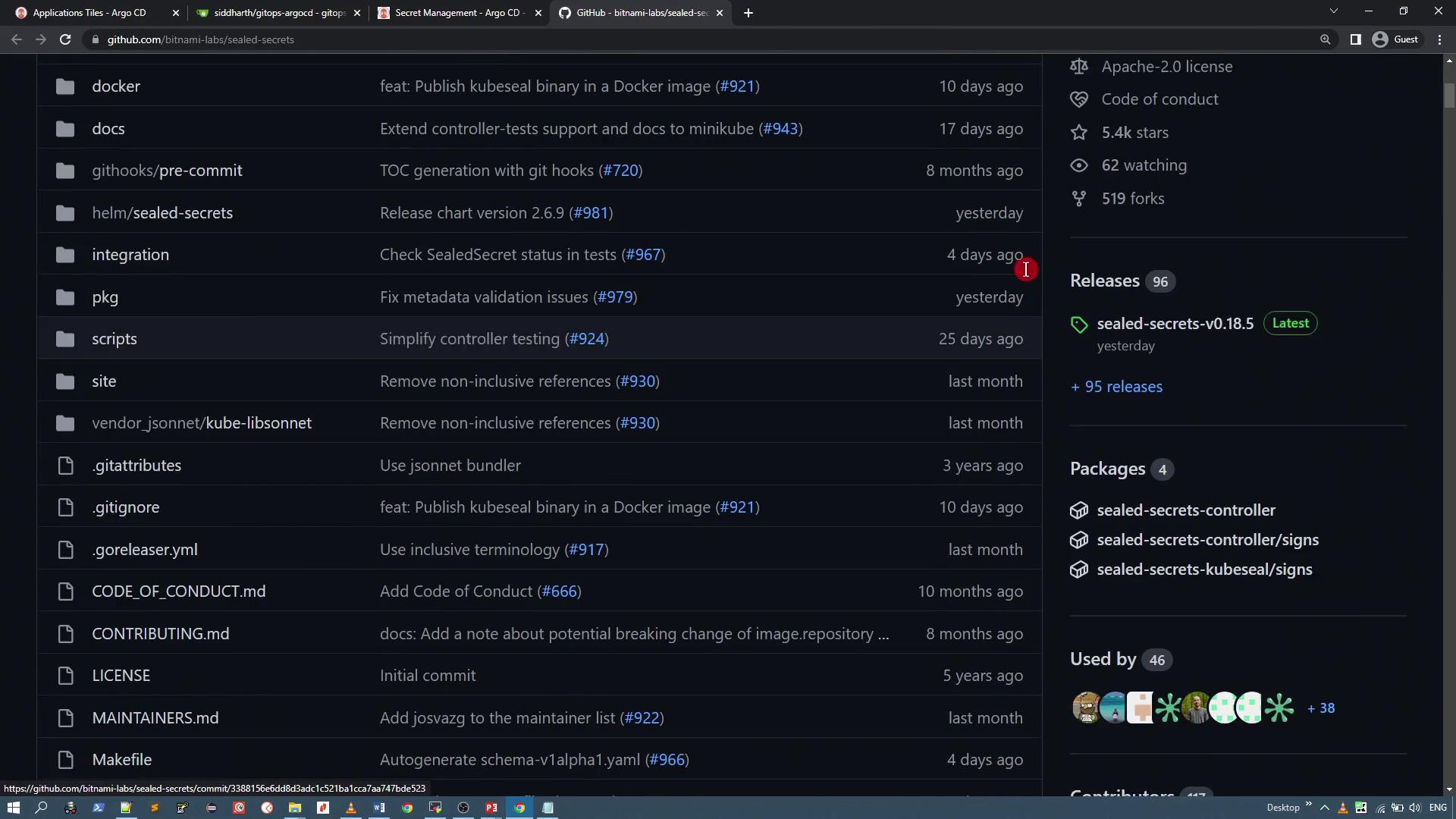
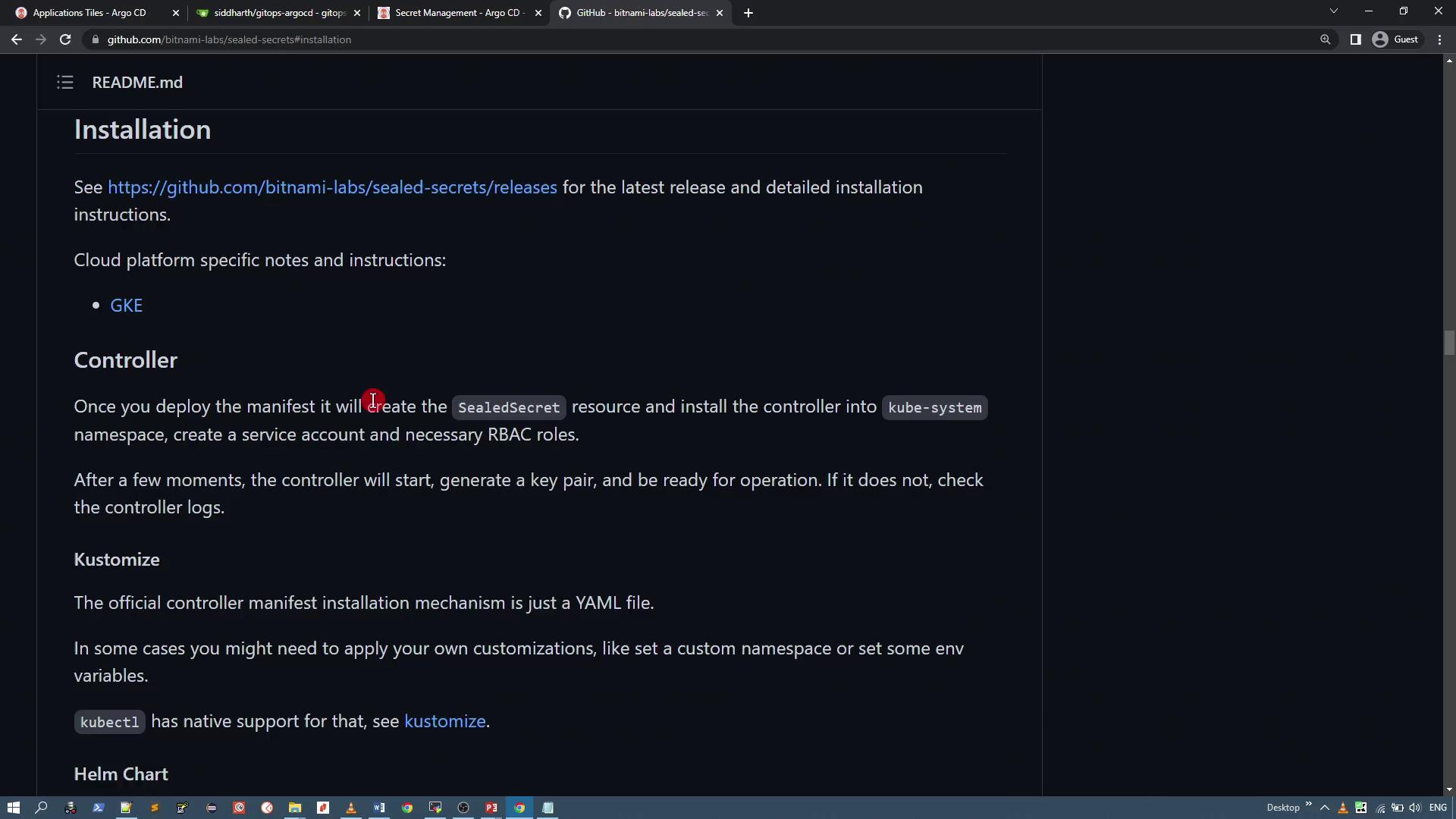
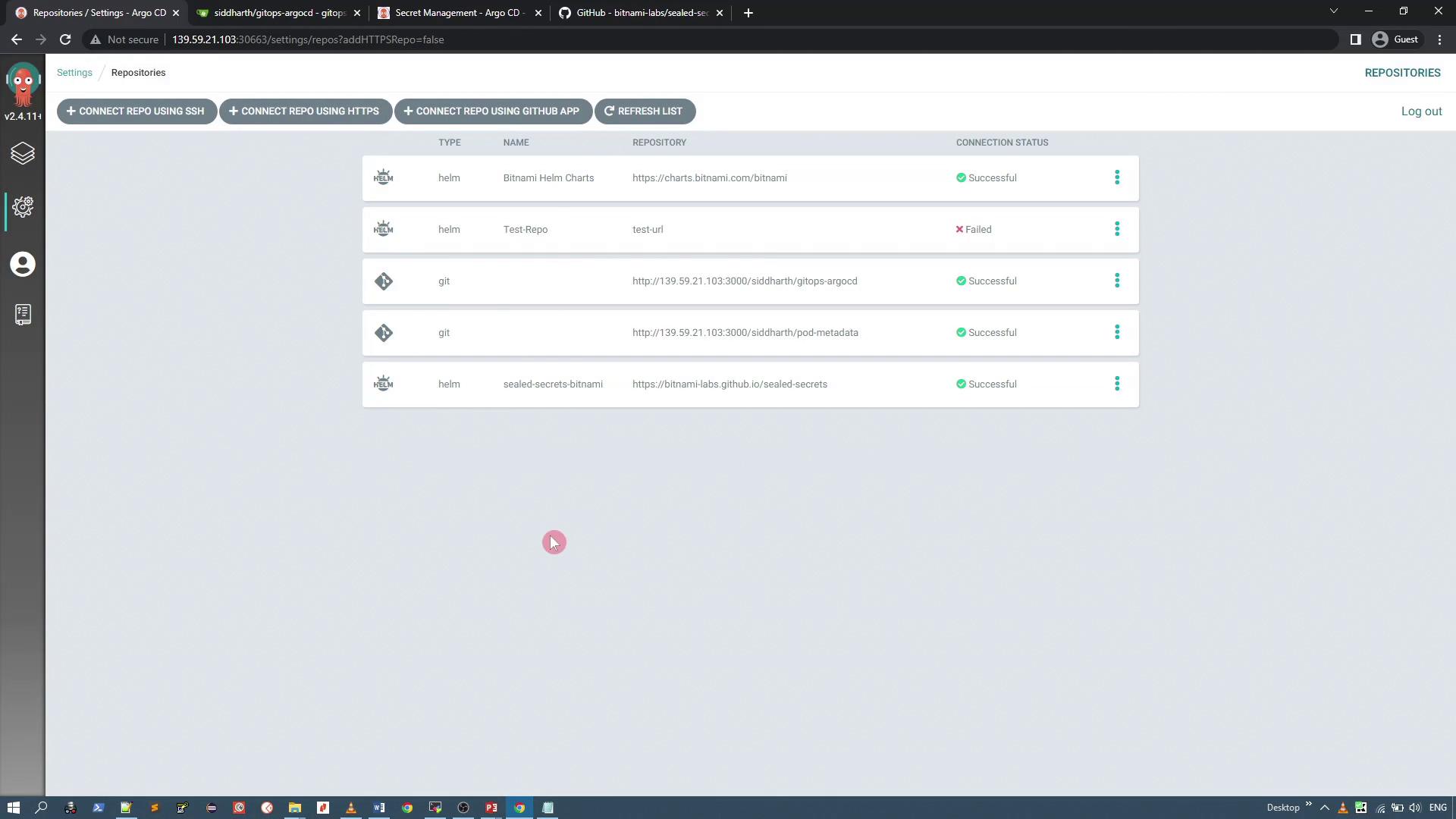
Installing Sealed Secrets via Argo CD
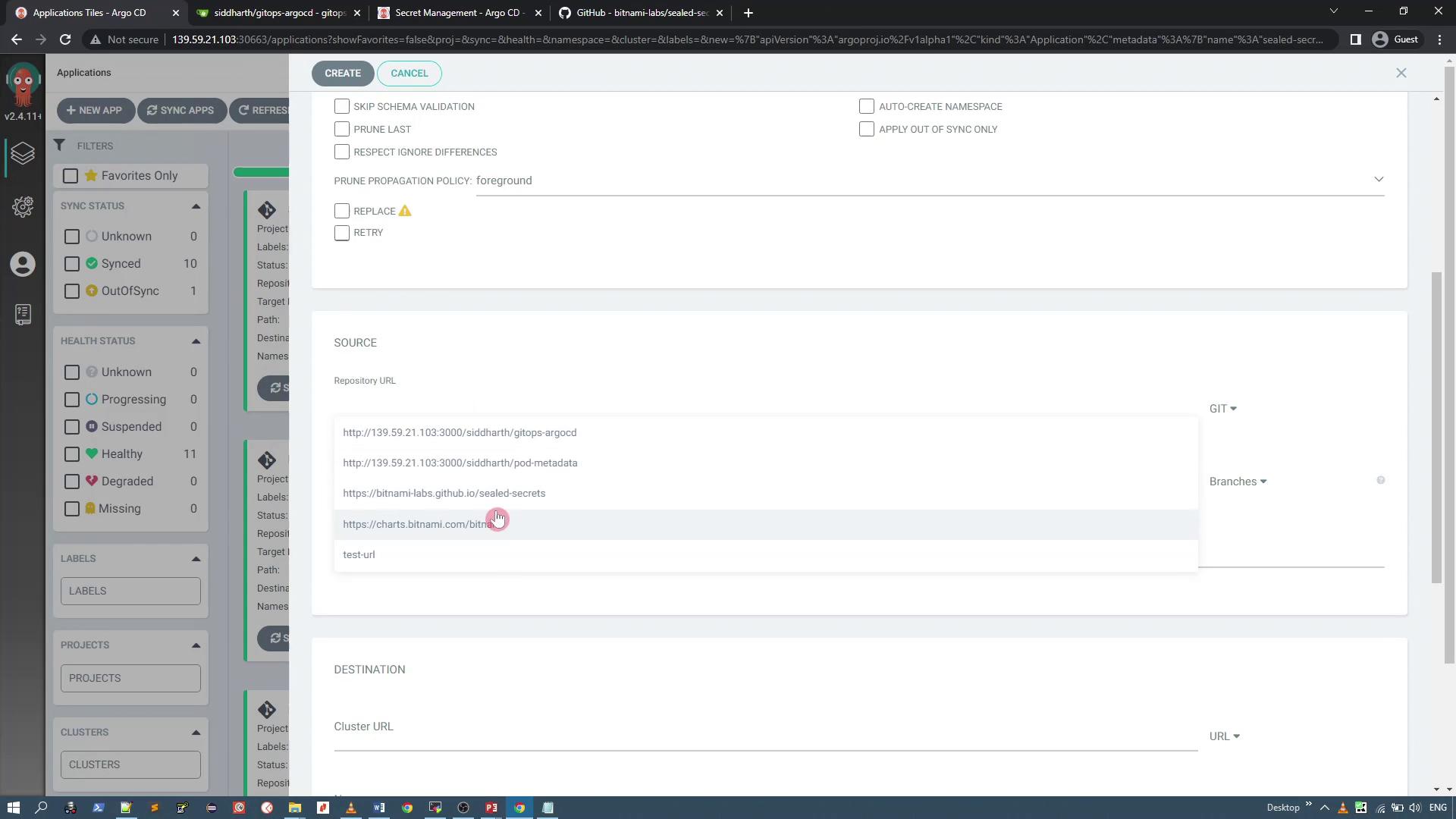
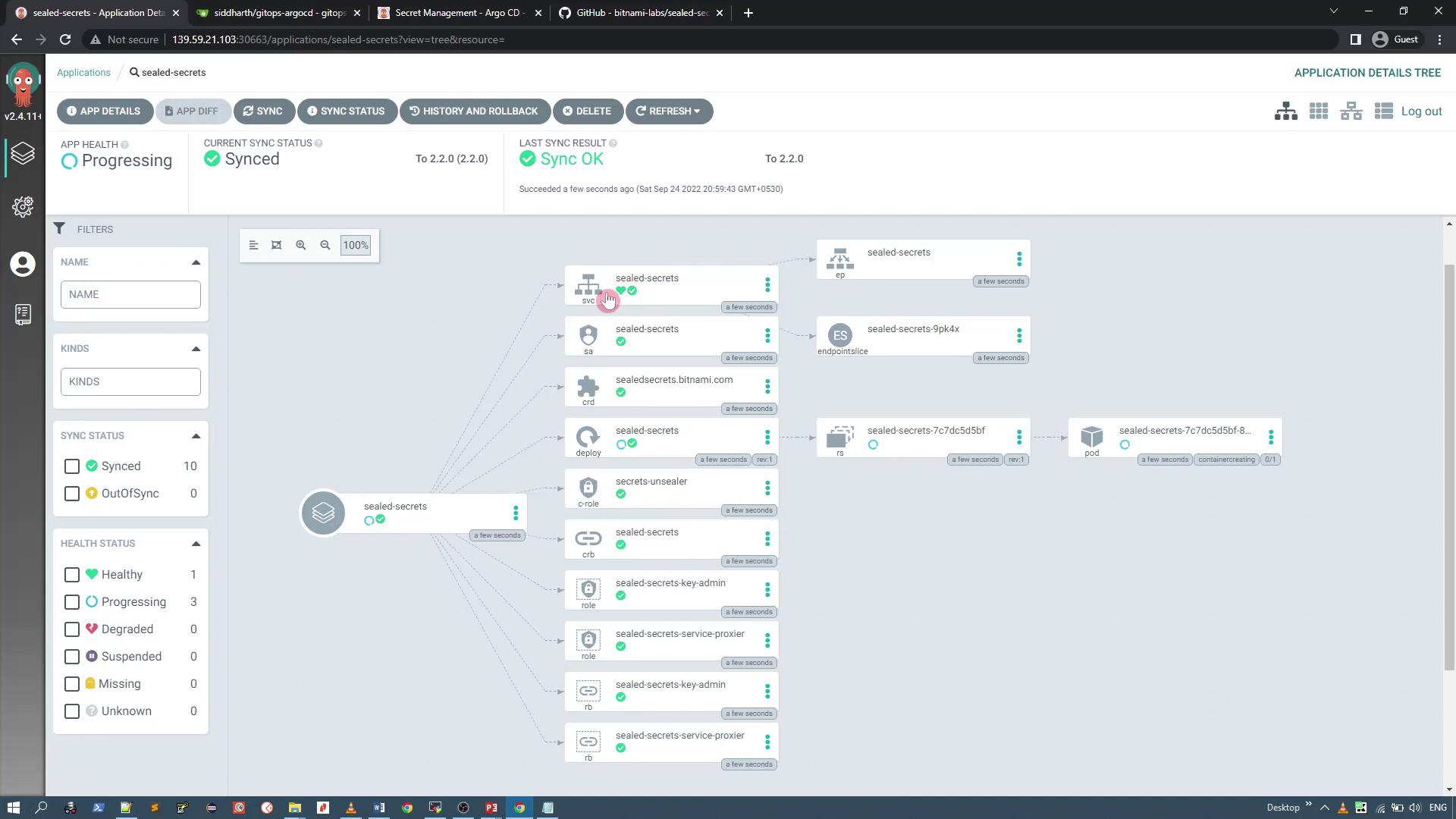
First, add the Helm repository URL for Sealed Secrets to Argo CD. While you might deploy the Helm chart with the Helm CLI, this guide uses Argo CD for GitOps management. Run the following command to add the Helm repository:kube-system namespace. For demonstration purposes, we will use version 2.2.0 of the Helm chart while keeping the default chart values.
Installing the kubeseal CLI
Next, install the kubeseal CLI, which encrypts your secrets. You can install it using one of the following methods:kube-system) to perform the encryption. If needed, download the binary manually. For example, to download version 0.18.0:
Encrypting Secrets
After installing the kubeseal CLI, you can create and encrypt Kubernetes secrets. For instance, to encrypt a secret from input data, run:encryptedData section with the encrypted values and can be safely pushed into your Git repository.
Deploying Sealed Secrets with GitOps
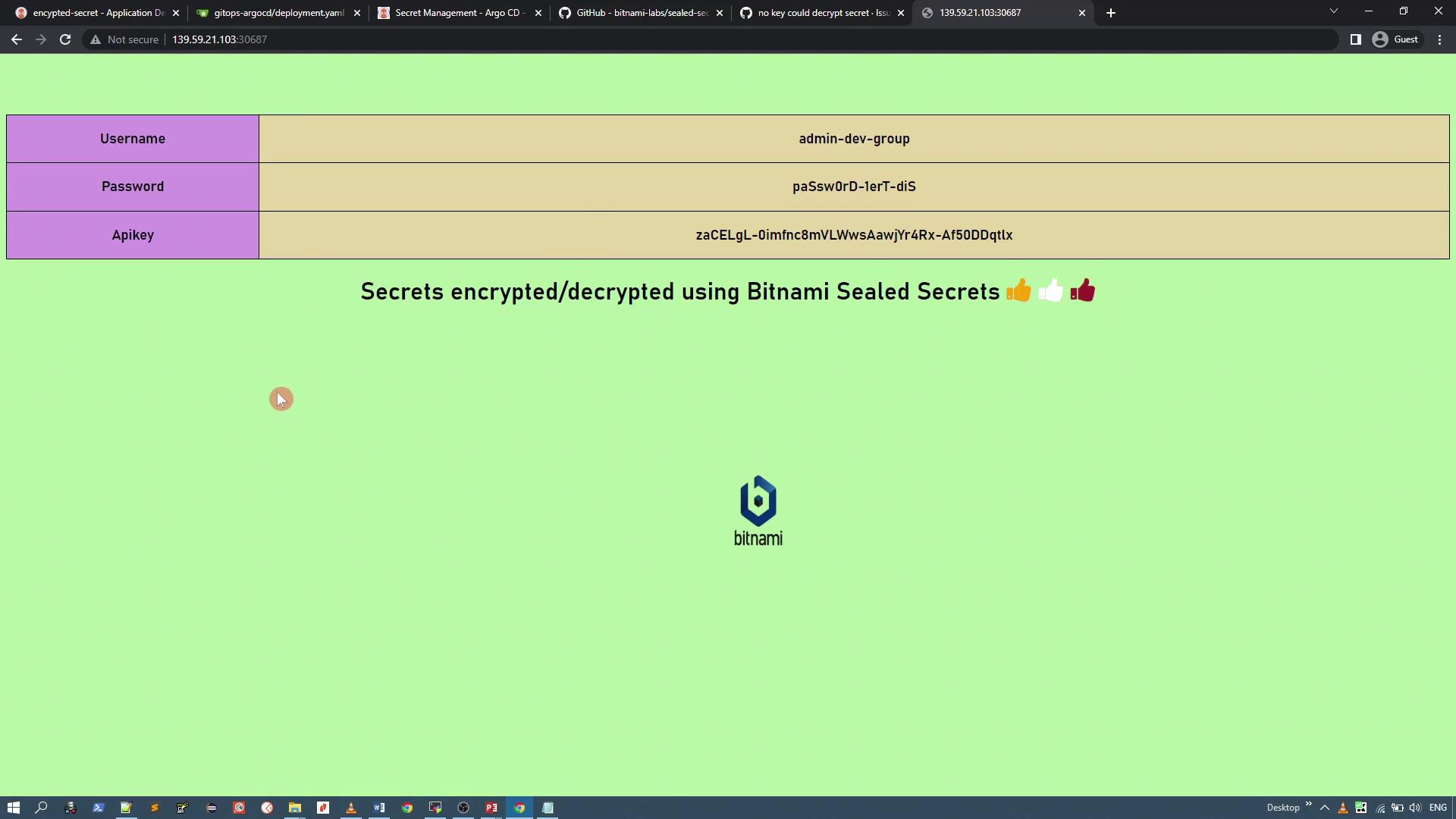
Once you have the SealedSecret YAML file (e.g.,aws-crds-sealed.yaml), add it to your GitOps repository. When Argo CD synchronizes the repository, the Sealed Secrets controller in your cluster automatically decrypts the secret and creates a standard Kubernetes Secret in the target namespace.
Here’s an example of what a decrypted secret might look like:
Mounting the Secret in a Deployment
Your application can consume the decrypted secret by mounting it as a volume. The following example deployment YAML mounts the secret namedapp-crds:
/app/crds/username, /app/crds/password, /app/crds/apikey).
Ensure that the volume mounts and volumes sections are uncommented and correctly configured. In one demonstration, the application logged warnings about missing files because the volume mount was commented out.
Verifying the Installation with Argo CD
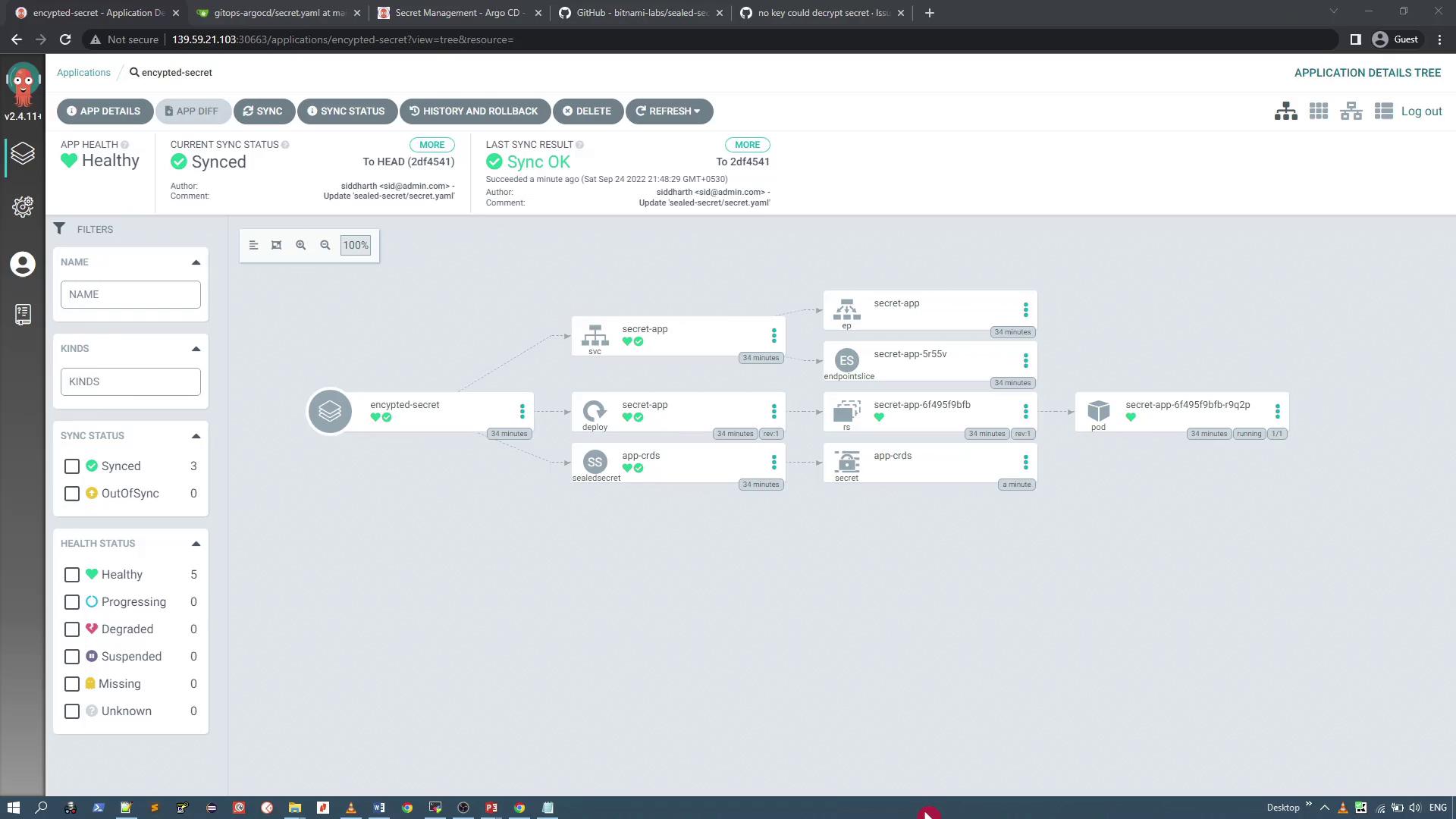
Create a new Argo CD application for your GitOps repository, which contains both your SealedSecret and deployment manifests. For example, if your repository holds the encrypted secret (e.g.,aws-crds-sealed.yaml or renamed as required), set the target namespace appropriately (e.g., default). When you synchronize the application in Argo CD, the Sealed Secrets controller unseals the secret, and the application pod begins using the secret data.

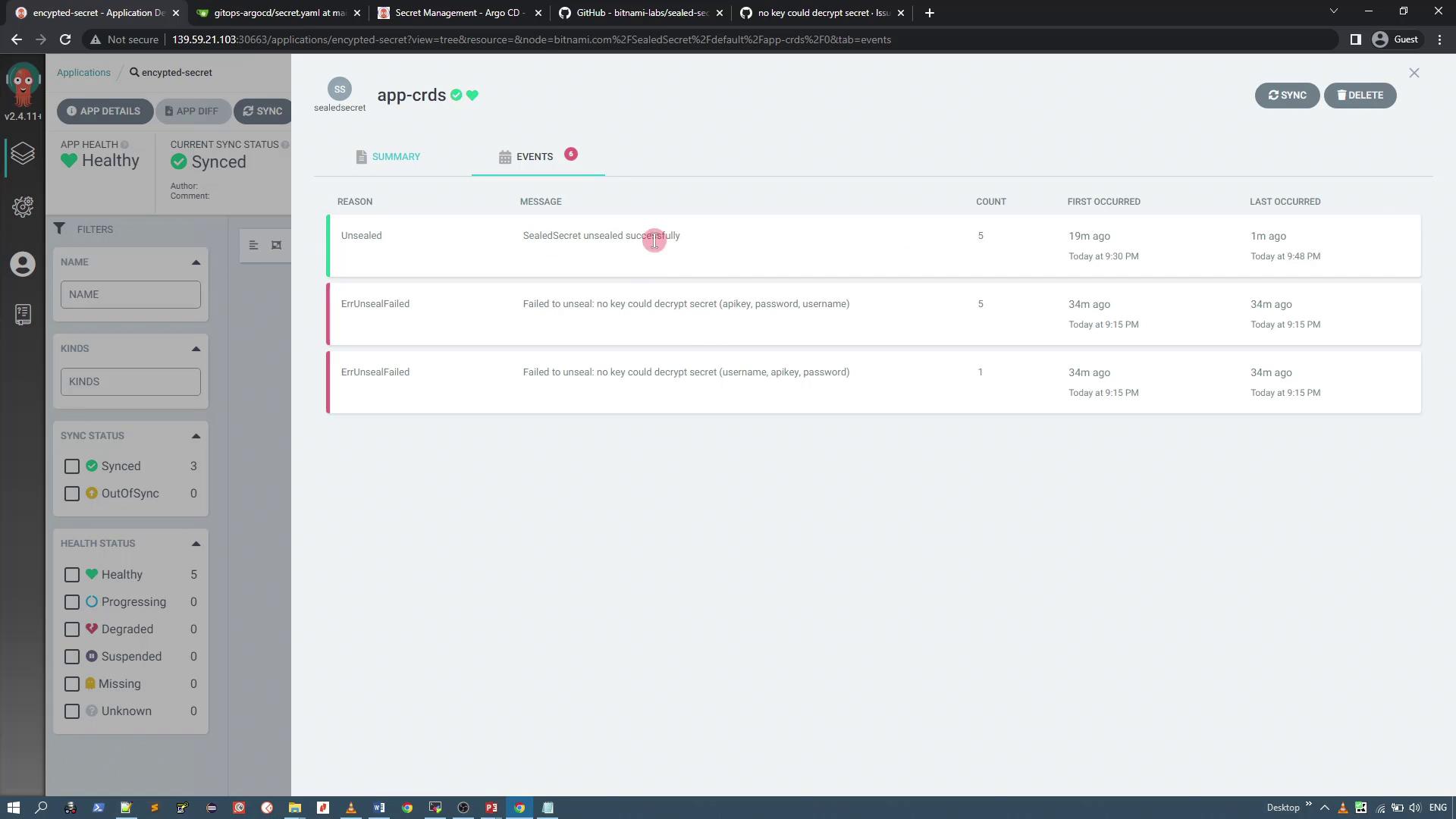
kube-system namespace. In some cases, issues auto-resolve after a brief period.
Summary
- Install the Sealed Secrets controller in the
kube-systemnamespace using the Helm chart. - Install the kubeseal CLI and download the controller’s public TLS certificate.
- Create a Kubernetes secret manifest and encrypt it with kubeseal using the
--scope cluster-wideoption. - Push the generated SealedSecret YAML to your GitOps repository.
- Use Argo CD to synchronize the repository; the Sealed Secrets controller will automatically decrypt the secret.
- Mount the decrypted secret within your application deployment.