

Ensure that environment variables and credentials are correctly configured in Jenkins to enable smooth execution of the pipeline.
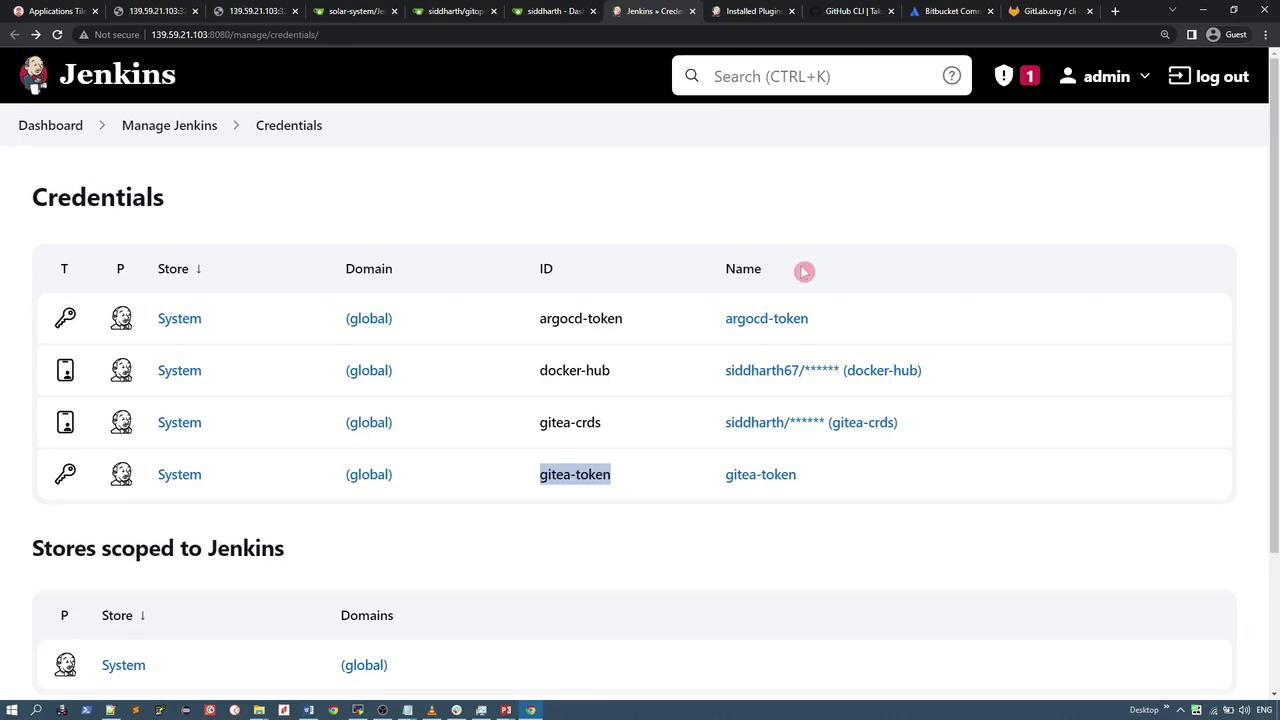
Credentials and Tokens
The Jenkinsfile specifies credentials for:- ARGOCD_TOKEN: Authenticates image updates and interactions with ArgoCD.
- GITEA_TOKEN: Authenticates operations with the Git repository.
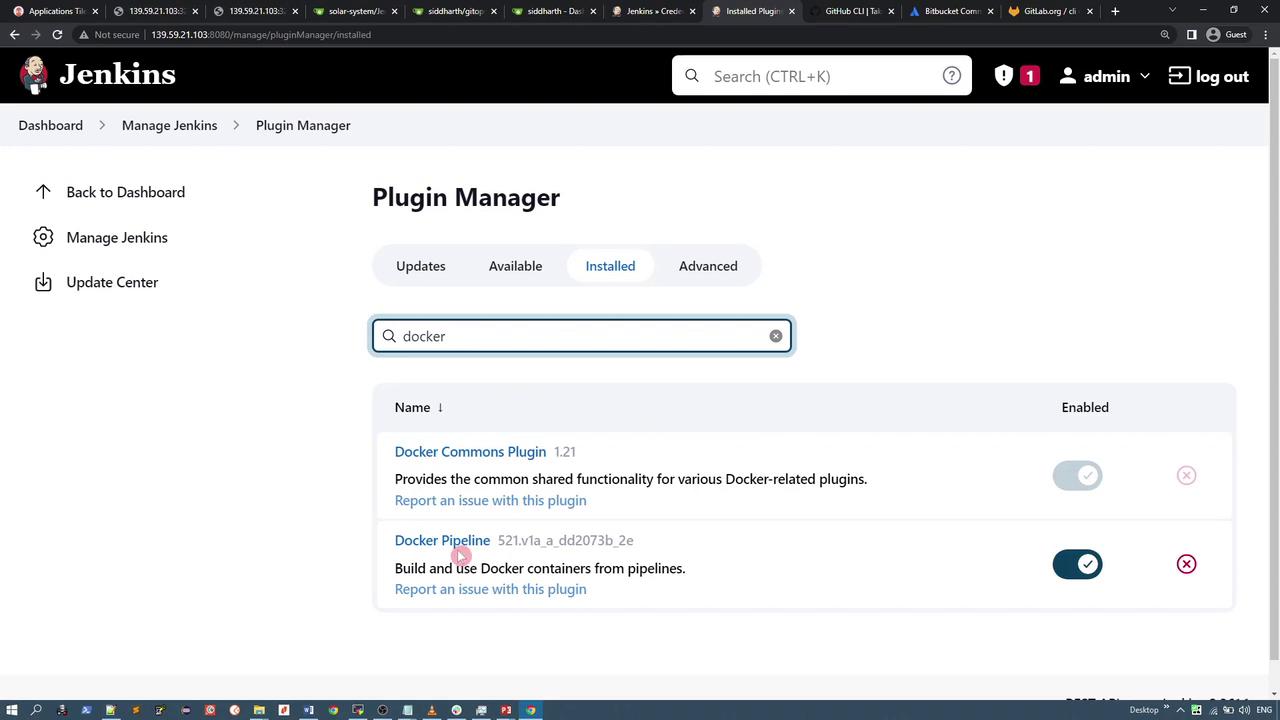
Docker Pipeline Integration
The pipeline utilizes the Docker Pipeline plugin. In the “Push Image” stage, thewithDockerRegistry wrapper provides Docker Hub credentials to tag and push the image securely.
Cloning and Updating the GitOps Repository
After building and pushing the Docker image, the pipeline manages the GitOps repository which contains the Kubernetes manifest files. The repository, namedgitops-argocd, typically holds a directory called jenkins-demo, which contains a deployment YAML file resembling the example below:
git pull to update it; if not, it clones the repository.
Updating the Deployment Manifest and Raising a Pull Request
Once the repository is up-to-date, the “Update Manifest” stage modifies the deployment YAML file using ased command to update the image version. Following this change, the pipeline commits the update and pushes it to the feature-gitea branch.
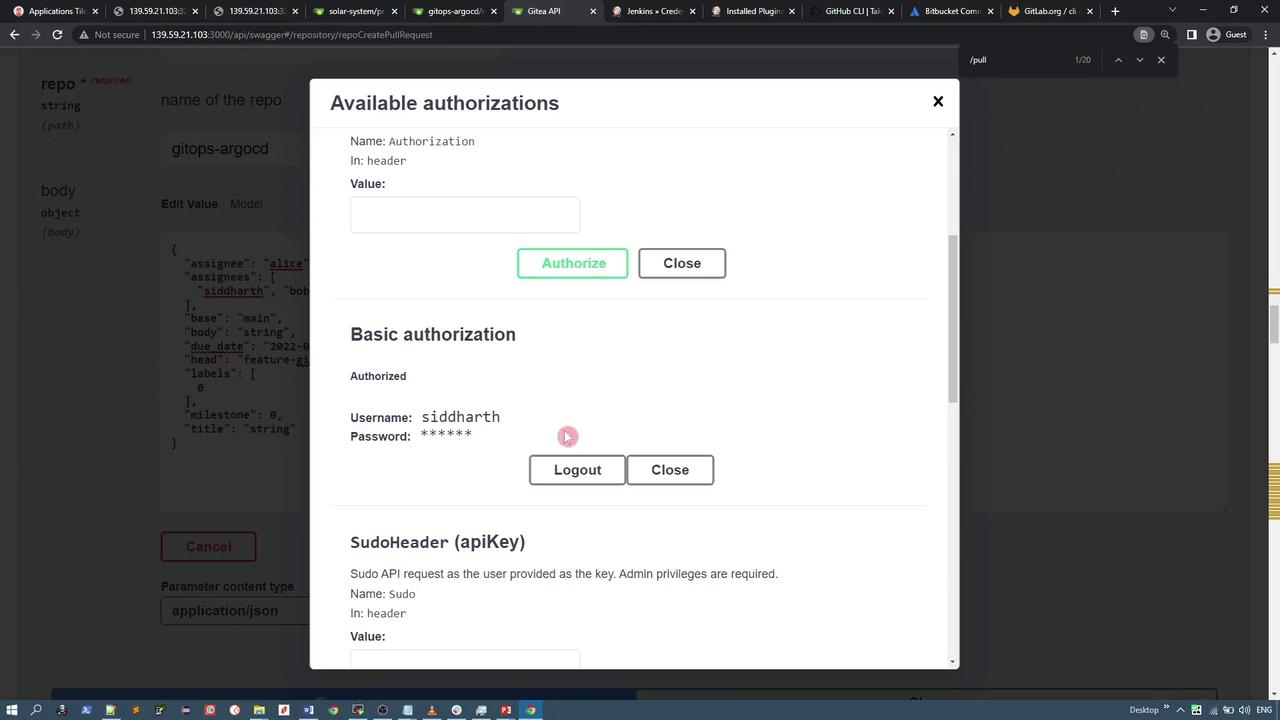
The final “Raise PR” stage triggers a shell script (pr.sh) that uses a REST API call to Gitea to automatically create a pull request. Below is an example of the curl command used within the script:
Exploring Gitea REST APIs
Gitea provides a comprehensive suite of REST APIs that you can explore via its Swagger interface. For example, to search repositories, you can use the following GET request: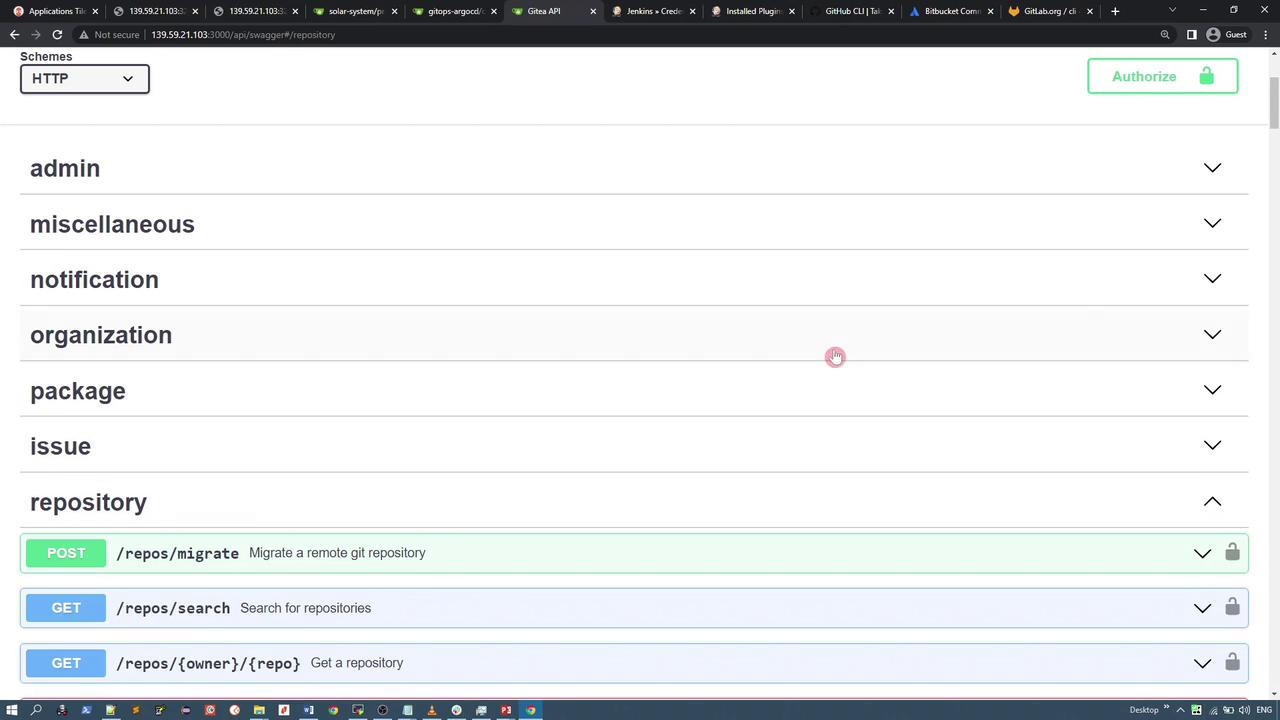
Summary
This lesson provided a detailed overview of the Jenkins pipeline for the Solar System application. Key points include:- Defining environment variables to specify application details and repository credentials.
- Executing stages for running unit tests, building and pushing a Docker image, and updating Kubernetes manifests.
- Managing the GitOps repository with conditional cloning/pulling, manifest updates, and pushing changes to a feature branch.
- Automating the creation of pull requests using a shell script that interacts with Gitea’s REST API.