

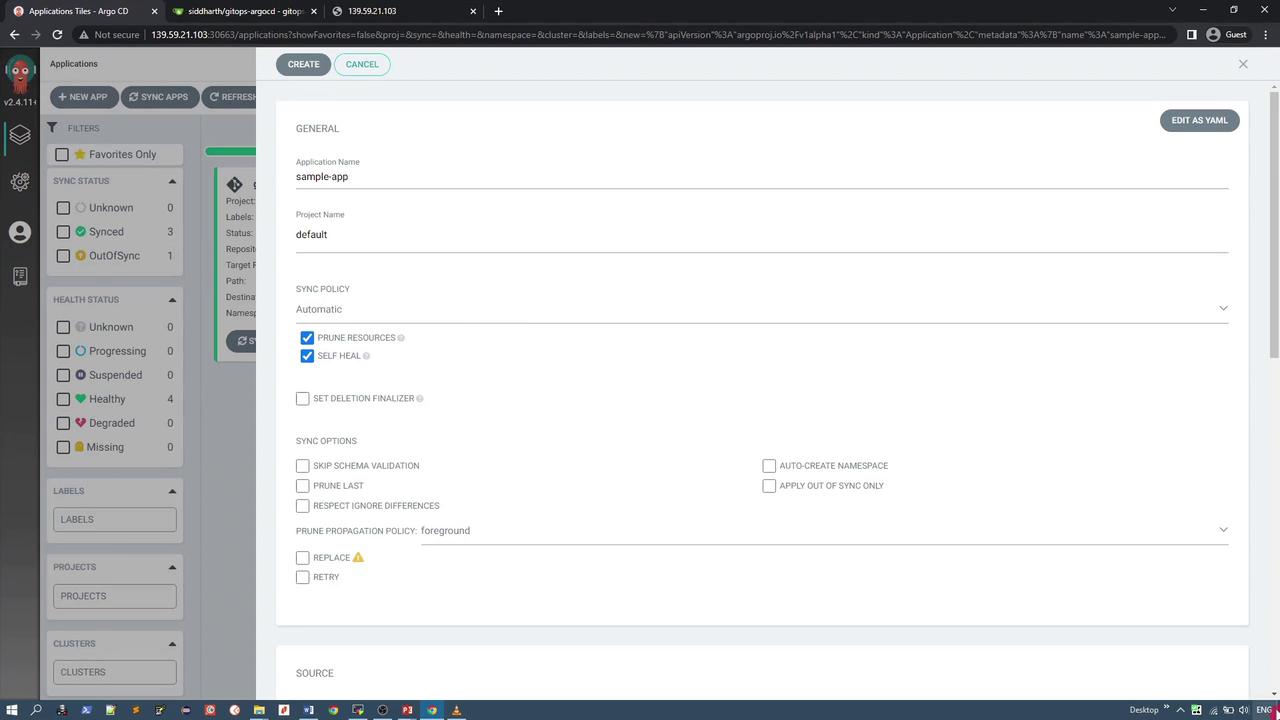
ArgoCD can automatically create and manage applications using YAML specifications stored in Git repositories.
Creating a Declarative ArgoCD Application
To set up a single ArgoCD application using the declarative approach, follow these steps:- Locate the Repository Directory
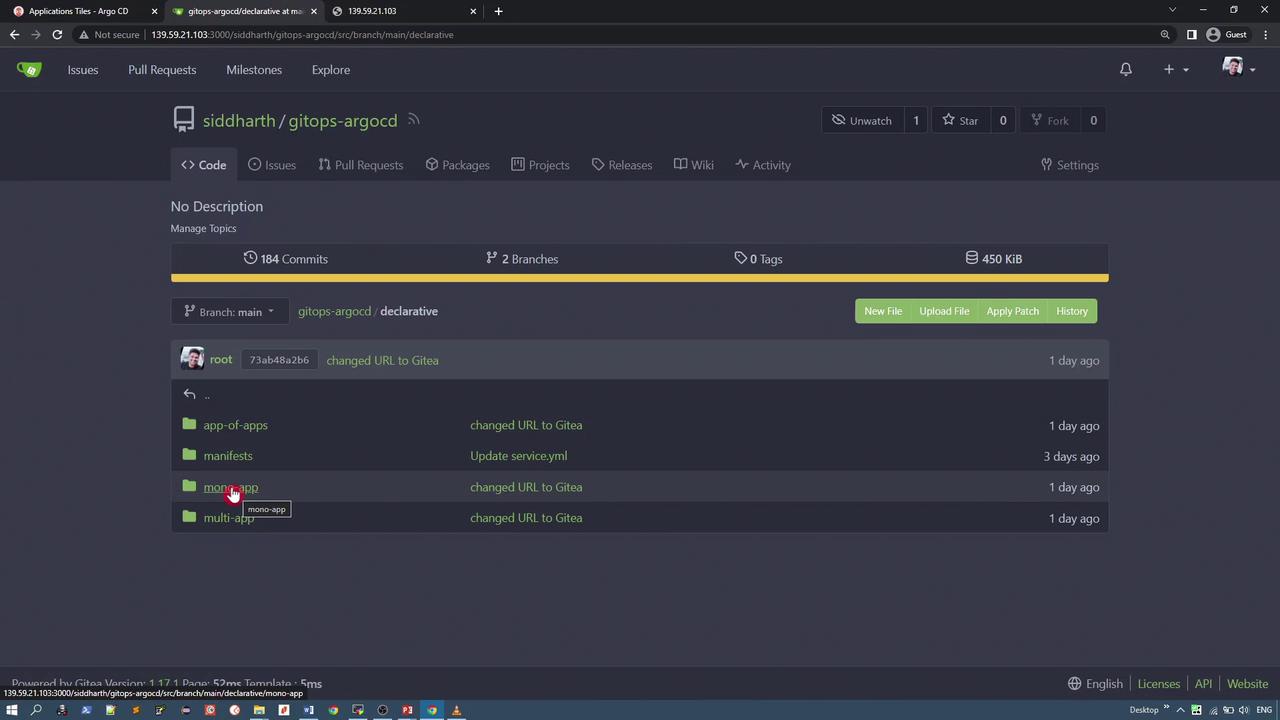
In your GitOps ArgoCD repository, find the “MonoApplication” directory. In this example, the application manifest is stored in the “mono-app” directory. For instance, you should see a file namedgeocentric-app.yml.
-
Review the YAML Manifest
Below is an excerpt from thegeocentric-app.ymlfile that defines the ArgoCD application. This example includes essential fields such as kind, API version, project, and source details:This manifest directs ArgoCD to fetch the application manifests from the specified directory, deploy them into thegeocentric-modelnamespace, and enable automated sync with pruning and self-healing capabilities.
Duplicate YAML snippets have been consolidated for clarity. Use the same manifest to ensure consistency across deployments.
-
Deploy the Application with kubectl
Follow these steps to pull the repository into your Kubernetes cluster and create the application:
-
Clone the repository and navigate to the
mono-appfolder: -
Navigate to the
declarative/mono-app/directory and confirm the contents of thegeocentric-app.ymlfile: -
Apply the manifest in the ArgoCD namespace with the following command:
-
Clone the repository and navigate to the
-
Verify the Application Deployment
Confirm the application status using both the ArgoCD CLI and kubectl commands:
This will display the list of applications, including
geocentric-model-app. You can also verify its status with:With automated sync enabled, ArgoCD will automatically update the application. Check the ArgoCD UI to verify that both deployment and service resources are correctly deployed.
Exposing the Application
Access the deployed application via the exposed service NodePort. For example, if the service is exposed on port 30682, you can use that port to access the application’s UI. Here is an example of the service manifest:Ensure that the
geocentric-app.yml file is created in the ArgoCD namespace to avoid any deployment issues.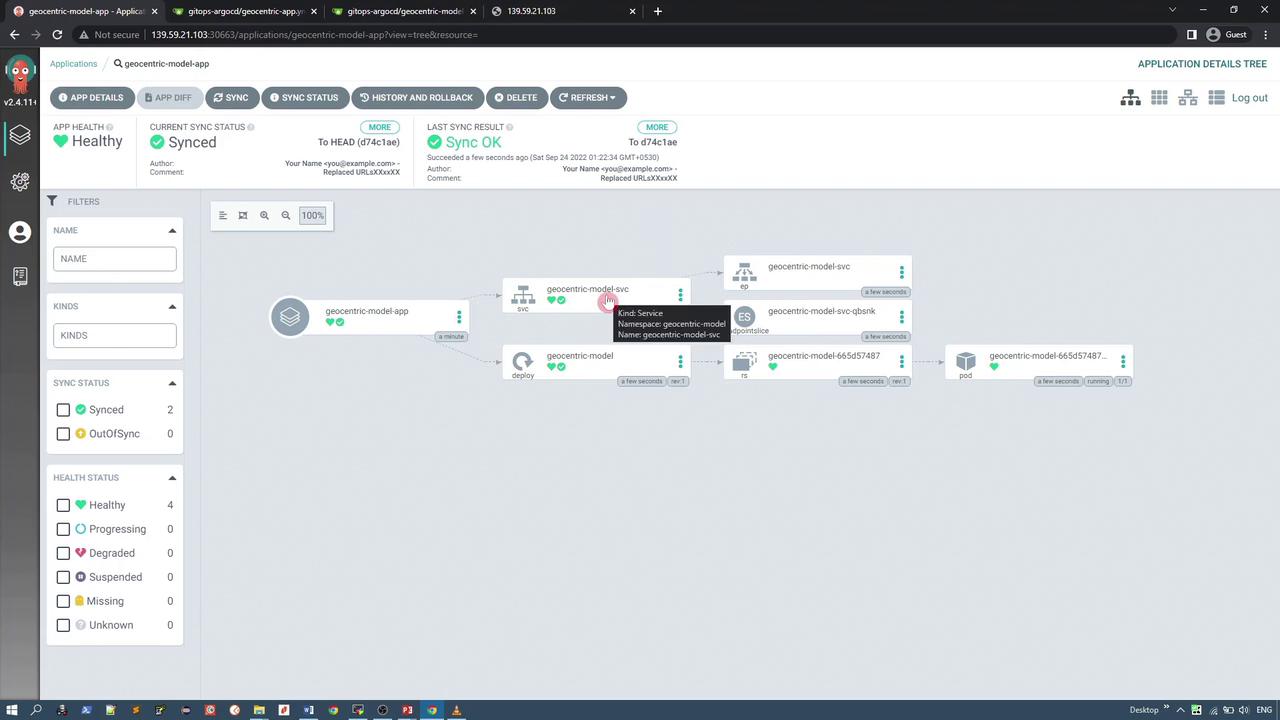
Summary
In this guide, you’ve learned how to manage a single ArgoCD application declaratively by:- Storing the YAML manifest in a Git repository.
- Deploying the application using kubectl.
- Verifying application status via both the CLI and the ArgoCD UI.