

- A developer clones the Solr system repository, makes modifications, and pushes them to a feature branch.
- A Jenkins job builds the application using a Jenkinsfile.
- A pull request is created in the Kubernetes manifest repository; once reviewed, it’s merged.
- The ArgoCD application detects the changes, synchronizes the new configuration, and performs a rollback if needed.
Step 1: Developer Workflow & Repository Update
The process begins with the developer cloning the Solr system repository, making the necessary updates, and pushing them. The diagram below illustrates the overall software development and deployment process: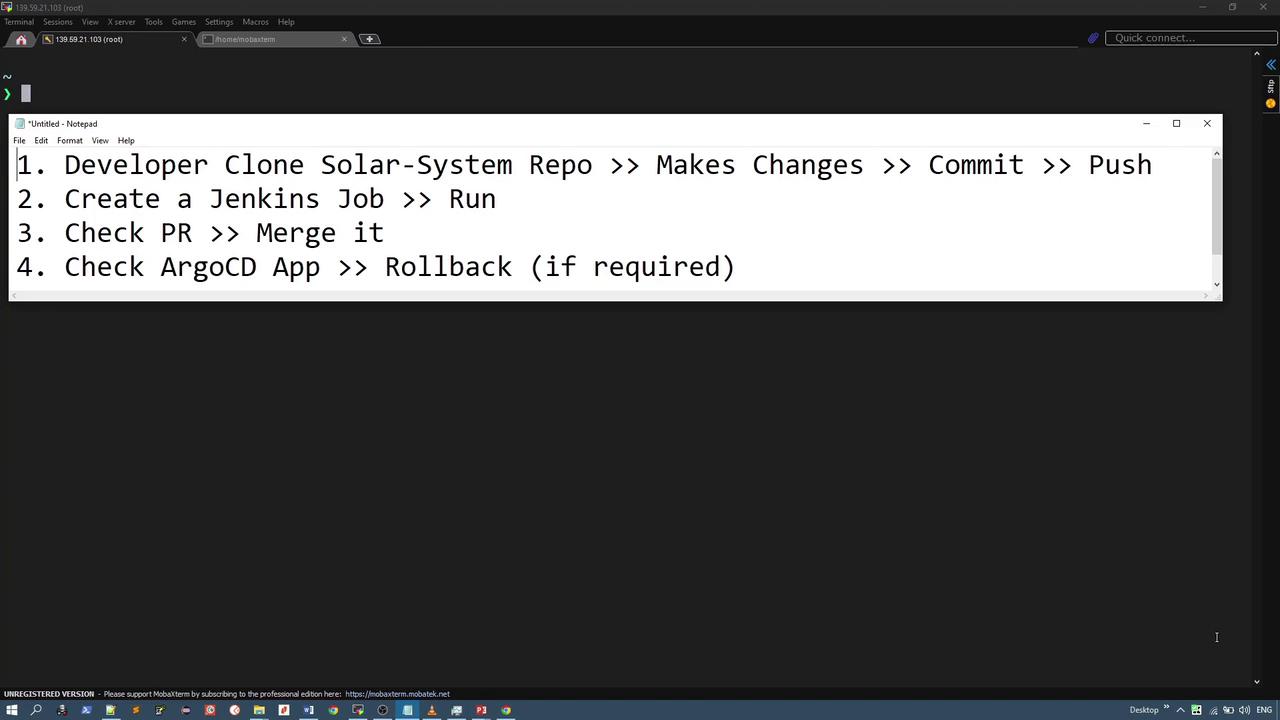
Developer Task Overview
A user story requires replacing a static solar system image with an animated version. The repository includes key files likeDockerfile, Jenkinsfile, index.php, and images.
First, the developer inspects a local directory that contains the new image files:
images directory:
images directory confirms the transfer:
index.php file is updated to reference the new animated image and background GIF:
index.php and shows the two untracked images. The changes are then committed:
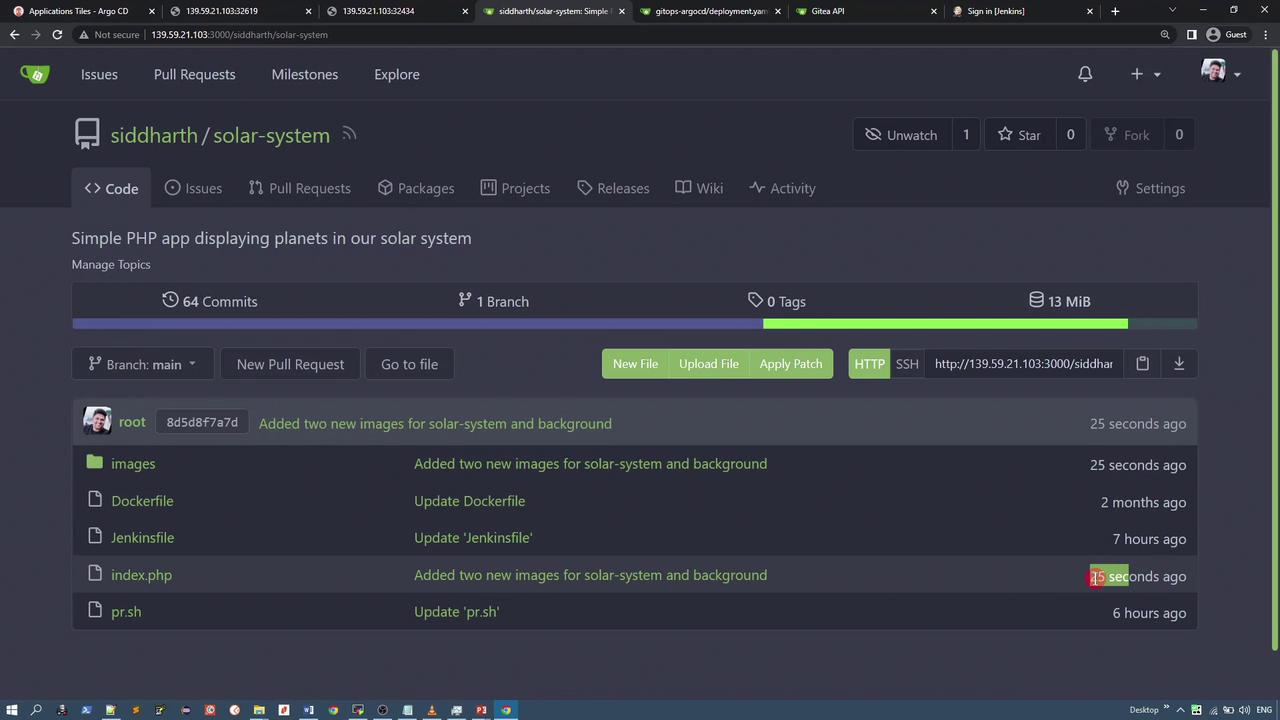
Ensure all image paths in your HTML or CSS are updated correctly to reflect new file locations.
Step 2: Jenkins Job Setup and Build Process
With the updated code in the repository, the next step is setting up the Jenkins job. A new pipeline project called “solar system dynamic demo” is created with the following configuration: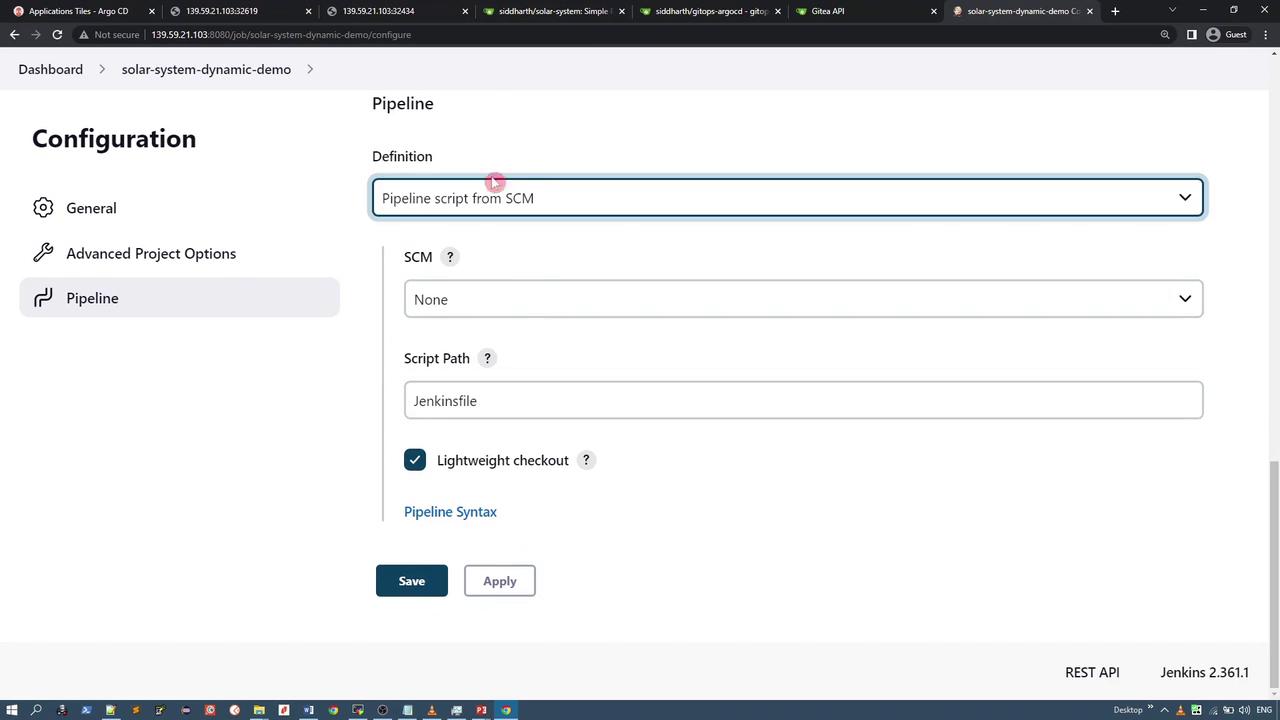
Build Process Details
During the Jenkins build, multiple stages are executed. Here’s an overview:- Unit Tests: These may be simple echo commands or actual test cases if using frameworks such as Spring Boot, Node.js, or Python.
-
Build Stage: A Docker image is created using the repository’s
Dockerfile. An example output is: -
Image Tagging: The newly built image is tagged to include the build ID and commit details:
- Push Stage: The image is pushed to Docker Hub with layered progress shown in the logs.
-
GitOps Update: Jenkins then clones the GitOps ArgoCD repository. On the first run, it performs a clone; on subsequent runs, it uses a pull:
Once the manifest is cloned, the deployment file is updated to reference the new image:
-
Committing and Pushing Manifest Changes:
The Git configuration is updated and changes are committed and pushed as follows: -
Pull Request Creation:
A shell script (pr.sh) utilizes curl to raise a pull request automatically:The output confirms that the pull request has been successfully created:
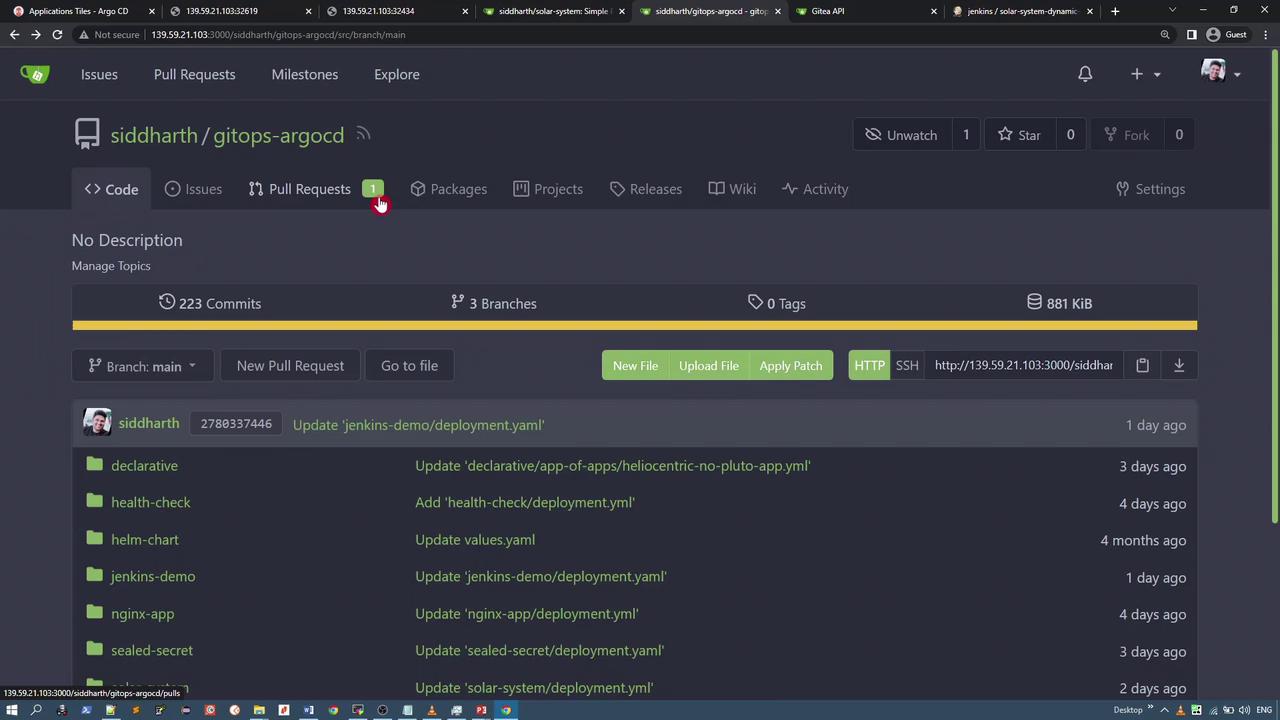
Step 3: ArgoCD Application Sync and Deployment
Once the pull request is merged, the ArgoCD application synchronizes the changes. Two applications are used:- One monitors the feature branch.
- The other monitors the production (main) branch.
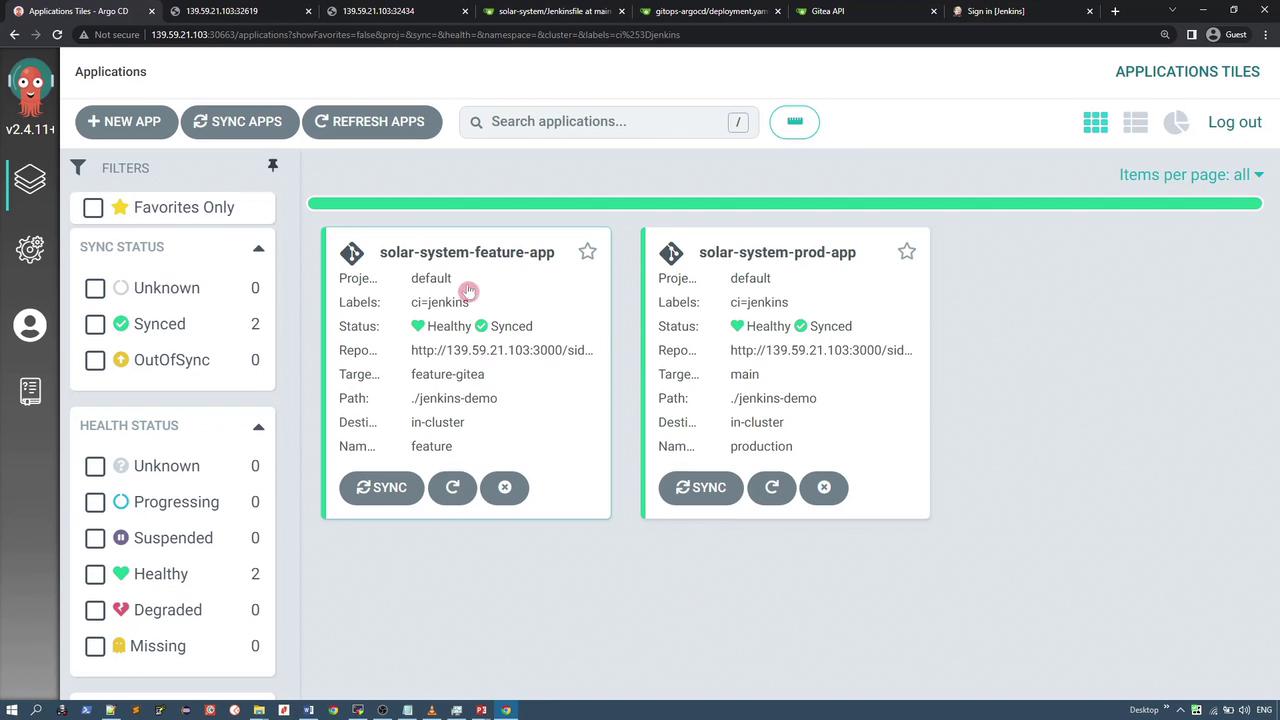
deployment.yaml file, similar to:
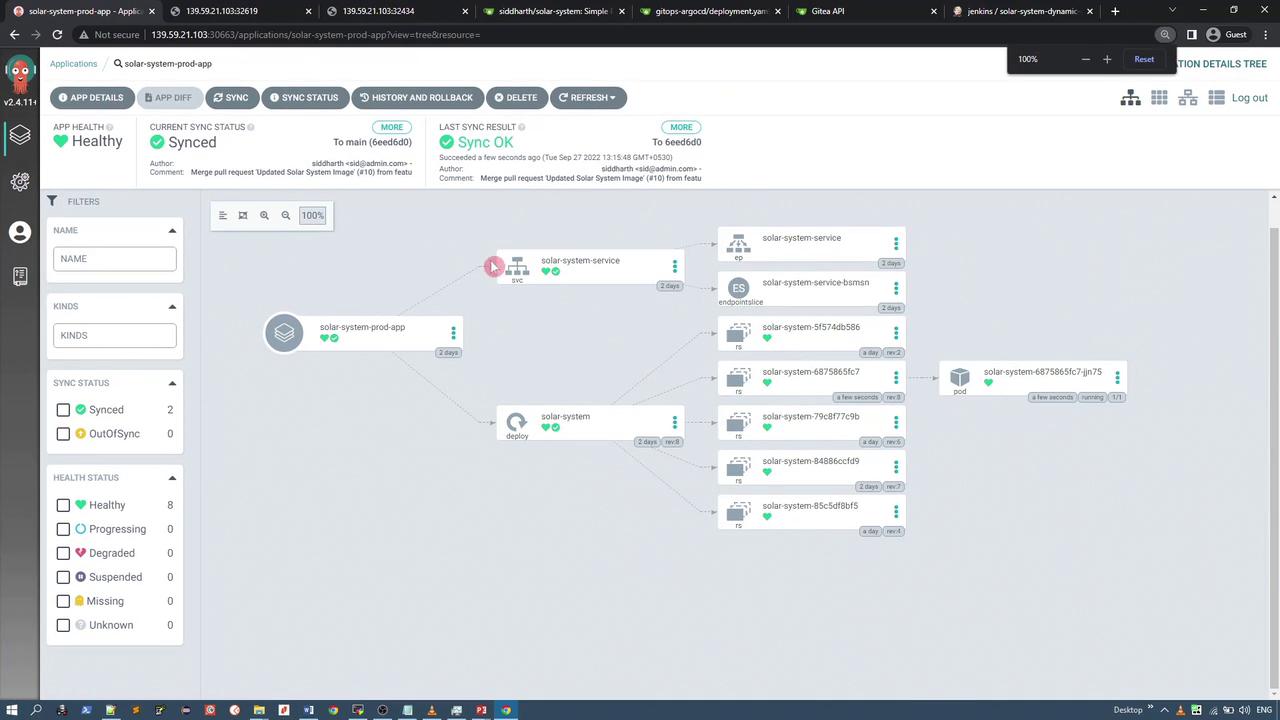
Step 4: Rollback (If Required)
Post-deployment, user feedback indicated that the flashy animated background was not ideal. Using the ArgoCD UI, an administrator can perform a rollback to a previously stable version by selecting the desired version from the application’s history and clicking the rollback option.Always validate the UI changes after a rollback to ensure the production system remains stable.