Examining ArgoCD Metrics
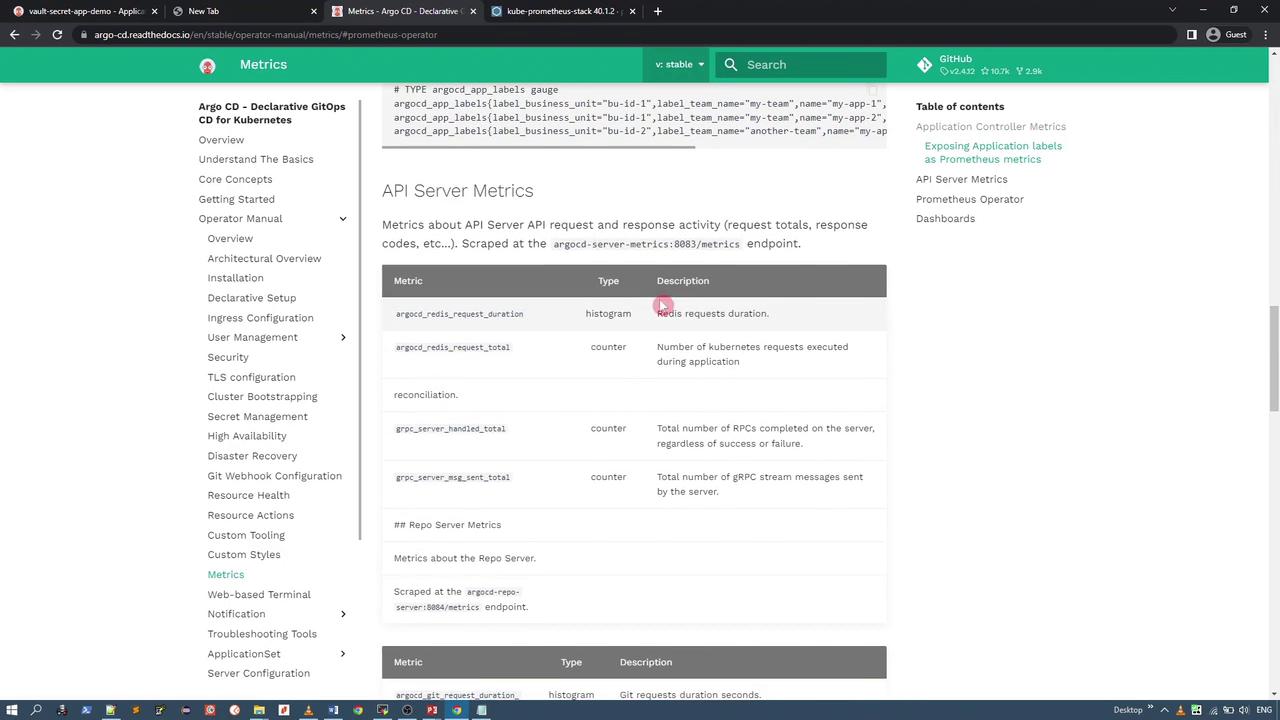
ArgoCD’s documentation provides detailed descriptions of the metrics exposed by its components. For instance, the following image illustrates the metrics for the ArgoCD application controller, including names, types, and descriptions: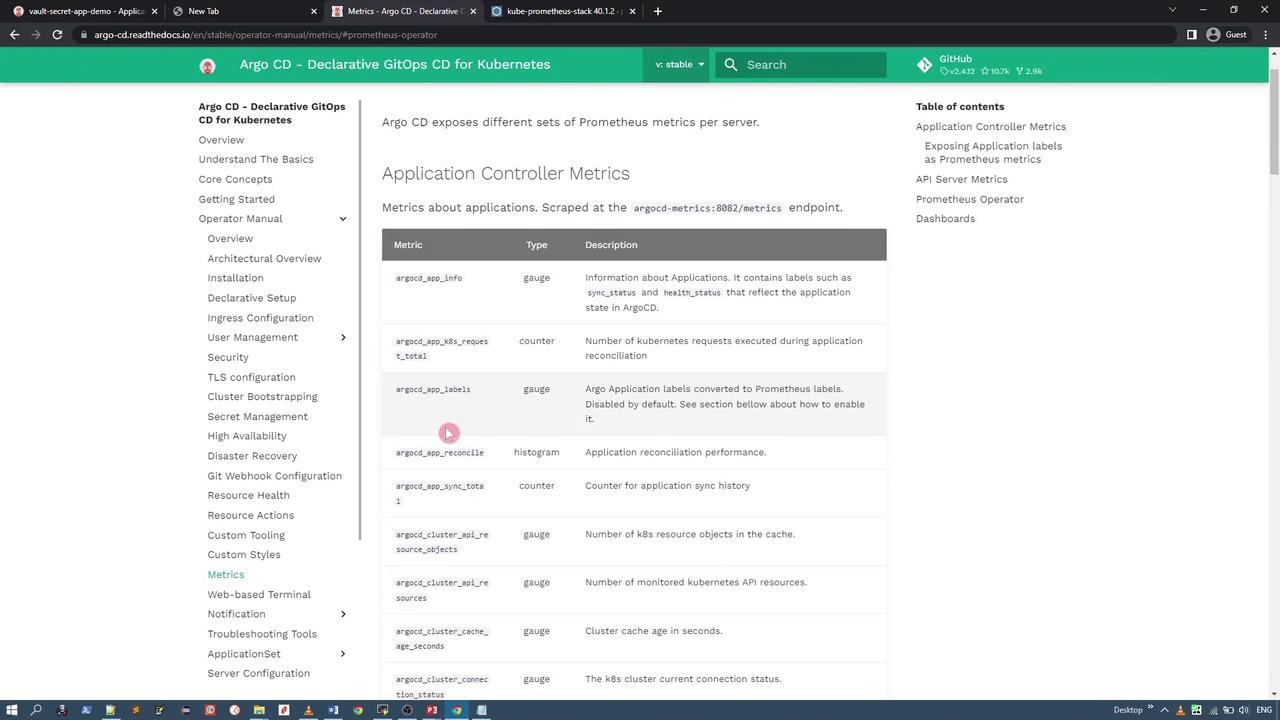
argocd-metrics service (port 8082) to retrieve Prometheus metrics. You might see output similar to:
Setting Up Prometheus and Grafana
To visualize ArgoCD metrics, you must deploy a Prometheus server. The Kube Prometheus Stack available on Artifact Hub provides Prometheus, Grafana, Alertmanager, and other essential custom resource definitions.Adding the Prometheus Helm Repository
First, add the Prometheus community repository and update your local Helm repository cache:Installing the Prometheus Stack
Create a new namespace for monitoring (e.g.,monitoring) and install the Prometheus stack. Depending on your requirements, you can choose between different chart versions. Here are two examples:
Using a recent version (e.g., 40.1.2):
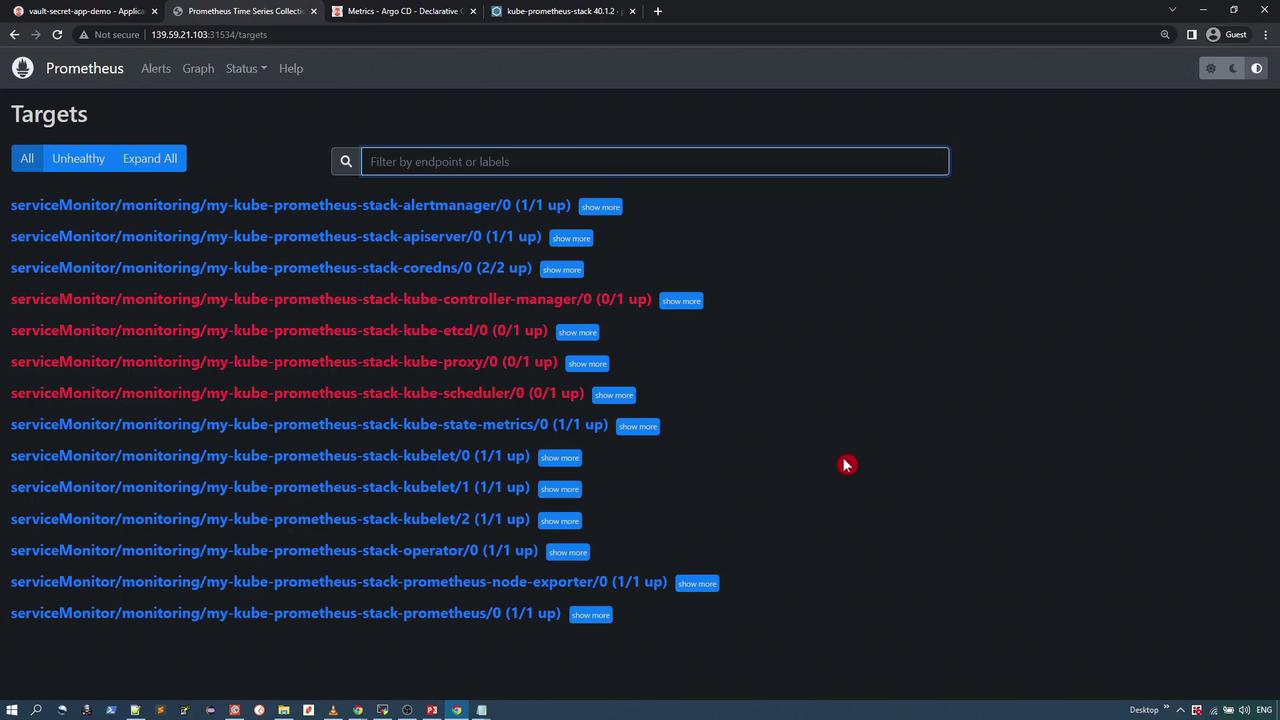
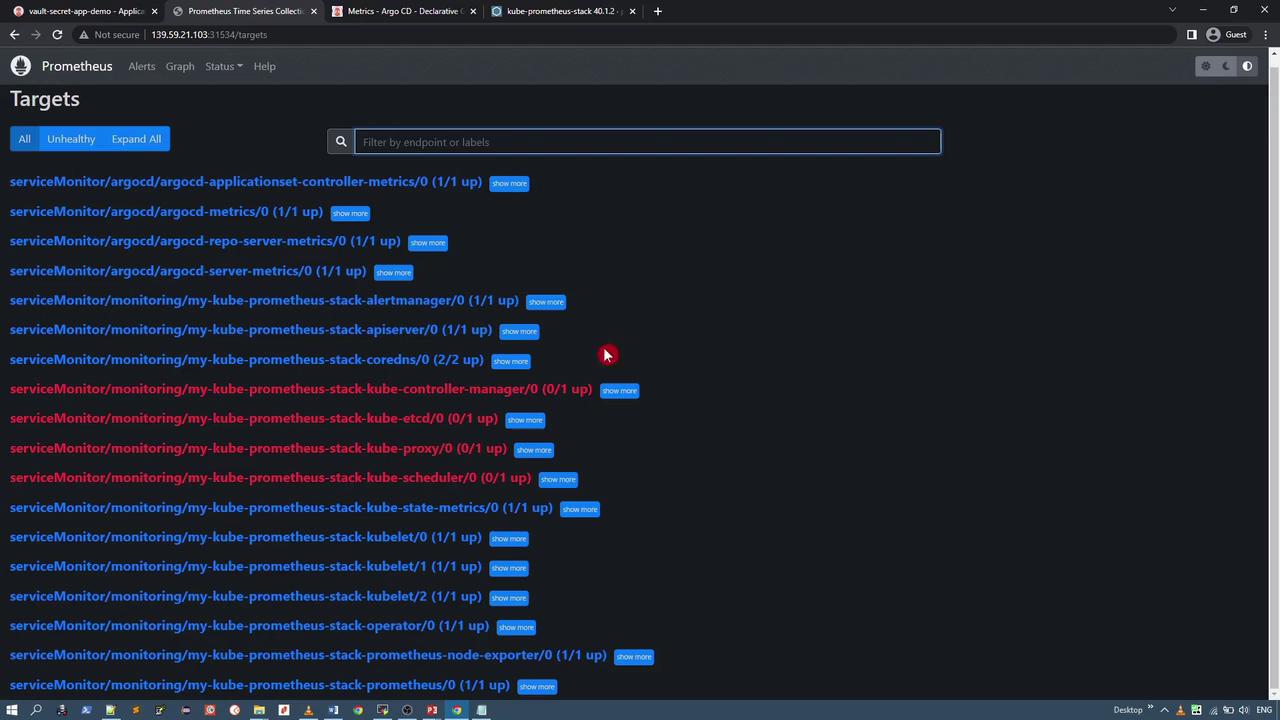
Configuring ServiceMonitors for ArgoCD
To allow Prometheus to scrape ArgoCD metrics, create ServiceMonitor resources in the ArgoCD namespace. These YAML manifests specify the services to be monitored and must include a label that matches the Prometheus operator’s selector (in this case, the release name “my-kube-prometheus-stack”). Below is an example configuration with three ServiceMonitors—for general metrics, server metrics, and repository server metrics. Similar manifests can be created for monitoring the applicationset controller.argocd-service-monitors.yaml with your filename):
Ensure that the metadata label “release” in each ServiceMonitor exactly matches the Helm release name used during the Prometheus stack installation (e.g., “my-kube-prometheus-stack”). You can confirm the Prometheus operator’s selector labels by running:
Visualizing ArgoCD Metrics
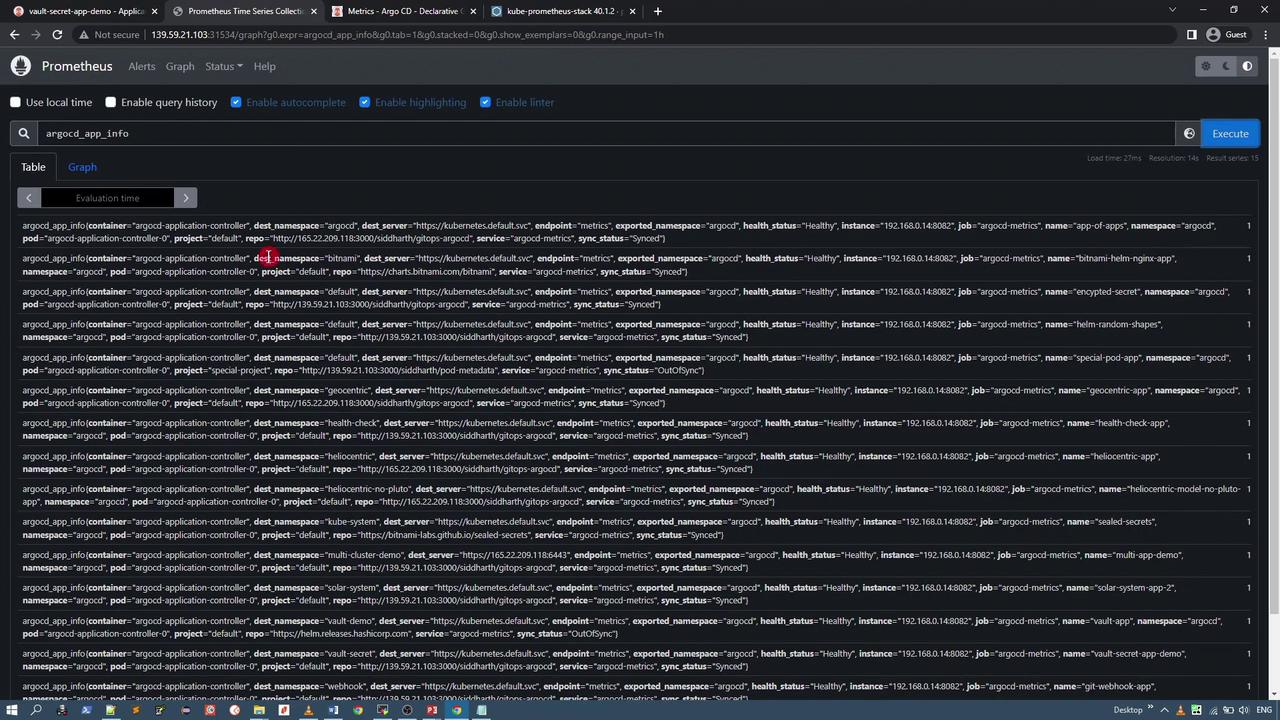
After the ServiceMonitors are active, Prometheus automatically adds ArgoCD targets. In the Prometheus UI, search for “argocd” (for example, using a query likeargocd_app_info) to display detailed metrics and statuses for your applications.
Using Grafana for Visualization
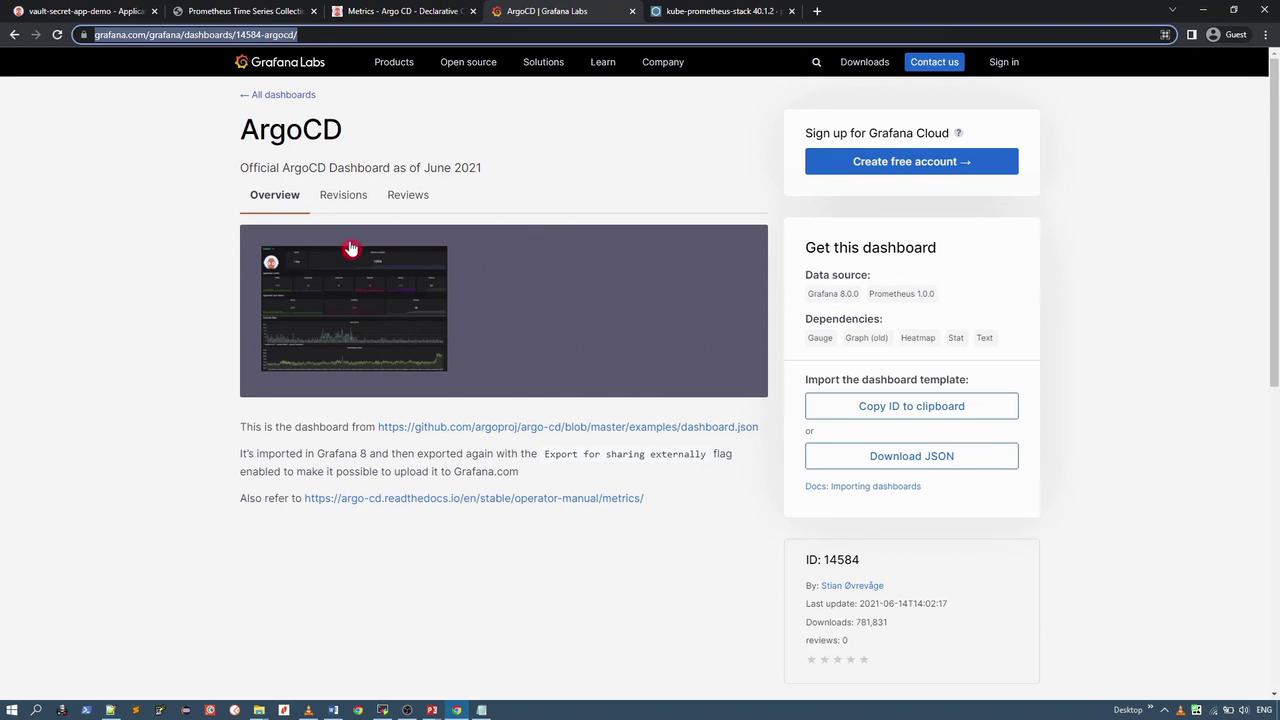
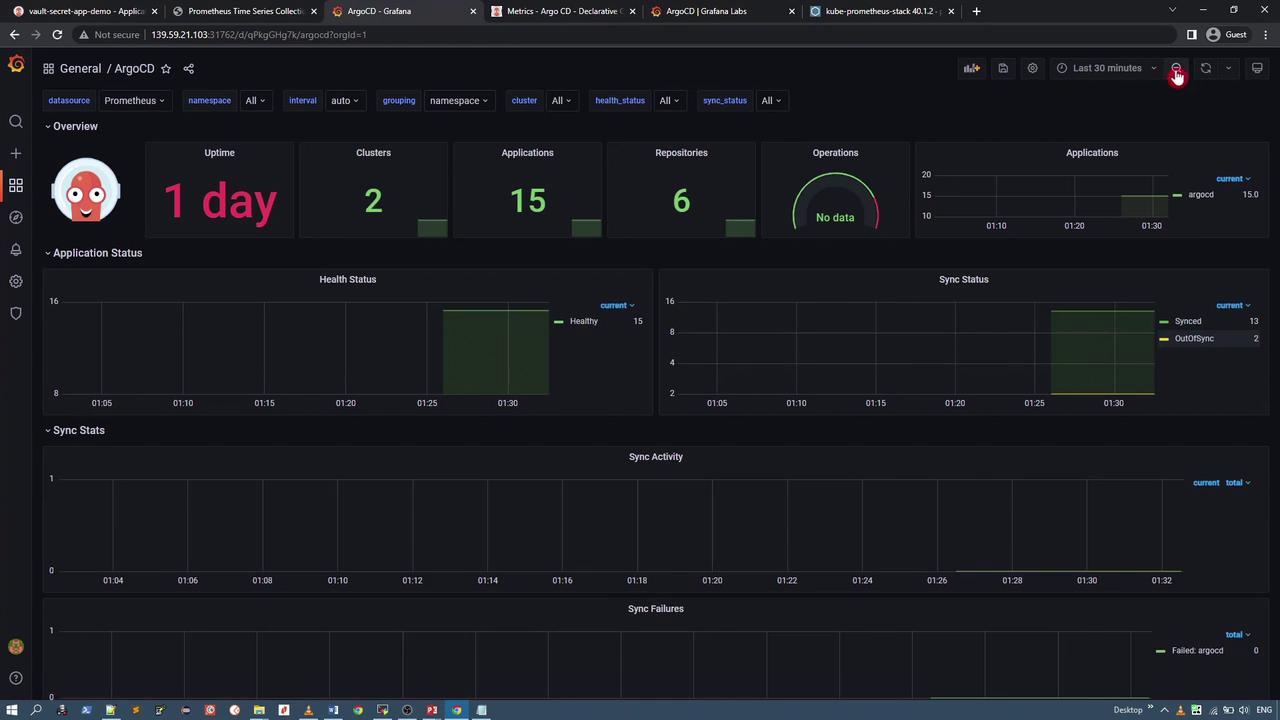
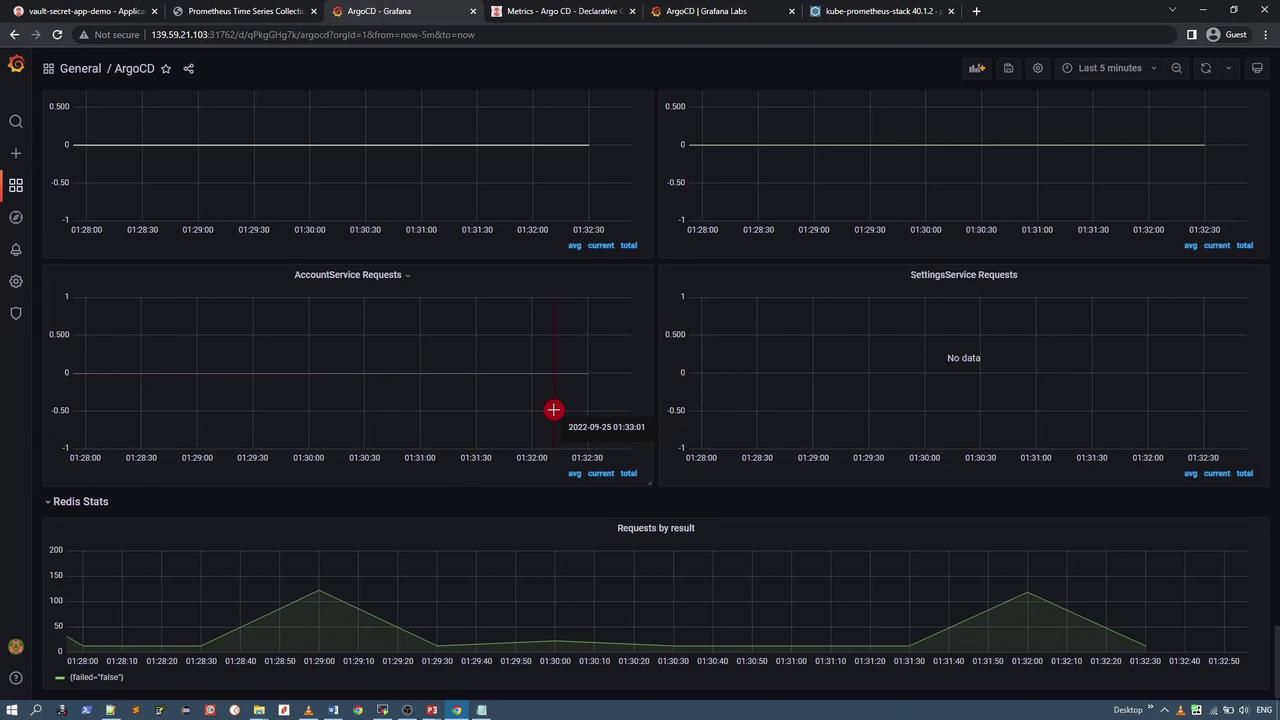
Grafana offers rich visual dashboards to analyze these metrics. The recommended ArgoCD Grafana dashboard displays application health, sync status, component statistics, and more. For reference, the image below shows a portion of the ArgoCD Grafana dashboard: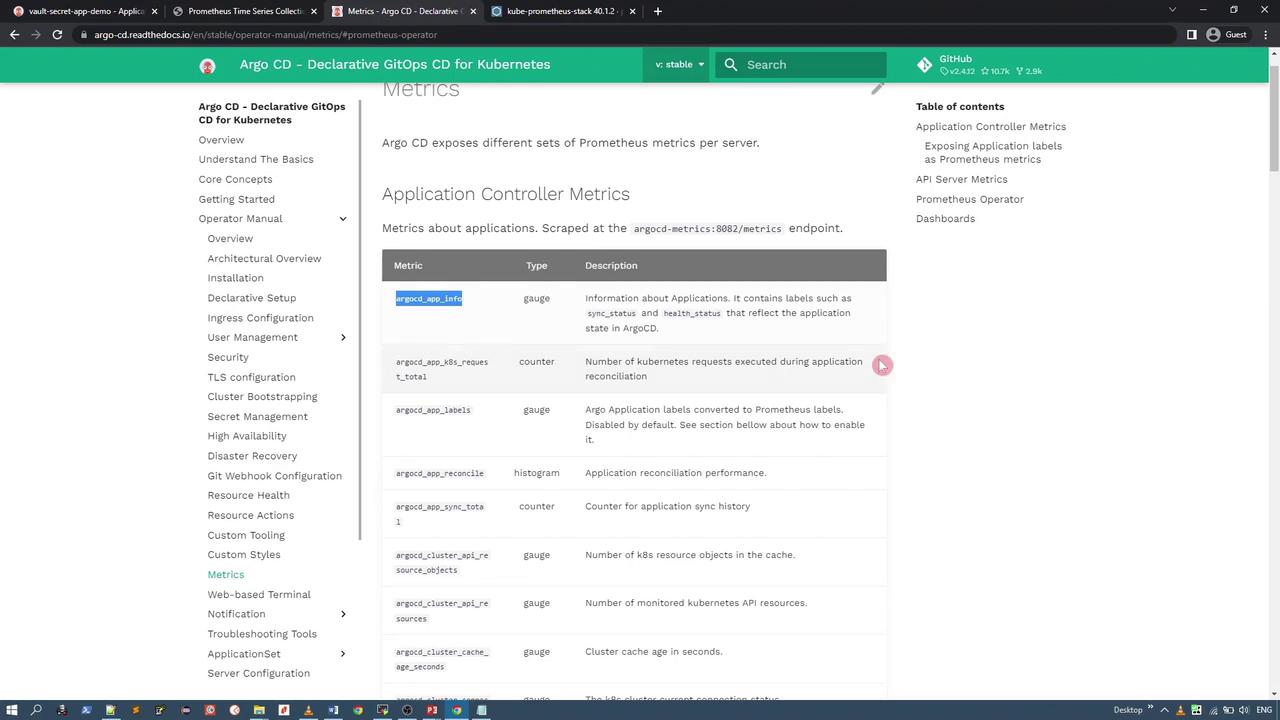
Steps to Access the Grafana Dashboard
-
Identify the Grafana Service:
Locate the Grafana service in themonitoringnamespace. By default, it is a ClusterIP service; modify it to a NodePort for external access if needed. Use the following command to edit the service: -
Access Grafana:
After changing the service to NodePort (e.g., port 31762), navigate to the URL:
http://<node-ip>:31762 -
Log In:
The default username isadmin. Retrieve the password from the Grafana secret using: -
Import the ArgoCD Dashboard:
Click on the “+” icon in Grafana and select “Import.” You can import the ArgoCD dashboard using its ID or by supplying a JSON file. For example, import directly from this link:
ArgoCD Grafana Dashboard