

Overview: Repositories used in the demo
The setup uses two Git repositories hosted in Gitea:- A GitOps repository (ArgoCD) that contains Kubernetes manifests (Deployment and Service) used by ArgoCD to create resources in the cluster.
- An application repository (Solar System) that contains the PHP application source, static assets, a Dockerfile, and CI scripts used by the Jenkins pipeline.
Open the ArgoCD/GitOps repository to inspect the manifests. In the
Jenkins-demo directory you’ll find Kubernetes manifests such as deployment.yaml and service.yaml. ArgoCD continuously monitors this repository and applies detected changes to the cluster (via periodic polling or webhook-driven refresh).
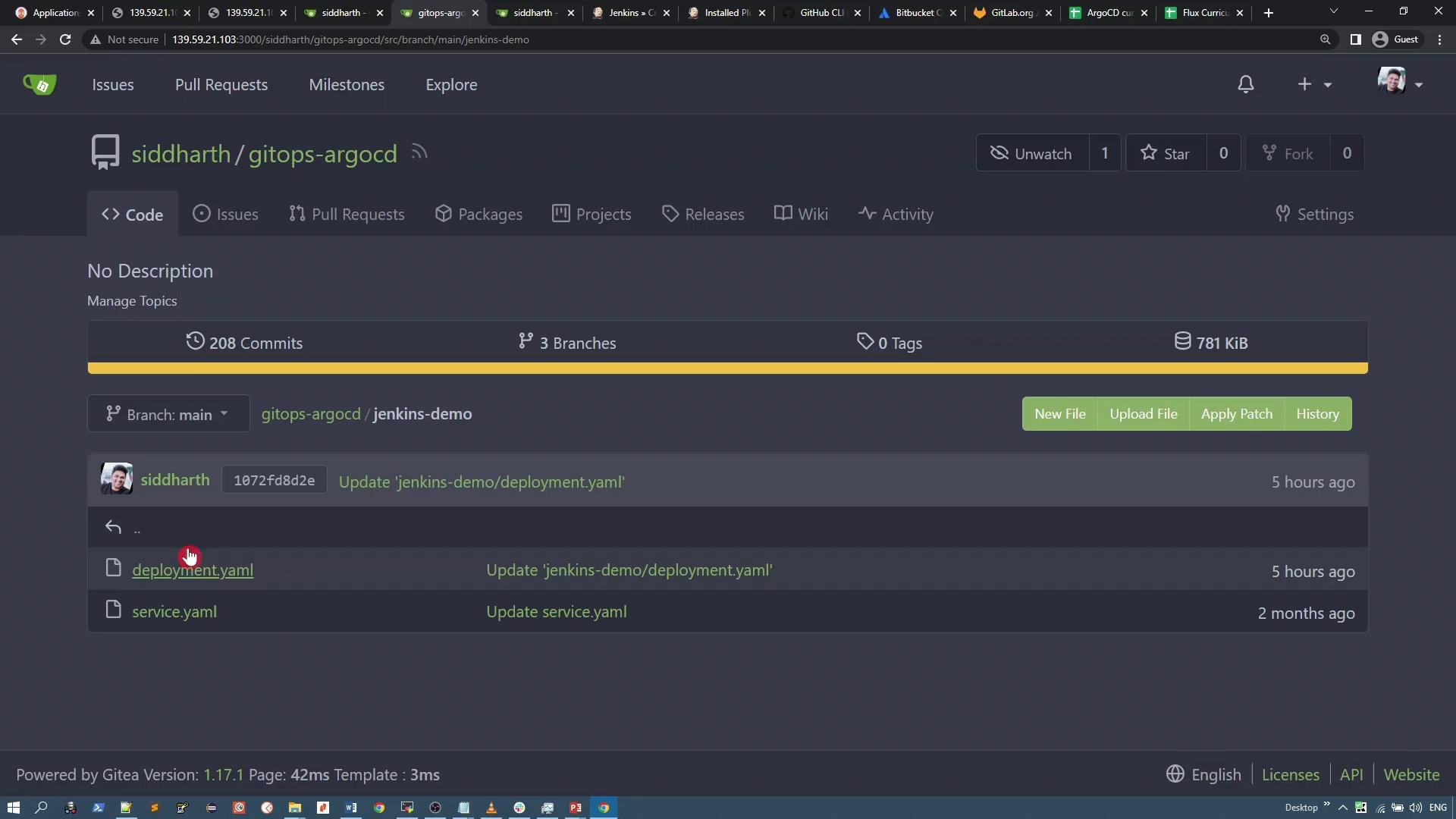
Application repository: Solar System (PHP)
The Solar System repository contains a small PHP + HTML web application. Key parts include:index.php— the single-page app that references images and CSS-like styles.images/— PNG assets such assolar-system-9.pngandbackground.png.Dockerfile— builds the container image from the official PHP Apache base.Jenkinsfileandpr.sh— CI pipeline scripts used by Jenkins to build and push images, and to trigger deployments.
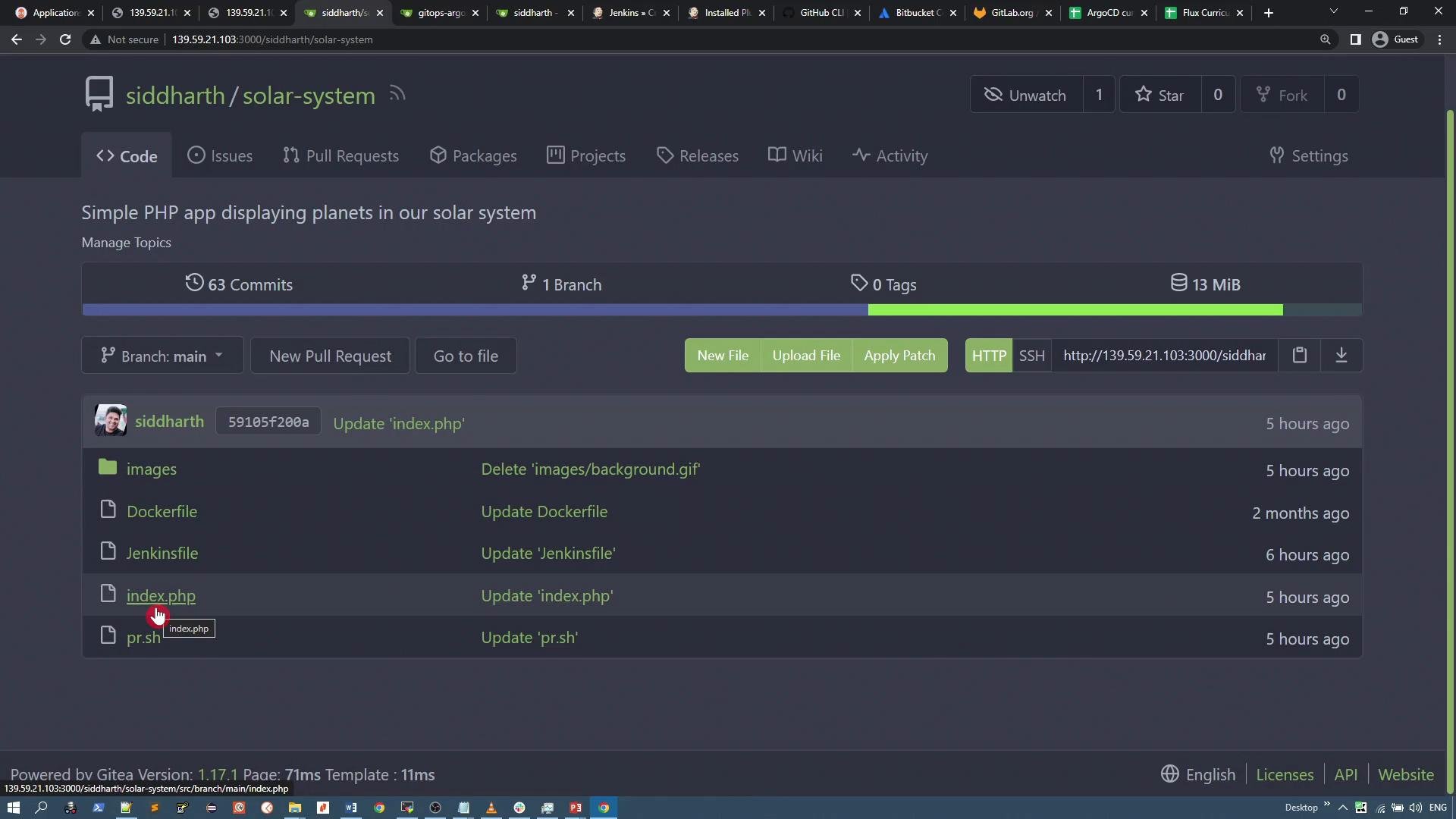
index.php — how the page uses repository images
The page is a compact PHP/HTML file. The most important configurable parts are which solar-system image and which background image are used. The CSS references the repository’s raw file URLs to render both the rotating solar system graphic and the page background. A representative snippet:- The CSS uses absolute raw URLs from the Gitea server so the page can load images directly from the repo.
- You can swap the image filenames in these URLs to change visuals without touching the Docker image — useful for rapid UI updates.
Dockerfile — building the container image
The repo includes a simple Dockerfile that copies the application files into the Apache web root and exposes port 80. This is sufficient for containerizing the PHP app:- Uses the official
php:7.4-apachebase image. - Copies
index.phpand theimagesdirectory into/var/www/html. - Exposes port
80for HTTP traffic.
CI pipeline files
The repository also contains CI-related files (for exampleJenkinsfile and pr.sh) that Jenkins uses to build and push the container image, run tests, or trigger downstream steps such as updating the GitOps repository. In a typical pipeline:
- Jenkins pulls the application repo.
- Jenkins builds the Docker image using the
Dockerfile. - The image is pushed to a container registry.
- GitOps manifests are updated (or a new image tag is written into the ArgoCD repo), and ArgoCD applies the change.
ArgoCD continuously watches the GitOps repository. Any changes to the manifests will be detected and applied automatically — keep the manifests in the GitOps repo up to date to reflect the desired cluster state.