We are entering the era of AI agents. Modern AI systems do far more than answer prompts: they reason, plan, call external tools, coordinate with other agents, and take multi-step actions to complete complex goals. The challenge today isn’t creating an LLM — it is engineering an agentic system that reliably thinks, acts, and adapts across real-world workflows. This course teaches you how to build those systems using the Google Agent Development Kit 2 (Google ADK 2). ADK 2 provides a graph-based workflow runtime that helps you design deterministic, dynamic, and collaborative agentic workflows with fine-grained control and observability. Welcome to the Google ADK 2 course. I’m Awais Kamran, and I’ll guide you through hands-on lessons that show you how to design, implement, orchestrate, evaluate, and deploy production-ready AI agents. Over the course, you will:
  • Learn what Google ADK 2 is and why graph-based workflow runtimes matter.
  • Build and test agents that integrate LLMs, tools, and external APIs.
  • Create workflows that include conditional routing, parallel execution, loops, and approvals.
  • Manage state, sessions, and memory for conversational agents.
  • Inspect execution traces, debug complex runs, and evaluate agent behavior for reliability.
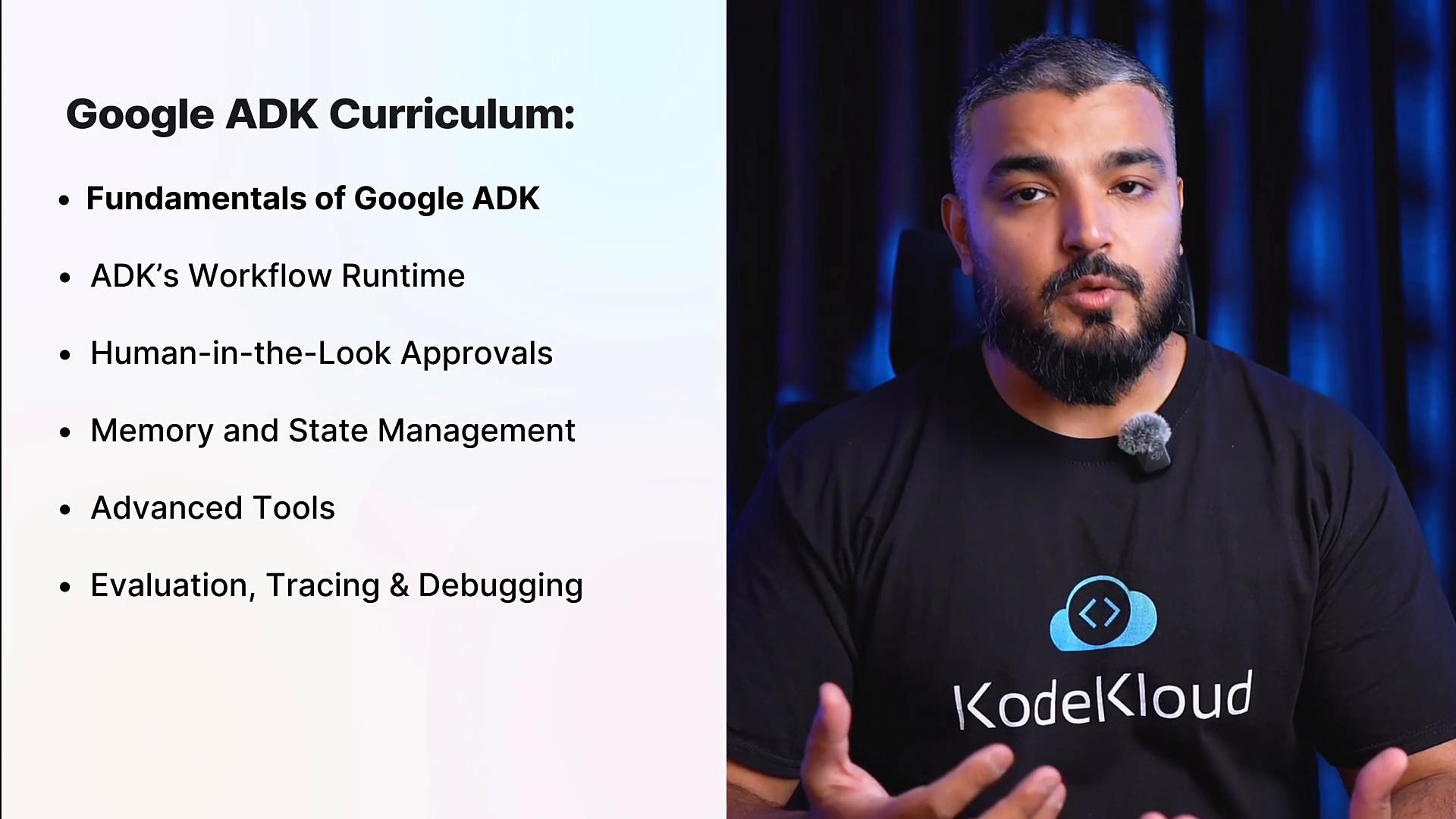
We’ll start by setting up the development environment and building a simple agent to demonstrate how LLMs, tools, and ADK interact.
The left side shows a slide titled "Google ADK Curriculum" with bullet points listing topics like fundamentals, workflow runtime, approvals, memory/state management, tools, and debugging. On the right, a bearded man wearing a black "KodeKloud" T‑shirt and a lavalier mic is speaking to the camera.
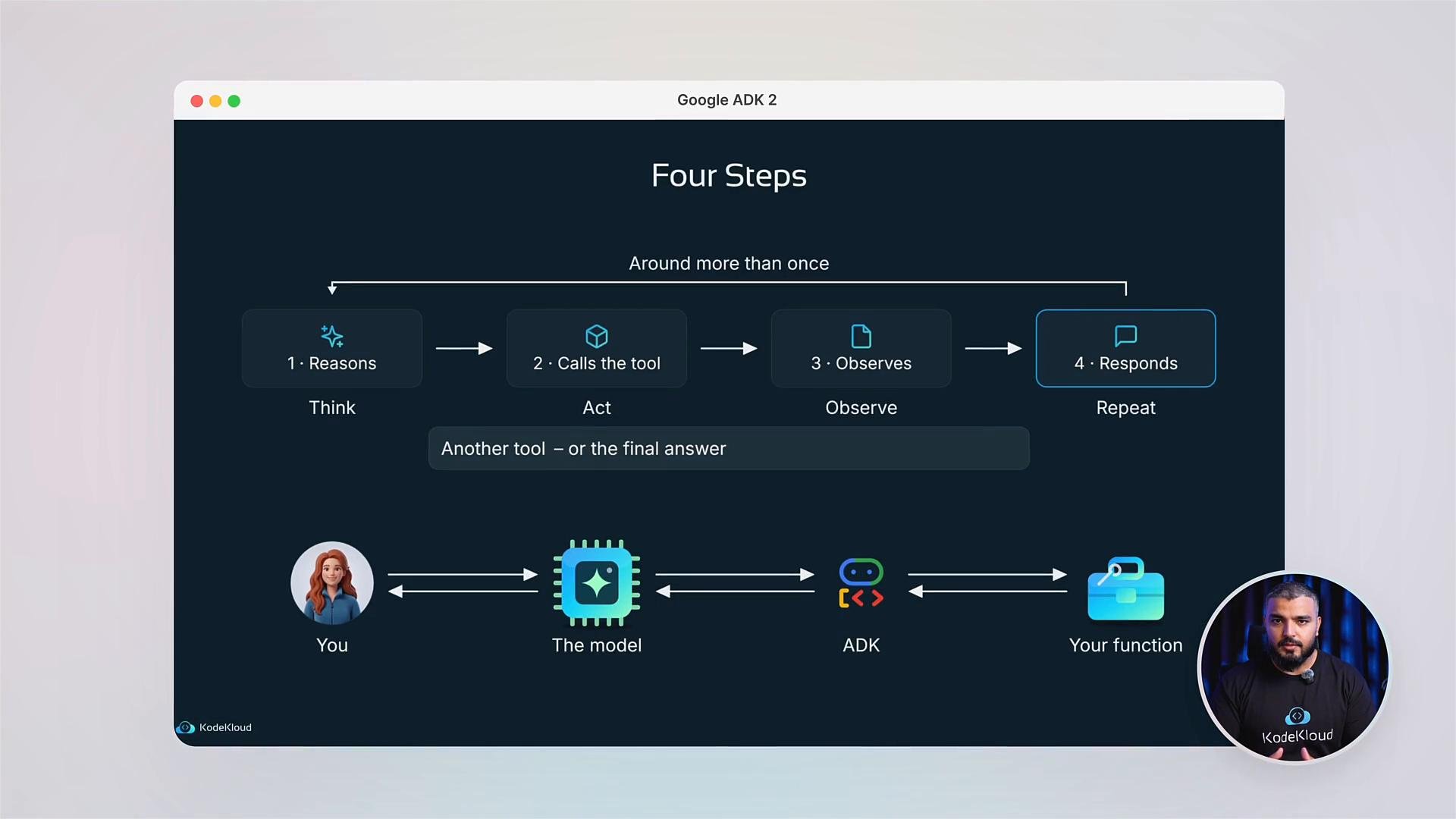
Next, we’ll examine the core interaction pattern between the user, the model, ADK, and your functions, and build a minimal end-to-end flow.
A presentation slide titled "Four Steps" showing a flowchart (1: Reasons → 2: Calls the tool → 3: Observes → 4: Responds) and a diagram of interactions between "You," "The model," "ADK," and "Your function." A small circular video overlay of a speaker appears in the bottom-right.
From there we’ll dive into ADK 2’s workflow runtime. You’ll learn how to:
  • Build graph-based workflow definitions.
  • Implement conditional routing and approval gates.
  • Execute tasks concurrently and iterate with loops.
  • Distinguish static graphs from dynamic workflows and choose the right pattern.
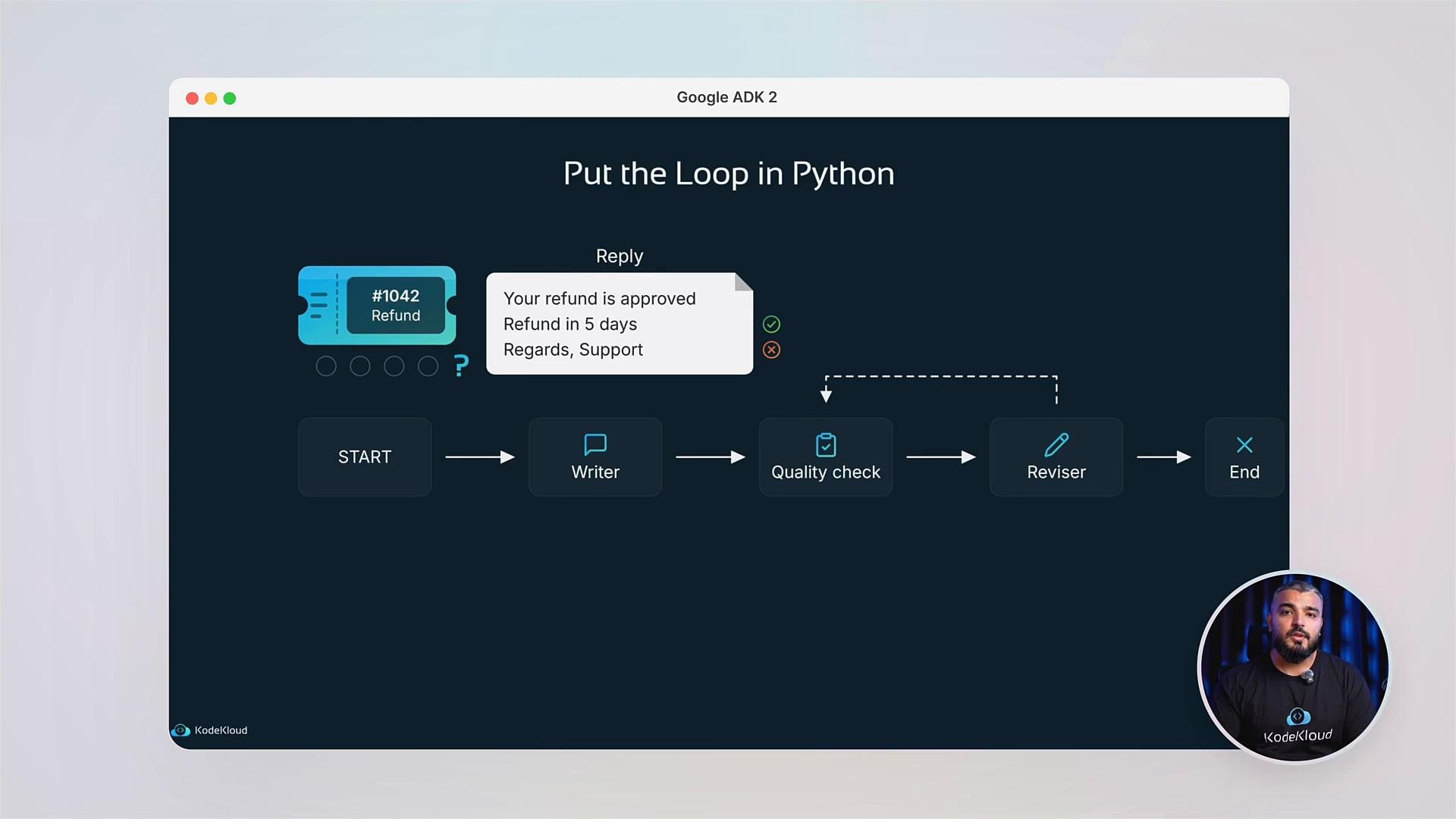
You’ll also build approval-based systems where AI agents work with humans to complete business processes. The workflow runtime in ADK 2 is designed to make these agentic workflows predictable, flexible, and reliable.
A presentation slide titled "Put the Loop in Python" showing a workflow (Start → Writer → Quality check → Reviser → End) alongside a sample refund ticket and reply message. A small circular video feed of a presenter is visible in the bottom-right.
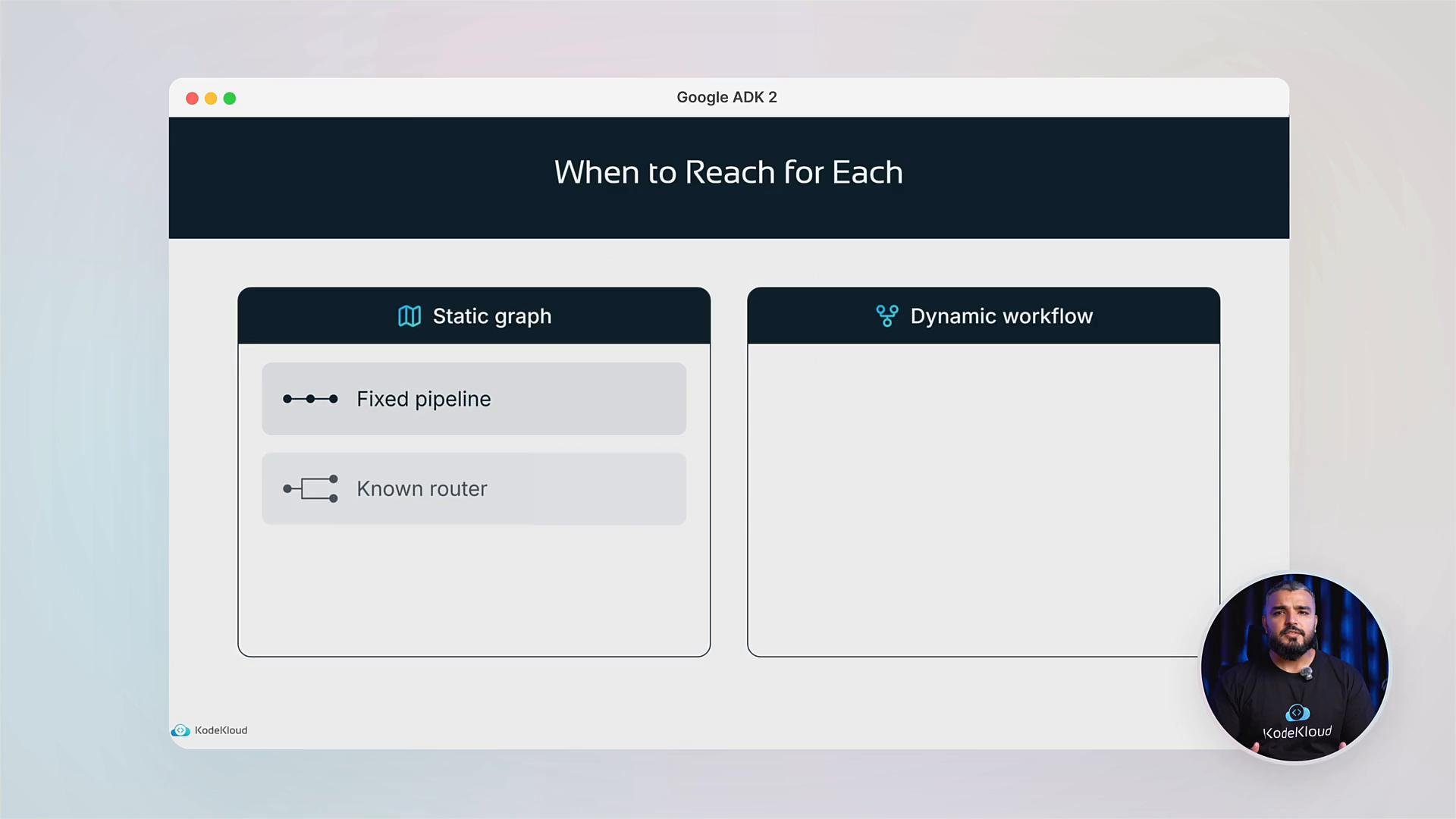
We’ll compare static graphs (good for fixed pipelines and known routers) with dynamic workflows (better for flexible execution paths and runtime decisions) so you can pick the right architecture for each use case.
A presentation slide titled "When to Reach for Each" showing two columns — "Static graph" (listing "Fixed pipeline" and "Known router") and "Dynamic workflow" — in a webpage-like frame. A circular video overlay of a presenter wearing a KodeKloud shirt appears at the bottom-right.
State and memory are essential when agents must hold context across interactions. We’ll cover sessions, durable state management, and memory patterns so your conversational agents remember relevant information over time. You’ll also create tools that let agents call APIs, query databases, and interact with other systems securely. Once agents can think and act, we’ll teach you how to verify and improve behavior:
  • Evaluate agentic decisions using replayable eval sets.
  • Inspect execution traces to understand what happened at each step.
  • Debug workflows and instrument them for production observability.
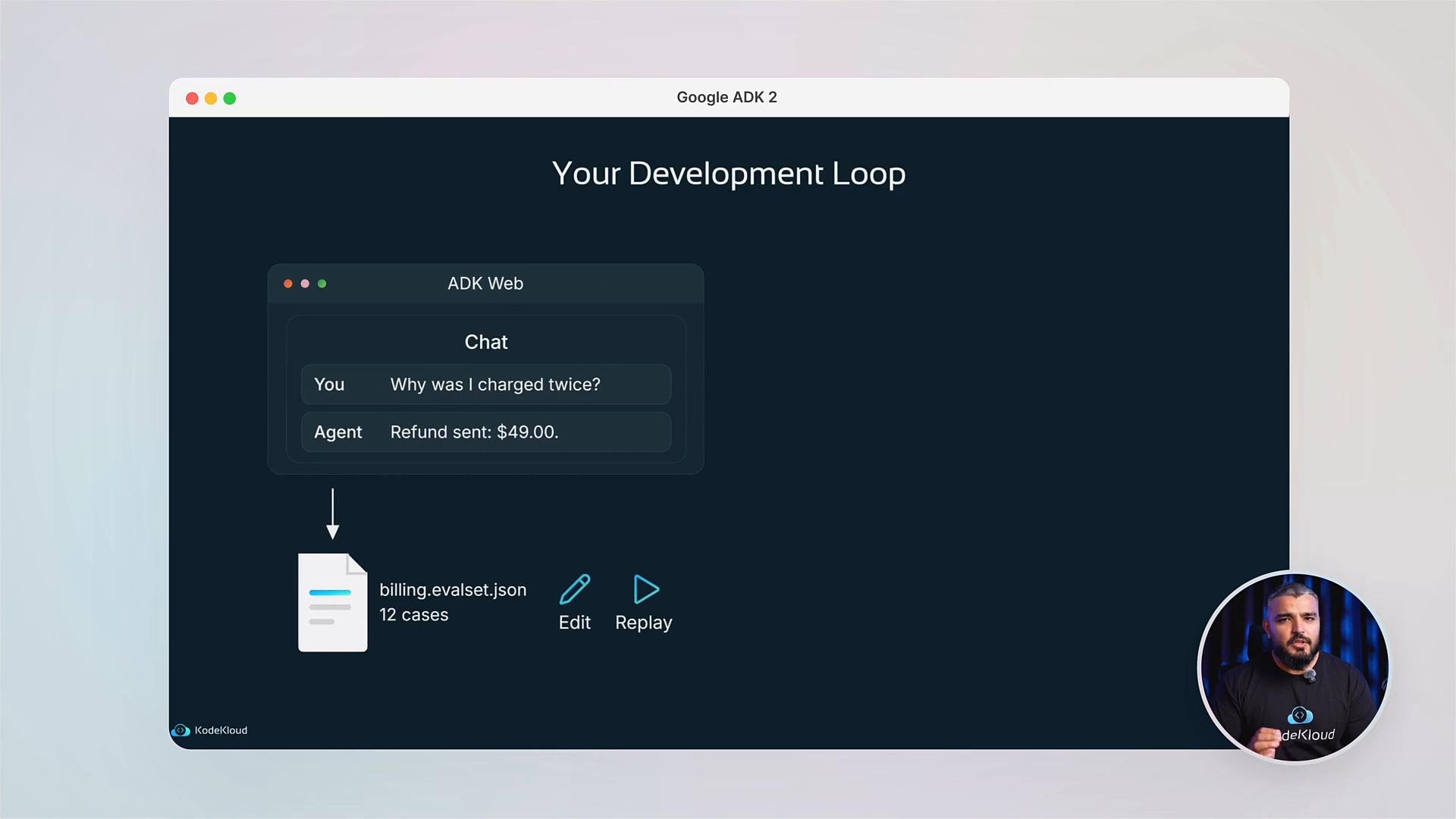
A slide titled "Your Development Loop" showing an ADK Web chat mockup with a user asking "Why was I charged twice?" and an agent replying "Refund sent: $49.00," plus a file icon labeled billing.evalset.json with Edit/Replay options. A small circular video inset of a presenter appears in the bottom-right.
Course format and hands-on labs
  • Every module includes practical labs, coding exercises, quizzes, and challenges to reinforce agentic engineering skills.
  • By the end of the course you will have a portfolio of agents and workflows illustrating common patterns for production systems.
Quick module overview: Prerequisites and environment
Prerequisites: A recent Python 3 release (the lessons used Python 3.12.x), and a working shell to create and activate virtual environments. You can also find the ADK project and examples at the official GitHub repository: https://github.com/google/agent-development-kit
A typical initial setup for the labs looks like this:
Community and next steps Our learning community is a core part of this course — ask questions, share projects, collaborate on solutions, and learn with other developers building the next generation of AI agents. The next generation of software will be powered by AI agents. Let’s build them with reliability, observability, and strong engineering practices.

Watch Video