Scenario: a support chat where each turn should remember what happened previously. The user asks, “Where’s my order?”
The agent looks it up and replies. Then the user asks, “Okay, what about the other one?”
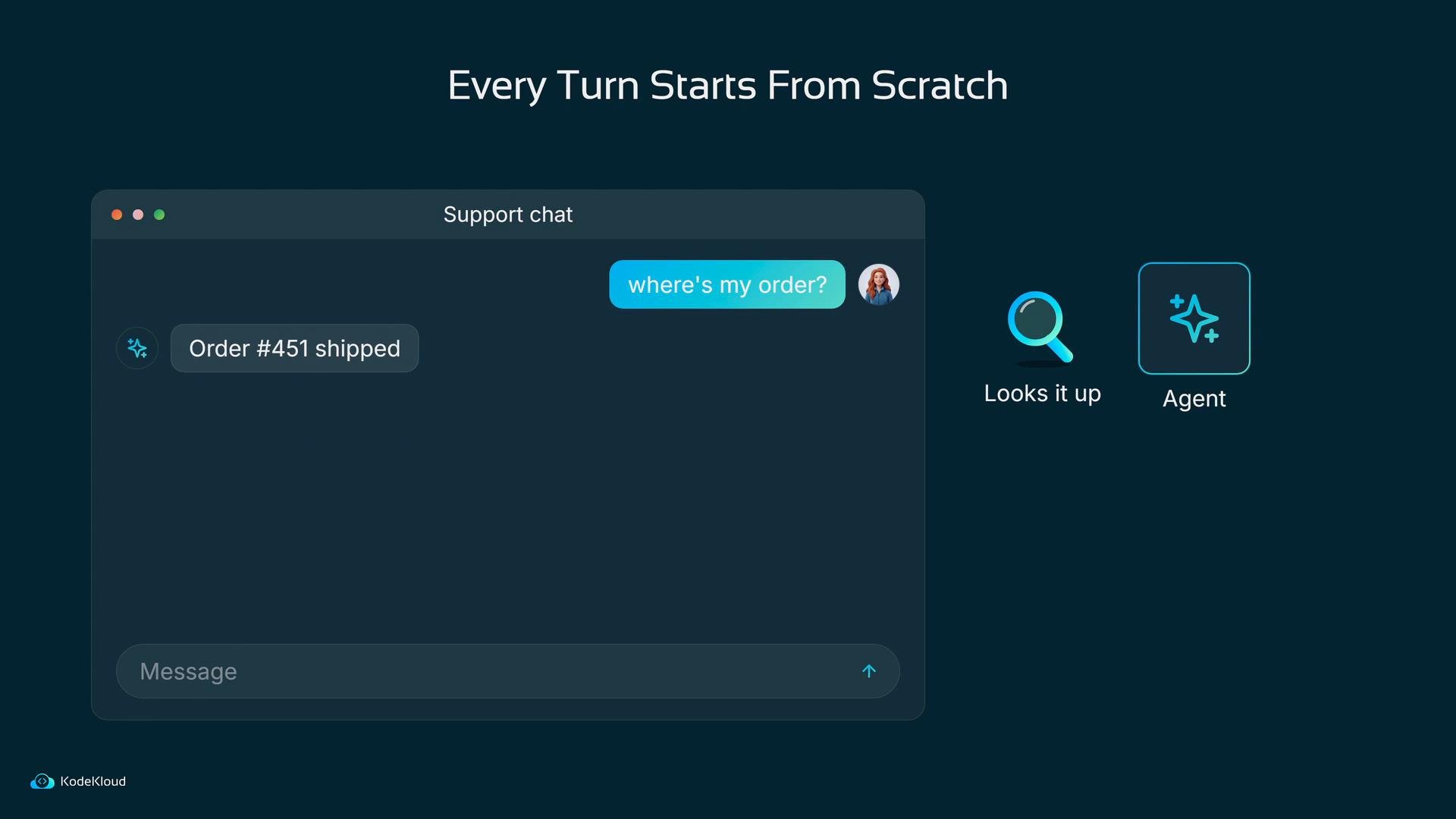
A dark-themed support chat mockup with the user asking "where's my order?" and the reply "Order #451 shipped." The image also shows the header "Every Turn Starts From Scratch" and icons labeled "Looks it up" and "Agent" to the right.
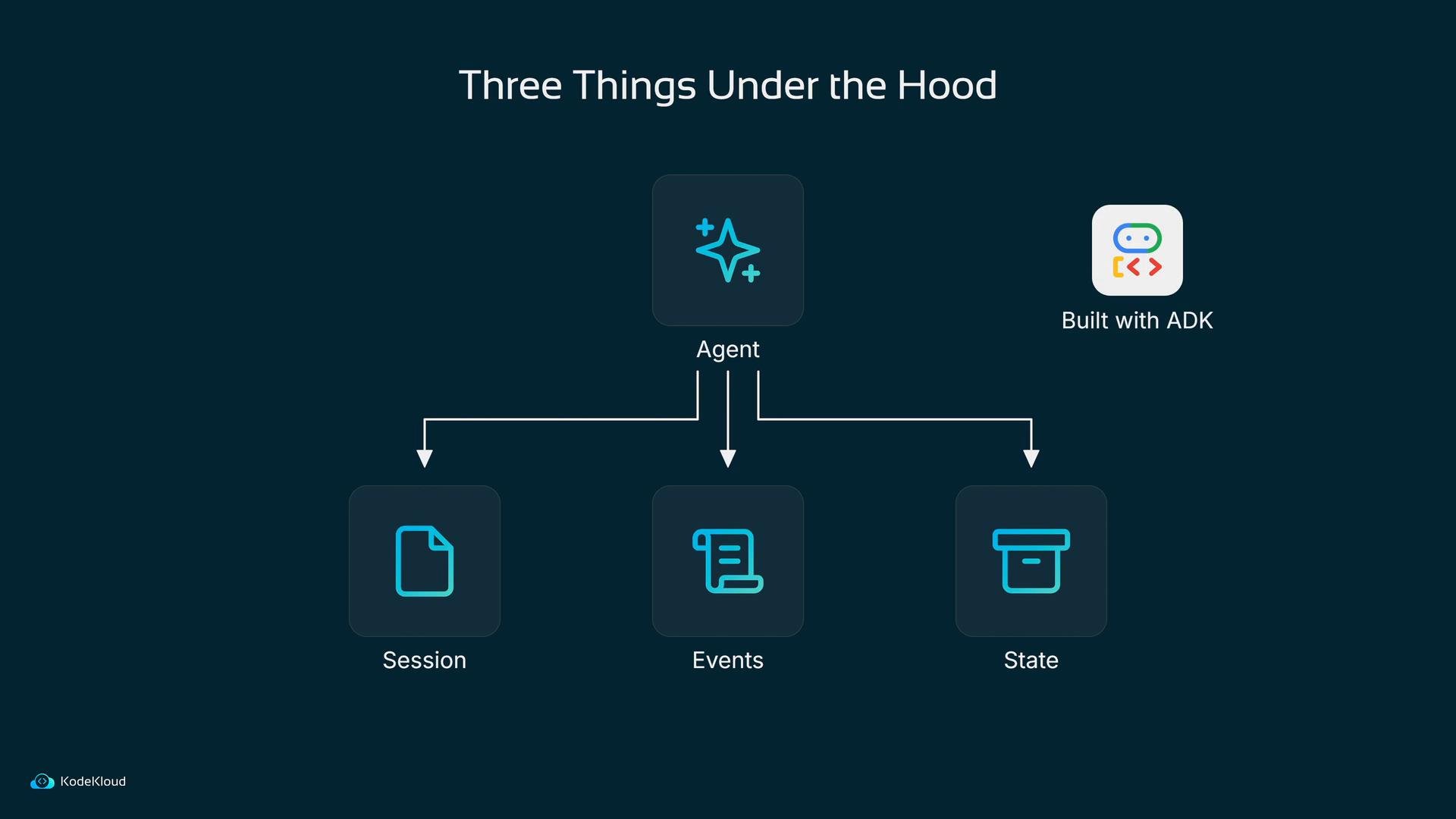
If the agent had no memory, every turn would indeed start from scratch. That’s why modern agent frameworks — including ADK — provide three core concepts that run under the hood: sessions, events, and state.
A dark-themed diagram titled "Three Things Under the Hood" showing an "Agent" at the top branching to three labeled boxes: Session, Events, and State. Each box has a blue icon (a document, a scroll, and a storage box) and there's a "Built with ADK" badge on the right.
What manages these pieces? Two components:
  • Runner — the processing loop. You hand it an incoming message and it orchestrates the agent workflow, emitting a stream of records called events for each step.
  • Session service — the persistent filing cabinet. It creates, stores, retrieves sessions and records every event and state change.
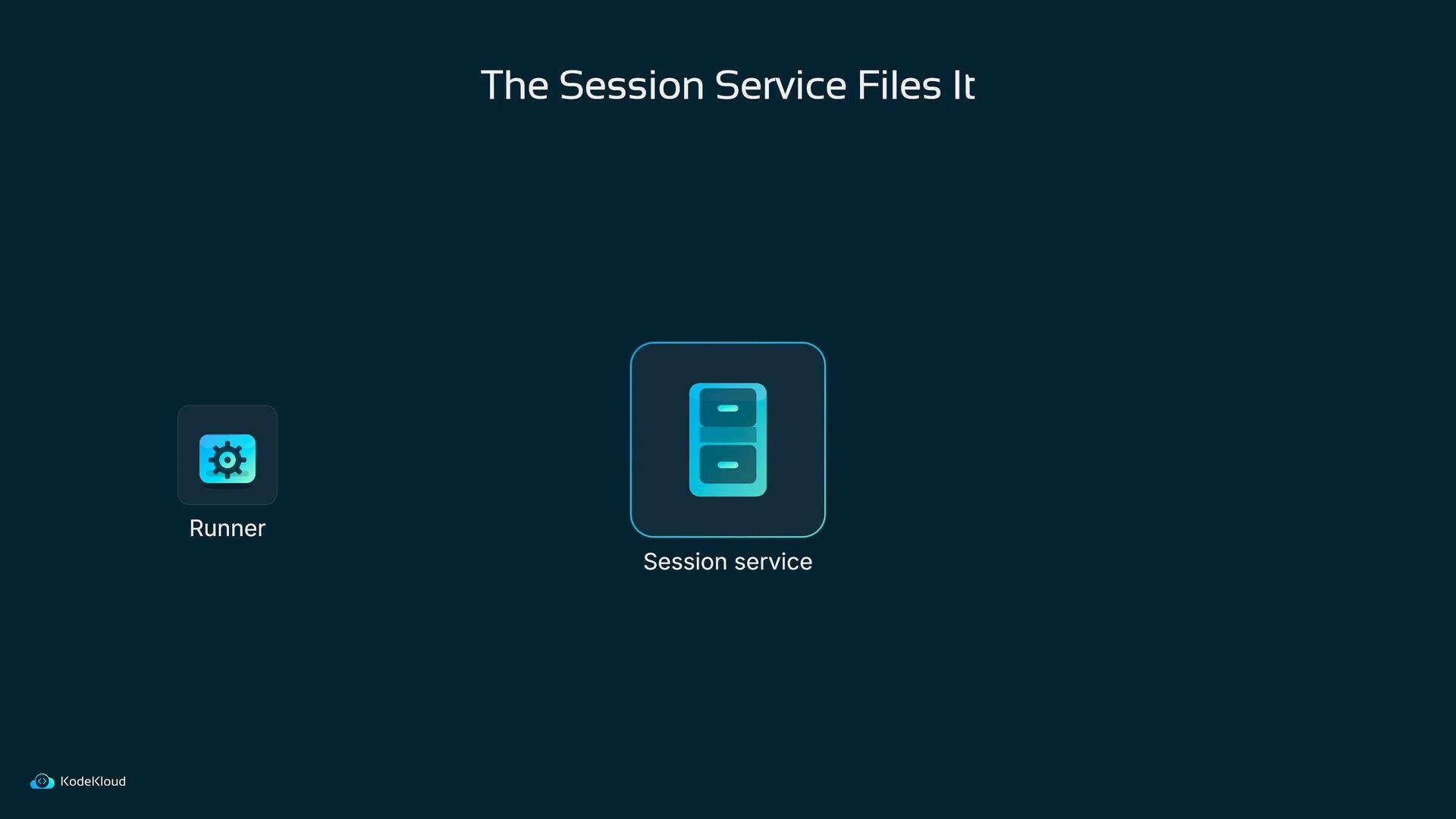
A dark blue slide titled "The Session Service Files It" showing two app icons: a small "Runner" gear icon on the left and a larger "Session service" file-cabinet icon in the center, with a KodeKloud logo in the bottom corner.
When you develop locally, the CLI can start both pieces for you. Example output when running the ADK web server locally:
Running a local web server or a local runner gives you visibility into the runner’s streaming events and the session service’s stored history. What’s inside a session? A session represents one conversation thread. Key fields you’ll use often:
  • ID — locate the session later
  • App name and user ID — identify the owning application and user
  • State — the current snapshot of values the conversation must remember
  • Events — an ordered history of what happened
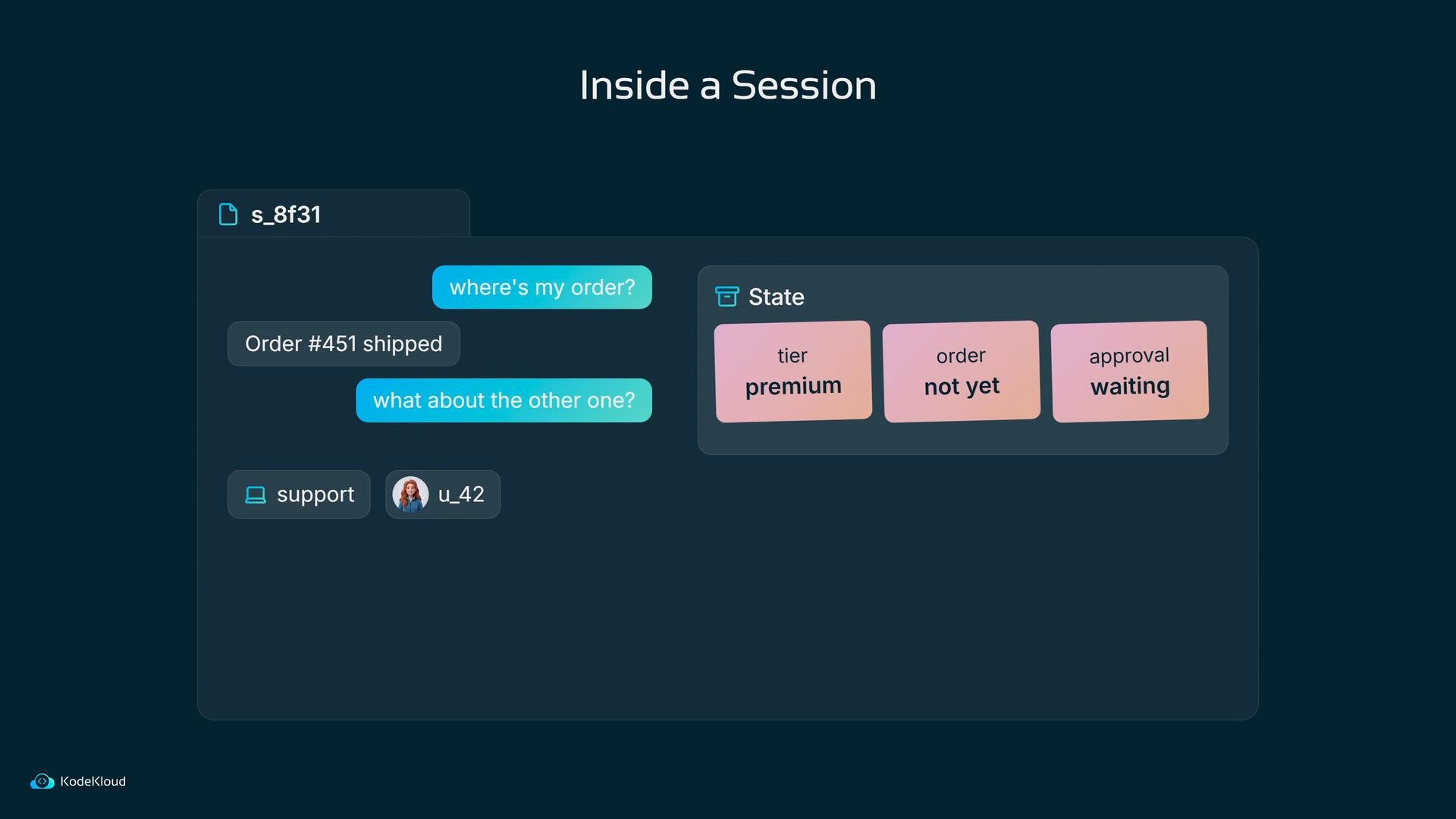
A dark-themed UI mockup titled "Inside a Session" showing a chat between a user and support with messages like "where's my order?" and "Order #451 shipped." To the right is a "State" panel with cards labeled "tier premium," "order not yet," and "approval waiting."
What counts as an event? Events are timestamped records describing actions and changes. Examples:
  • User message
  • Agent reply
  • Tool call and tool result
  • A change in user tier (e.g., free → premium)
  • Tool timeouts and errors
The runner streams these events while the workflow executes and the session service records them into the session’s history. State vs. event history
  • State is the current snapshot: fields like customer_tier: "premium", whether an order number is known, or that the workflow is awaiting approval.
  • Events are the full chronological trail. When state changes, ADK records a state delta inside an event (what changed and to what). The session service applies that delta to the in-session state and stores the event in the history.
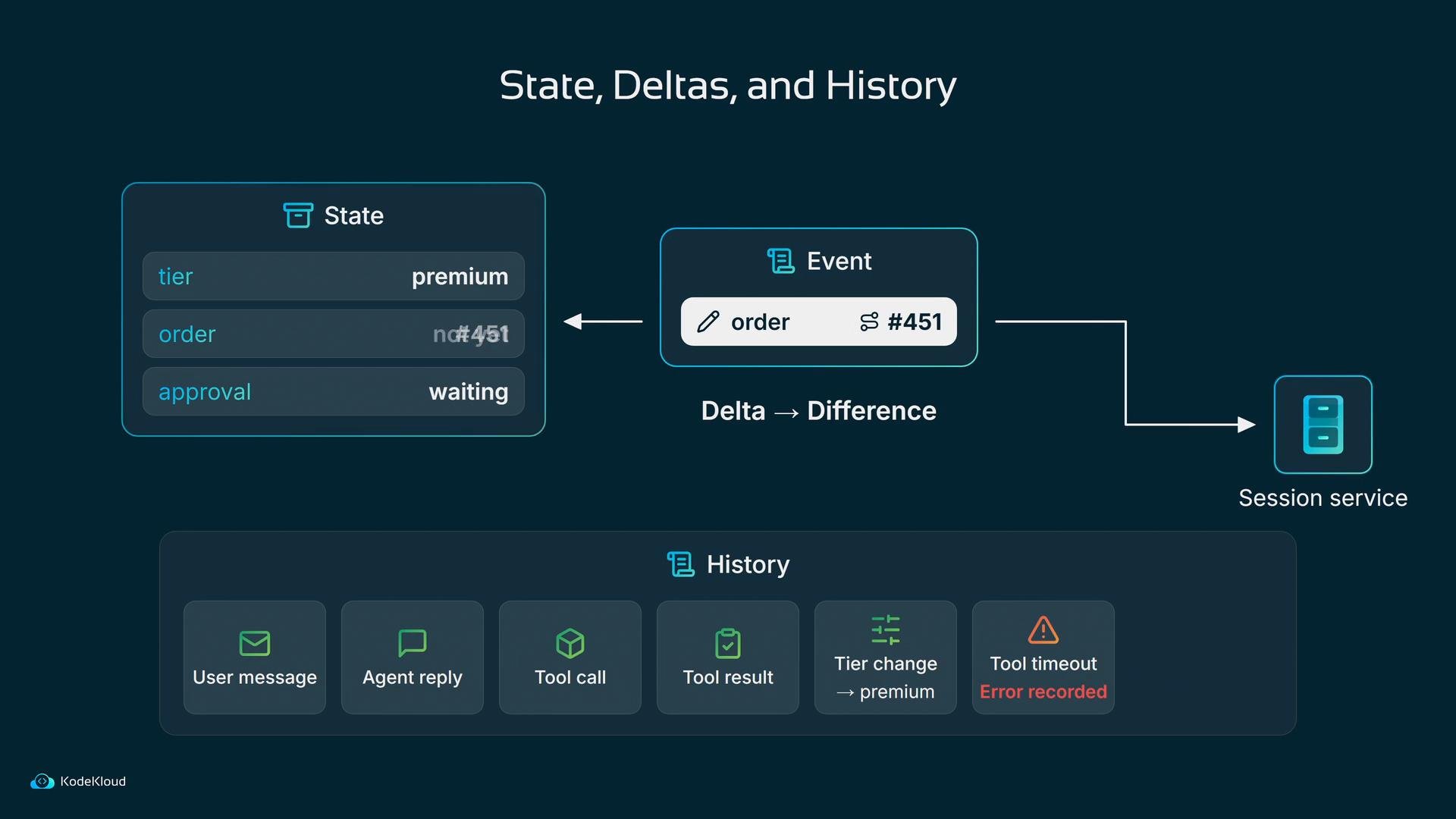
A dark-themed diagram titled "State, Deltas, and History" showing a State panel (fields like tier: premium, order: #451, approval: waiting), an Event/Delta box for order #451, and arrows to a session service. Below it is a History row of event tiles such as User message, Agent reply, Tool call, Tool result, Tier change, and Tool timeout.
Hands-on: build an in-process session and runner This minimal Python pattern shows how to wire an in-memory session service and a runner for local testing. The in-memory service loses data on process exit (good for tests). (Replace root_agent and msg with your actual agent and incoming message.)
Long conversations and correcting mistakes Conversations can drift: a mistaken inference at turn 6 can propagate through later turns. Instead of discarding the whole session, you can rewind to a prior invocation. ADK’s Rewind restores the session state and managed resources to their exact values before the specified invocation; events after that invocation drop out of the active context but remain in the log.
Rewind does not erase history. The rewind request itself is recorded in the session events so you retain a full audit trail for debugging and compliance.
Versioning and the event schema This guide covers ADK version 2. ADK 2 introduced new event fields (for example, output and node_info) to support the internal engine. If your storage layer assumed a fixed set of columns, the extra fields could break existing schemas. A robust storage strategy is to store each event as a single blob (for example, JSON). That allows new fields to appear without schema migrations.
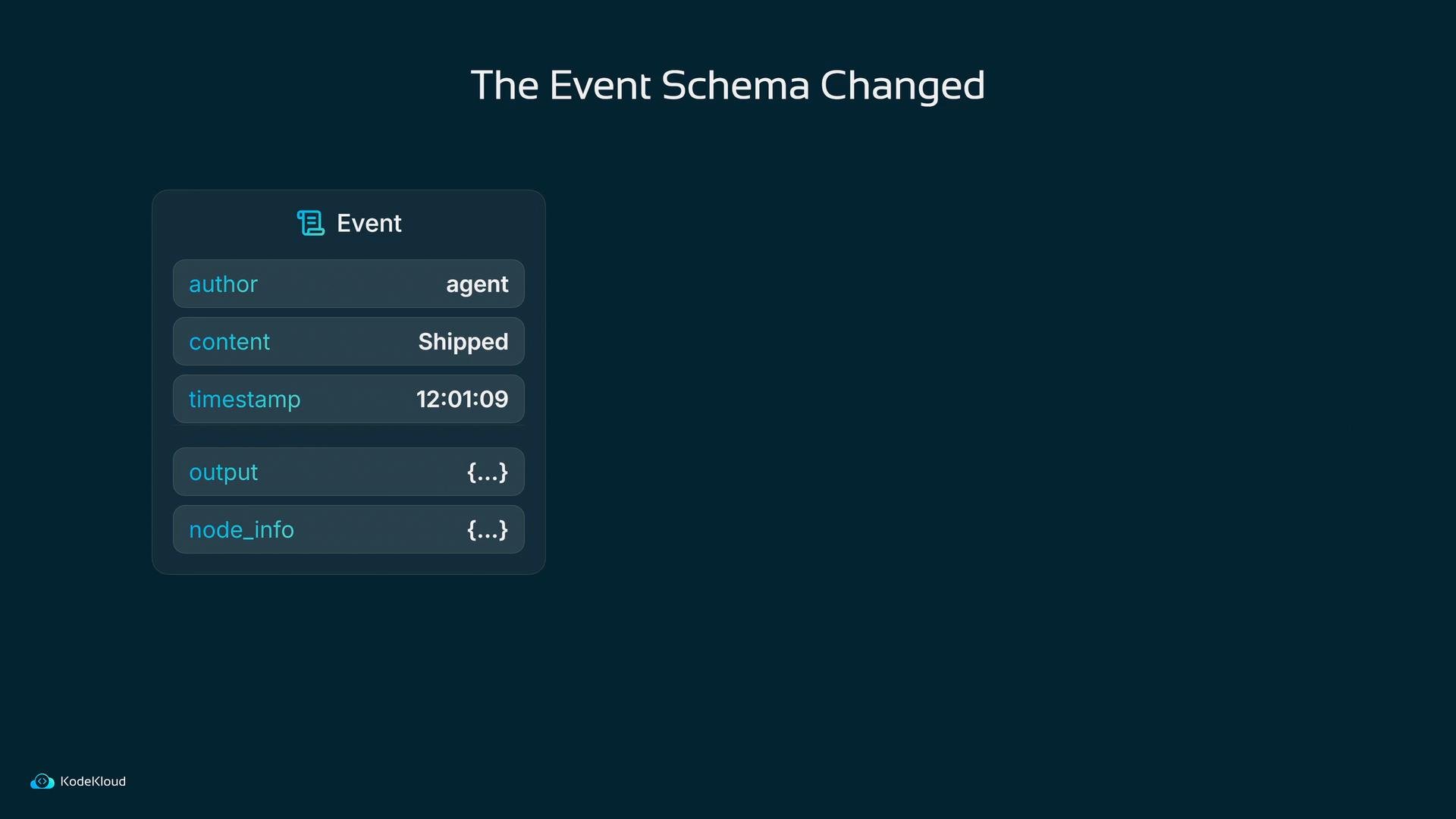
A dark presentation slide titled "The Event Schema Changed" showing a stylized "Event" card. The card lists fields including author: agent, content: Shipped, timestamp: 12:01:09, and placeholder objects for output and node_info.
If you map every event field to separate database columns, plan for schema evolution. Prefer storing the entire event as a JSON blob or use a flexible column type (e.g., JSONB) to avoid breaking changes when ADK adds fields.
Quick reference table Summary
  • Session = conversation thread you can resume and inspect.
  • Events = the chronological log of everything that happened.
  • State = the current snapshot of values needed by the conversation.
  • Runner + Session service = the runtime machinery that produces events and stores state.
As your application scales, decide which data is per-user, per-session, or application-level. Use rewind for correcting mistaken assumptions, and prefer a flexible event storage format (JSON blobs or JSONB) to accommodate ADK schema evolution.

Watch Video