It’s Monday morning at an online store. The support inbox has around 400 unread messages and only one person answering them. You read the first 20 and notice something odd: most of them ask the same few questions.
  • Where’s my order?
  • What are your working hours?
  • Why was I charged twice?
  • Can you please cancel my order?
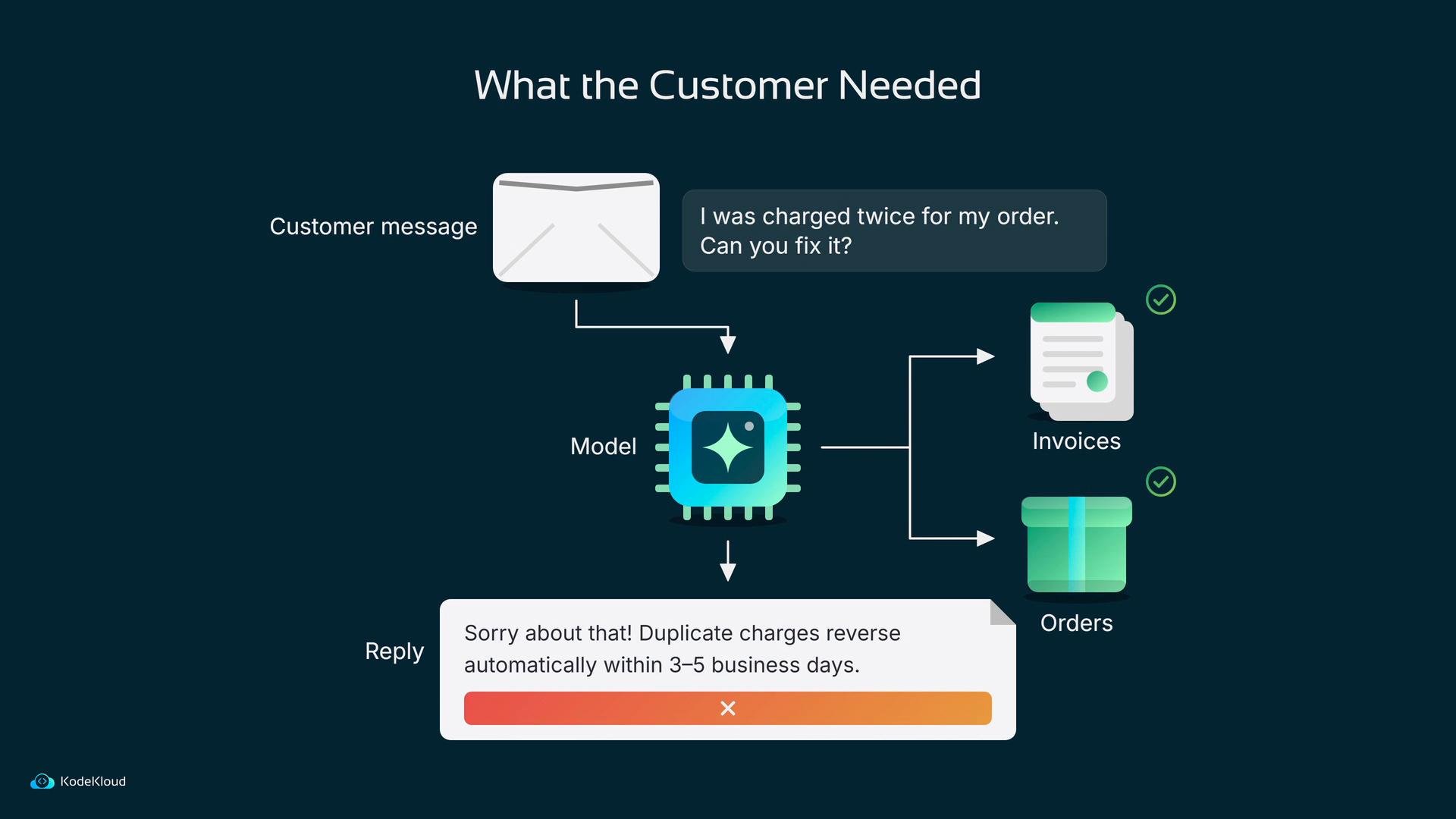
You decide to automate the responses. The first version is quick: every incoming customer message goes straight into a large language model (LLM), and whatever the model returns is sent as the reply. Then you inspect what the model sent. One customer wrote, “I was charged twice for my order. Can you fix it?” The model answered with a confident, invented explanation — it has never seen your invoices or orders. It simply answers in one shot because a single model call reads text and writes text back. What that customer really needed was a system that could check the real data: pull up invoices, read the order, and only then answer with accurate details.
A diagram titled "What the Customer Needed" showing a customer message about being charged twice flowing into a model that checks invoices and orders. The output is an automated reply explaining duplicate charges are reversed automatically within 3–5 business days.
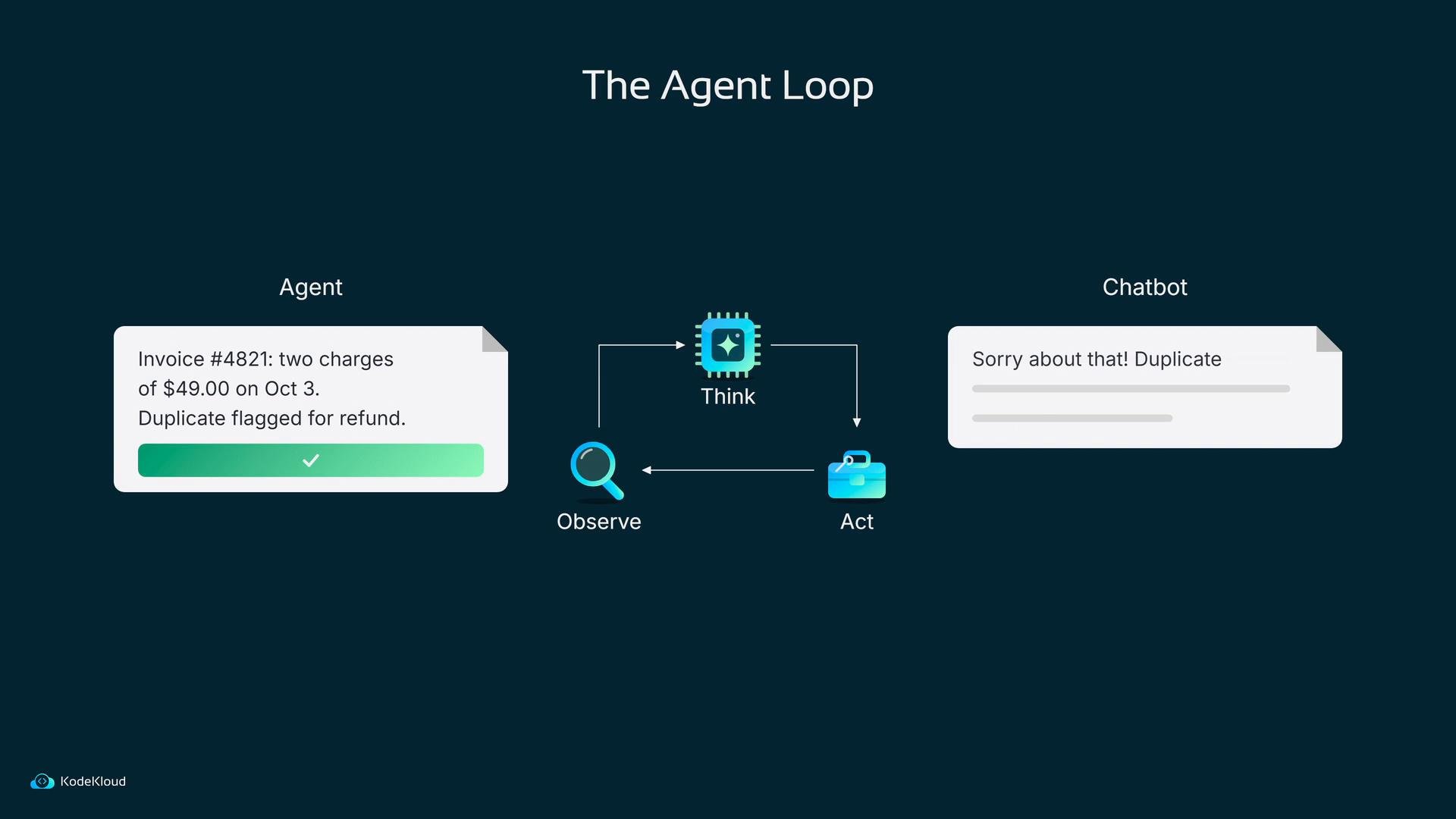
That additional capability — a program that uses a language model to decide what to do next, invoke tools, observe results, and repeat — is an AI agent. In short: it thinks, acts, observes, and repeats. This planning loop is what separates an agent that finds the root cause of a duplicate charge from a chatbot that simply guesses.
A diagram titled "The Agent Loop" showing a central "Think" chip with "Observe" and "Act" icons and arrows linking an "Agent" message on the left to a "Chatbot" reply on the right. The agent note reports a duplicate $49.00 charge flagged for refund and the chatbot responds "Sorry about that! Duplicate."
The loop sounds straightforward, so you hand-roll it: a while loop that calls the model, checks whether it requested a tool, runs the tool, and feeds the result back.
You register a single tool, lookup_invoice. With that, it works for some cases: real invoices, real numbers, real answers. But soon the brittle edges begin to show.
  • The model asks for cancel_order, a tool you never registered — the loop crashes with a missing-tool error.
  • The model supplies an order_id as an integer to a tool that expects a string; the tool returns None or raises an exception and the conversation dies.
  • A long-running chat exceeds the model’s context window and the agent loses the order ID it was working on.
A representative console run might look like this:
Because you logged nothing, you can’t tell the customer what happened or whether a refund was promised. You keep patching the loop every week, and the system remains brittle. Do you see the pattern? The agent needs an ecosystem: robust tool invocation and argument validation, retries, tracing and logging, and context management. Those operational features are the difference between a fragile prototype and a production-ready system. The Google Agent Development Kit (ADK) is Google’s open-source, code-first Python framework for building, evaluating, and deploying agents.
  • Code-first: define agents in Python using classes, functions, and type hints instead of a visual canvas and disparate config files.
  • Open source: inspect the implementation and run it anywhere.
  • Production-ready: built-in support for tool registration, typed interfaces, runtime safety, evaluation tooling, and observability.
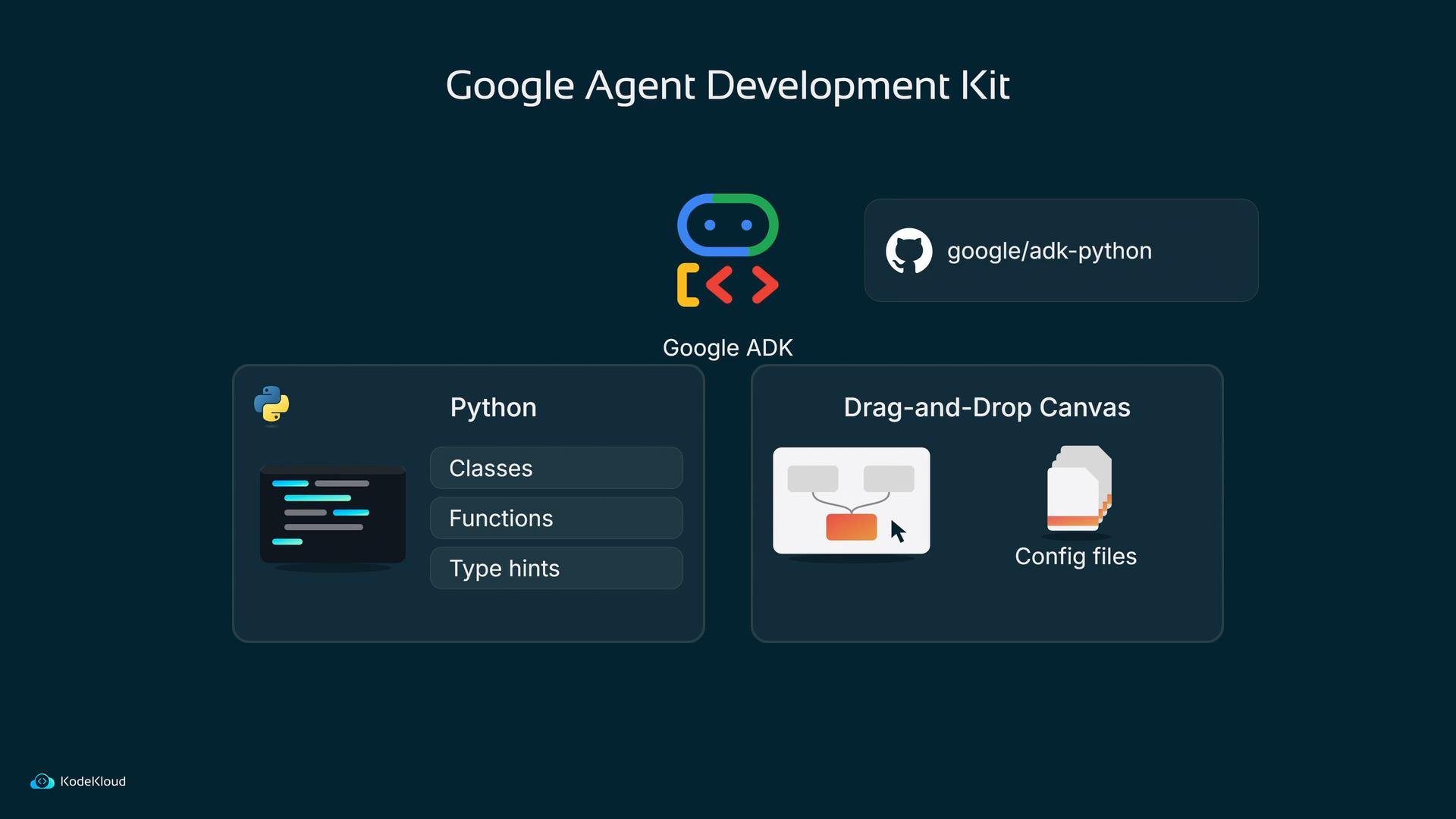
A dark-themed slide titled "Google Agent Development Kit" showing the Google ADK logo and a GitHub badge for google/adk-python. Below are two panels labeled "Python" (Classes, Functions, Type hints) and "Drag-and-Drop Canvas" with icons for a canvas and config files.
ADK provides structure for building agents (tool registration, typed interfaces, and runtime safety), evaluation tooling to assert correct reasoning steps, and a deployment path so your agent can be served behind a production API with logging and observability.
Here is the support assistant expressed as a complete ADK agent: import LlmAgent, give it a name for the runtime, pick a model (for example, a Gemini model string), add a short description, and provide an instruction that guides behavior. ADK handles the reasoning loop, message history, and tool parsing for you.
ADK covers the three stages of an agent’s lifecycle:
  • Build: define tools, message types, and agents in code with type hints and validation.
  • Evaluate: run structured tests that verify the agent’s reasoning steps (for example, assert that the agent called lookup_invoice rather than fabricating a charge explanation).
  • Deploy: serve the agent behind a production API with logging, tracing, and monitoring.
Table — Common agent failures and how ADK helps In short: you build, evaluate, and deploy inside one framework — ADK. If you started with 400 messages and a fragile while loop, ADK removes the need to hand-implement the loop and the brittle glue around it. It provides a structured, testable, and deployable path for turning an LLM into a reliable agent.
Note: This course is labeled version 2 — be sure to match the ADK version in the repository (google/adk-python) and your runtime configuration when following examples.
Links and references

Watch Video