

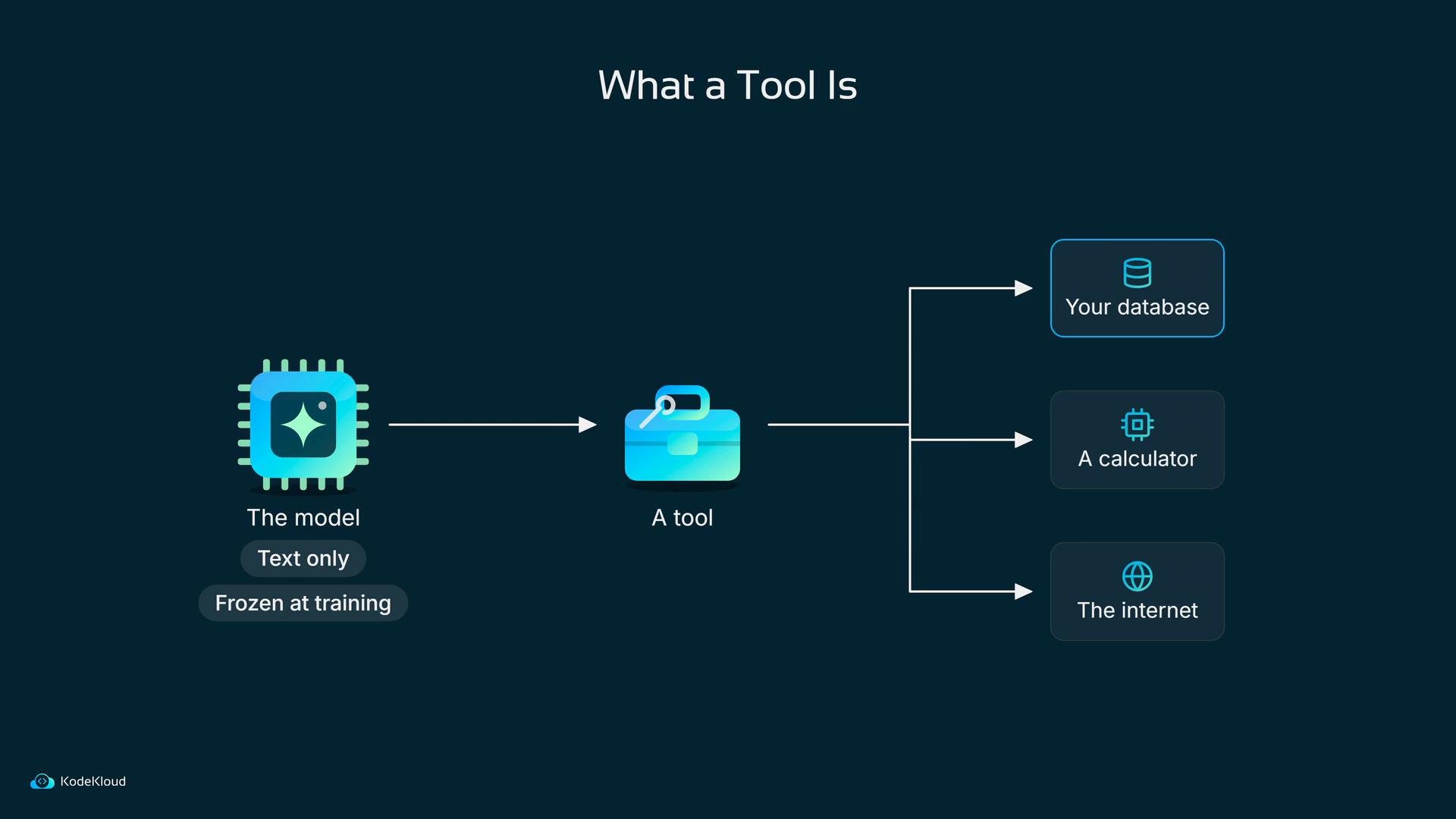
- Consistent return format: each tool returns a dictionary with a
statusfield rather than a freeform string. That lets the agent distinguish success, failure, and other states programmatically. - Schema from docstrings + signature: ADK builds the tool schema from the function signature and the docstring only. The model never sees your function body—only the name, parameter types, and the docstring are used to describe the tool.
- Type hints are important.
order_id: strtells the model the argument should be text and reduces argument-format errors when the agent calls the tool.
Write docstrings as if you’re explaining the function to a novice. The docstring is the only description the model will ever read.
- When you create the agent, pass the function objects (not their return values) to the
LlmAgentconstructor via thetoolsfield. - The system prompt passed to the model is adjusted to list the available tools and their schemas, but the model still decides whether and when to call them.
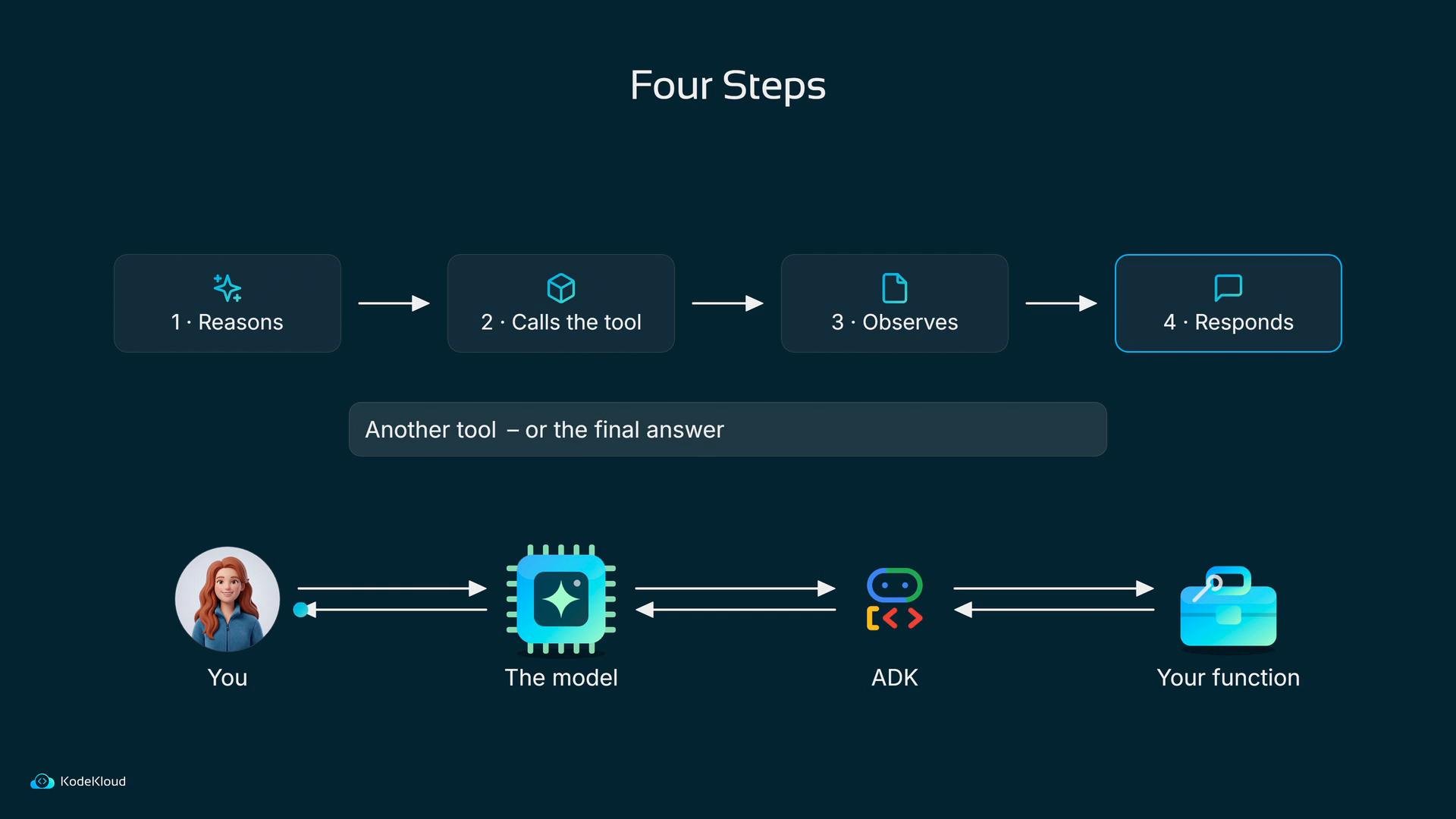
- The agent uses a think-act-observe loop when it needs external data.
- Reason: the model reads the user message and the available tool schemas and decides whether a tool is needed.
- Call the tool: the model emits a structured request naming the tool and its arguments (for example,
get_order_statuswithorder_id="A1001"). ADK catches that request and runs your real function. - Observe: ADK sends the actual return value from your function back to the model as an observation.
- Respond: the model reads the observation and either calls another tool or writes the final answer.
- User: “Where’s order A1001? Open on Sunday?”
- Agent decides both tools are required: first to check the order, then to check hours.
- Console output example:
- Today, two of the most common inbox questions—“Where’s my order?” and “What are your working hours?”—can return real, live answers from lookups.
- Other flows still need more tooling and safeguards: “Why was I charged twice?” requires an invoice lookup and reconciliation tool; “Cancel my order” needs a safe cancellation flow that can pause for human approval and audit.
Avoid exposing sensitive data through tools. Design tool outputs to provide only the fields needed for the agent’s reply, and ensure destructive operations require explicit human approval.
- ADK documentation: https://developers.google.com/ai/develop/adk
- Design patterns for tool-enabled agents: https://arxiv.org/abs/2306.XXXXX
- Best practices for safe tool design: https://www.owasp.org/