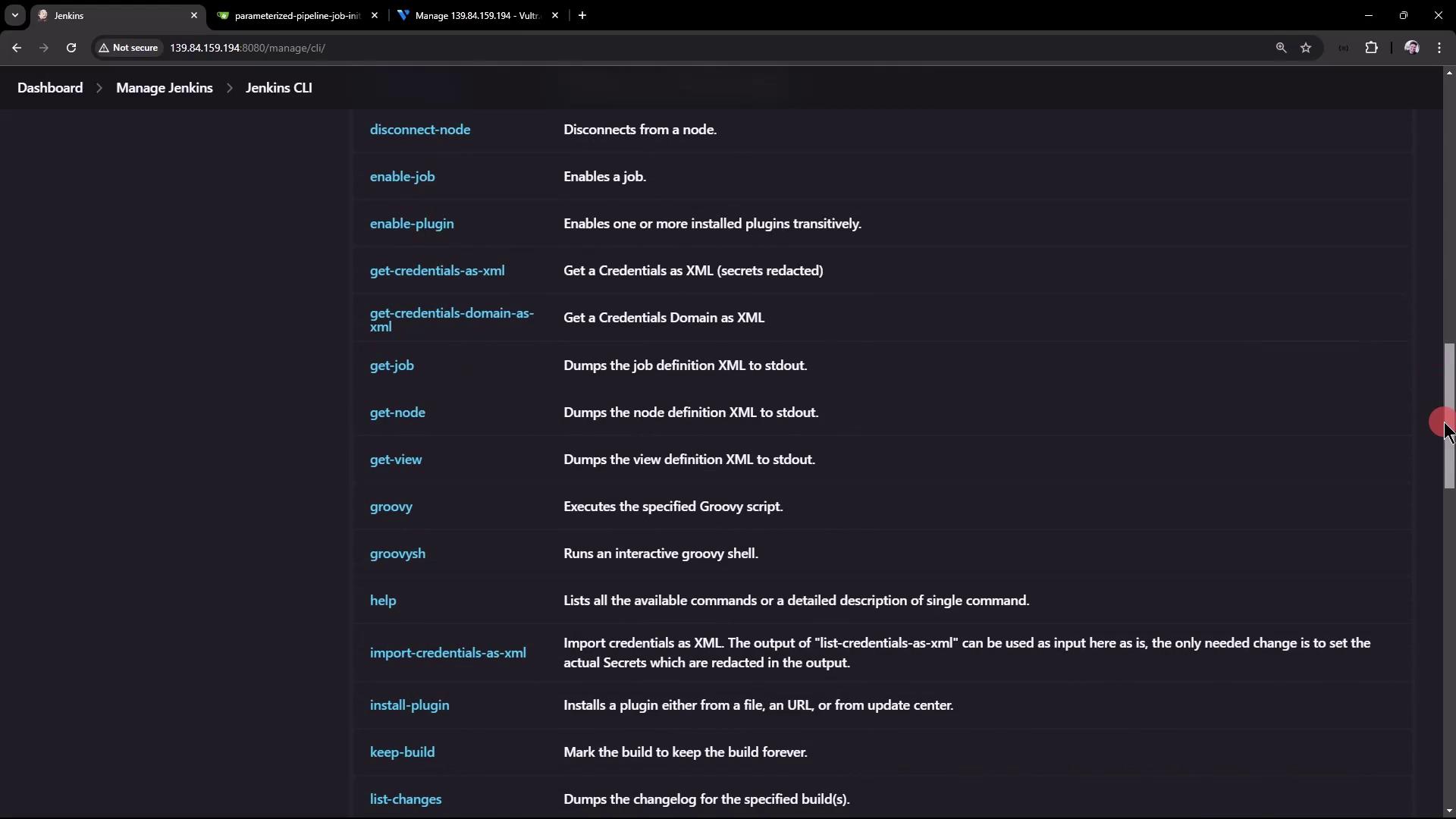
Downloading the Jenkins CLI
Download the Jenkins CLI jar file using wget. First, change to the root directory of your virtual machine and run:Running Basic CLI Commands
Once you have the jar file, you can run commands directly from the terminal or copy commands from the Jenkins UI. For example, to display all available CLI options, run:-s, -webSocket, -http, -ssh, and more.
A helpful command is who-am-i, which reports your current authentication status:
Authenticating with the Jenkins CLI
To access protected data, authenticate with your username and password (or API token) using the-auth parameter:
Building a Parameterized Pipeline Job
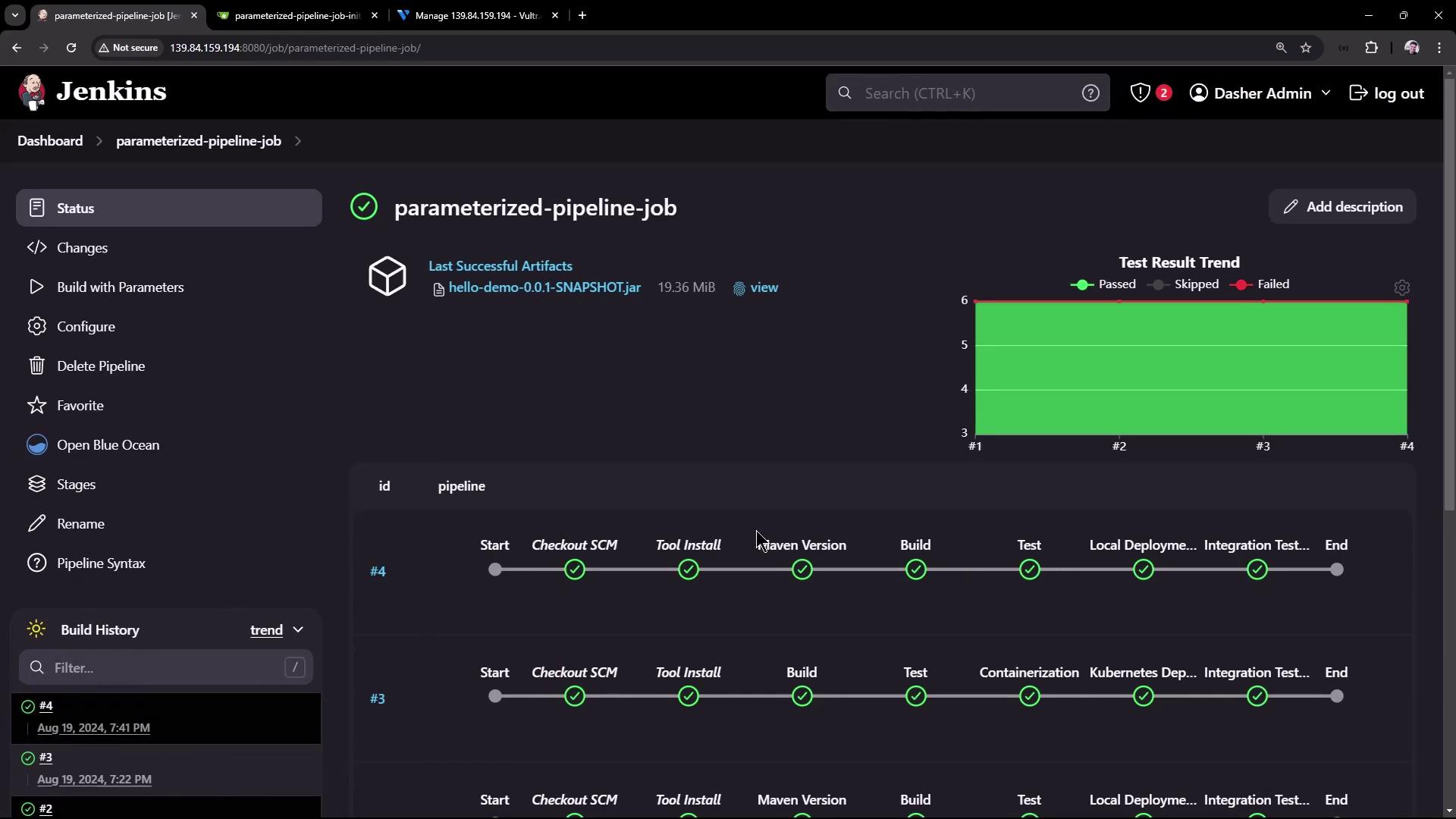
Building a project using the CLI is straightforward. Thebuild command supports several options:
-c: Check for SCM changes before initiating the build.-f: Follow the build progress.-p: Pass build parameters in key-value format.-s: Wait until the build completes or aborts.-v: Display the console output.-w: Wait until the build begins.
-v flag.
Summary of Commands
Below is a table summarizing the most commonly used Jenkins CLI commands:
In addition, you can run scripts or other CLI commands from your shell directory for further automation. For example, you might execute a shell script that calls: