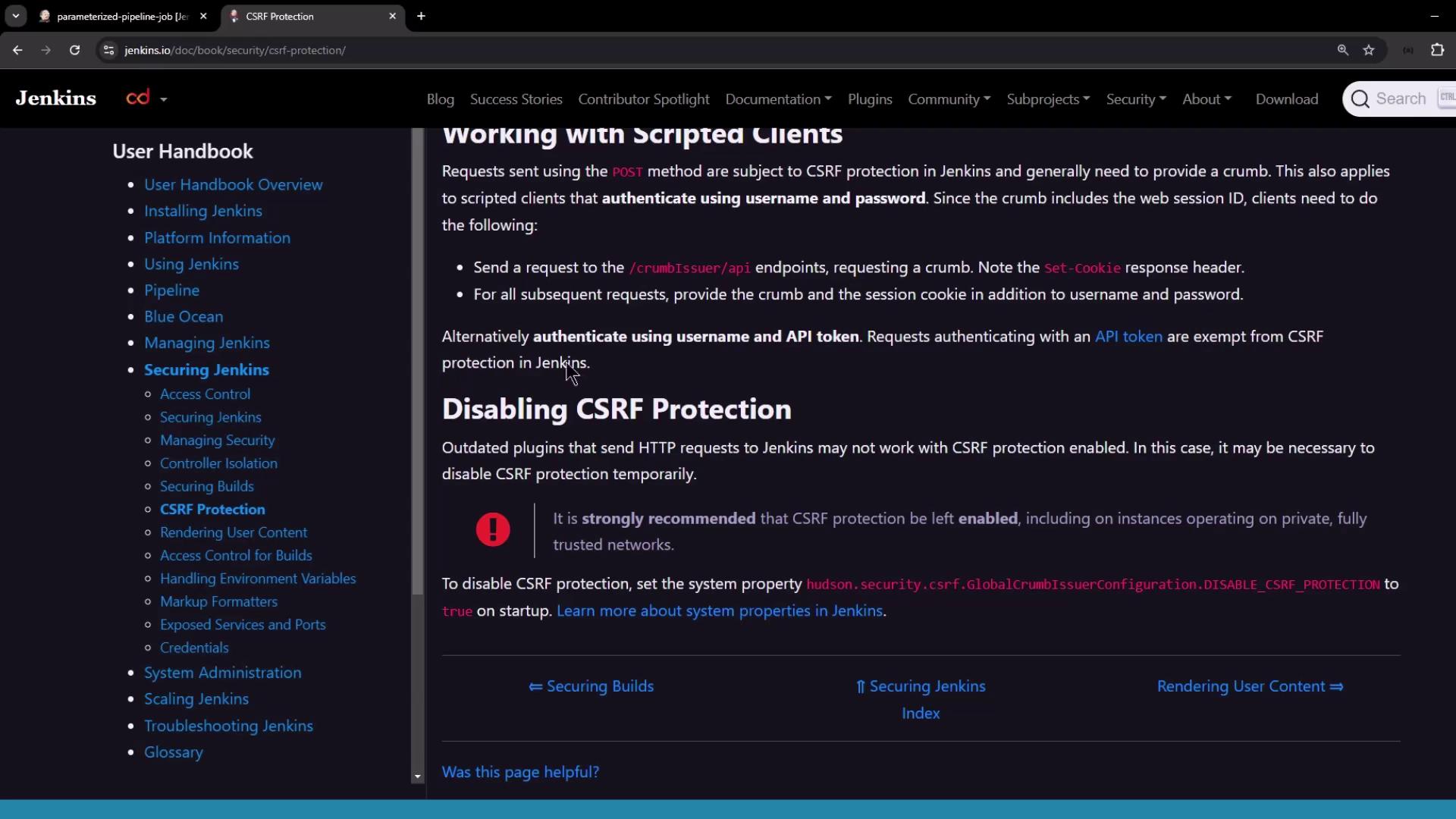
Jenkins enables CSRF protection by default. It is highly recommended to keep this protection enabled to prevent unauthorized requests.
Configuring CSRF Protection
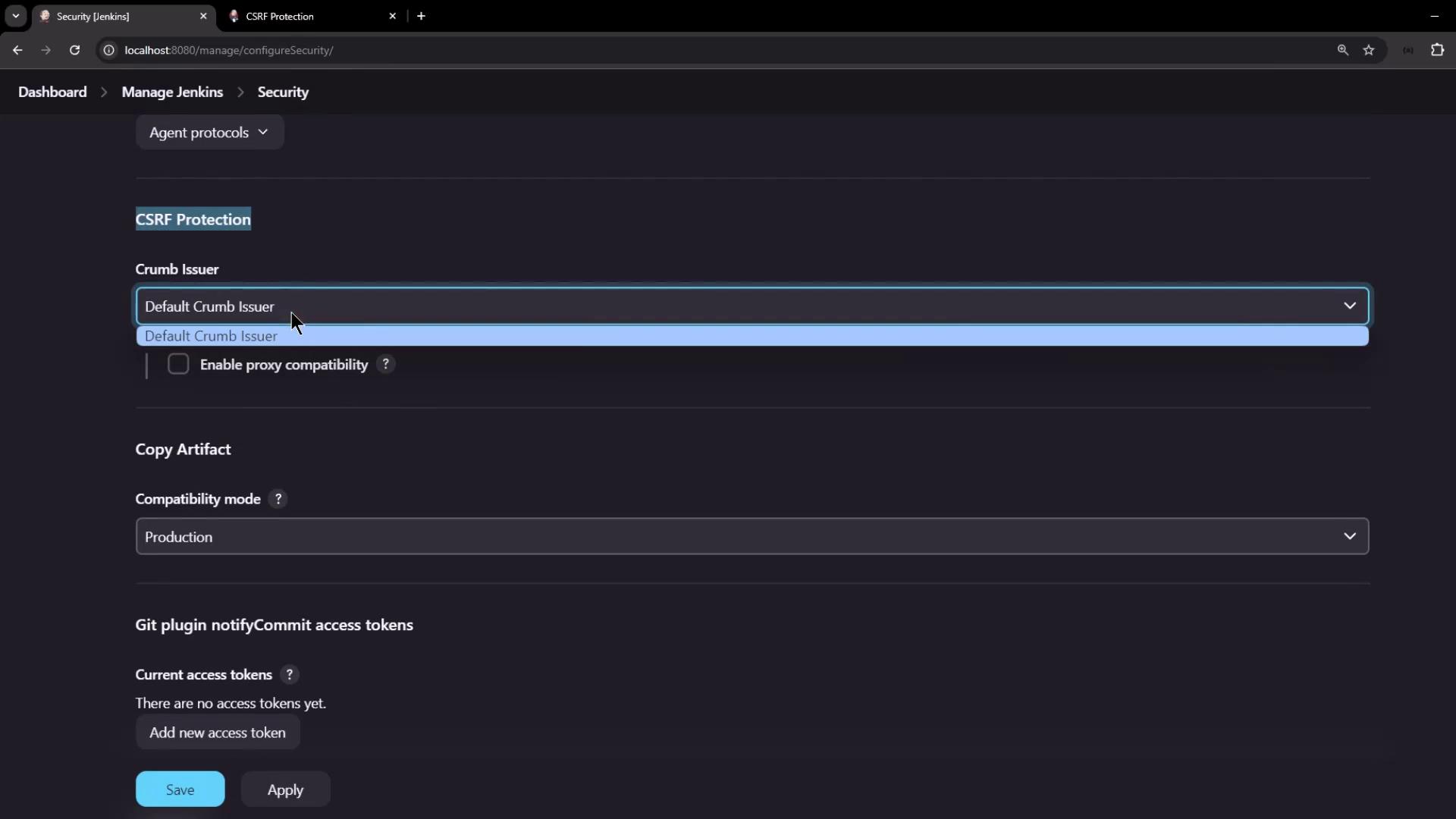
By default, CSRF protection is enabled in Jenkins. Administrators can verify the settings by navigating to Manage Jenkins > Configure Global Security. In the security configuration, look for the CSRF protection settings, as shown in the image below: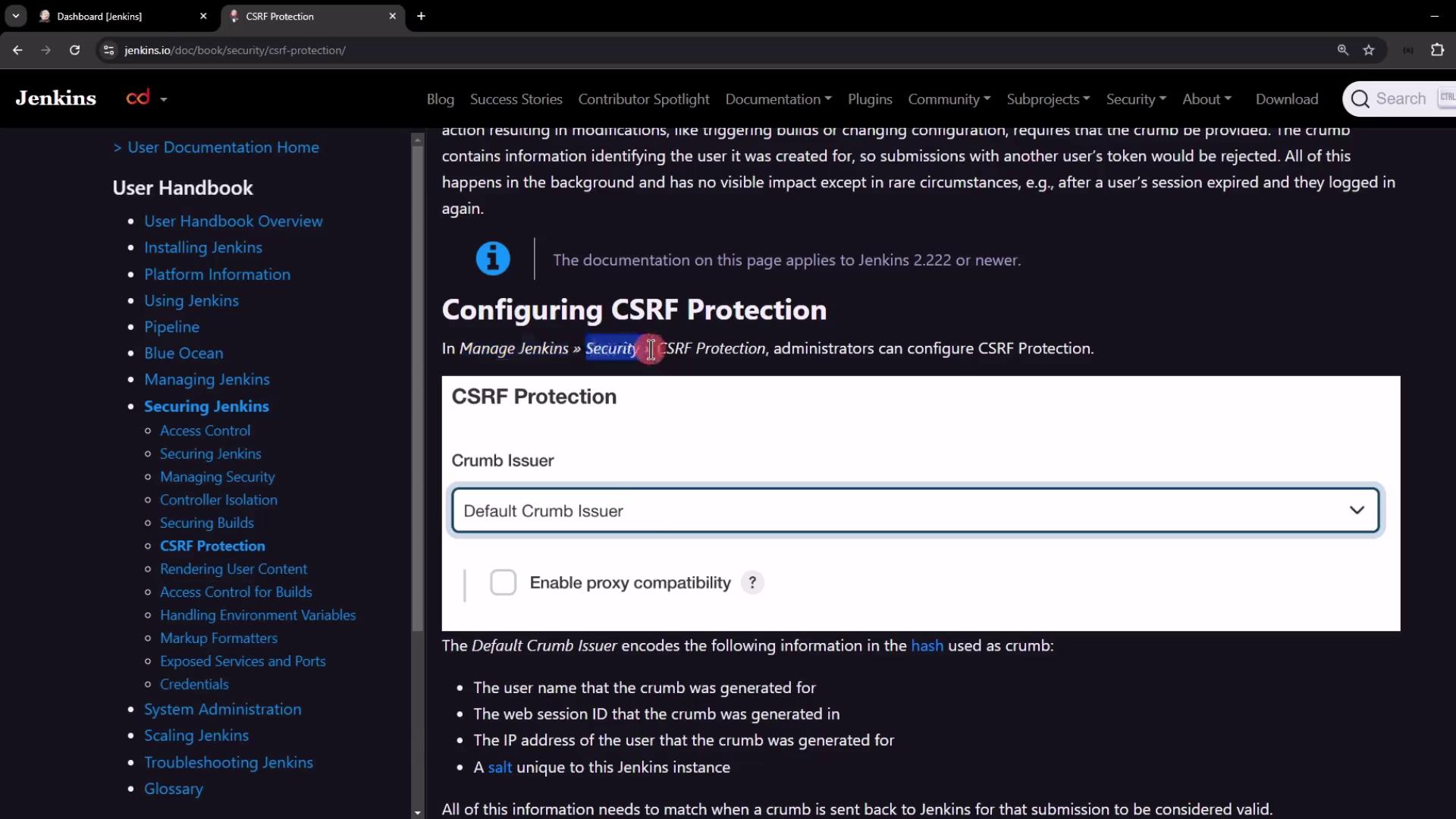
Generating and Using the Crumb Token
To securely interact with Jenkins via the REST API, follow these steps:- Make a POST request to the
/crumbIssuer/api/jsonendpoint with your username and password. - Upon successful authentication, Jenkins returns a JSON object with:
- The crumb token.
- The header name (typically “Jenkins-Crumb”) to be used when making subsequent requests.
- A
Set-Cookieheader that contains the session cookie.
- Include both the crumb token and the session cookie in subsequent API requests.
Retrieving the Crumb with cURL
You can use cURL to request the crumb token. The following example demonstrates how to fetch the crumb:To view the full response headers, remove the
jq filter and enable verbose output with the -v flag:Saving Cookies for Subsequent Requests
To ensure that the session cookie is maintained in future requests, use cURL’s--cookie-jar option. For example:
/tmp/cookies and displays the JSON response:
Triggering a Job with the Crumb and Cookie
Once you have the crumb token and session cookie, you can trigger a Jenkins job. Consider a parameterized pipeline job named “parameterized-pipeline-job.” Use the following cURL command to send a POST request that includes the crumb header, cookie, and necessary parameters:Alternative: Using API Tokens
Using API tokens is an alternative authentication method that bypasses CSRF protection. When you authenticate with your username and API token, the CSRF crumb mechanism is not required, simplifying your API interactions.