Modifying the Pipeline
To simulate a delay during the unit test stage, open your GitHub repository and edit the pipeline script. The goal is to introduce a 60-second pause using a for loop before executing the Maven test command.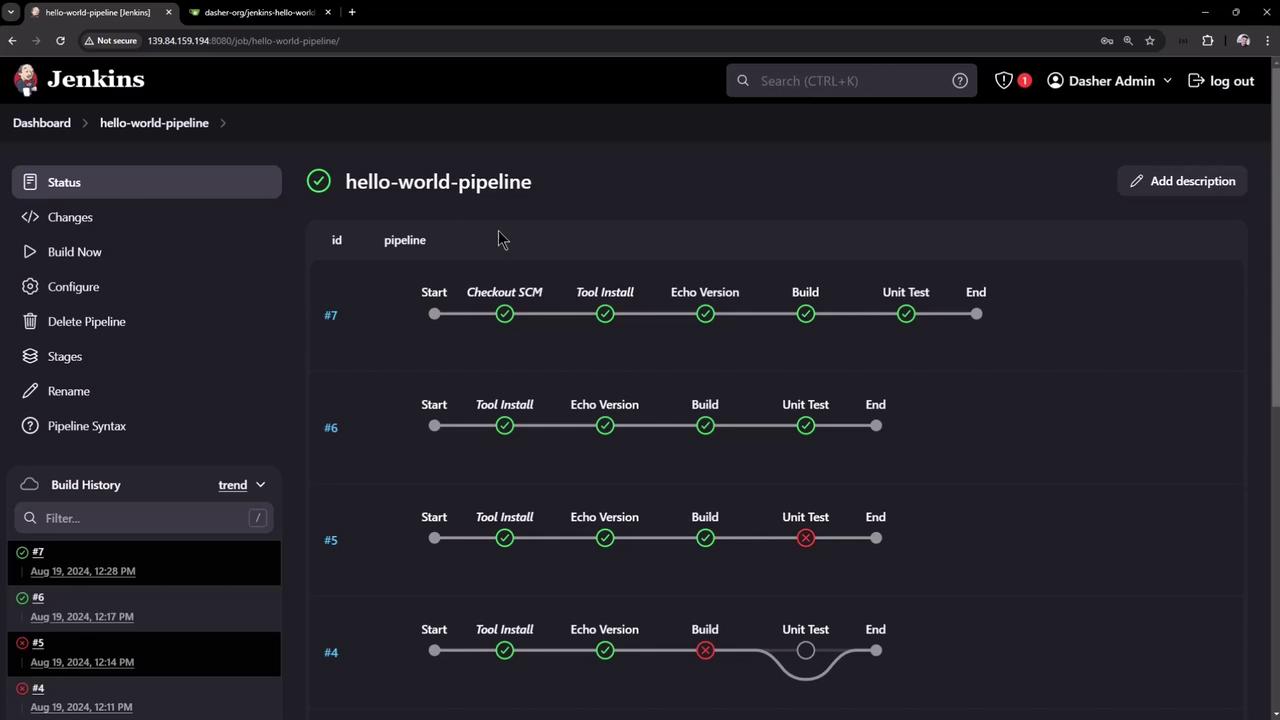
In a Declarative Pipeline, complex Groovy logic (like loops) must be wrapped inside a
script block. Failing to do so will cause the pipeline to fail.script block:
script block, the build may fail. Once corrected, the pipeline will correctly pause for 60 seconds before executing the Maven test command.
Simulating a Controller Failure
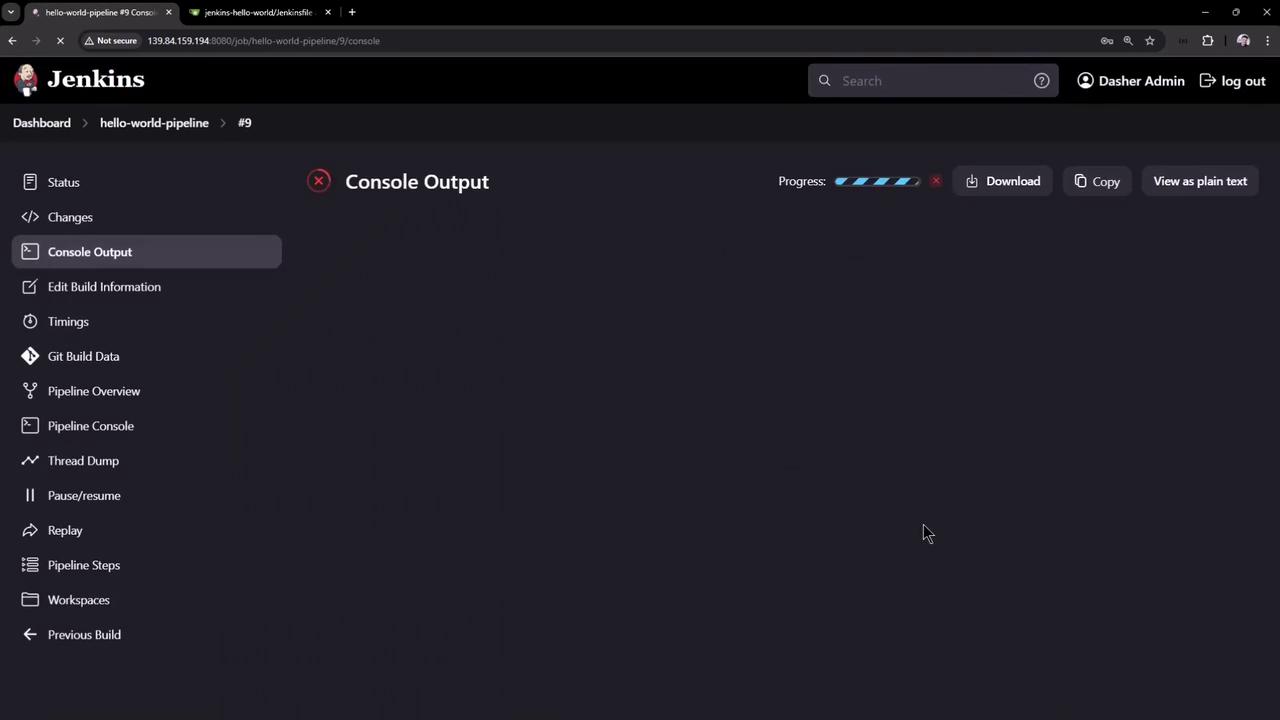
With the revised pipeline in place, start a new build. As the unit test stage runs, the for loop begins echoing numbers every second. To simulate a controller failure, follow these steps:-
While the pipeline is running (e.g., displaying output like below):
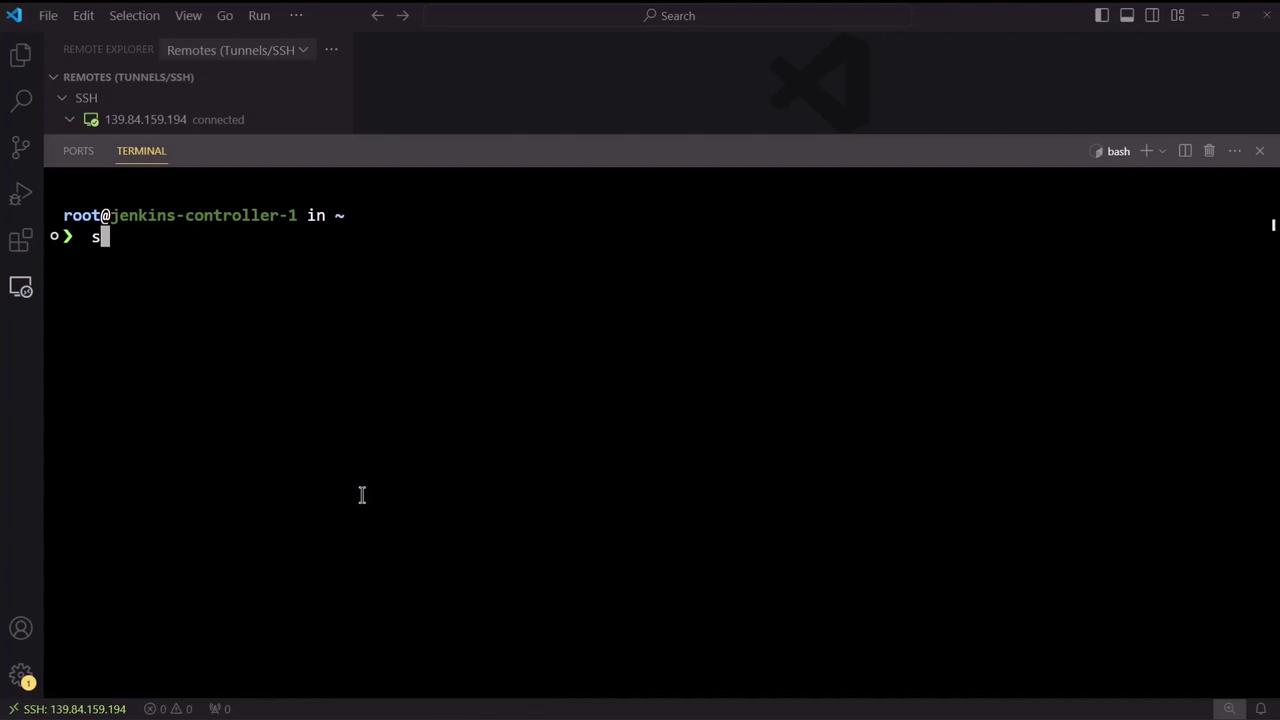
- Open a terminal connected to your Jenkins controller and execute the commands to stop the Jenkins service:
Configuring Pipeline Resume Behavior
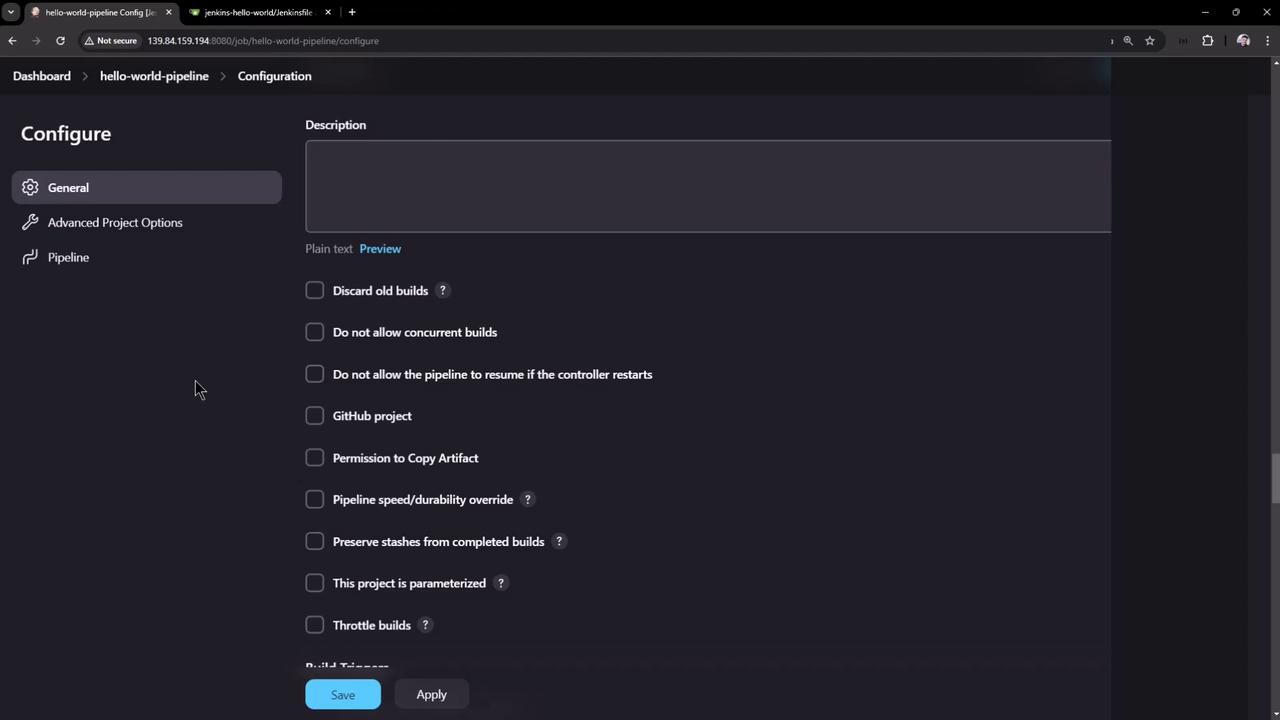
It is important to note that the resume behavior of your pipeline is configurable. Within the pipeline configuration settings, you can choose whether the job should resume after a controller restart. Disabling this feature causes the job to fail immediately upon a restart instead of resuming.Review your pipeline configuration settings in Jenkins to ensure the desired resume behavior is enabled or disabled based on your project requirements.