

Hardware and Software Requirements
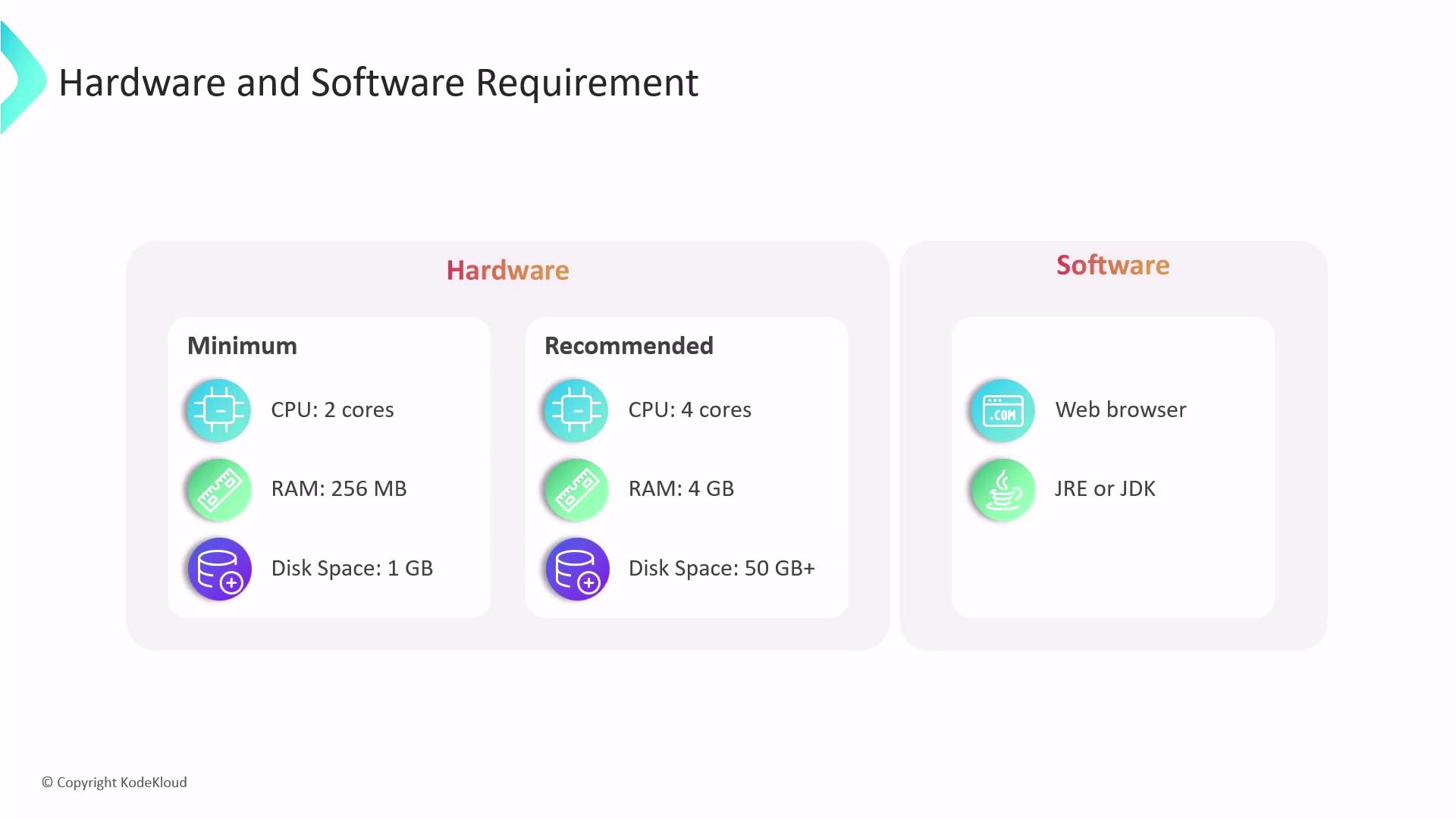
Before installing Jenkins, ensure your system meets the necessary hardware and software prerequisites. The hardware needed depends heavily on the complexity of your CI/CD pipeline and the number of concurrent jobs. Here’s a quick overview:-
Minimum Requirements:
• 2 CPU cores
• 256 MB of RAM
• 1 GB of disk space -
Recommended for Small Teams:
• 4 CPU cores
• 4 GB of RAM
• 50 GB of disk space
Regularly review your system resources and plan for scalability as your CI/CD pipeline grows.
Installation Methods
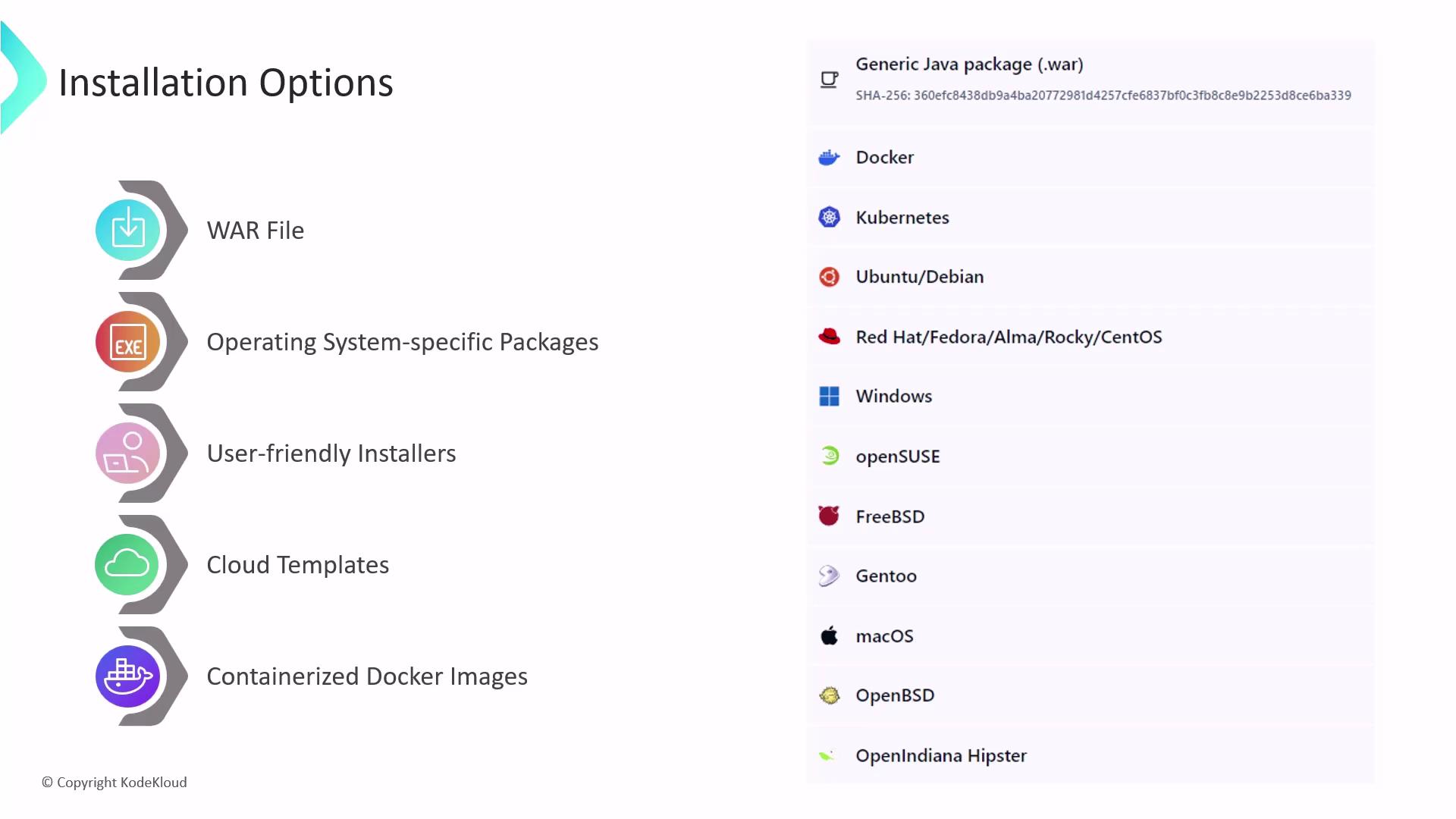
Jenkins supports multiple installation methods, allowing you to choose the best option based on your operating system and environment:-
WAR File Execution:
Run Jenkins on any operating system that supports Java by downloading and executing thejenkins.warfile. -
Native Packages:
Native packages are available for various operating systems such as Windows, macOS, and Linux distributions (e.g., Debian, Ubuntu, Red Hat). These packages automatically handle dependencies and provide an integrated installation experience. -
Graphical Installers:
For Windows and macOS users, Jenkins offers a user-friendly graphical installer, simplifying the setup process for those less comfortable with command-line operations. -
Cloud Services:
Cloud providers like AWS, Azure, and GCP offer pre-configured cloud templates and managed Jenkins services, designed with industry best practices in mind. -
Docker Images:
Official Docker images for Jenkins make it easy to deploy a containerized Jenkins environment, ensuring consistent and reproducible builds.
Jenkins Home Directory
After installing Jenkins, the location of the Jenkins home directory will vary based on your installation method and operating system:-
WAR File Execution:
When running Jenkins via thejenkins.warfile, the home directory defaults to the.jenkinsdirectory in the home directory of the user executing Jenkins. -
System Package Installation on Linux:
When installed using system packages, the Jenkins home directory is typically set to/var/lib/jenkins.
Always back up your Jenkins home directory to prevent data loss in the event of system failures or misconfigurations.