

ASCII Build Job
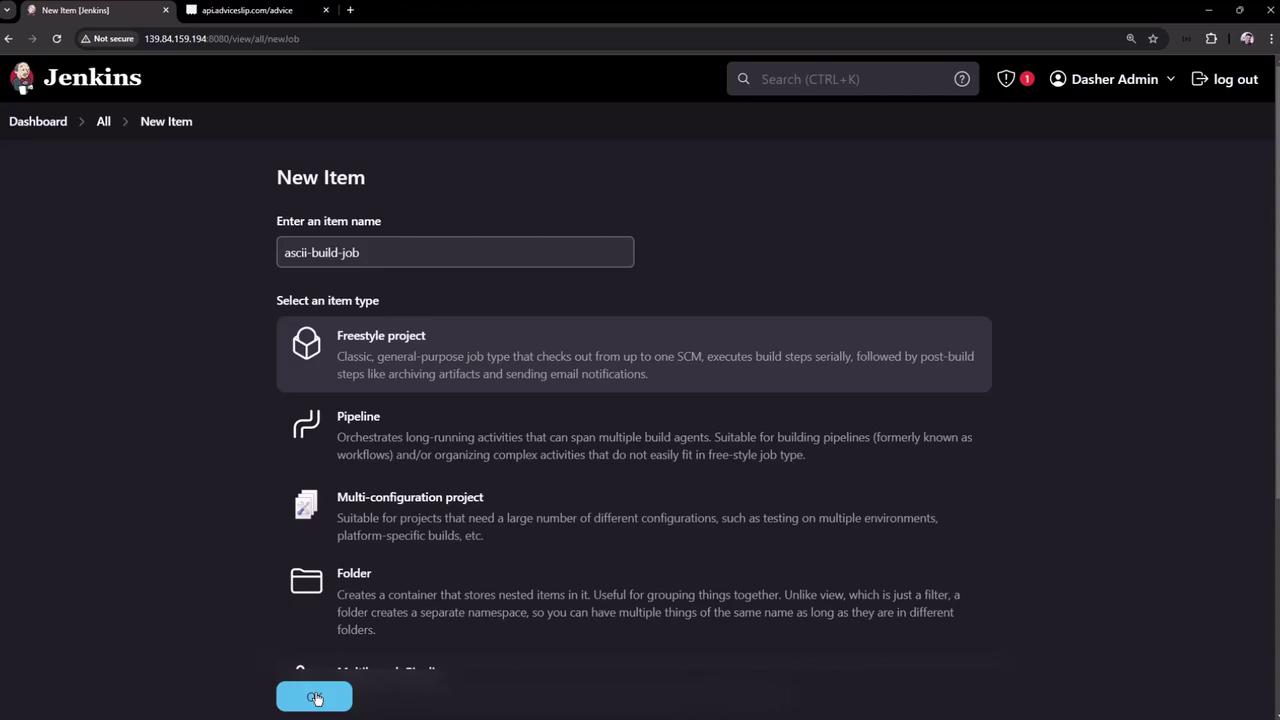
Begin by setting up the build phase as a new Freestyle Project.- Open the Jenkins dashboard and create a new item. Name the project ASCII Build Job and select the Freestyle Project type. Then click OK.
-
In the project configuration, scroll down to the Build section and add an Execute shell build step. Enter the following commands:
- Save the configuration.
-
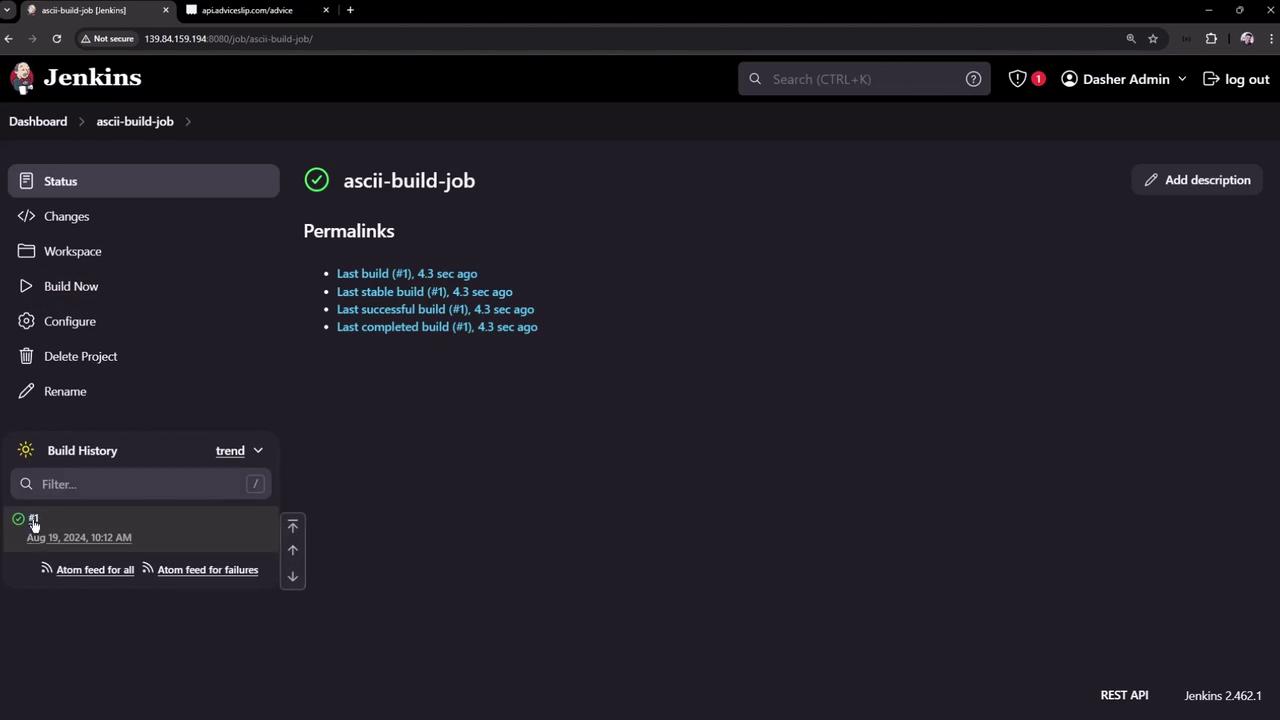
Run a build manually to verify that it completes successfully. After a successful build, a new file named
advice.jsonwill be generated in the workspace. For example, the file might appear as: - You can review the build history and details on the Jenkins dashboard:
ASCII Test Job
Next, create a test job to verify the output generated by the build job.- From the Jenkins dashboard, create a new job named ASCII Test Job. Select the Freestyle Project option and click OK.
-
In the job configuration, add an Execute shell build step. Insert the following script, which performs the necessary tests:
This script checks for the presence of
advice.json, extracts the advice text into a file calledadvice.message, and then confirms that it contains more than five words. - Save the configuration. You don’t need to trigger this job manually since it will be set up to run automatically after the build job completes.
-
Note that initially the workspace for this job will not include
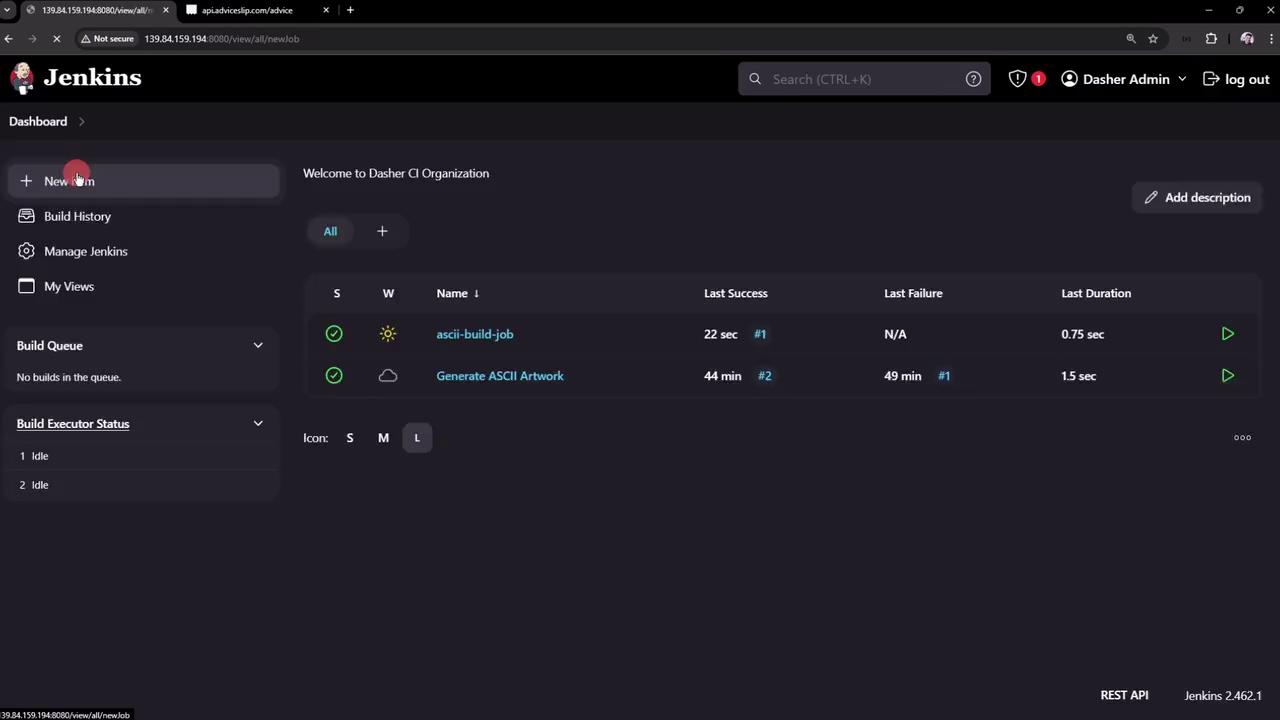
advice.jsonbecause that file is created in the build job’s workspace. In a later section, we will address artifact sharing between jobs. - To see Jenkins managing multiple jobs, refer to the following image:
Chaining the Projects
To automate the process, configure the build job to trigger the test job once it completes successfully:- Open the configuration for ASCII Build Job.
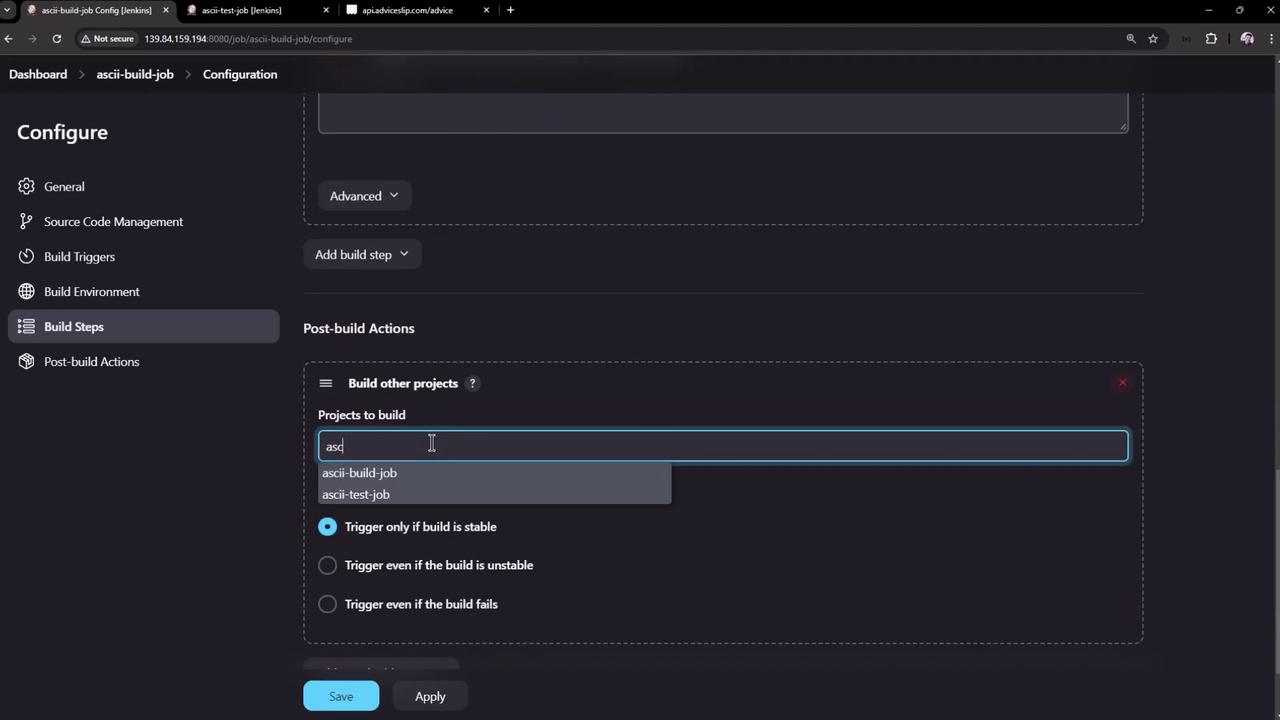
- Scroll to the Post-build Actions section and click Add post-build action. Then, select Build other projects.
- Enter ASCII Test Job in the provided field. (Multiple projects can be listed by separating them with commas.)
- Make sure the downstream job is configured to trigger only upon a successful build. Save your settings.
If the build job successfully runs but the test job fails to find
advice.json, it is due to isolated workspaces. This will be resolved in the next section using the Copy Artifact Plugin.advice.json file is not present in the test job’s workspace.
Workspace Considerations
In the ASCII Build Job, the workspace includes the generatedadvice.json file:
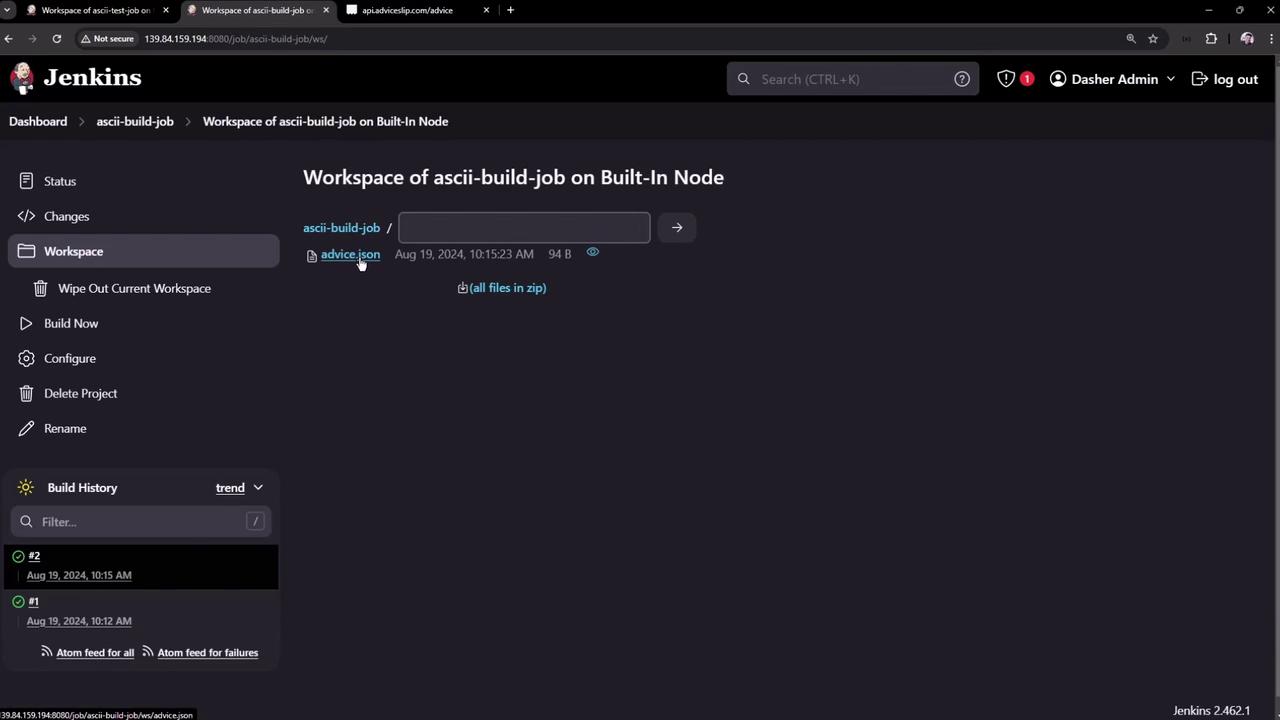
advice.json from the build job’s workspace to the test job’s workspace.
Directly accessing files from another job’s workspace will result in errors. Ensure you properly configure artifact sharing using plugins like the Copy Artifact Plugin.
That concludes the guide on chaining Freestyle Projects in Jenkins. In a future article, we will explore how to copy artifacts between jobs to overcome workspace isolation issues. For more details on Jenkins automation and best practices, please refer to the Jenkins Documentation.