

1. Cilium CLI: Your Primary Management Tool
The Cilium CLI is the go-to command-line utility for installing, managing, and troubleshooting Cilium:- View the overall status of Cilium components
- Verify network connectivity across endpoints
- Run built-in network tests
- Enable Hubble for deep observability
- Install Cilium and addons
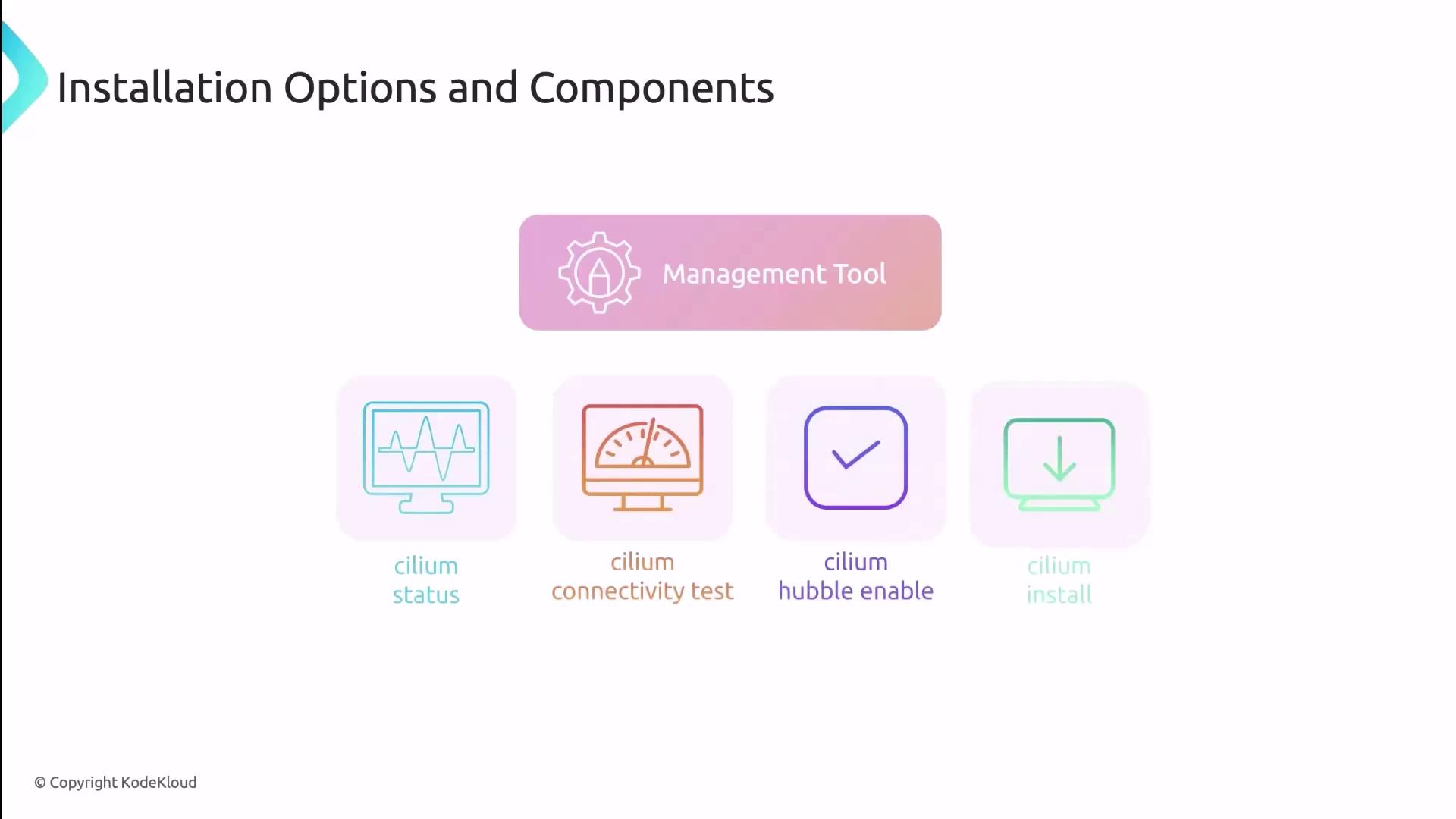
The Cilium CLI v0.14+ supports both direct CLI installs and Helm-style deployments, giving you full flexibility.
2. Installation Methods: CLI vs. Helm
Cilium can be installed in two interchangeable ways:
3. Observability with Hubble
Hubble provides real-time visibility into network flows, service dependencies, and security policies. You can enable it:- During Cilium installation:
- After Cilium is up and running:
You must install Cilium before enabling Hubble, as Hubble relies on core Cilium components.