

Endpoints
An Endpoint object in Kubernetes keeps track of all Pod IPs and ports that back a Service. When you create a Service, Kubernetes uses its label selector to identify matching Pods and generates an Endpoints object with the same name.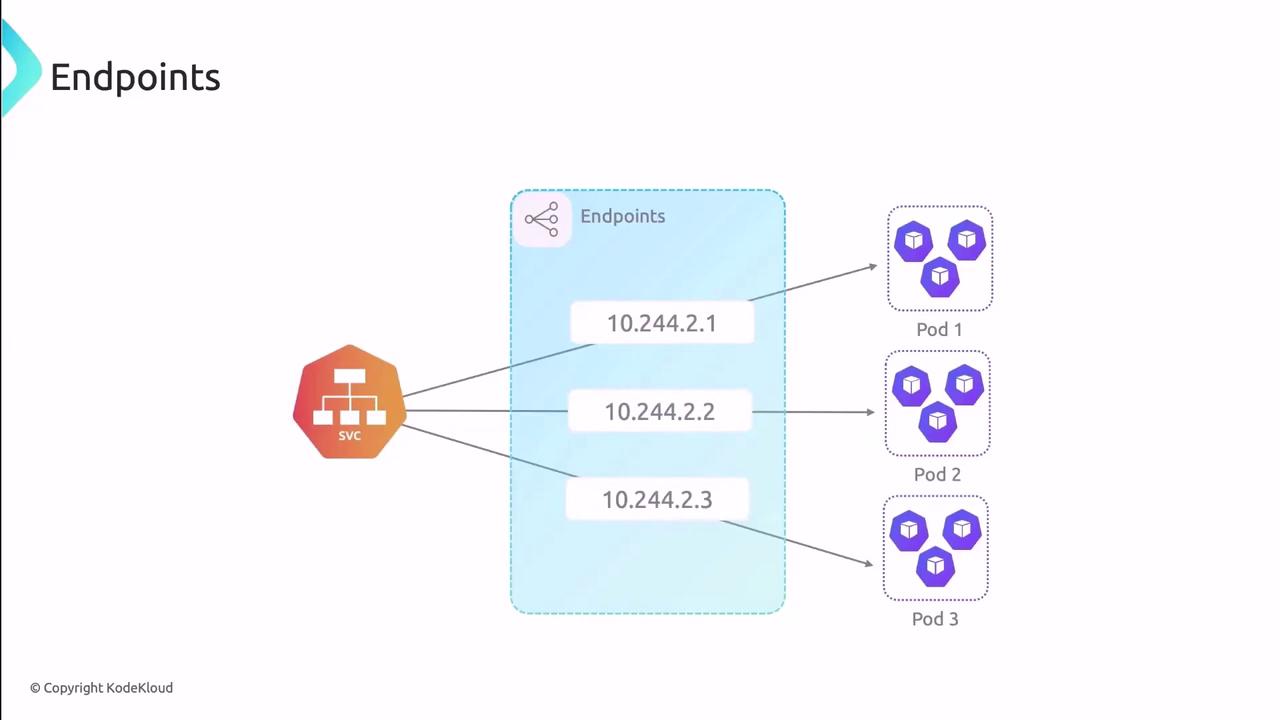
Inspecting an Endpoints Object
Usekubectl to view the Endpoints backing a Service:
subsets: Groups of addresses and ports.addresses: Lists Pod IPs and node names.ports: Indicates which port names and protocols are exposed.
Limitations of Endpoints
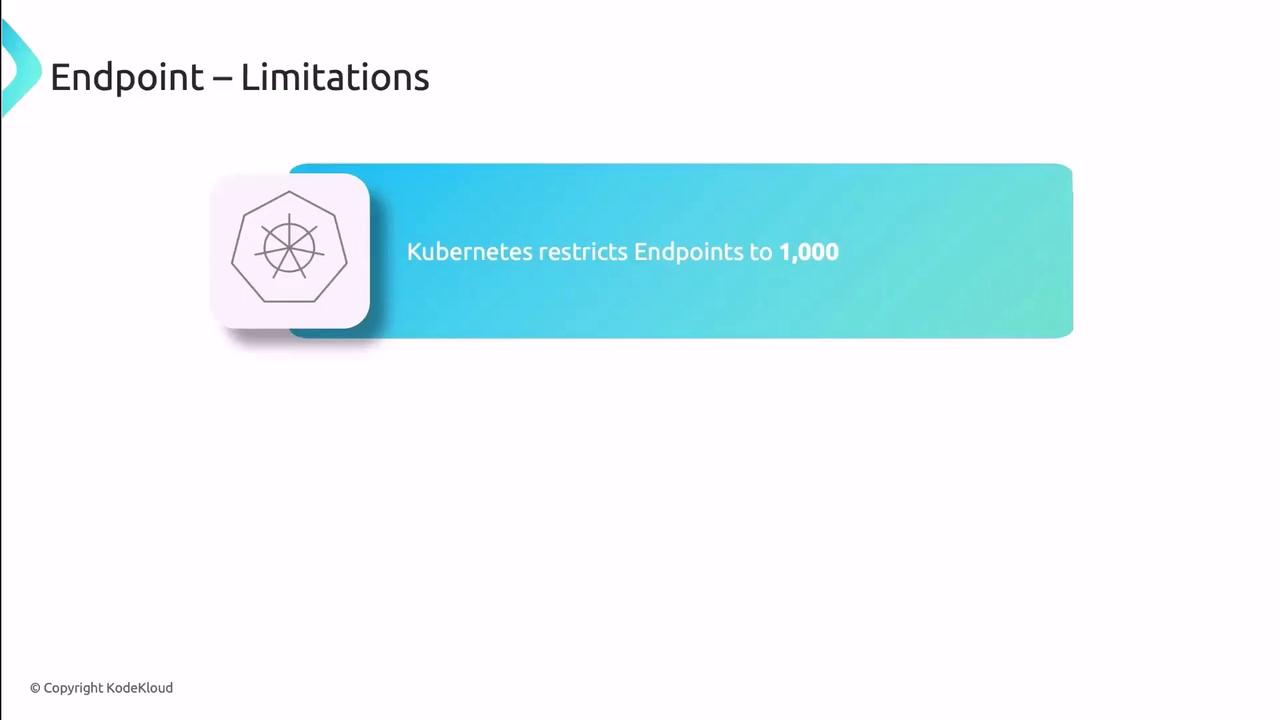
Each Endpoints object can hold up to 1,000 addresses. In large clusters or high-scale environments, this cap may lead to performance bottlenecks or truncated endpoint lists.
Endpoint Slices
Introduced as a beta feature in v1.17 and GA in v1.21, Endpoint Slices solve the scalability issues of Endpoints by splitting Pod endpoints into multiple, smaller objects. Each slice holds a subset of IPs, ports, and metadata, reducing control-plane load.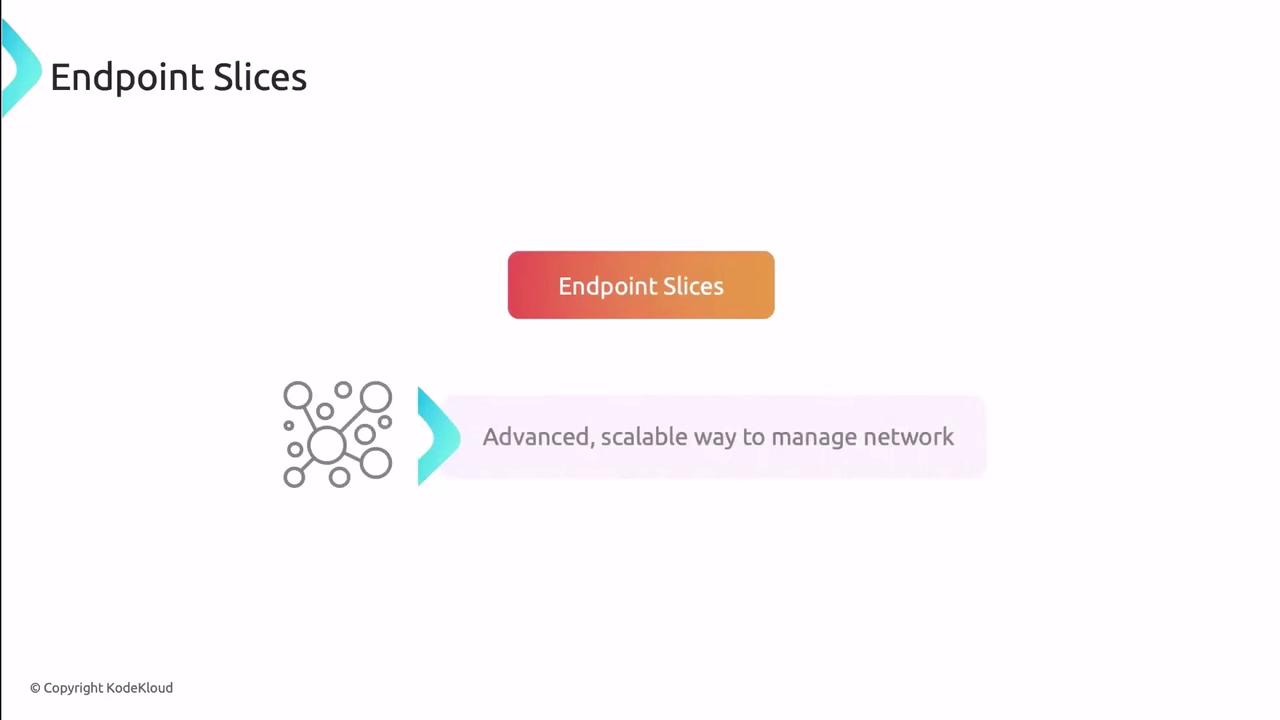
Endpoint Slices support optional fields like topology hints, enabling you to optimize traffic routing based on node labels or zones.
How Endpoint Slices Work
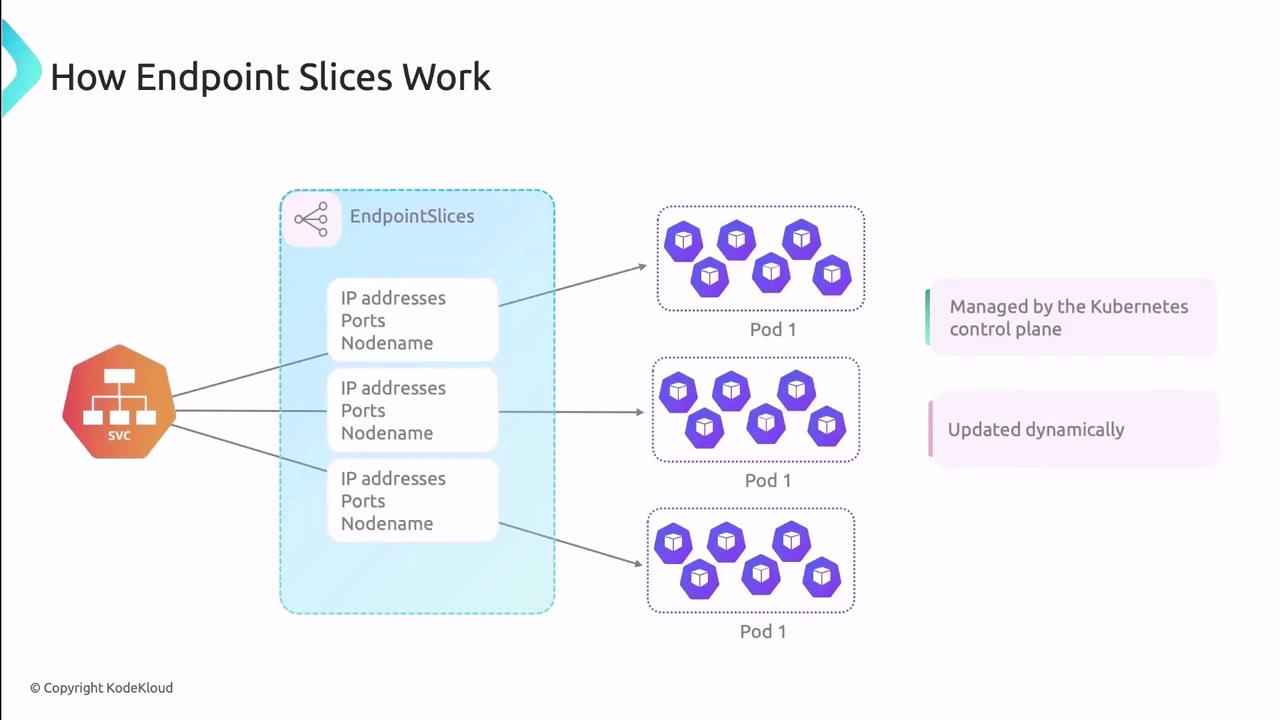
- Slices per Service: Multiple Endpoint Slice objects can coexist for one Service.
- Subset Size: By default, each slice holds up to 100 endpoints, configurable via the EndpointSlice API.
- Automatic Updates: The control plane synchronizes slices as Pods change state.
Viewing Endpoint Slices
References
- Kubernetes Endpoints Documentation
- Endpoint Slices Documentation
- kubectl Cheat Sheet
- Kubernetes Networking Deep Dive