

Install Cilium CLI
Follow these steps to fetch the latest stable Cilium CLI release, verify its integrity, and install it to/usr/local/bin.
1. Download and verify the Cilium CLI
Make sure you have
curl, sha256sum, and tar installed. You’ll also need sudo privileges to copy the binary into /usr/local/bin.- Fetches the correct binary for your CPU architecture.
- Validates it with the downloaded SHA-256 checksum.
- Places the
ciliumexecutable into/usr/local/bin.
2. Verify the Cilium CLI installation
Run: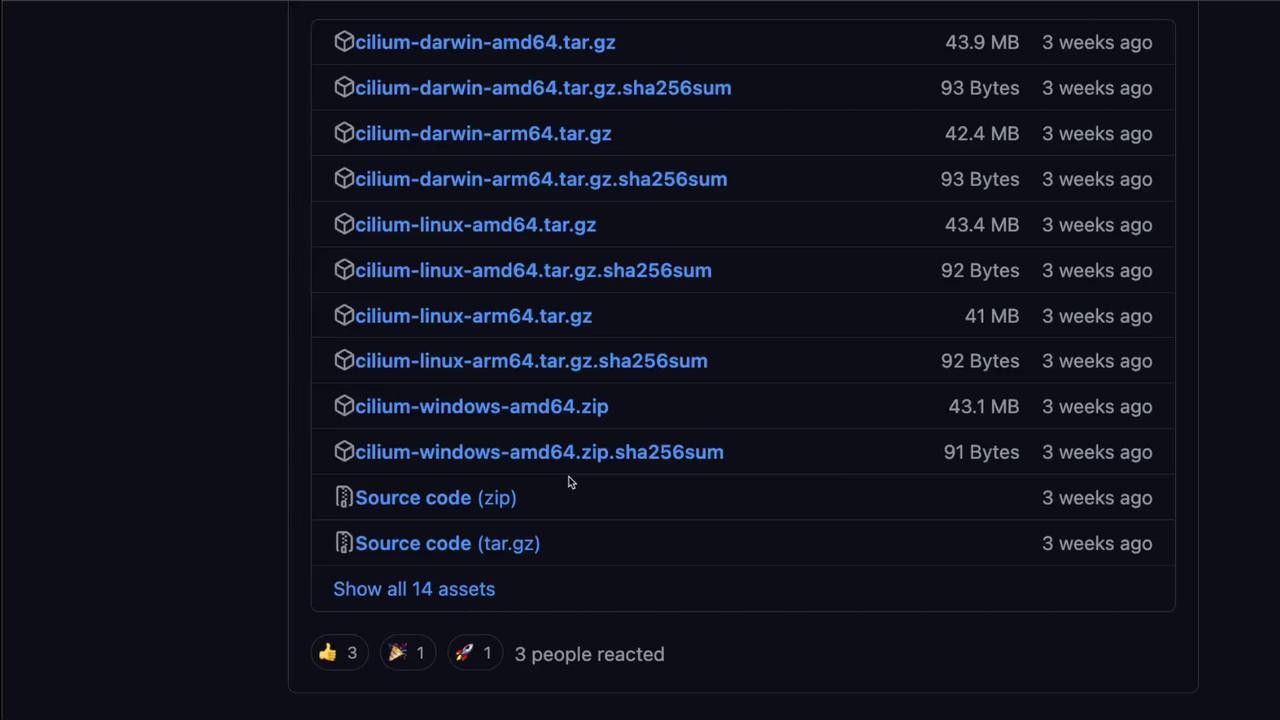
Install Hubble CLI
The Hubble CLI installation mirrors the Cilium CLI workflow. Use the same pattern to download, verify, and install.1. Download and verify the Hubble CLI
2. Verify the Hubble CLI installation
Execute:Now that both the Cilium and Hubble CLIs are installed, you’re ready to proceed with deploying Cilium onto your Kubernetes cluster.
Links and References
- Cilium “Get Started” documentation
- Cilium CLI GitHub releases page
- Hubble documentation
- Hubble GitHub releases page