

What Is CNI?
The Container Network Interface is a CNCF project defining a standard for configuring network interfaces in Linux and Windows containers. It provides:- A specification for network configuration files (JSON).
- Libraries for writing networking plugins.
- A protocol that container runtimes (e.g., containerd, CRI-O) use to invoke plugins.
How CNI Works
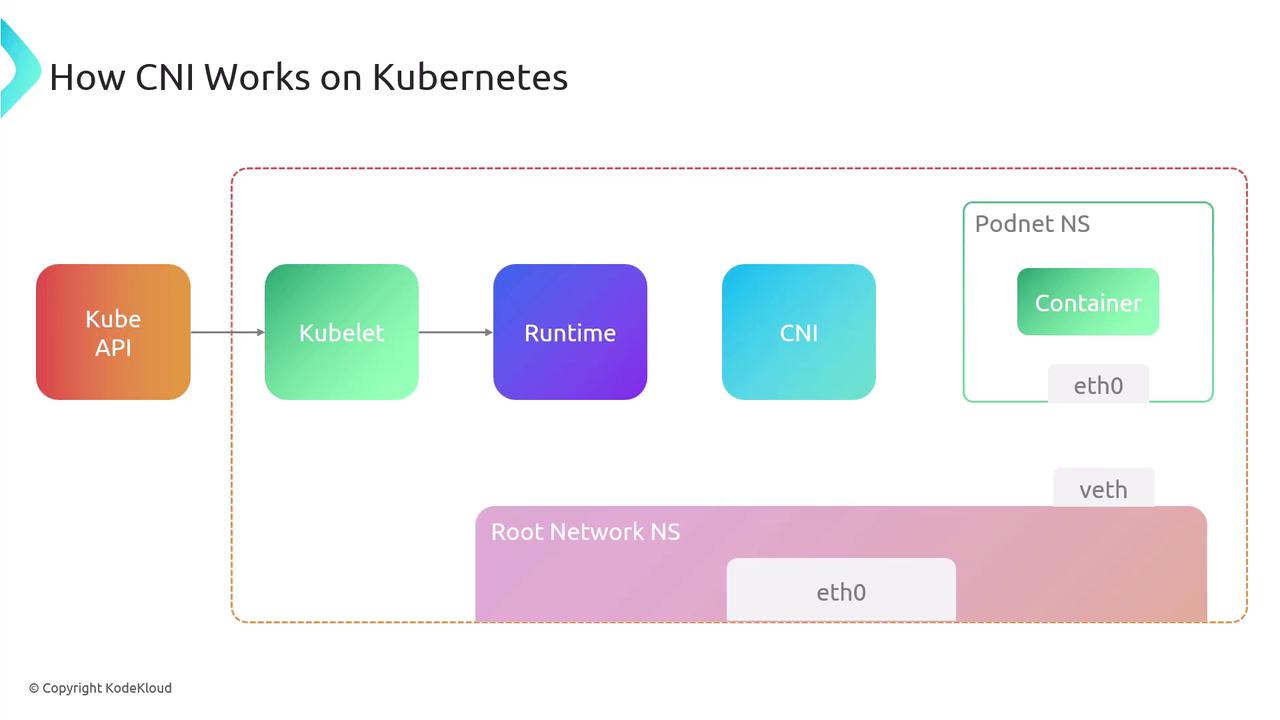
Under the hood, the container runtime handles network setup by invoking one or more CNI plugin binaries. Here’s the typical workflow in Kubernetes:- API Server → Kubelet: Request to create a Pod.
- Kubelet → Runtime: Allocate a new network namespace for the pod.
- Runtime → CNI Plugin: Invoke plugin(s) with JSON config via stdin.
- Plugin(s) → Runtime: Return interface details on stdout.
- Runtime → Container: Launch container in the prepared namespace.
CNI plugin binaries must be installed on every node (default:
/opt/cni/bin). Without them, pods may fail to start.CNI Specification Overview
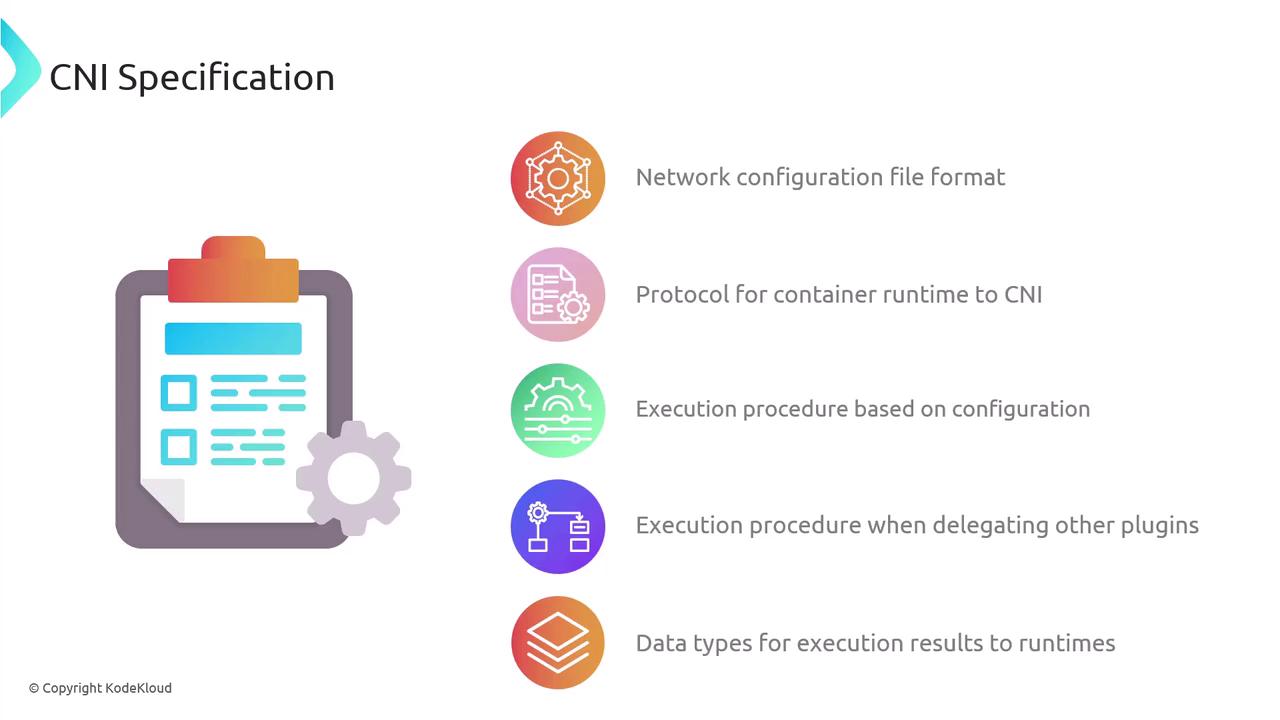
The CNI spec comprises:- A JSON schema for network configuration.
- A naming convention for network definitions and plugin lists.
- An execution protocol using environment variables.
- A mechanism for chaining multiple plugins.
- Standard data types for operation results.
Network Configuration Files
Configuration lives in a JSON file interpreted by the runtime at execution time. You can chain multiple plugins:plugins is invoked in sequence for setup or teardown.
Plugin Execution Protocol
CNI relies on environment variables to pass context: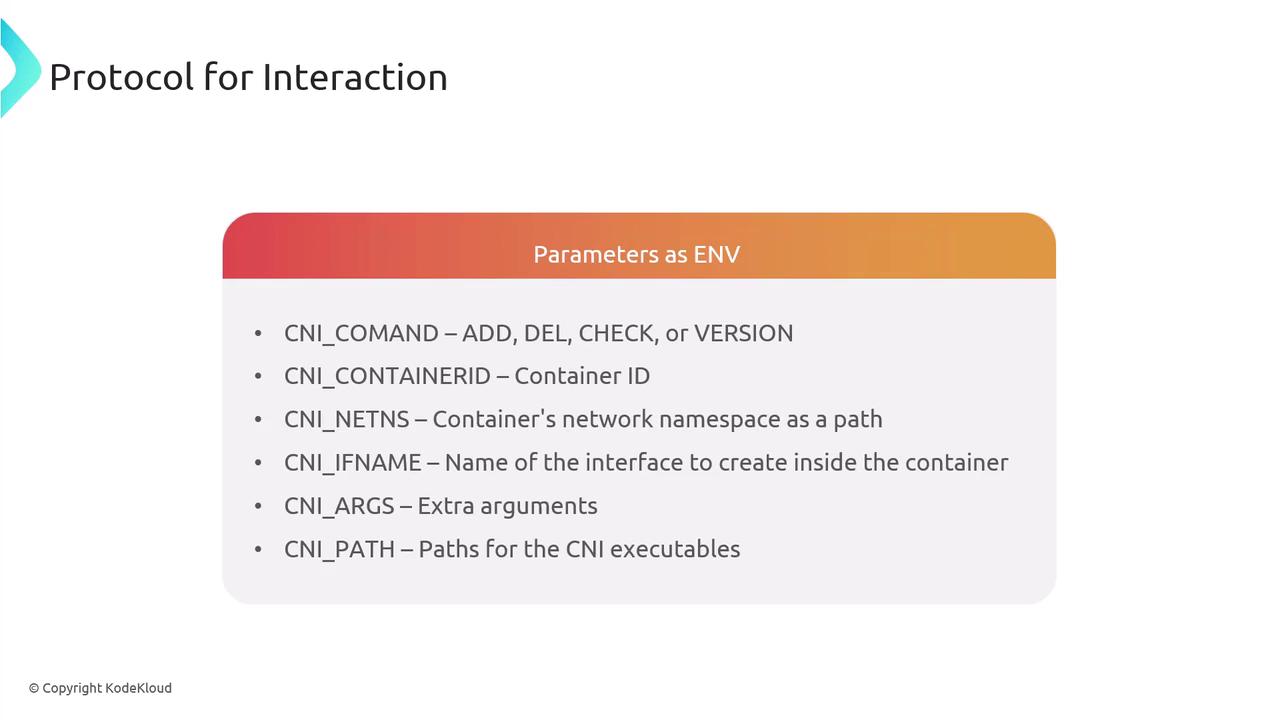
Core Operations
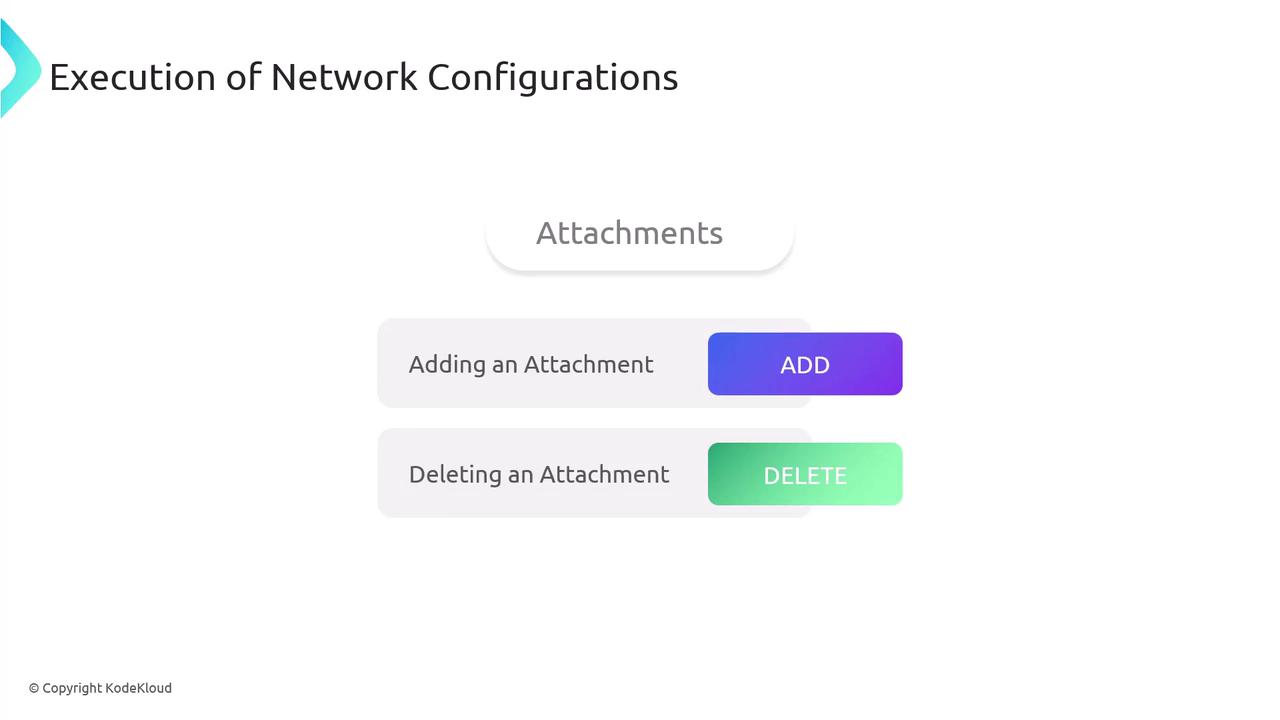
- ADD: Attach and configure an interface.
- DEL: Detach and cleanup.
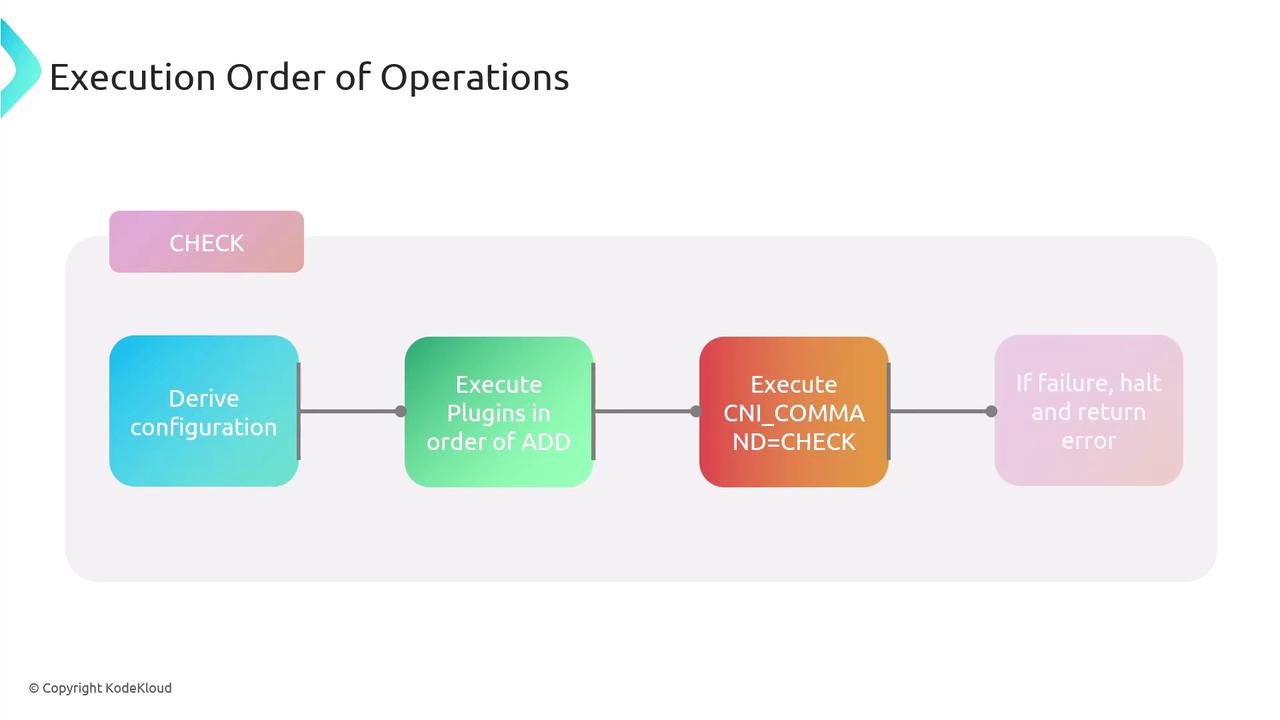
- CHECK: Validate current network state.
- VERSION: Query supported CNI versions.
CNI_CONTAINERID + CNI_IFNAME. Plugins read JSON config from stdin and write results to stdout.
Execution Flow
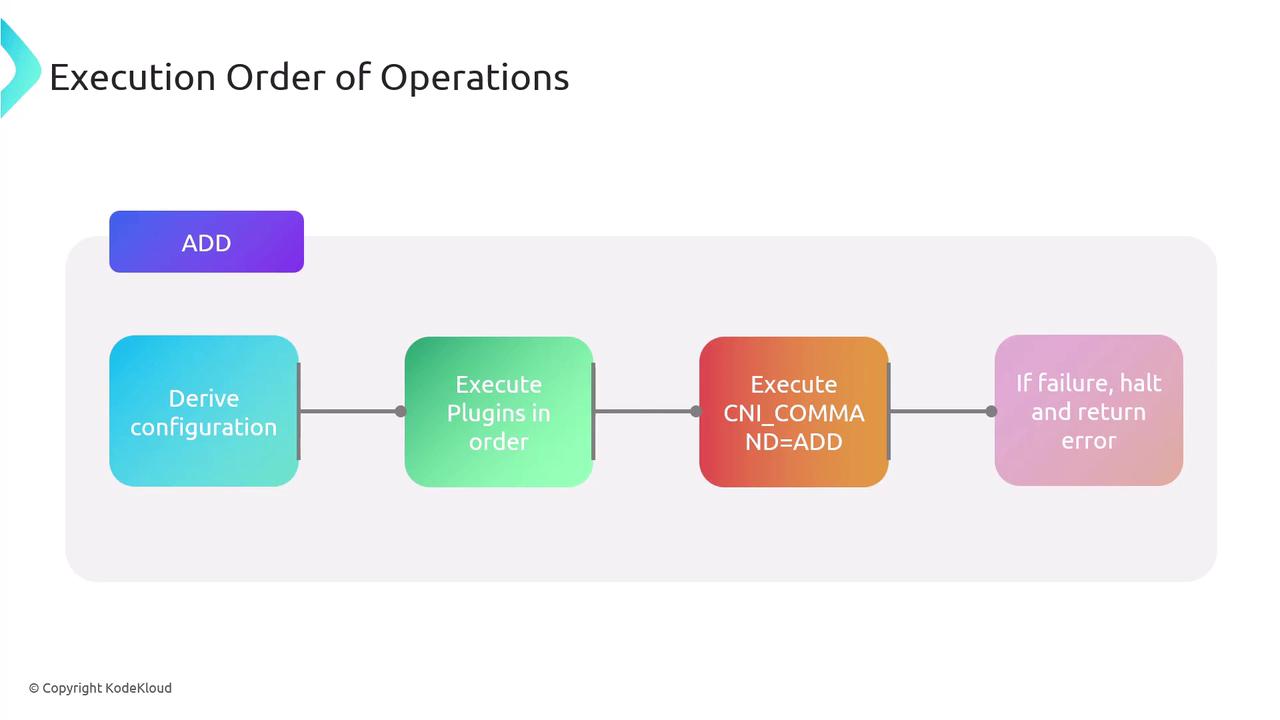
- Derive the network configuration.
- Execute plugin binaries in listed order with
CNI_COMMAND=ADD. - Halt on any failure and return an error.
- Persist success data for later
CHECKorDEL.
ADD but performs validations only.
Chaining and Delegation
CNI supports chaining multiple plugins. A parent plugin can delegate tasks to child plugins. On failure, the parent invokes a DEL on all delegates before returning an error, ensuring cleanup.Result Types
CNI operations return standardized JSON for:- Success: Contains
cniVersion, configured interfaces, IPs, routes, DNS. - Error: Includes
code,msg,details,cniVersion. - Version: Lists supported spec versions.

Key Features of CNI
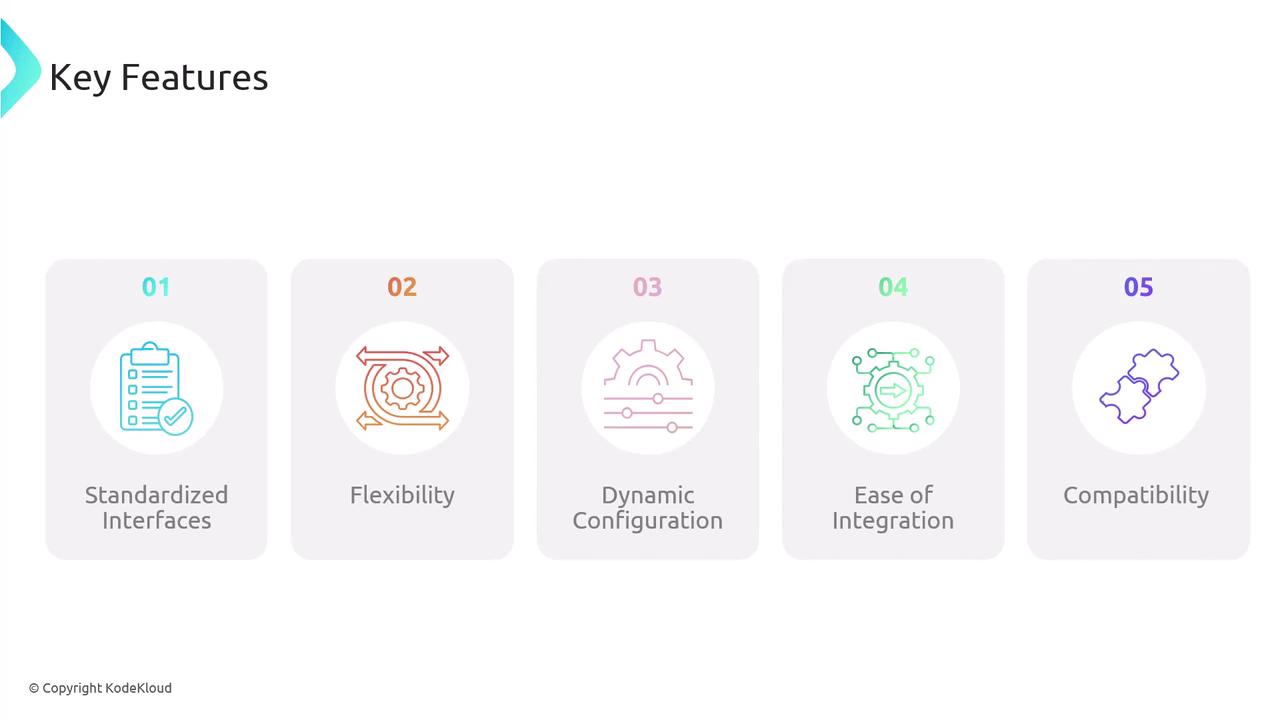
- Standardized Interface: Unified API for all container runtimes.
- Flexibility: Supports a vast ecosystem of plugins.
- Dynamic Configuration: Runtime-driven setup and teardown.
- Ease of Integration: Embeds directly into container runtimes.
- Compatibility: Versioned specs for interoperability.
Popular CNI Plugins
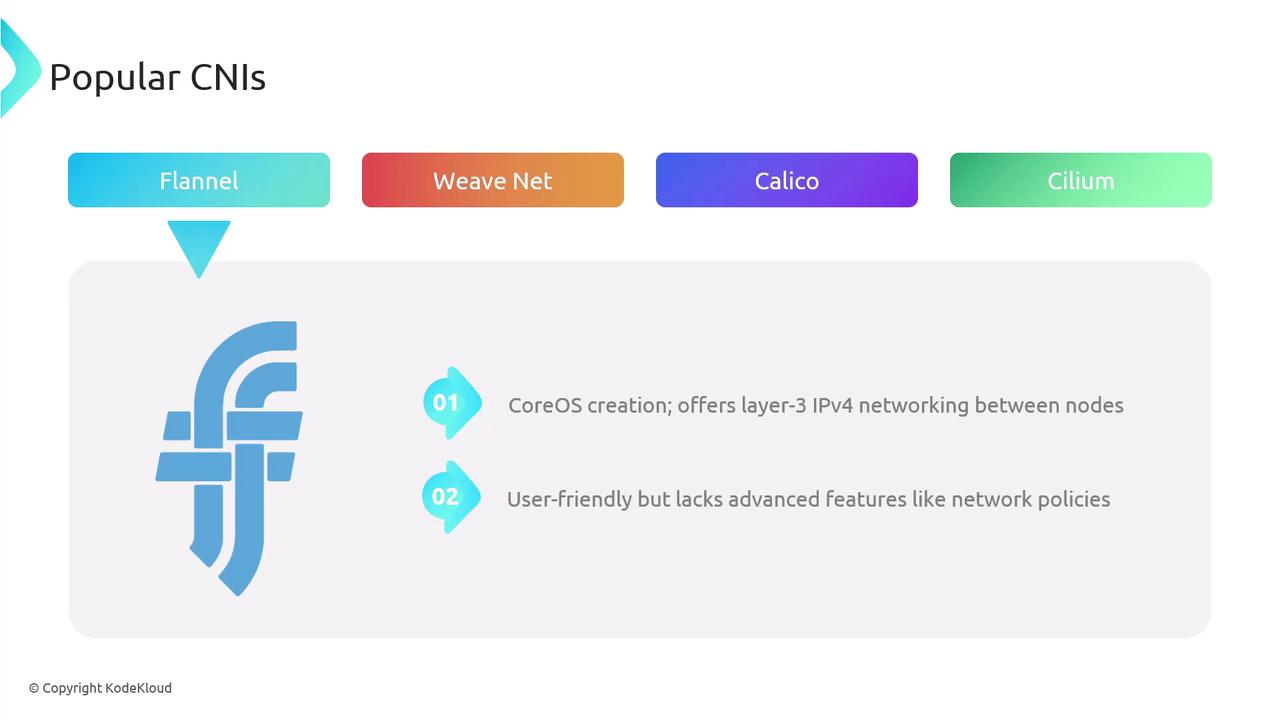
Weave Net – Weaveworks’ layer-2 overlay with built-in encryption and network policies.
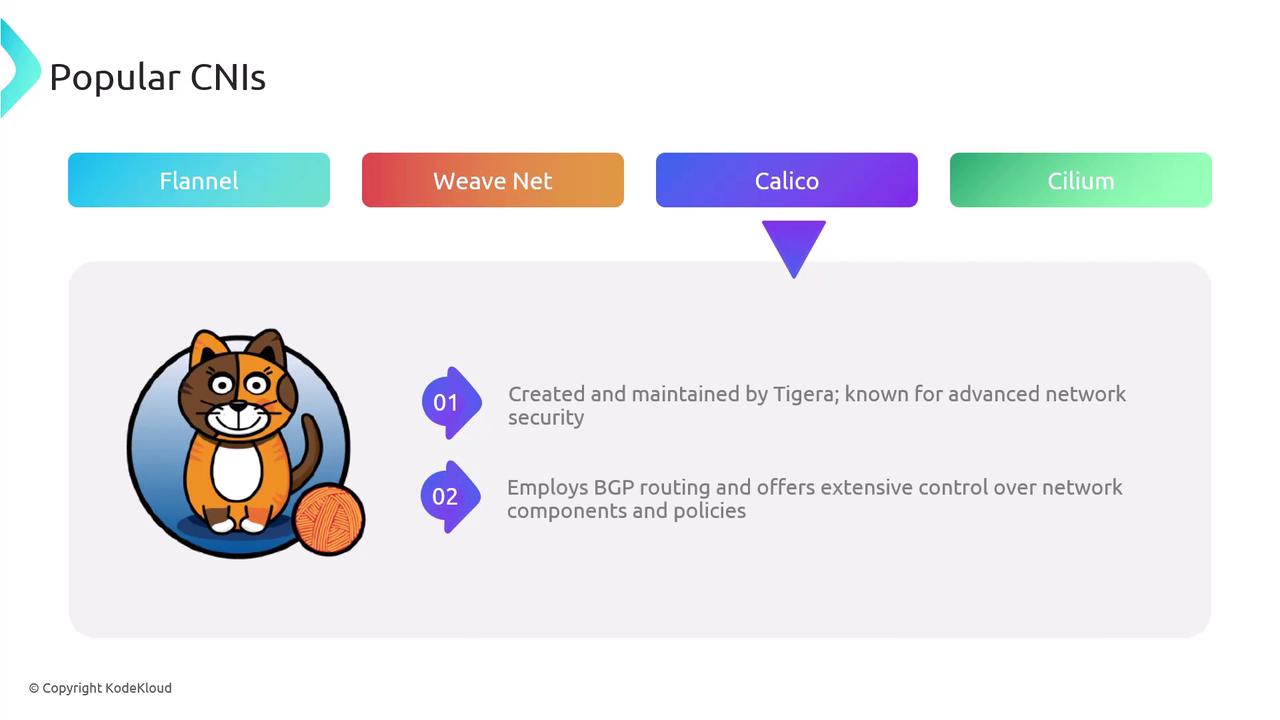
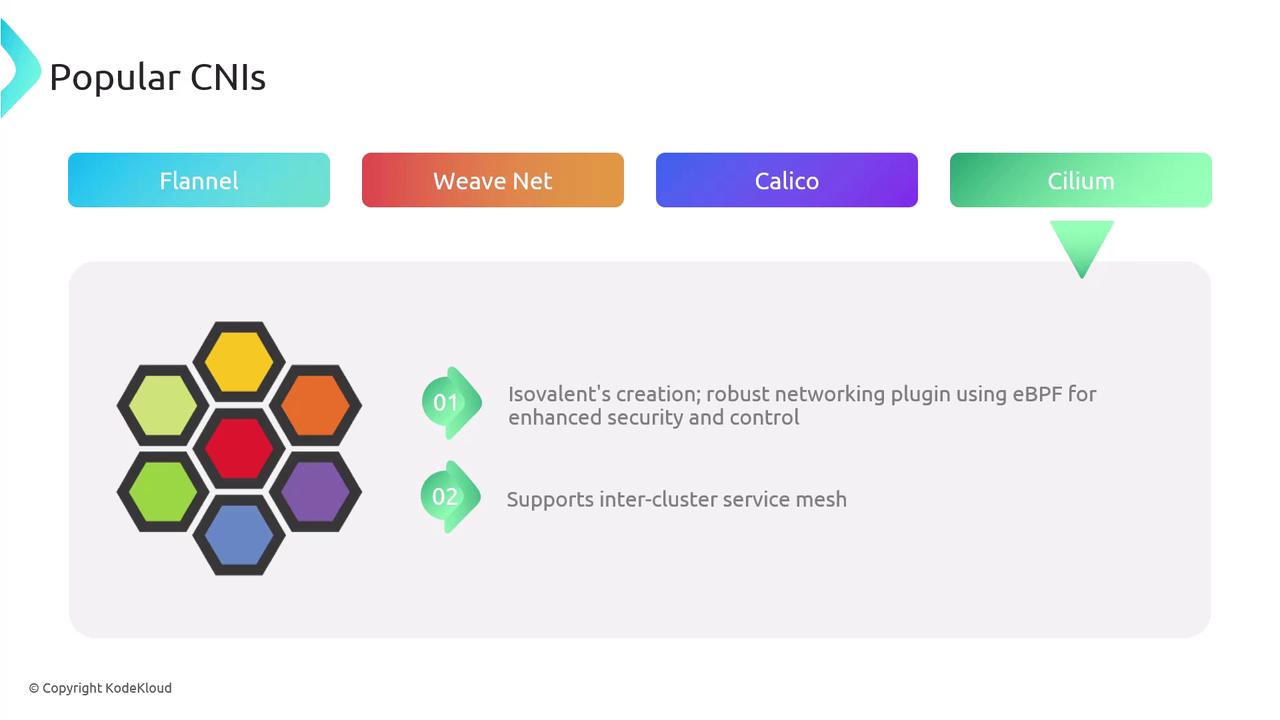
Comparison of Popular CNIs
Conclusion
References
- Kubernetes Networking Concepts
- CNI Specification on GitHub
- Container Network Interface (CNI) Project