

- Inspect an OpenTofu configuration directory
- Count providers, configuration files, and resources
- Create local file resources
- Identify provider modules in specific directories
Prerequisites
Ensure you have OpenTofu installed and accessible in your$PATH. We will work under:
main.tf.
Always run
opentofu init before performing other commands to download necessary provider plugins and create the .terraform folder.1. Counting Providers, Files, and Resources
Before running any commands, let’s answer a few questions:
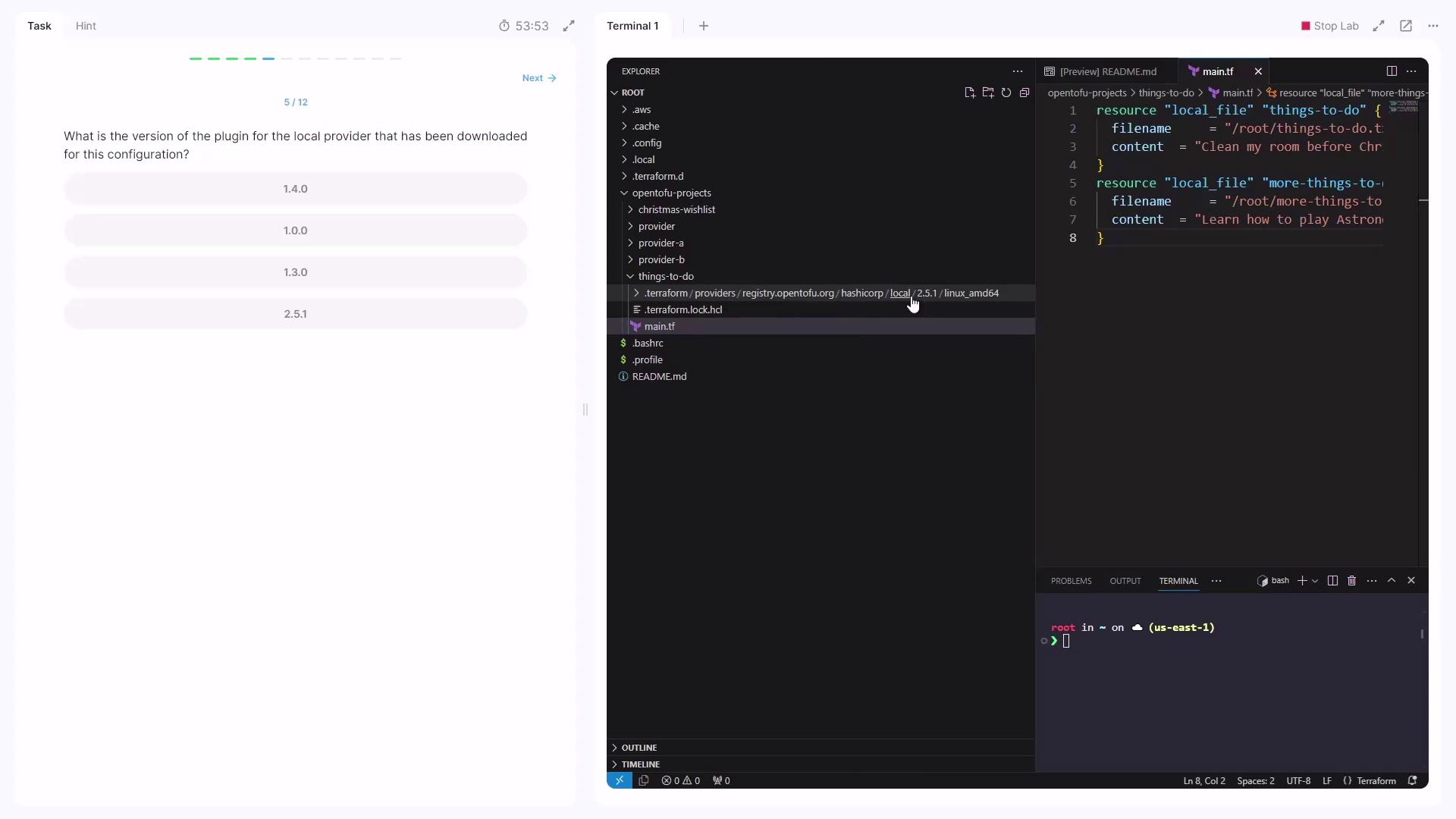
main.tf resource blocks:
2. Creating Local File Resources
Apply the configuration:yes. This will create:
/root/things-to-do.txt/root/more-things-to-do.txt
3. Working with a New Configuration Directory
Create or navigate to:cyberpunk.tf and ps5.tf. Each defines a local_file resource.
cyberpunk.tf
cyberpunk resource filename:
/root/cyberpunk2077.txt
3.1 Adding an Xbox Resource
Createxbox.tf in the same directory:
yes to add /root/xbox.txt.
4. Identifying Provider Modules
We have two provider directories to inspect:
Example snippet from
providerA/required_providers: