

tofu CLI. By the end of this guide, you’ll be comfortable generating dependency graphs, troubleshooting HCL errors, and managing provider plugins.
1. Visualizing Resources
To inspect resource dependencies, generate a DOT graph:graph.dot with Graphviz to visualize your IaC topology.
2. Validating Configuration
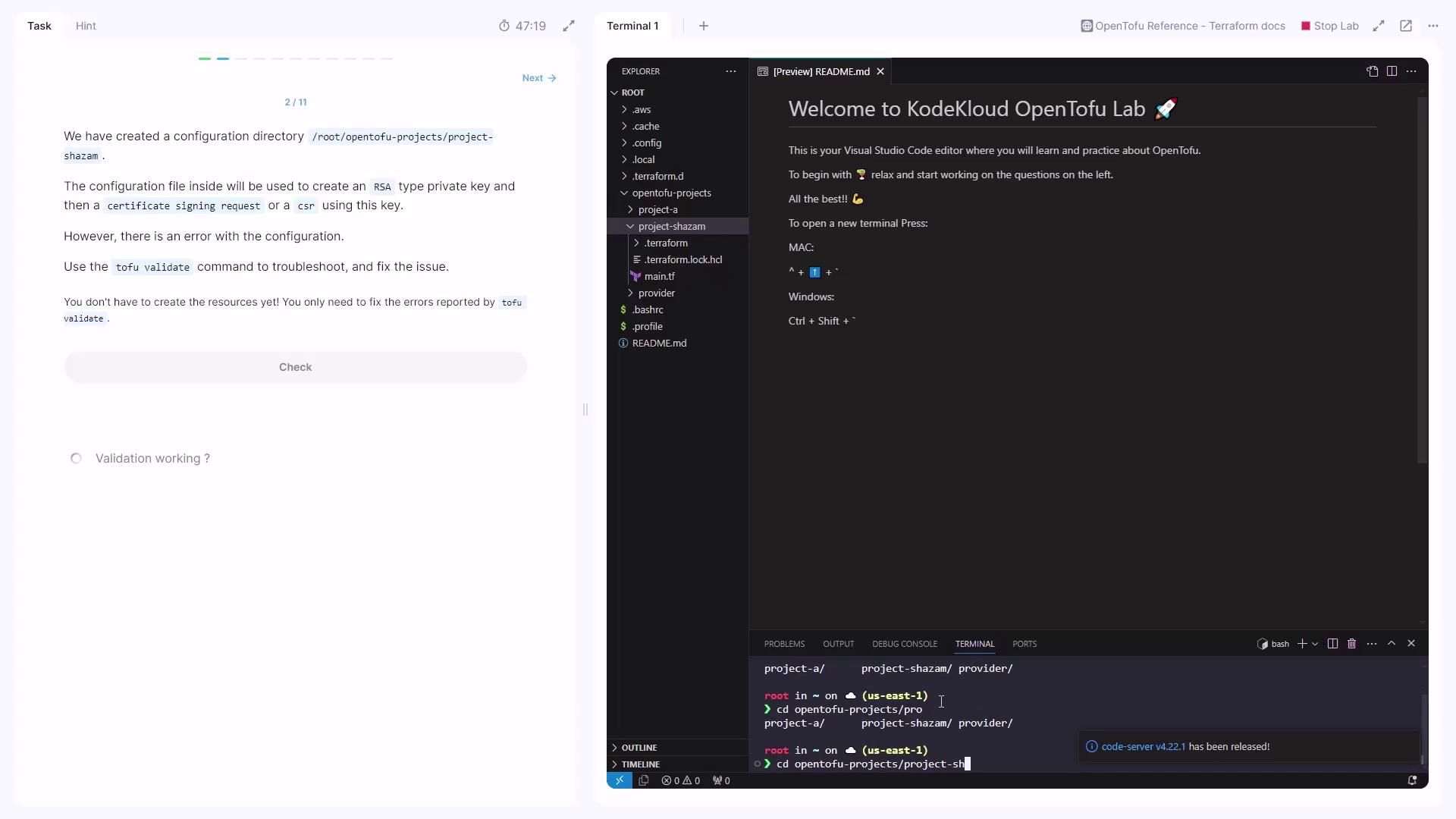
Before creating any resources, validate your HCL syntax and catch typos:- Change into your project directory:
- Run the validator:
Always match algorithm-specific arguments. In this case, replace
dsa_bits with rsa_bits for an RSA key.tofu validate until no errors remain.
3. Planning and Applying
3.1 Generating a Plan
Create an execution plan to preview changes:3.2 First Apply Attempt
Apply the plan:4. Fixing the TLS Resource Block
Ensure yourmain.tf includes only RSA-compatible settings and the local file resource:
tofu apply completes without errors, your configuration is now correct.
5. Formatting Code
Keep your files consistent:.tf files.
6. Inspecting State
Query the state for a specific resource:filename attribute (e.g., /tmp/.pki/private_key.pem) to confirm it matches expectations.
7. Providers Subcommands
OpenTofu uses providers to interact with external APIs. To list available provider commands:- mirror
- list
- install
- remove
8. Reviewing Downloaded Providers
Without browsing the directory directly, list installed plugins: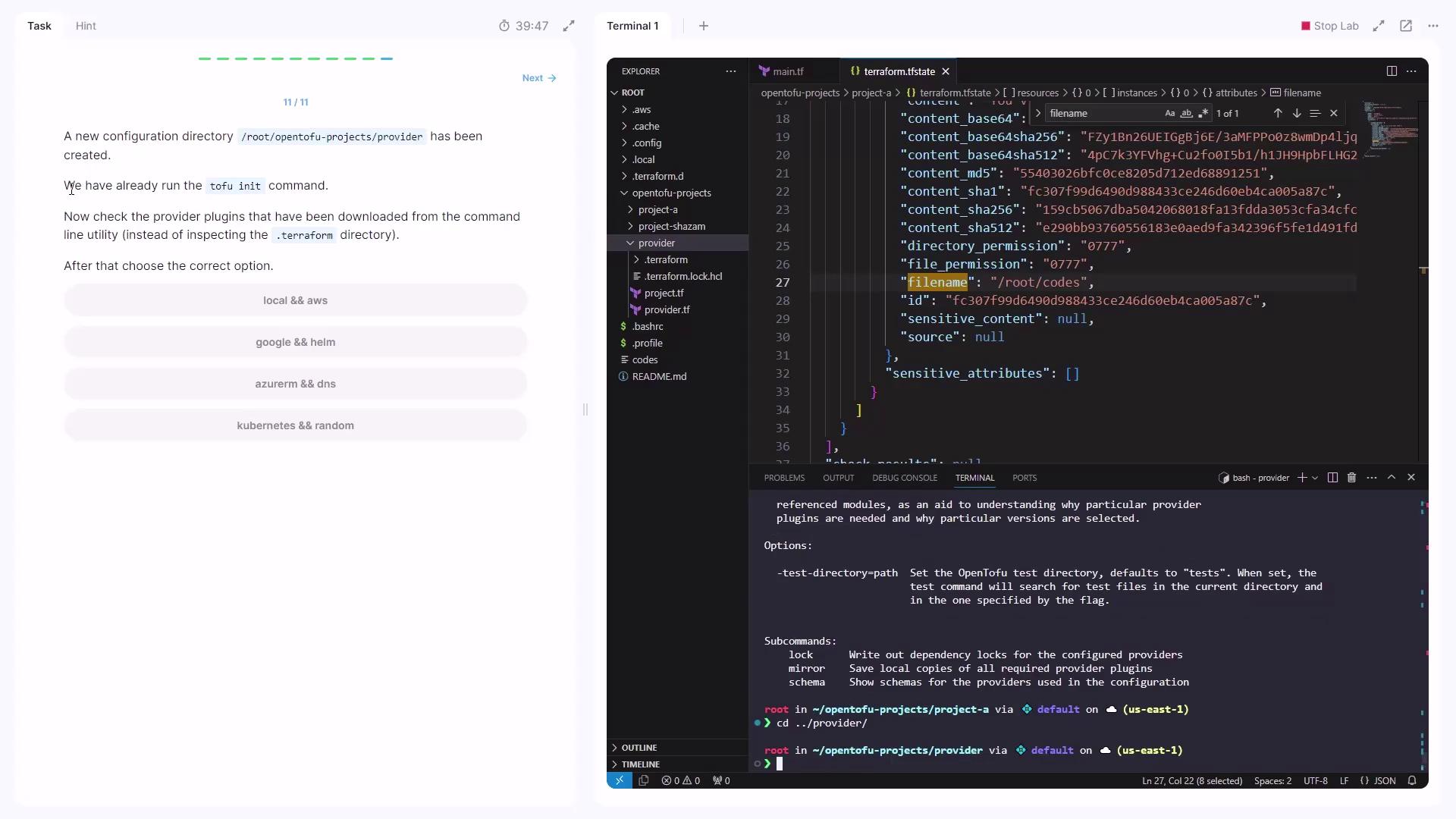
registry.opentofu.org/hashicorp/awsregistry.opentofu.org/hashicorp/local