In this guide, you’ll learn how to migrate an existing Terraform project to OpenTofu, verify the changes, and then roll back to Terraform. We’ll cover:
Applying the initial Terraform configuration
Installing OpenTofu
Backing up state files
Initializing and planning with OpenTofu
Updating resources and applying changes
Rolling back to Terraform
Navigate to your project directory and review main.tf :
resource "local_file" "file" {
filename = "terraform.txt"
content = "This file has been created with Terraform"
}
Initialize and apply:
cd ~/opentofu-projects/migration
terraform init
terraform apply
When prompted, enter yes. You should see:
local_file.file: Creating...
local_file.file: Creation complete after 0s [id=342bd3c96f4da9100a6360378942400b96bfb5]
Apply complete! Resources: 1 added, 0 changed, 0 destroyed.
Verify that terraform.txt exists with the correct content.
2. Install OpenTofu
Refer to the OpenTofu installation guide and select the installer for your OS.
Make sure to check your distribution using cat /etc/os-release before running the installer.
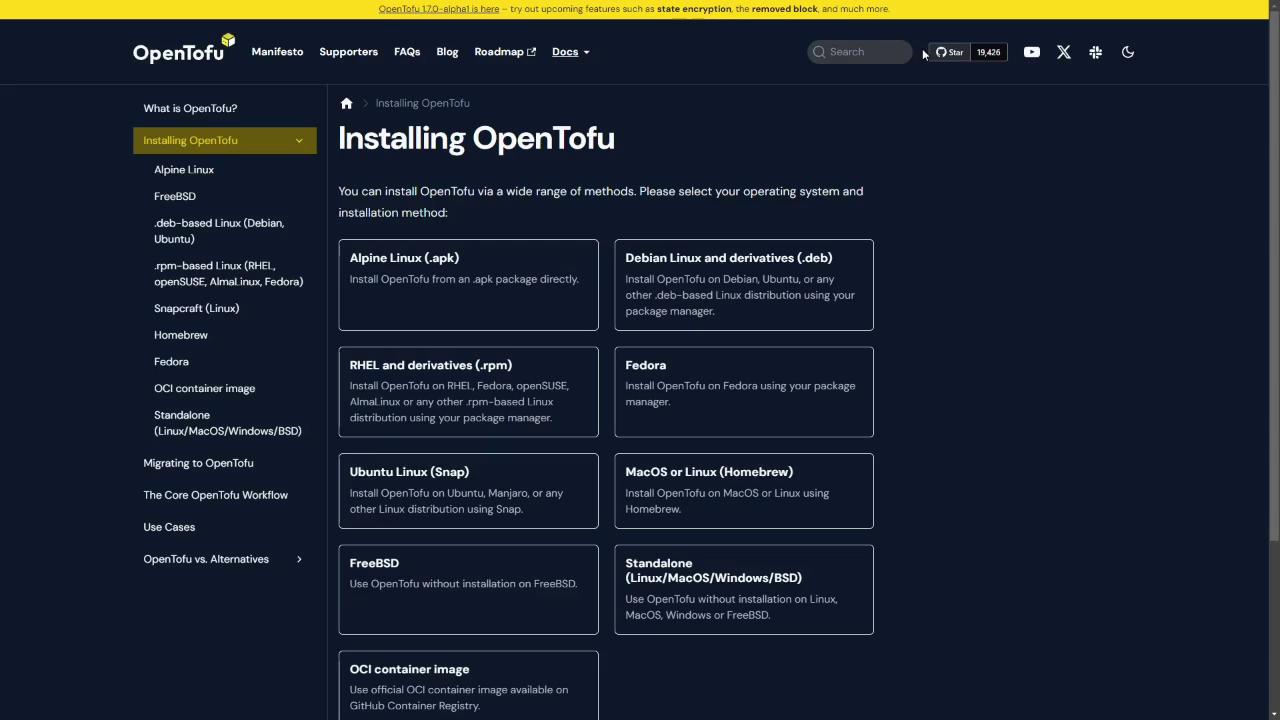
Automated Debian/Ubuntu Installer
curl --proto '=https' --tlsv1.2 -fsSL https://get.opentofu.org/install-opentofu.sh -o install-opentofu.sh
chmod +x install-opentofu.sh
./install-opentofu.sh --install-method deb
rm install-opentofu.sh
Or bundle the commands in install.sh :
#!/bin/bash
curl --proto '=https' --tlsv1.2 -fsSL https://get.opentofu.org/install-opentofu.sh -o install-opentofu.sh
chmod +x install-opentofu.sh
./install-opentofu.sh --install-method deb
rm install-opentofu.sh
Then run:
chmod +x install.sh
./install.sh
Verify the installation:
Always archive your existing Terraform state before migrating. Losing state can lead to resource drift or duplicates.
tar czf terraform.tfstate.tar.gz terraform.tfstate
Confirm the archive:
ls
# install.sh main.tf terraform.tfstate terraform.tfstate.tar.gz
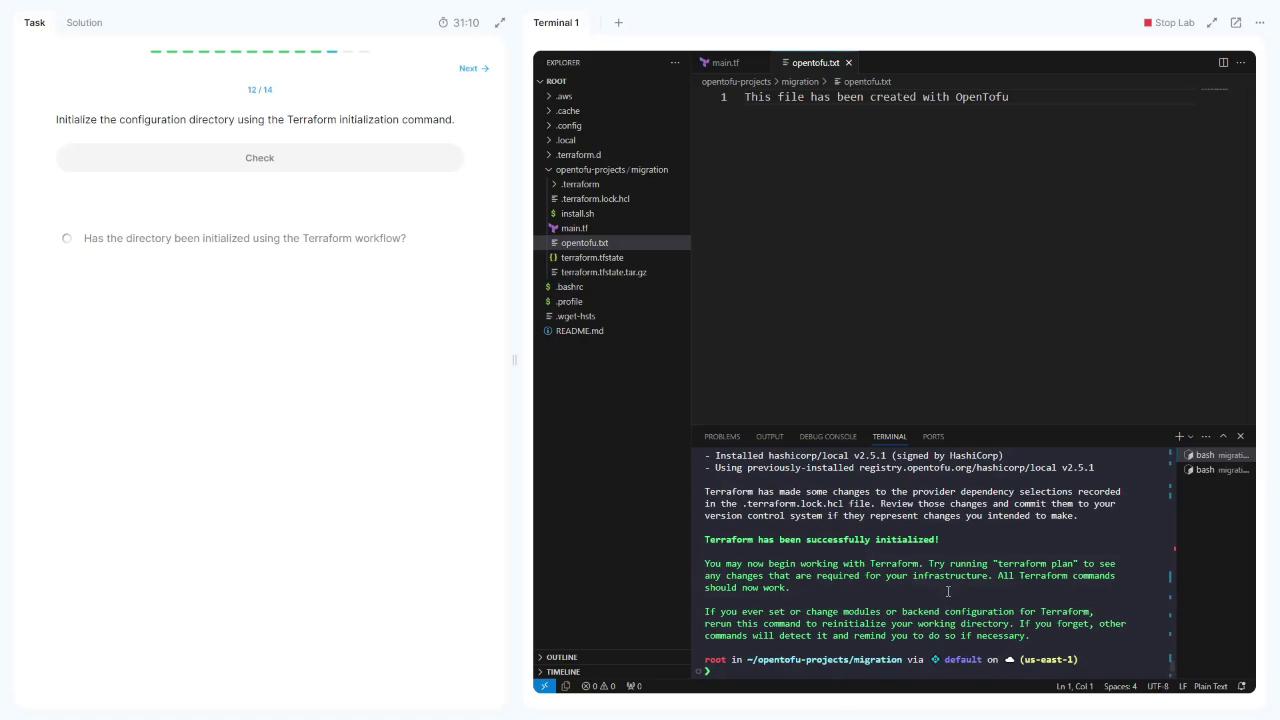
4. Initialize with OpenTofu
Switch to the OpenTofu workflow:
5. Preview the OpenTofu Plan
Compare the two workflows with this quick reference:
Action Terraform Command OpenTofu Command Initialize terraform inittofu initPlan terraform plantofu planValidate terraform validatetofu validateApply terraform applytofu apply
Run the plan:
You should see the same local_file.file resource with filename = "terraform.txt".
6. Update the main.tf for OpenTofu
Change main.tf to point to a new file and content:
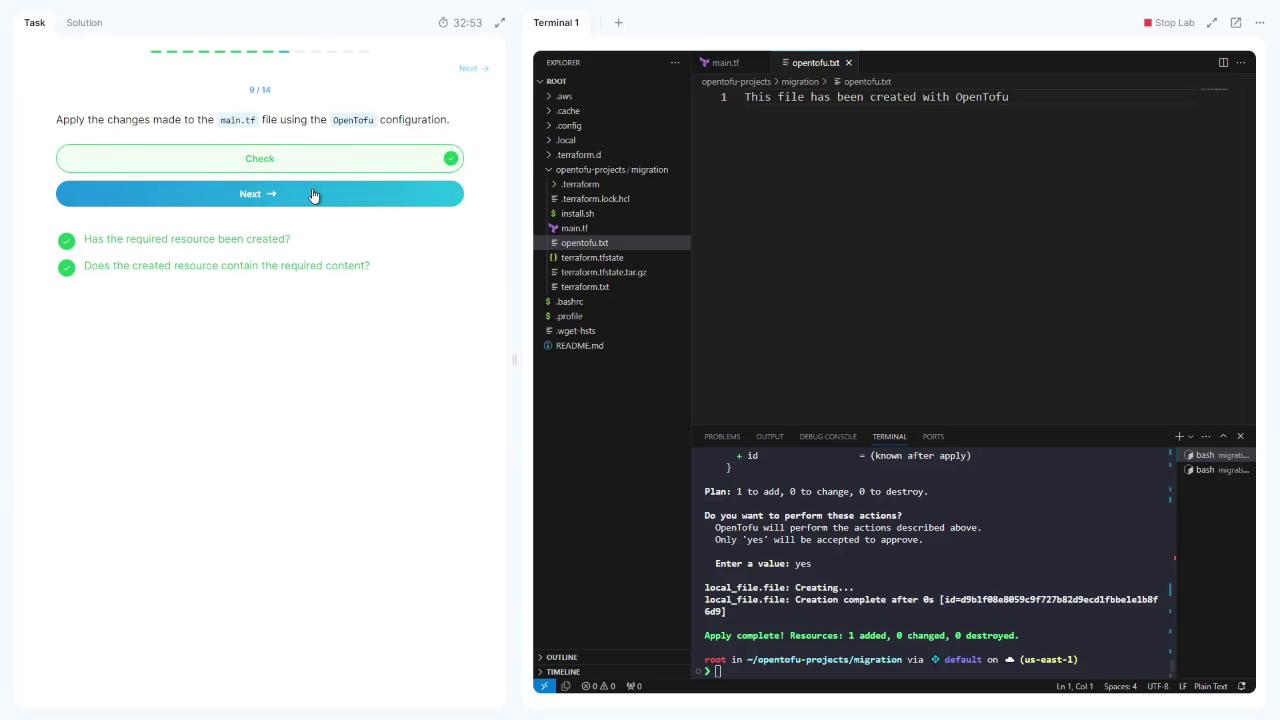
resource "local_file" "file" {
filename = "opentofu.txt"
content = "This file has been created with OpenTofu"
}
Validate the updated configuration:
7. Apply with OpenTofu
Apply the OpenTofu configuration:
Type yes when prompted.
Confirm that opentofu.txt has been created with the new content.
Backup the OpenTofu state:
tar czf terraform.tfstate.tar.gz terraform.tfstate
Re-initialize with Terraform:
Revert main.tf to the original Terraform resource:
resource "local_file" "file" {
filename = "terraform.txt"
content = "This file has been created with Terraform"
}
Apply with Terraform:
Enter yes and observe:
Plan: 1 to add, 0 to change, 1 to destroy.
Enter a value: yes
local_file.file: Destroying... [id=91b198b8059c5f72782d9c1d1fe18f6d]
local_file.file: Destruction complete after 0s
local_file.file: Creating...
local_file.file: Creation complete after 0s [id=342bd3c9e4fda9100a36097894200e96b]
Apply complete! Resources: 1 added, 0 changed, 1 destroyed.
You’ve now successfully migrated to OpenTofu and rolled back to Terraform!
Links and References