

import command to bring existing resources—provisioned manually or via tools like Ansible—under OpenTofu management. We’ll use an AWS EC2 instance as our example.
Import Workflow Overview
Prerequisites
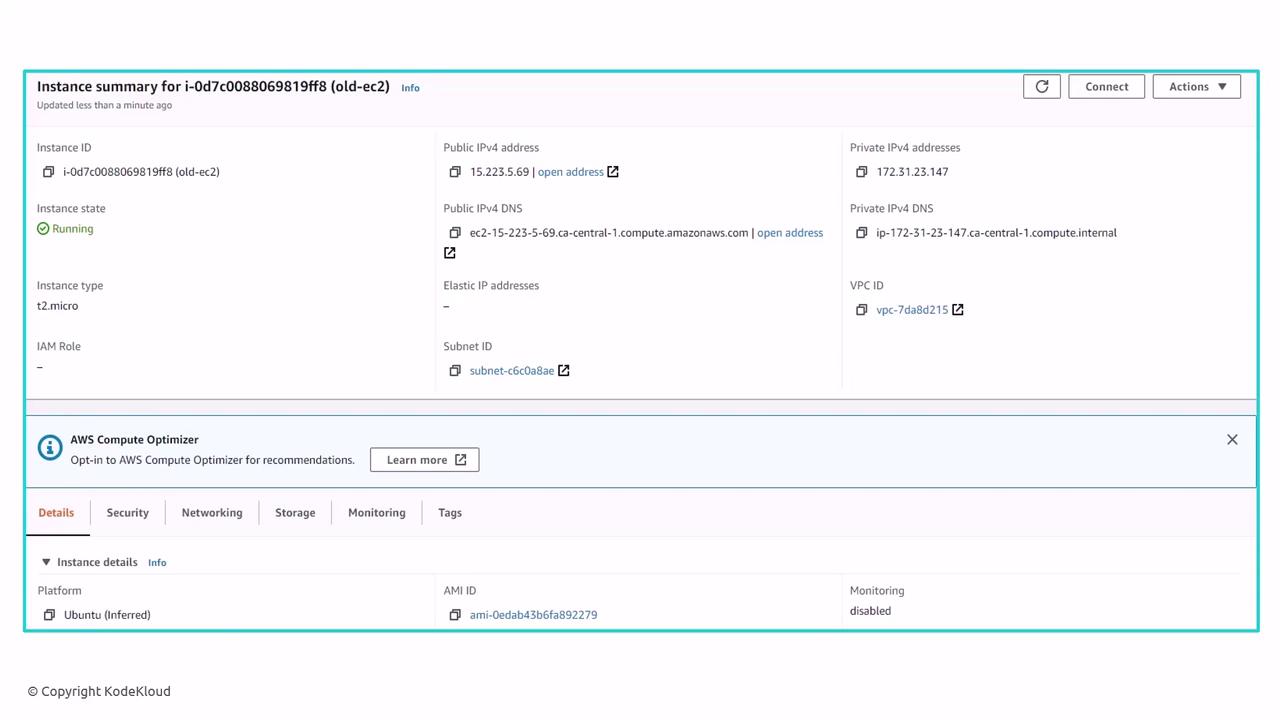
Before you begin, gather:- The instance ID of the EC2 instance (e.g.,
i-02613be10d5326f7). - A working OpenTofu project initialized with
tofu init. - AWS credentials configured in your environment.
The resource name (
webserver-2 in our example) must be unique within your state. Choose a descriptive identifier to avoid collisions.1. Define an Empty Resource Block
Create a placeholder in your configuration file (e.g.,main.tf). The block will remain empty until you import the real attributes.
2. Import into the State
Run thetofu import command, specifying:
- The resource address:
<type>.<name> - The real resource ID from AWS.
main.tf is still empty.
3. Populate the Resource Block
Inspect the AWS Console or view the state file (terraform.tfstate) to retrieve required arguments. Update your configuration with those values:
4. Plan and Verify
Run a plan to ensure there’s no drift between your configuration and real infrastructure:- Modify the
.tffile. - Run
tofu planto preview. - Apply with
tofu apply.
OpenTofu also supports the
import block directly in your configuration. During tofu plan, it prepares the import; during tofu apply, it brings the resource into state automatically.
import block or leave it as documentation of the resource’s origin.