

1. Inspecting the Module Configuration
First, navigate to the project directory and openmain.tf:
- A single
moduleblock namediam_iam-user. - Source:
terraform-aws-modules/iam/aws//modules/iam-user - Version:
5.28.0 - Requires one input:
name(registry docs).
2. Supplying the Required Input
To create an IAM user named max, update the block:3. Initializing and Planning
Initialize your working directory and generate a plan: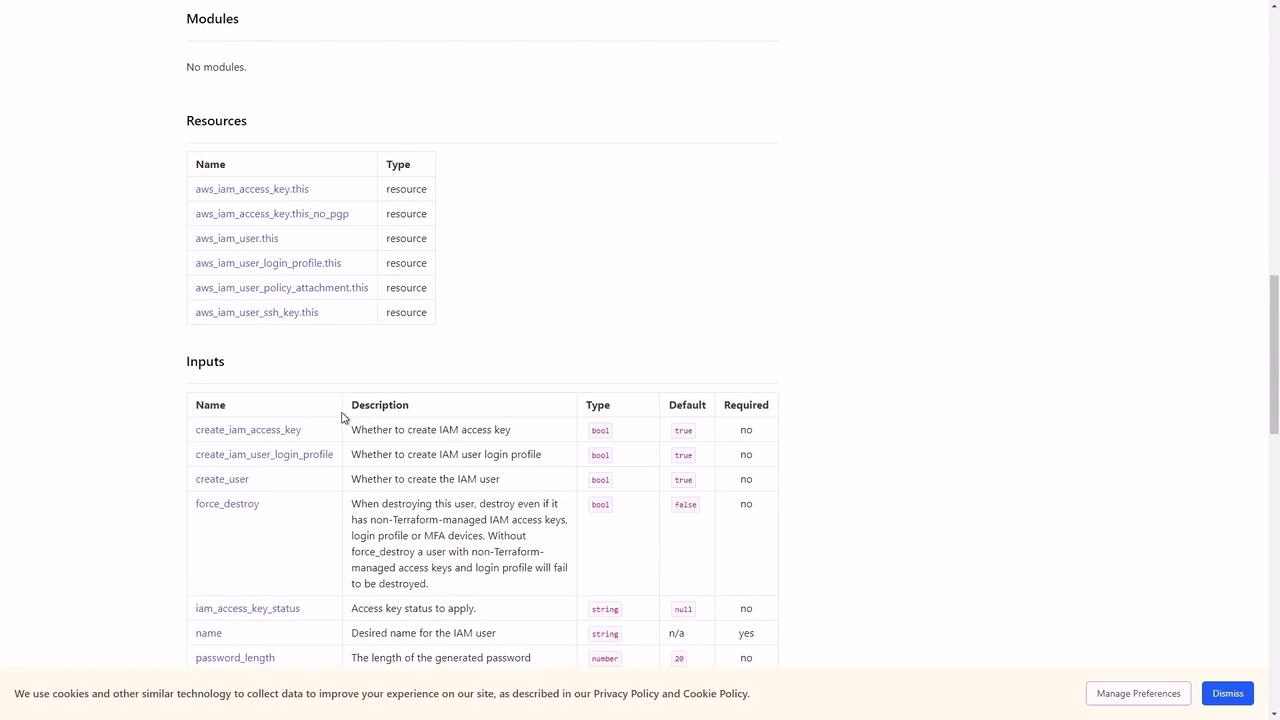
By default, the
iam-user module defines these inputs:4. Restricting Resource Creation
To limit the module to only create the IAM user, disable the access key and login profile:5. Summary
You have now configured theiam-user module to create a single IAM user, controlling exactly which resources are deployed.