

OpenTofu binaries are distributed as pre-built releases for multiple platforms (Linux, macOS, Solaris, OpenBSD). After placing the binary in a directory on your
PATH, verify installation with tofu version before proceeding to provisioning.Install the OpenTofu CLI
Downloading and installing OpenTofu is typically a matter of fetching the release archive for your platform, extracting the binary, and moving it into a directory on yourPATH. For example, on a Linux amd64 host:
tofu version, you’re ready to write HCL and provision infrastructure.
HCL (HashiCorp Configuration Language) basics
OpenTofu configuration files use HCL and typically have the.tf extension. HCL is declarative and organized with blocks and arguments:
- Blocks declare infrastructure elements (for example:
provider,resource,module). - Arguments within blocks are key = value pairs that configure the block.
local.tf):
- Blocks are delimited by
{ ... }. - The
resourceblock begins with the keywordresource, followed by the resource type and a resource name.- Resource type here is
"local_file". The portion before the underscore (local) indicates the provider; the portion after (file) is the resource kind. "pet"is a logical name you choose to reference the resource in your configuration.
- Resource type here is
- Inside the block,
filenameandcontentare arguments specific to thelocal_fileresource.
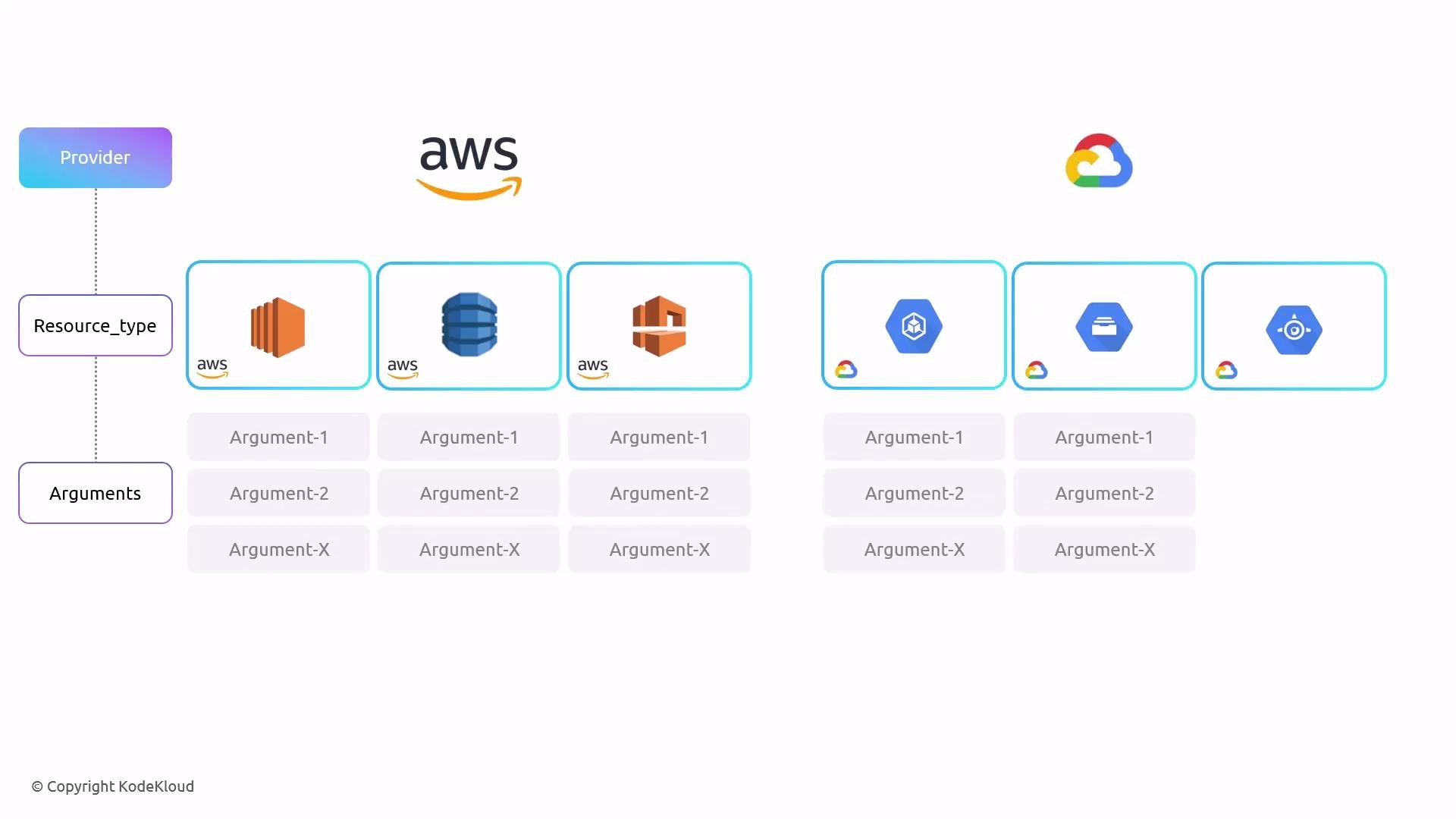
resource keyword → resource type (aws_s3_bucket) → resource name (data) → provider-specific arguments.
What is a resource?
- A resource is an object OpenTofu manages. Examples include local files, compute instances (EC2), cloud storage (S3), IAM users, serverless functions, and more. OpenTofu supports many resource types exposed by community and vendor providers.
- OpenTofu reuses providers compatible with Terraform. Consult the provider documentation in the Terraform Registry for the full resource catalog and argument details:
- Terraform Registry: https://registry.terraform.io/
Core OpenTofu workflow
A typical OpenTofu workflow has four main steps:- Write one or more configuration files (
*.tf). - Initialize the working directory with
tofu init. - Review the execution plan with
tofu plan. - Apply the changes with
tofu apply.
Initialize the directory
Using thelocal_file example, first initialize:
tofu init detects referenced providers and downloads the provider plugins needed to execute your configuration.
Plan: preview changes
Preview actions with:- The
+indicates resources that will be created. - The plan shows both declared arguments and computed attributes (e.g., file permissions).
tofu plan only shows what will happen; it does not change anything.
Apply: make changes
When you’re satisfied with the plan, apply it:yes to proceed.
Example interactive session (truncated):
Use
-auto-approve carefully. It bypasses the confirmation prompt and will immediately apply whatever actions are in the plan. As a best practice, always review the plan before applying changes.Inspecting state
After applying, inspect the latest state:tofu show output for the local file (truncated and reformatted):
Additional resources
- HCL documentation: https://developer.hashicorp.com/hcl
- Terraform Registry (provider docs): https://registry.terraform.io/
- OpenTofu CLI docs: https://opentofu.org/docs/cli/
- Use resource blocks to declare infrastructure objects.
- Inside resource blocks, use provider-specific arguments to define resource behavior.
- Run
tofu init,tofu plan, andtofu applyto provision resources; usetofu showto inspect state. - Always review the execution plan before applying changes.